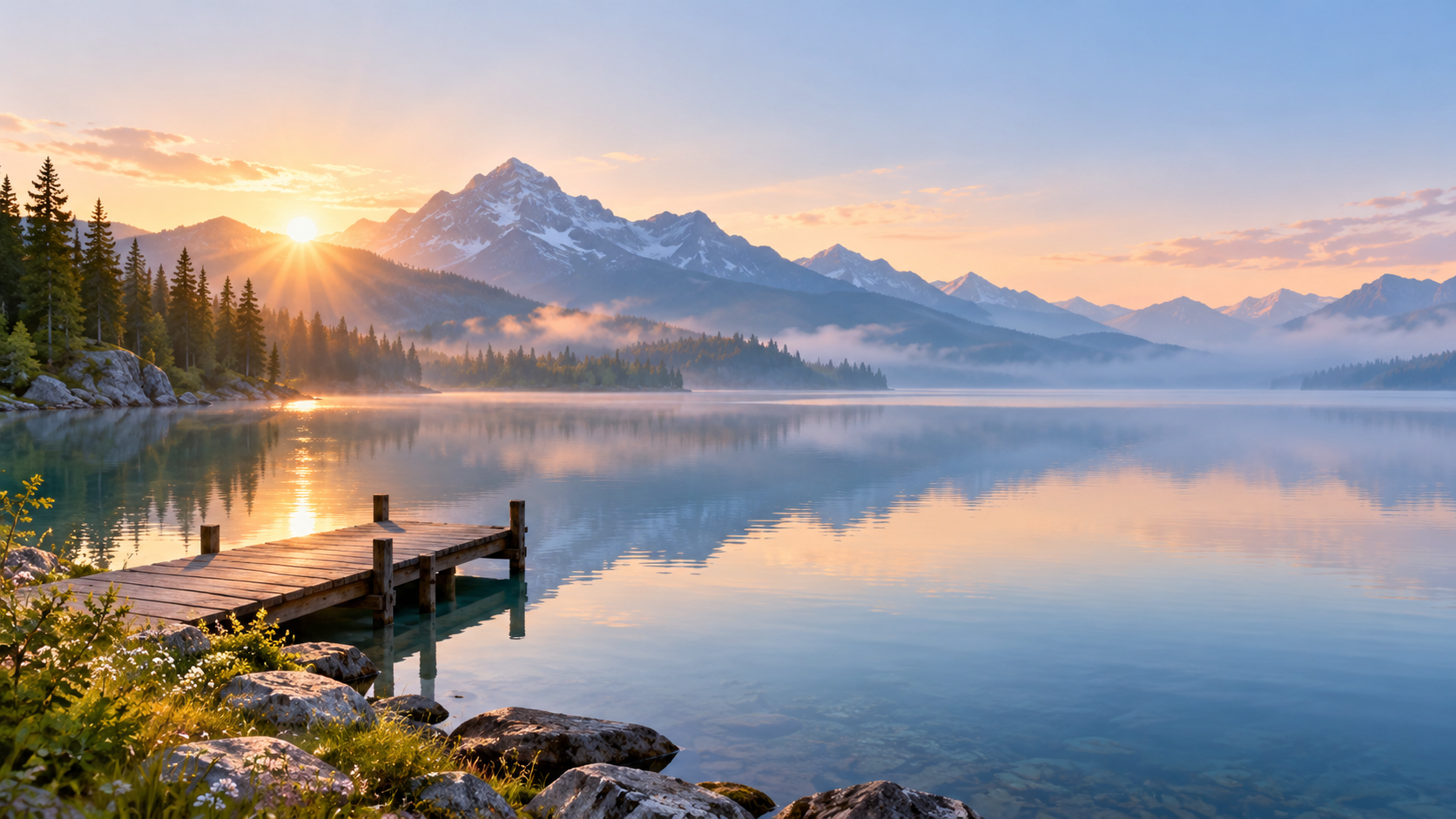
Laptop wallpaper with room for your desktop icons.
Create a wide 16:9 laptop background from a scene you choose, in a light or dark version, with calm space where your desktop icons, menu bar and dock sit.
One generated landscape wallpaper built around your scene, with the main interest on one side and calm areas for icons, the menu bar and the dock or taskbar. Choose light or dark; each version is a separate request.
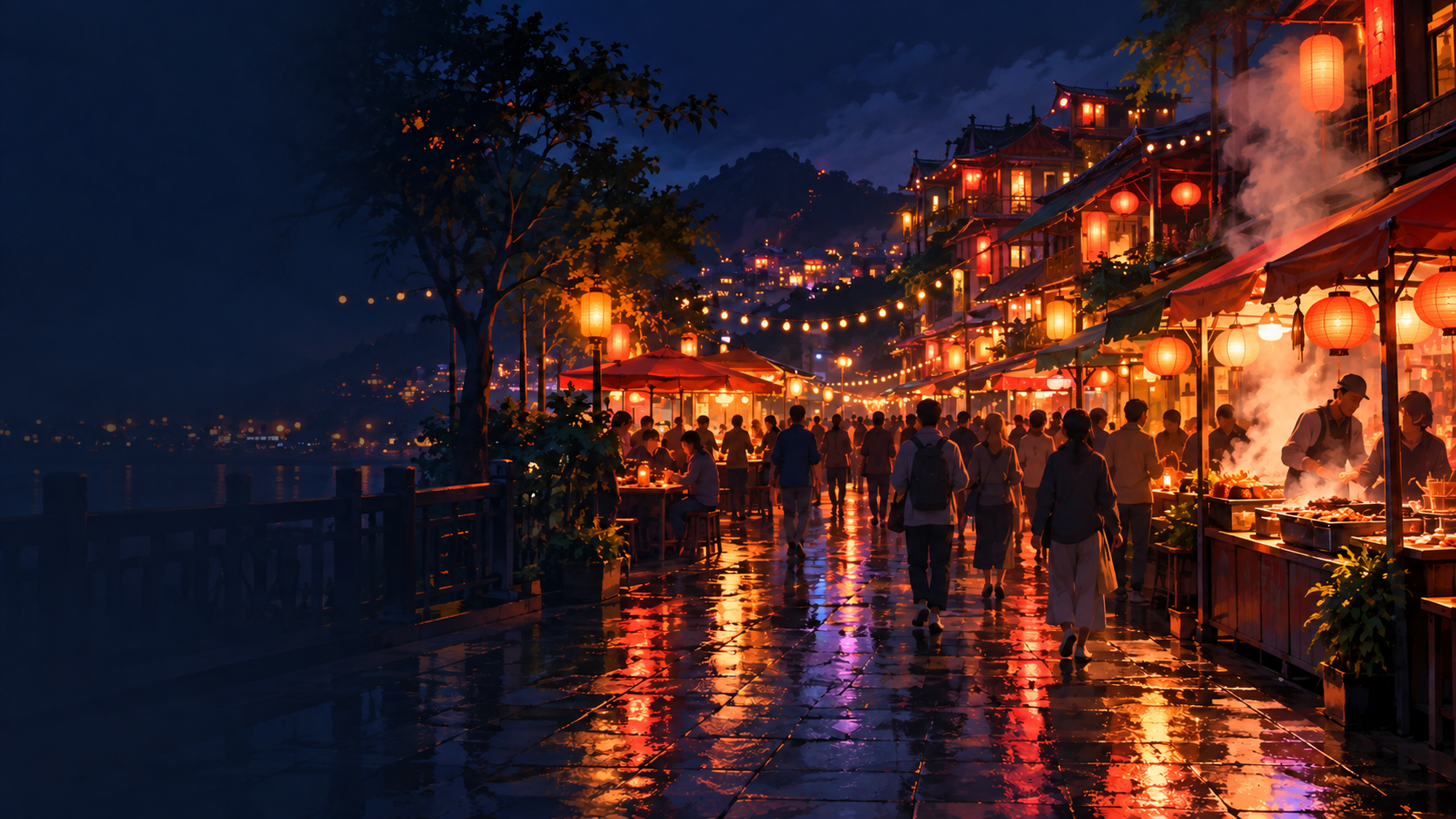
Busy night market in dark mode, no icon side given
Theme or scene
A busy night market street with lanterns, food stalls, steam, neon reflections on wet pavement and crowds walking under string lights
Where your desktop icons sit (optional)
Left empty
Light or dark version (optional)
Dark, for dark mode
A crowded scene in dark mode with no icon side. Checks that the default left icon band stays calm despite the busy scene, crowds become soft shapes rather than detailed faces, and signs carry no readable text.
Same task, three directions
Pick a direction to start from.
01
Light and airy
A bright, low-contrast landscape for daytime work, easy on the eyes behind open windows.
02
Dark mode
Deep blue-grey tones with one soft light source, for evening work and dark system themes.
03
Flat illustrated scene
A simple illustrated landscape with flat color shapes, calmer than a photo-style image and tidy behind icons.
What the template keeps
The parts that stay consistent.
01
A calm icon side
Desktop icons sit on a quiet area in even tones, so their labels stay readable.
02
Clear top and bottom strips
The menu bar, dock and taskbar sit over quiet areas.
03
One point of interest
The subject sits opposite your icons, so the screen feels balanced.
How to use it
From details to a result.
01
Describe the scene
A place, a season or a mood, such as a pine forest at dawn or a quiet reading nook.
02
Say where your icons are
Left, right or top. That side is kept calm so labels stay readable.
03
Pick light or dark
Match your system theme. For both, generate one, then ask for the other version in the conversation.
04
Set it and check the edges
Set it to fill the screen, then check that nothing important was cropped at the sides.
Output boundaries
What to check before you use it.
Made in a 16:9 direction, not your screen's exact resolution. Screens that are 16:10 or 3:2 crop a little from the sides.
Ultrawide and dual-monitor setups need wider images than this template makes.
Light and dark versions are separate requests and may differ in small details.
Crowds, signs and small details are softened and carry no readable text.
QuestionsWill the laptop wallpaper fit my screen exactly?+
It is made in a 16:9 direction. Many laptops are 16:10 or 3:2, so when set to fill the screen a little is cropped from the sides. That is why the subject is kept away from the edges.
Can I get matching light and dark laptop backgrounds?+
Yes. Generate one version, then ask for the other in the conversation with the same scene. Small details can differ, since each version is a new image.
Can I make an aesthetic laptop wallpaper, or a cute one?+
Describe the mood in the scene field. Soft pastel hills or a cozy window corner give an aesthetic look; for cute wallpapers for laptops, describe small illustrated things like a tiny café or sleepy animals.
Why is one side of my laptop desktop background so empty?+
That is where your icons go. A calm side keeps icon labels readable. Tell the template which side your icons are on, and the empty area moves.