Minimal aesthetic desktop wallpaper from color and texture.
Make a wide, minimal desktop background from one main color and a texture such as linen, paper or fine grain, with calm space for your icons and windows.
One generated landscape wallpaper made of a single main color, one fine texture and at most one understated accent, with the icon area kept nearly uniform. It is a surface, not a scene, so it sits quietly behind windows.
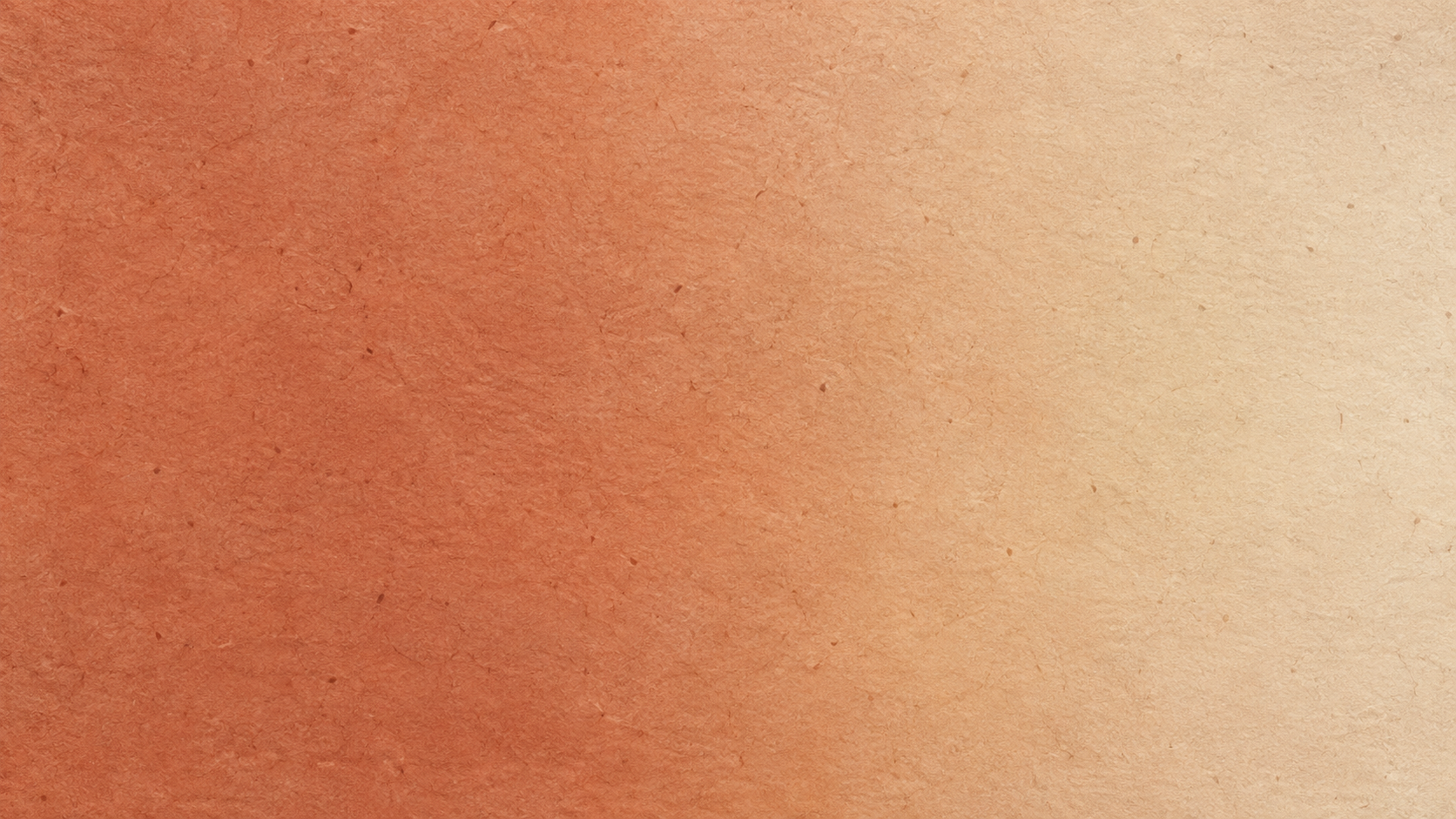
Two-tone rough paper with icons on the right and no accent
Main color
Terracotta fading into warm sand
Texture (optional)
Rough handmade paper with visible fibers and deckled edges
Keep clear for icons (optional)
Right edge and top right corner
One accent element (optional)
Left empty
A two-tone color, a rough paper texture and icons on the right, with no accent. Checks that the texture stays fine enough for icons to read, the right edge is kept calm instead of the default left, and no decorative object is added.
Same task, three directions
Pick a direction to start from.
01
Linen and light
A soft fabric texture with a gentle light gradient, the calmest option for a busy working desktop.
02
Window-light shadow
A plain wall with a soft shadow of a window or leaves falling across one side, for a quiet, sunlit feel.
03
Grainy gradient
Two close colors blended smoothly with fine film grain, modern and very simple.
What the template keeps
The parts that stay consistent.
01
Surface, not scene
The wallpaper is a color and texture, so it never competes with your windows.
02
An even icon area
The area behind your icons stays nearly uniform in tone.
How to use it
From details to a result.
01
Choose a main color
One color, or two close tones that blend. This sets the whole mood.
02
Add a texture
Linen, paper, plaster, grain or a soft gradient. Fine textures stay calm behind icons.
03
Mark your icon area
Say where your desktop icons live so that area stays even and readable.
04
Add one accent, or none
A shadow, a stem or a single shape. Leave it empty for a pure texture.
Output boundaries
What to check before you use it.
The 16:9 direction is not an exact display resolution. On 16:10 and 3:2 screens the sides are trimmed slightly, which rarely matters for a texture.
A single 16:9 texture will not span two monitors or fill an ultrawide display without cropping or stretching.
Textures are generated and may not tile if you repeat the image yourself.
Very subtle gradients can show faint banding on some displays. Adding fine grain helps.
QuestionsWhat makes aesthetic backgrounds for computer screens work with icons?+
An even area behind the icons, fine texture instead of bold pattern, and moderate color. The template keeps your icon area nearly uniform so labels stay readable.
Can I make cute aesthetic backgrounds for computer screens instead of minimal ones?+
Add one small illustrated accent, such as a tiny cloud or a sprig of flowers, in the accent field. For a fuller cute scene, a laptop wallpaper with a theme suits better.
Will it work on an ultrawide monitor or two screens?+
No. This template makes a 16:9 image. Ultrawide and dual-monitor setups need much wider images, and the system would crop or stretch this one.
How is this different from a brown or yellow wallpaper?+
Those start from one color family. This one starts from any color plus a texture, for desktop wallpapers with an aesthetic, material feel in whatever palette you like.