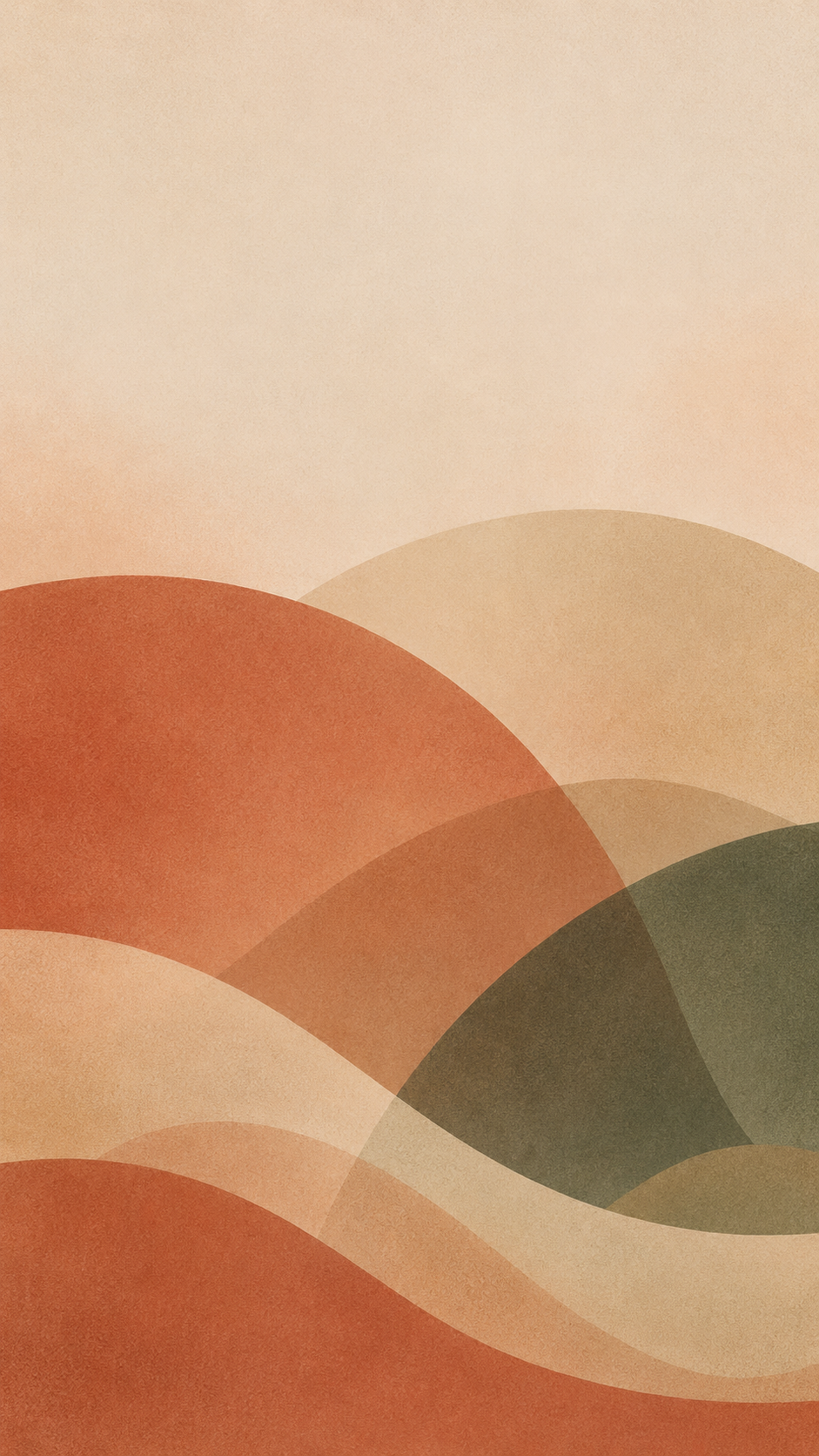
One generated portrait wallpaper of abstract shapes, gradients or textures in your palette, with the open space where you want it and the clock area calm by default. No characters, objects or text.
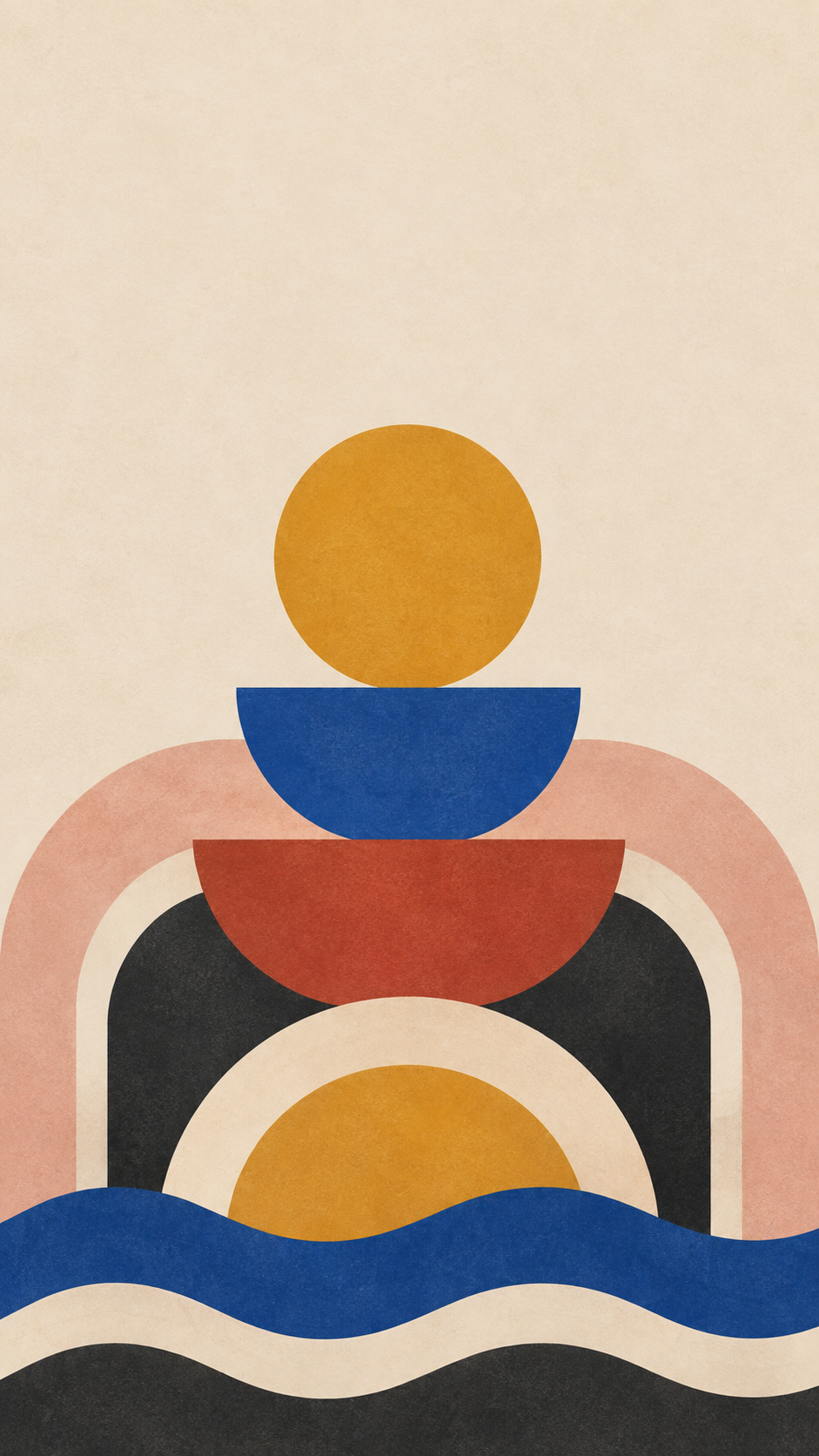
Six-color stacked shapes with no open-space direction
Abstract theme
Bauhaus-inspired circles, half circles and thick stripes stacked like a tower, with a subtle paper texture
Palette (optional)
Mustard, cobalt blue, brick red, cream, charcoal and dusty pink
Where to keep space (optional)
Left empty
Six colors and a dense stacked motif, with no open-space direction. Checks that all six colors appear with the extras as small accents, the tower stays in the lower two thirds, and the default clock space still appears.
Same task, three directions
Pick a direction to start from.
01
Soft arches
Layered arches in earthy tones with fine grain, a calm, warm look for everyday use.
02
Liquid gradient
Blurred, flowing color fields like light through glass, for a modern phone look.
03
Geometric grid
Simple circles and squares in a loose grid, graphic but kept low in contrast.
What the template keeps
The parts that stay consistent.
01
Abstract only
Shapes, color and texture. No characters, objects or scenes.
02
Space where you need it
Open space is kept for the clock and widgets, or wherever you ask.
How to use it
From details to a result.
01
Name an abstract idea
Arches, waves, gradients, grain, stacked shapes. Keep it to one idea for a calm screen.
02
Choose a palette
Three or four colors work best. Extra colors are used as small accents.
03
Say where to keep space
Leave it empty and the top third stays calm for the clock and widgets.
04
Set it and adjust the crop
Set it as your lock screen, adjust the crop, and ask for changes if shapes collide with the clock.
Output boundaries
What to check before you use it.
The 9:16 direction is not your phone's exact pixel size, and taller phones trim the left and right edges of the design.
Clock and widget positions vary by phone and settings, so the open space is a guide.
Patterns are generated as one image and may not tile seamlessly if repeated.
The design is static. Any motion or depth effect comes only from your phone's own wallpaper settings.
QuestionsHow is this different from a cute phone wallpaper?+
This template makes abstract designs, meaning shapes, gradients and textures, with no characters or objects. For characters and little illustrated things, use a cute wallpaper template instead.
Can I get an aesthetic pattern iPhone wallpaper that repeats?+
Yes. Describe a small repeating motif, such as tiny arches or dots. The pattern stays even and is kept quieter at the top so the clock stays readable.
Will this work as an aesthetic phone background on Android?+
Yes. Most phones are taller than 9:16, so the sides are cropped slightly on any brand, and the clock may sit in a different spot, so check the crop when you set it.
Can I match it to my phone case or my outfit?+
Put those colors in the palette field. Name them in plain words, such as dusty rose or olive, rather than a product name.