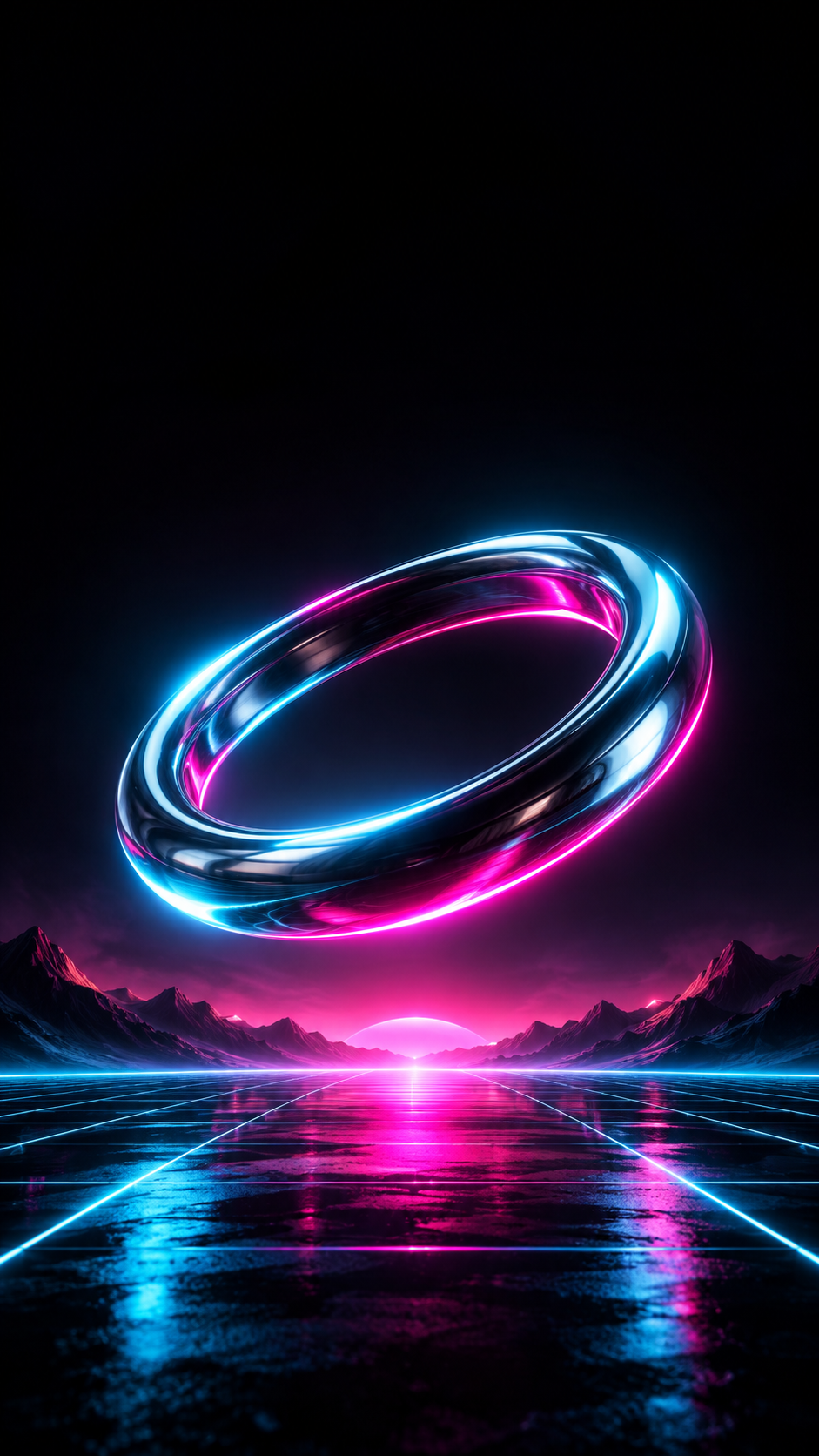
Create a high-contrast, futuristic lock screen with neon light, sci-fi geometry and deep shadows, framed tall for a phone with the clock area kept dark and calm.
One generated portrait wallpaper with an original futuristic subject, one or two neon colors and mostly dark surroundings, with a dark, simple top third for the clock. No characters from games or films, no logos and no text.
Detailed character scene with no color or darkness direction
Subject
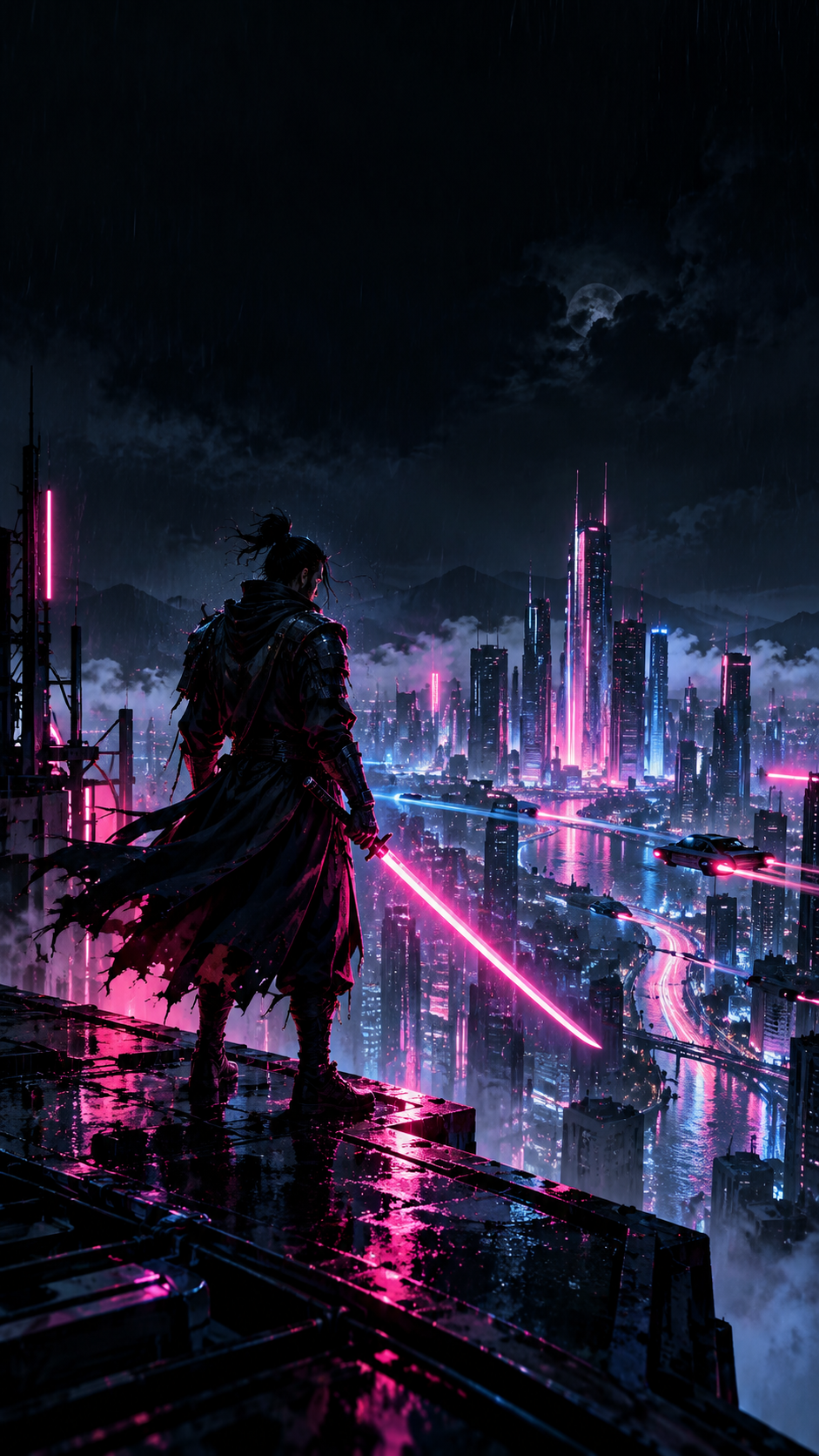
A cyberpunk samurai with a glowing sword standing on a rooftop in the rain, city lights and flying cars far below
Neon colors (optional)
Left empty
How dark (optional)
Left empty
A detailed character scene with no neon or darkness direction. Checks that the figure is an original design rather than a known character, rain and city lights carry no readable signs, and the default dark top third holds.
Same task, three directions
Pick a direction to start from.
01
Neon grid horizon
A retro-futurist glowing grid running to the horizon under a dark sky, with one object floating above it.
02
Glass and chrome object
A single glossy object catching neon light in a dark space, clean and sculptural.
03
Light-trail tunnel
Streaks of colored light rushing through a dark tunnel toward a bright point, full of motion.
What the template keeps
The parts that stay consistent.
01
Dark top third
The clock and widgets sit on a dark, simple area.
02
Strong contrast
Deep shadows and a few bright neon colors keep the image bold on a small screen.
03
Original designs only
No characters, ships or emblems from games, films or comics, and no brand logos.
How to use it
From details to a result.
01
Describe the subject
One futuristic thing or scene, such as a floating object, a neon horizon or a lone figure on a rooftop.
02
Pick your neon colors
One or two colors read strongest. White highlights are added for shine.
03
Set how dark it is
Mostly black makes the neon pop and keeps the clock readable. Leave it empty for about two thirds dark.
04
Set it and check the crop
Set it on your lock screen and check that the subject is not cut off at the sides.
Output boundaries
What to check before you use it.
Made in a 9:16 direction, not your phone's exact pixel size. Most phones crop a little from the sides.
Characters and objects are original designs. The template does not reproduce existing franchises or brand logos.
Very dark areas can show faint banding on some screens. Ask for fine grain if you see it.
The neon glow is painted into a still image. Nothing moves or pulses.
QuestionsCan I get cool wallpapers for iPhone based on a game or a movie?+
No. The template draws original subjects only. Describe the mood you like, such as a lone rider in neon rain, and it creates a new design with that feel.
Why is so much of the image dark?+
Dark surroundings make neon colors look brighter, and a dark top keeps the clock easy to read. Set the darkness field if you want more light.
Can I put a phone brand logo on it?+
No. Brand logos are left out of every wallpaper. You can ask for an abstract glowing shape in their place.
Will this cool iPhone background look the same on another phone?+
It works on any phone, but screen shapes differ, so the crop at the sides and the clock position change. Check it when you set it.