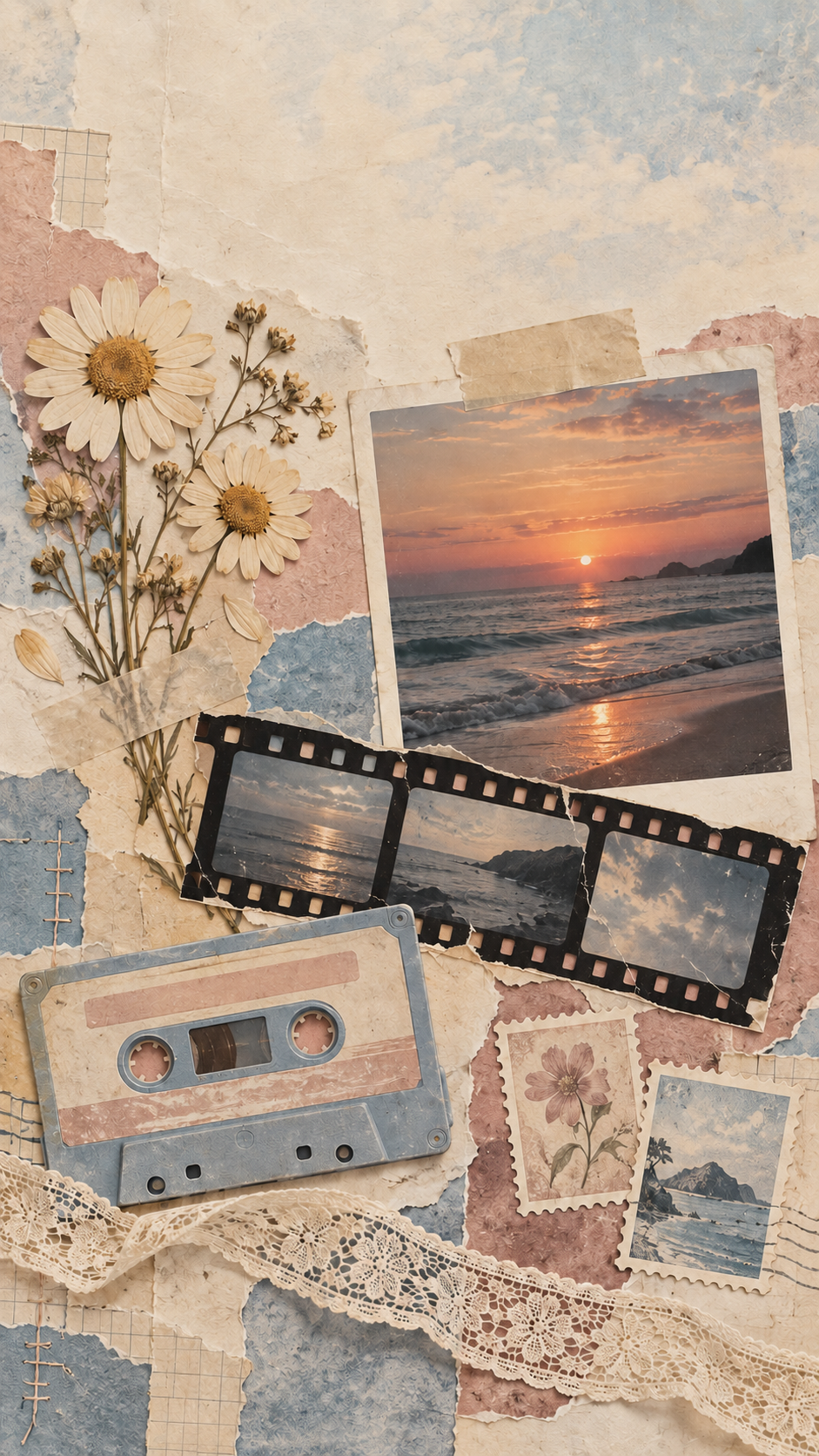
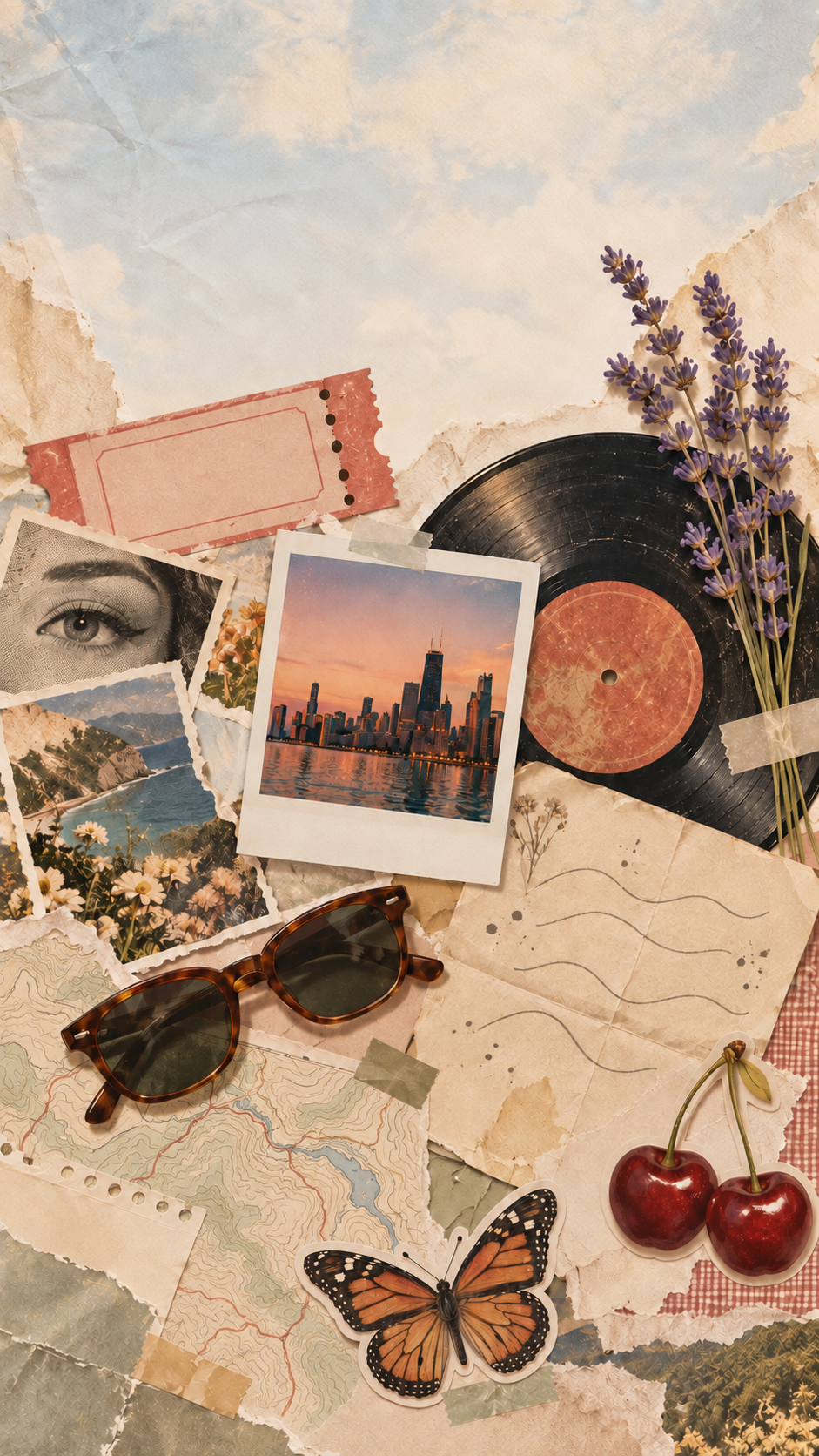
Aesthetic collage wallpaper from your list of motifs.
Generate one scrapbook-style collage wallpaper from the motifs you list, such as pressed flowers, film strips and stamps, with an optional photo of your own as one piece.
One generated collage image made of overlapping paper pieces, tape and the motifs you list, in one palette, with calmer areas for the clock or icons. At most one of your photos appears as a piece; everything else is generated.
Ten motifs with printed pieces and no palette or mood
Motifs to include, one per line
A concert ticket
Magazine cutouts
Pressed lavender
A vinyl record
A handwritten letter
Sunglasses
A map fragment
An instant-photo snapshot of a city skyline
Cherries
A butterfly
Palette (optional)
Left empty
Mood or era (optional)
Left empty
Ten motifs, including a ticket, a letter and magazine cutouts, with no palette or mood. Checks that every motif appears once, printed pieces carry no readable names or logos, and the top of the phone frame stays calm.
Same task, three directions
Pick a direction to start from.
01
Vintage scrapbook
Worn paper, washi tape and faded snapshots, like a well-loved journal page.
02
Pressed-flower collage
Pressed flowers and lace on soft paper, a gentle, cute aesthetic collage.
03
Night city snapshots
Dark paper and small city-at-night snapshots with warm light, for a moodier collage.
What the template keeps
The parts that stay consistent.
01
Your motifs, once each
Everything you list appears, and nothing unrelated is added.
02
One unified palette
Every piece shares the same colors so the collage reads as one image.
03
No readable text
Tickets, stamps and cutouts stay free of names, logos and titles.
How to use it
From details to a result.
01
List your motifs
One per line, six to ten items. Each one appears once in the collage.
02
Pick a palette and mood
A palette keeps the pieces unified. A mood or era, such as vintage scrapbook, sets the paper and tape style.
03
Add one photo if you like
It appears as one piece, such as a taped print. Every other piece is generated.
04
Choose phone or laptop
Portrait or landscape. Calmer areas are kept where the clock or icons sit.
Output boundaries
What to check before you use it.
This is one generated image, not an arrangement of your own photos. At most one uploaded photo appears as a piece.
A lot of motifs make the collage busier and each piece smaller. Six to ten works best.
This template makes a text-free collage. Add any readable wording afterwards in an image editor.
The format is a 9:16 or 16:9 direction rather than your exact screen size, so pieces near the outer edges may be cropped.
QuestionsIs this a collage wallpaper maker for my own photos?+
Not quite. It generates a collage from your list of motifs, and you can add one photo that appears as a single piece. To arrange several of your own photos, use a photo collage app instead.
Can I make a cute aesthetic collage in pastel colors?+
Yes. List cute motifs such as strawberries, bows and little hearts, and give a pastel palette like baby pink, butter and mint.
Can I get an iPhone aesthetic collage wallpaper and a matching laptop one?+
Yes, with two requests using the same motifs and palette. The phone version keeps the top calmer, and the laptop version keeps one side calmer.
Why are there no words on the tickets and magazine pieces?+
This template keeps printed pieces free of readable text, names and logos. Add any wording afterwards in an image editor so you can control its spelling and placement.