Subject, composition, and intended use
Reference images for style or identity (up to 8)
Aspect ratio preference (optional)
Describe the subject and style, add reference images if useful, and this ai image generator prepares one editable request — prompt, references, and aspect ratio — for review before generation runs in Vizify.
The request, selected options, and staged images open in Vizify for review before execution.
Subject, composition, and intended use
Reference images for style or identity (up to 8)
Aspect ratio preference (optional)
One AI-generated image ready for review
A reusable prompt and settings you can revise
Write what you want and let the ai image generator create an image artifact from that description, instead of picking from a grid of untouched variations.
Add up to 8 reference images so identity, style, or composition cues shape the result alongside the written prompt.
Review the prepared prompt, references, and aspect ratio in Vizify and change anything before generation executes.

Make a wide, minimal desktop background from one main color and a texture such as linen, paper or fine grain, with calm space for your icons and windows.

Create an abstract phone wallpaper from shapes, gradients or textures in your own palette, framed tall with the clock area kept clear.

Create a brown wallpaper from the tones you choose, from cream to espresso, with textures like kraft paper, linen, wood grain or dried leaves, for a phone or desktop.

A festive room for your December video calls, with the tree, lights and garlands arranged to the left and right so the space behind your head stays calm.
It turns a written prompt — plus any reference images and an aspect ratio — into one image artifact you review in Vizify before it runs.
Yes, up to 8 PNG, JPEG, or WebP images (10 MB each) can guide identity, style, or composition alongside the prompt.
Prepare the request in your browser without installing an app. Generation runs in Vizify after sign-in, uses credits, and starts only after you review and send the request.
No. They are a removable preset for a supported bounded choice; the prompt can still describe other valid requirements.
The Site stages supported images in the browser for the same-tab handoff. Vizify performs the durable authenticated upload after sign-in.
Generation may reconstruct fine detail, so inspect identities, exact text, logos, and small textures before use.
It does not run immediately. The prepared request opens in Vizify, where you can review it before sending.
Yes. The request and resulting artifact can be reviewed, revised, and reused in Vizify.
Writing and preparing the request is free and needs no account. Generating needs sign-in: a free account includes a small allowance of image generations paid from its sign-up credits, and more images need Pro or a credit pack. Vizify doesn't offer unlimited free generation.
No. Each request returns one image. Ask for another version in the same conversation, change one detail at a time, and compare the results.
Describe the subject first, then setting, light, style and where the image will be used. Put exact wording in quotes if text must appear, say what to leave out, and add a reference image when a look or product must carry over.
Charts with real numbers, diagrams, maps, QR codes and final logo files. A generated image can misplace values and misspell labels. Use a chart maker for data and treat a generated logo as a concept.
Name the subject, intended use, composition, light, palette, and any exact copy. Reference images are useful for identity or visual direction as an AI image creator input, but the written instruction stays editable — nothing is locked in before you review it.
Generation may reconstruct fine detail; inspect identities, text, logos, and small textures before use. The prepared request opens in Vizify first, so no AI image creation task runs until you review and send it.
This page is for creating a new image from a written idea. If you already have a photo you want changed — background removed, retouched, or reframed — use one of Vizify’s image editing tools instead of this generator.
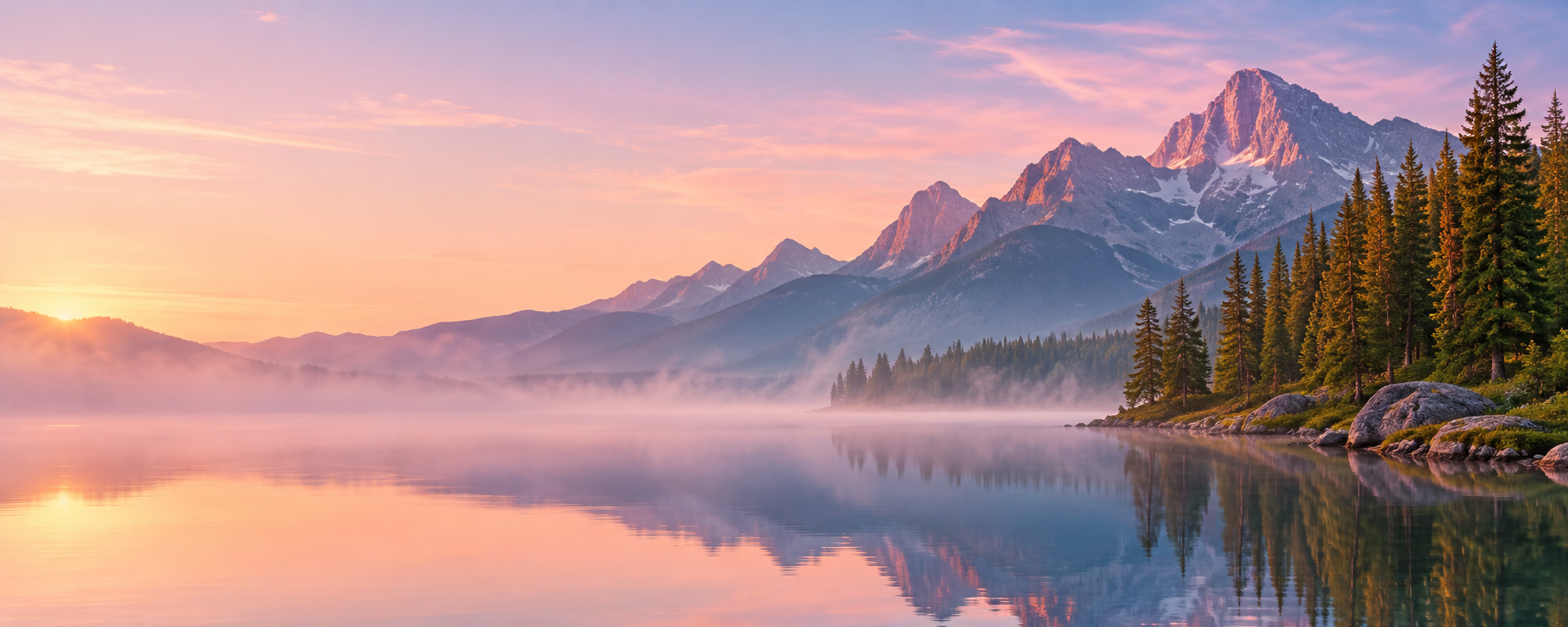
Create a wide image of a mountain lake at dawn with low mist, pine trees on the right shore and soft pink light. Leave the left third calm and empty for a headline we will add later. No text, no people. It's for the homepage of Larch Point Cabins.
What confirmed opening date and exact slogan should appear on the bakery image?
Make an image for our bakery's grand opening with the date and our slogan on it. I'll confirm the date later.
Checks that the reply asks for the bakery name, date and slogan, or leaves visible placeholders, rather than inventing a date or slogan that would be rendered into the image.