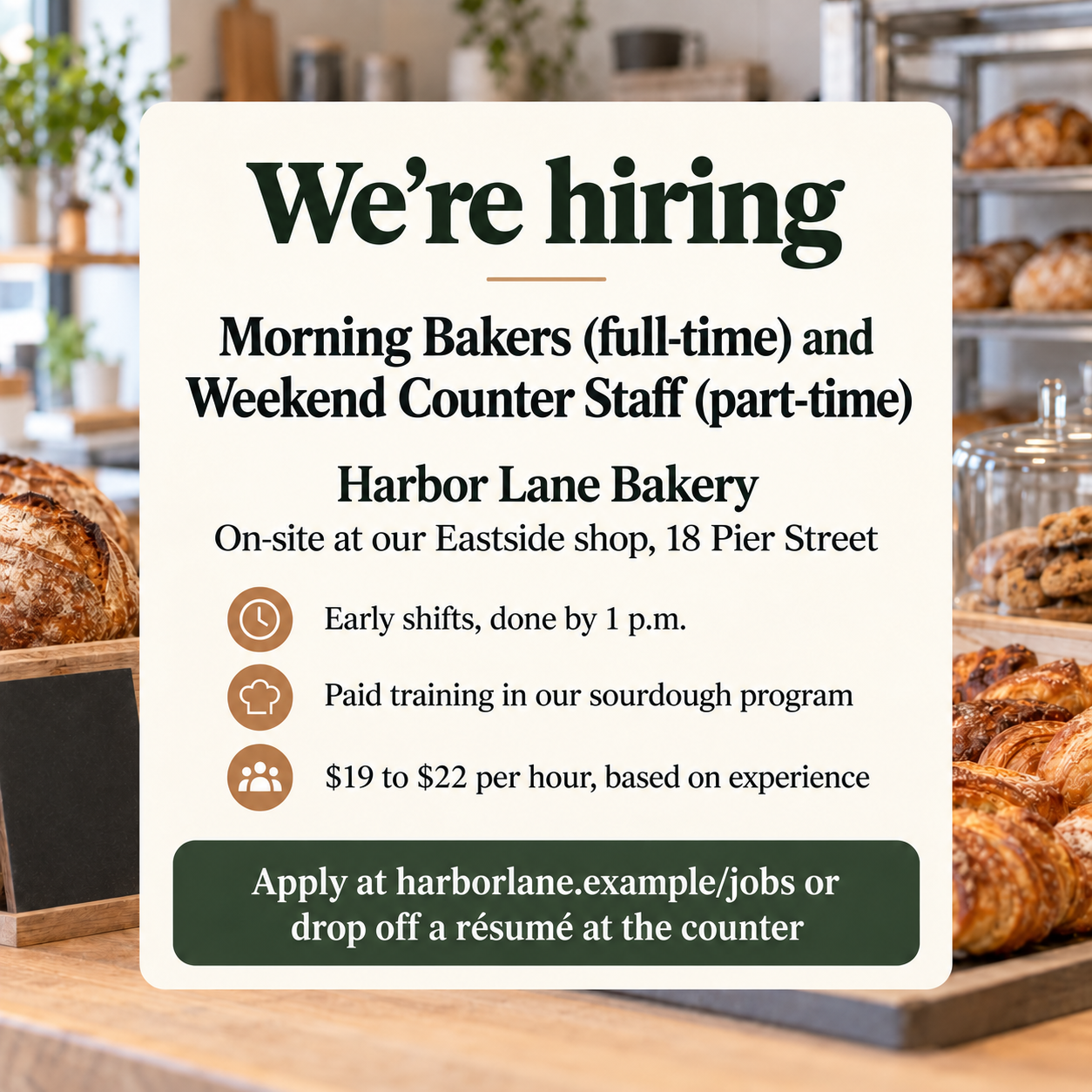
Announce open roles with a social image that leads with the job title and location and ends with how to apply, using only the pay and perks you confirm.
One generated hiring image with a short hiring label, the role as the headline, the location, up to three confirmed highlights and an apply line, composed for a square feed post, a vertical Story or a wide link-style post. Check titles, pay and addresses before posting.
Three long remote and hybrid roles with no highlights, as a Story
Company or team
Ledgerline Payroll Software
Role or roles
Senior Customer Onboarding Specialist, Implementation Project Manager (Payroll Tax), and Technical Support Engineer II
Location and work arrangement
Remote in the United States or hybrid from our Denver office, two days a week
Confirmed highlights, up to three (optional)
Left empty
How to apply
Read the full descriptions and apply at ledgerline.example/careers, or email your résumé to talent@ledgerline.example
Three long job titles, a two-part work arrangement and a long apply line in a vertical Story, with no highlights. Checks that no pay or benefits appear, that text stays inside the Story safe area, and that both apply routes are exact.
Same task, three directions
Pick a direction to start from.
01
Bold type-led
A large hiring label and role title fill the frame over one brand color, the clearest option for fast-scrolling feeds.
02
Behind the scenes
A photo-style scene of the work itself, such as an oven or a warehouse aisle, with the text on a clean card.
03
Professional wide post
A calm split layout for wide link-style posts, with the headline on one side and a workspace image on the other.
What the template keeps
The parts that stay consistent.
01
Role-first layout
The brief gives the role title visual priority. Check readability on a phone after generation.
02
No invented pay or perks
Salary, benefits and deadlines appear only when you supply them.
03
Margins requested for each format
The brief requests margins around text; confirm the actual clearance in the platform preview.
How to use it
From details to a result.
01
Name the company and the role
Use the complete job titles from your listing. Request one to three roles; shorten the brief or split posts when the text is too long.
02
Add the location and highlights
Say on-site, hybrid or remote. Highlights are optional, and pay or benefits appear only if you add them.
03
Write how to apply
A short web address or instruction. It is placed as written, not as a working link.
04
Pick the format, review and generate
Square for feeds, vertical for Stories, wide for link-style posts. Nothing runs until you send it in Vizify.
Output boundaries
What to check before you use it.
Generated text can contain mistakes. Check job titles, pay figures, addresses and email addresses before posting.
Vizify does not post, schedule or boost the image, and it does not create a job listing or collect applications.
Story and feed interfaces overlay parts of the image; preview it in the app before publishing.
The formats are aspect-ratio directions, not exact platform pixel sizes.
The people shown are generic and do not depict your team or workplace.
Formats request a composition; they do not guarantee platform pixel sizes or safe zones. Preview in the target app and check that text is not covered or cropped.
QuestionsWhat should a We're hiring post include?+
The role, the location or work arrangement, and how to apply. Add pay and a benefit or two if you publish them; the template shows only what you enter.
Can I list several open roles in one hiring post?+
You can request one to three roles. Readability depends on title length and the generated layout; shorten the brief, make one image per role or point readers to your careers page when it is crowded.
Can I use the same image as a printed hiring poster?+
This image is composed for scrolling feeds. A printed poster is read from a distance and usually carries more detail, so a poster template is the better start.
Will Vizify post it to LinkedIn or Instagram for me?+
No. Save the image and post it from your own accounts. Vizify does not schedule or publish anything.
Can it write the job description or caption?+
This template makes the image only. Write the caption and full job description in your own tools or in a separate conversation.