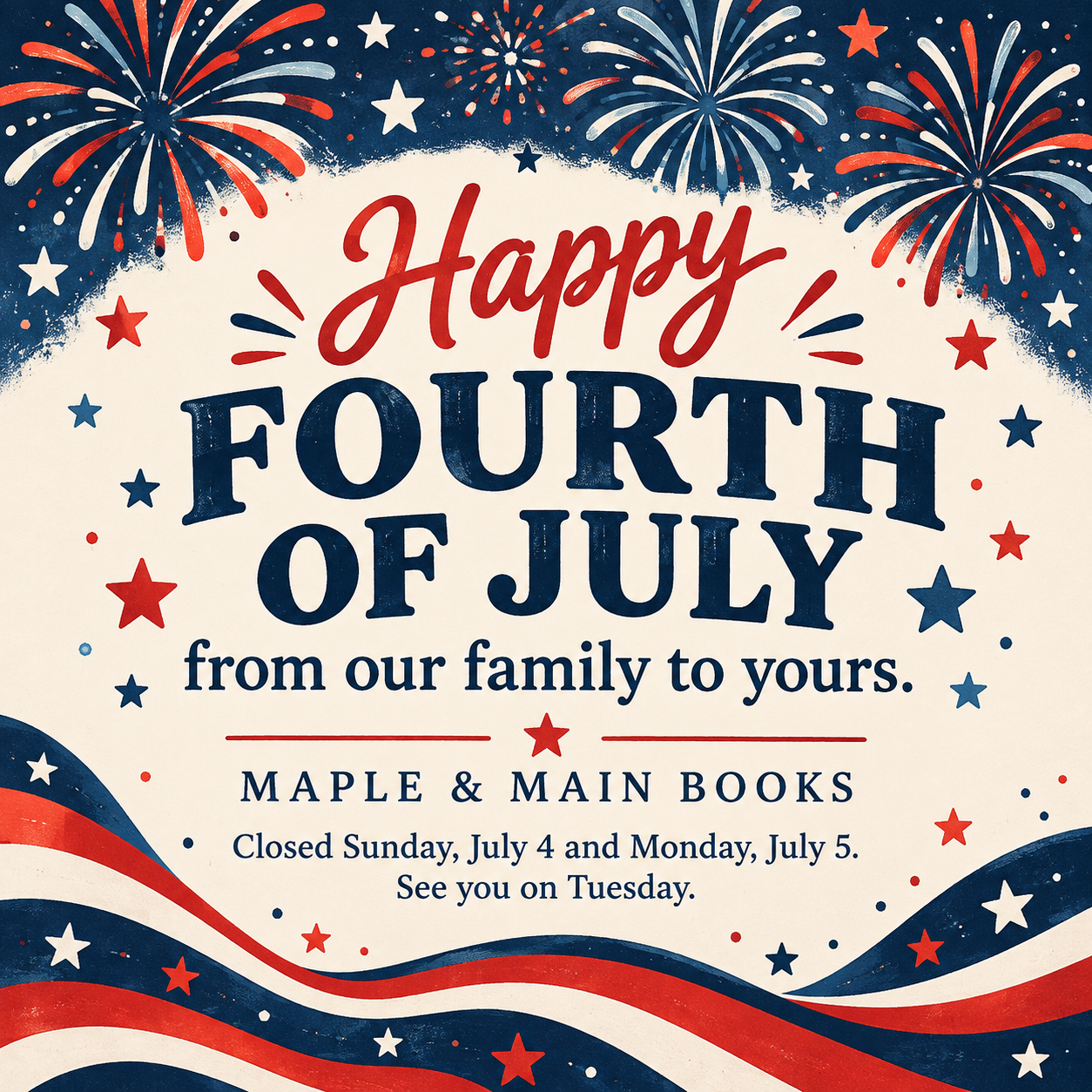
Fourth of July post for a square feed or a vertical Story.
Create a US Independence Day greeting image for your brand. Request a square feed post or a vertical Story, then inspect the text, flag details and actual platform preview.
One generated image for US Independence Day on July 4, with your greeting, brand name and optional hours note. Request a centered square post or a vertical Story with text in the middle. Check the actual wording, flag details and crop before posting; the composition and safe margins are not guaranteed.
Long greeting and parade note as an Instagram Story, no palette
Brand or organization
Old Mill Valley Volunteer Fire Company No. 3 and Ladies Auxiliary
Greeting
Happy Independence Day to our neighbors. Please enjoy fireworks safely and leave the big shows to the professionals.
Holiday hours or event note (optional)
Find our engine in the Main Street parade, Sunday, July 4 at 10 a.m. Pancake breakfast at the firehouse from 7 a.m.
Colors (optional)
Left empty
A long organization name, a two-sentence greeting and two event times in the vertical Story format with no palette. Checks that every line stays inside the Story safe band, both times are exact, and no flag carries text.
Same task, three directions
Pick a direction to start from.
01
Night fireworks
Bursts of red, white and blue over a dark sky, strongest as a full-bleed Story with the text in the middle band.
02
Backyard picnic
A gingham picnic table with lemonade and bunting in summer light, for cafés, shops and family brands.
03
Vintage Americana type
Retro letterpress lettering with a stylized stars-and-stripes border, when the greeting itself is the design.
What the template keeps
The parts that stay consistent.
01
Layout matched to the format
The brief requests centered text for a square post and a middle text band for a Story. Check the actual crop and platform preview.
02
Respectful flag use
The brief asks for no text or logos on a flag and favors a stylized motif. Inspect any US flag and all nearby text.
03
A greeting, not an ad
The brief asks for a greeting without invented offers, products or event details. Inspect the finished image.
How to use it
From details to a result.
01
Enter your brand and greeting
Keep it short so it reads at a glance in a feed or Story.
02
Add hours or an event note
Optional. Ask for closures, parade times or event details beneath the greeting, then check that the generated image preserves them.
03
Pick the feed or Story format
Square for the feed, vertical for Stories. For both, run the same details twice.
04
Review, generate and check
The brief opens in Vizify before it runs. Check the text and any flag, then post it from your account.
Output boundaries
What to check before you use it.
Generated flags can have the wrong number of stars or stripes. Choose a stylized motif if that matters, and inspect any full flag.
Vizify does not post or schedule the image for July 4; publish it from your own social tools.
Each request makes one image in one format. A feed post and a Story are two requests from the same details.
Aspect ratio and text margins are composition requests, not exact-size or safe-area guarantees. Story controls vary by device; check the actual image in a platform preview.
Generated text can contain mistakes. Check your brand name, greeting, dates and times.
QuestionsCan I make a Fourth of July Instagram Story and a feed post from the same details?+
Yes. Request one square image for the feed, then make a separate request for a vertical Story with the same details. Inspect each result and its crop.
Where should text go in a Fourth of July Instagram Story?+
Request text in the middle, away from the profile area above and the reply area below. These margins are a guide: check the generated image in the current Story preview.
Can Vizify schedule the post for July 4?+
No. It creates the image only. Scheduling and posting stay in your own social media tools.
Will the flag be accurate?+
Accuracy is not guaranteed; a generated US flag may have the wrong stars or stripes. The brief favors a stylized motif and asks for text to stay off flags. Check the actual result.