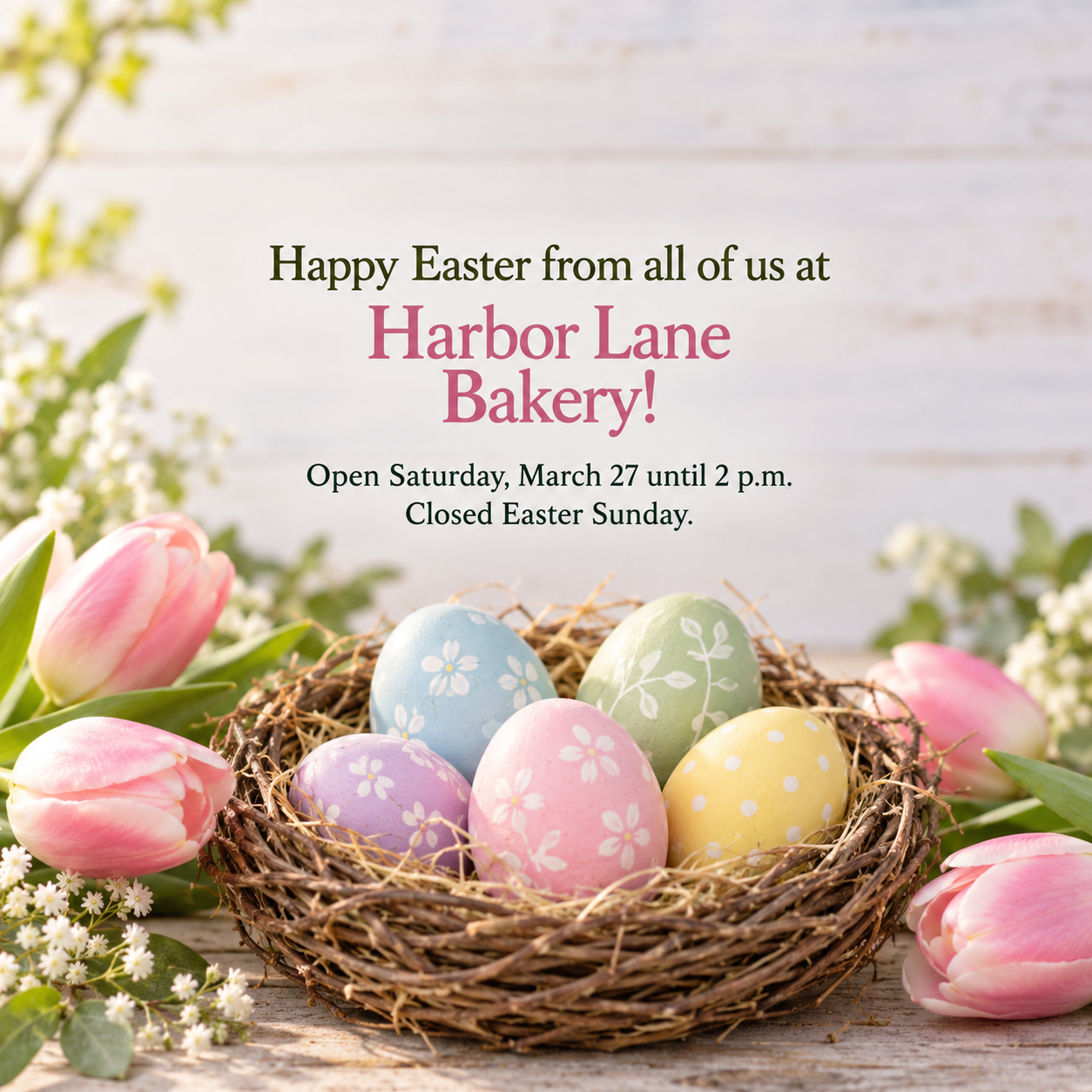
One generated Easter image in one of two compositions, spring flowers or painted eggs, with your greeting, brand name and optional hours note, as a square post or vertical Story. Check the greeting and hours before posting.
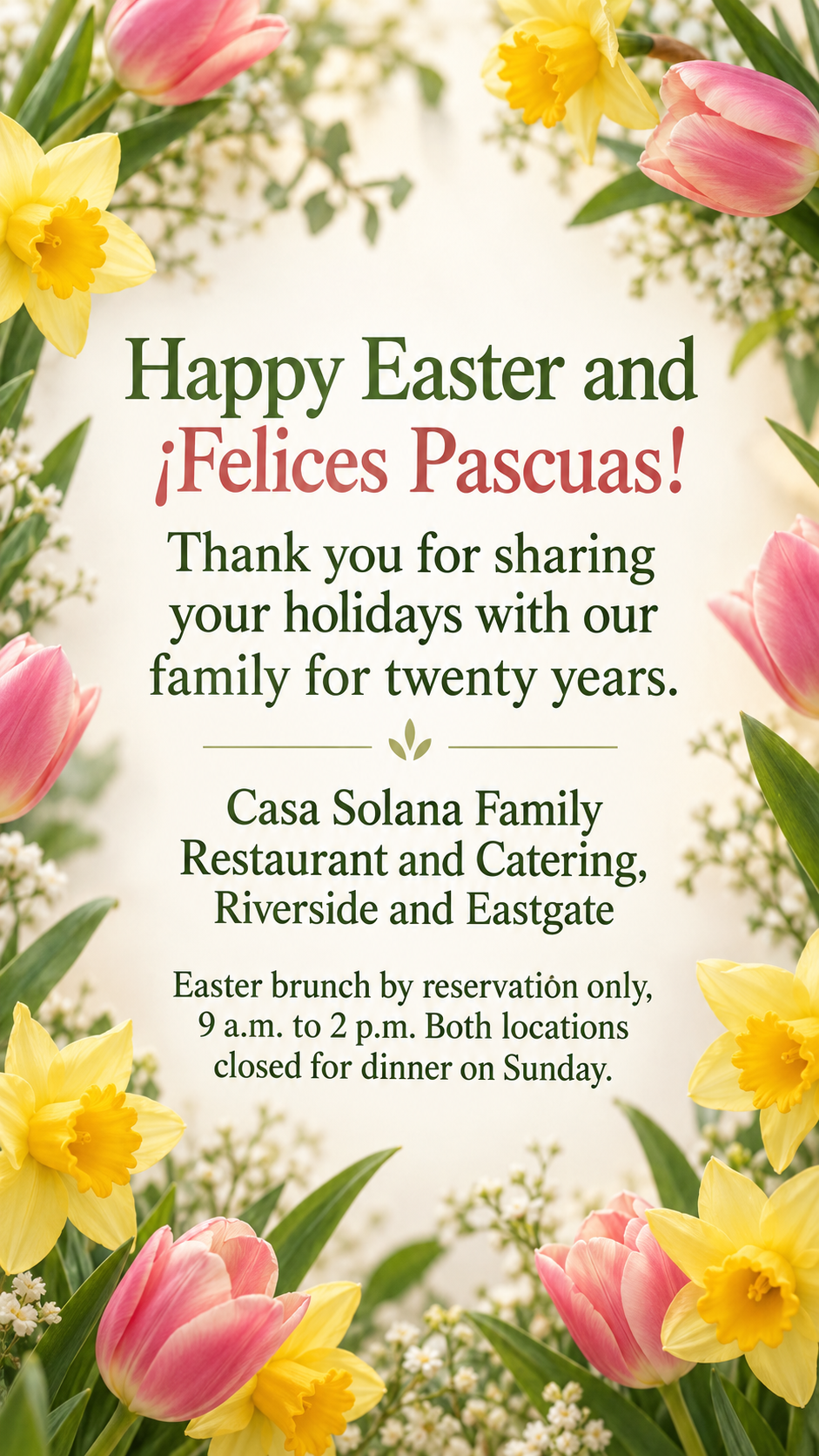
Bilingual greeting with accents, no motif chosen, as a Story
Brand or organization
Casa Solana Family Restaurant and Catering, Riverside and Eastgate
Easter greeting
Happy Easter and ¡Felices Pascuas! Thank you for sharing your holidays with our family for twenty years.
Flowers or eggs (optional)
Left empty
Holiday hours or order note (optional)
Easter brunch by reservation only, 9 a.m. to 2 p.m. Both locations closed for dinner on Sunday.
A long two-location brand, a greeting with Spanish punctuation and accents, no motif and a long hours note, in a vertical Story. Checks that the inverted exclamation mark and accents survive and that the template picks one motif rather than mixing both.
Same task, three directions
Pick a direction to start from.
01
Spring florals
Tulips and daffodils in soft light frame the greeting, a fresh choice for shops, salons and florists.
02
Painted egg flat lay
Colorful hand-painted eggs seen from above around a clean center, for bakeries, cafés and family brands.
03
Sunrise and lilies
A quiet sunrise with white lilies, with a simple cross only if you ask. Suits churches and faith-based organizations.
What the template keeps
The parts that stay consistent.
01
One clear composition
Either flowers or eggs, used with intention, rather than every Easter symbol at once.
02
Seasonal by default
Religious imagery appears only when you ask for it.
03
Your complete greeting in the brief
The supplied words, accents and punctuation go into the brief unchanged; generated text still needs checking.
How to use it
From details to a result.
01
Enter your brand and greeting
The brief requests your complete greeting, including words in other languages. Check the generated image against it.
02
Choose flowers or eggs
Optional. Leave it empty and the template picks one composition rather than mixing both.
03
Add hours if they change
A short hours or ordering note appears under the greeting.
04
Pick square or Story, review and generate
The brief opens in Vizify before it runs. Check the greeting and hours, then post it from your own account.
Output boundaries
What to check before you use it.
Vizify does not post or schedule the image for Easter morning. Publish it from your own social tools.
Generated text can contain mistakes. Check the greeting, accents and holiday hours before posting.
Each request makes one image in one format. A feed post and a Story are separate requests.
Branded characters, candy brands and trademarked mascots are not drawn.
Story interface elements can still cover parts of the image on some devices; preview before publishing.
Formats request a composition; they do not guarantee platform pixel sizes or safe zones. Preview in the target app and check that text is not covered or cropped.
QuestionsCan I choose between flowers and eggs for my happy Easter post?+
Yes. Describe the motif in the optional field. If you leave it empty, the template picks one and you can ask for the other afterward.
Can Vizify post it on Easter morning?+
No. Vizify creates the image only. Schedule or publish it from your own social media tools.
Can I include religious imagery?+
Yes, if you ask for it in the additional direction. By default the post stays seasonal, with spring flowers or painted eggs.
Can I get a feed post and a Story from the same details?+
Run the template twice with the same details, once in square and once in the vertical format.