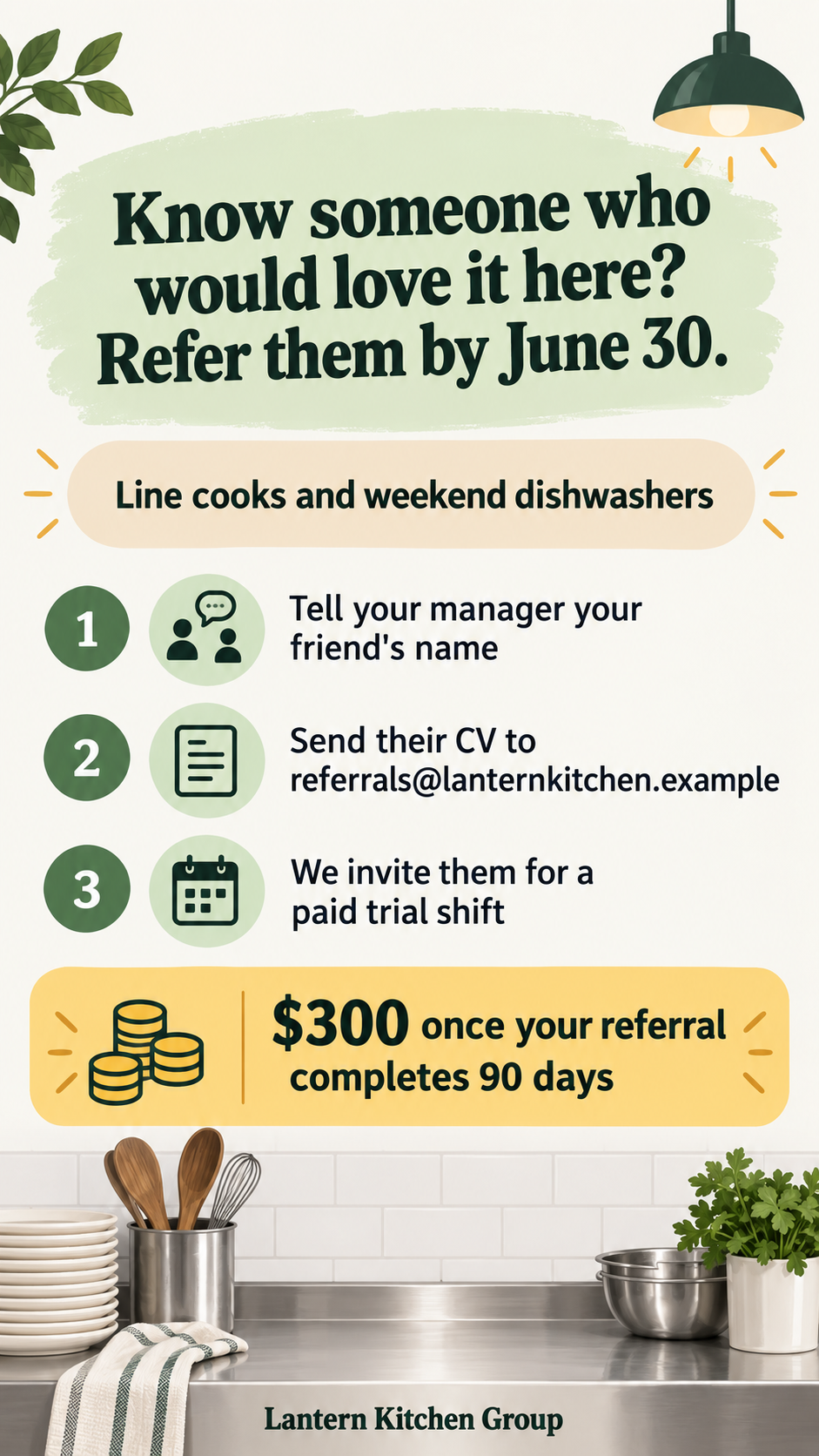
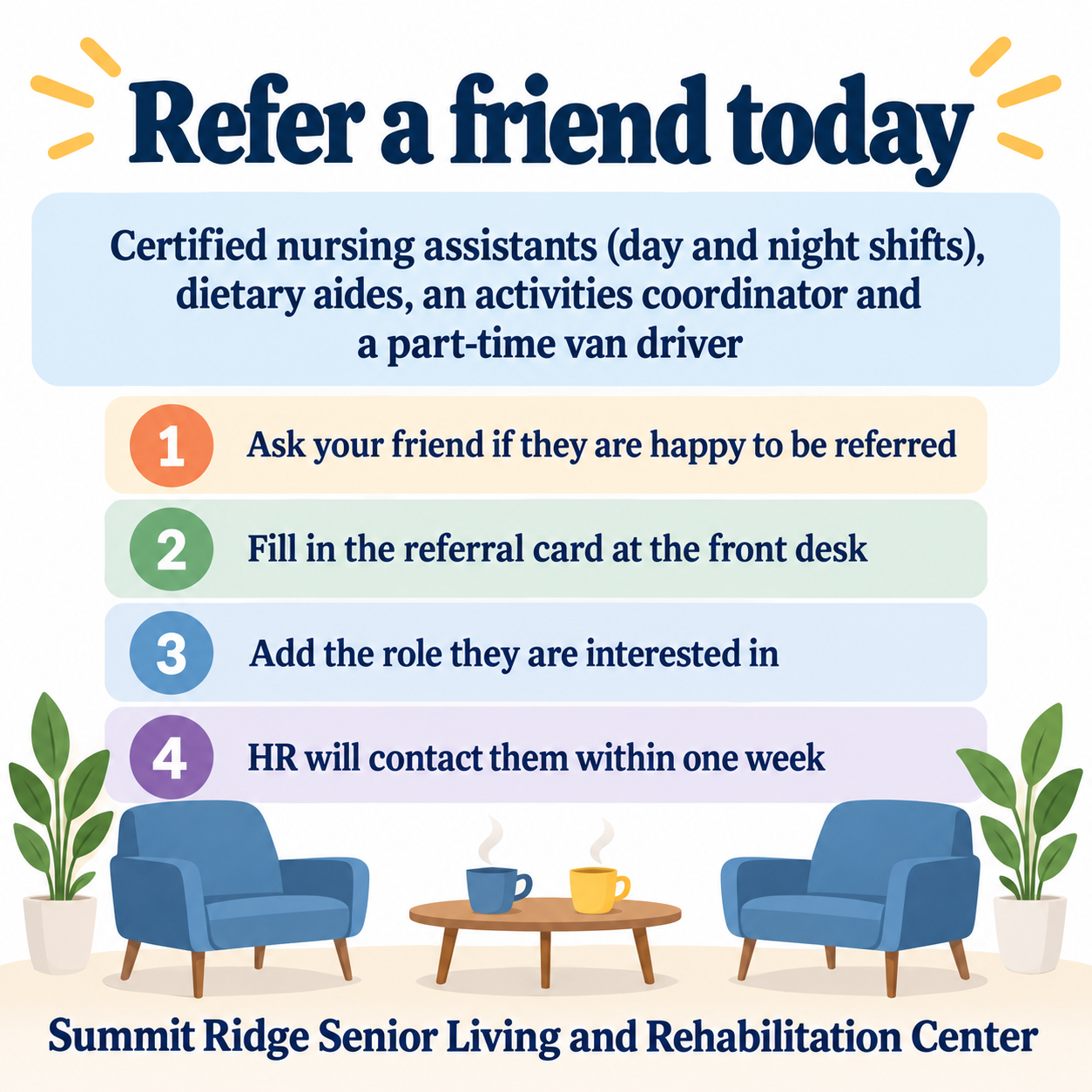
Request one internal referral poster with your full call to action, open roles, numbered steps and company name. A supplied reward gets a separate box; an empty reward field requests no incentive. Check the actual text, addresses and conditions before posting.
No reward confirmed, four long roles and four steps
Company name
Summit Ridge Senior Living and Rehabilitation Center
Open roles
Certified nursing assistants (day and night shifts), dietary aides, an activities coordinator and a part-time van driver
Referral steps, one per line
Ask your friend if they are happy to be referred
Fill in the referral card at the front desk
Add the role they are interested in
HR will contact them within one week
Confirmed reward (optional)
Left empty
Call to action
Refer a friend today
The reward field is empty. Checks that no bonus, gift or prize appears anywhere, the steps stay numbered in order, and the long role list stays readable.
Same task, three directions
Pick a direction to start from.
01
Numbered referral path
A path whose number of stages matches your steps.
02
Invite a colleague
Two empty chairs and quiet cups suggest a shared workplace.
03
Clear internal notice
A restrained layout for staff noticeboards or chat.
What the template keeps
The parts that stay consistent.
01
Every step in order
The request numbers the actual supplied steps without changing their wording or dropping a step.
02
Reward and conditions together
Only a supplied reward gets its own area, including the complete amount, currency notation and conditions.
03
No inferred incentive
With no reward supplied, the request omits reward text, its box and decorative bonus or gift cues.
How to use it
From details to a result.
01
List the open roles
Name the roles you want referrals for. Keep it to a few so the poster stays readable.
02
Write the referral steps
One step per line, in order. Include the exact email address or place where referrals go.
03
Add a reward only if it is confirmed
Type the amount and conditions exactly as your policy states. Leave the field empty if nothing is confirmed.
04
Review the request in Vizify
Send the brief to Vizify, check it before generation, then proofread the returned image. Sign-in and account credit rules apply.
Output boundaries
What to check before you use it.
Your organization must confirm the roles, reward and policy. The template does not verify eligibility or tax treatment.
Addresses appear as image text. This does not create a form, clickable link, QR code or referral tracking system.
The example addresses ending in .example are fictional inputs, not active application channels. Replace them with your approved details for real use.
Generated lettering can omit or alter characters. Compare every line, name, number and punctuation mark with your input before sharing.
The result is one raster image. Exact pixel dimensions, print bleed, CMYK, PDF, vector layers and editable design files are not guaranteed.
QuestionsIs this for employee referrals or customer offers?+
The fields and examples are for employee referrals. If you adapt it for a customer offer, supply your own approved terms and review them before use; the template does not validate the policy.
What if the reward has not been approved?+
Leave the reward field empty. The request then omits both the reward box and incentive imagery. Check the returned image for any invented offer before sharing.
Can I include a link or form address?+
Yes, as supplied text in a step. The image does not create the form or a clickable link, and it does not generate a QR code. Check every character of the address.
Can I use four steps or long role names?+
Yes, within the field limits. The layout request adapts to the actual step count and wraps the full role list; check the complete wording at the display size you intend.