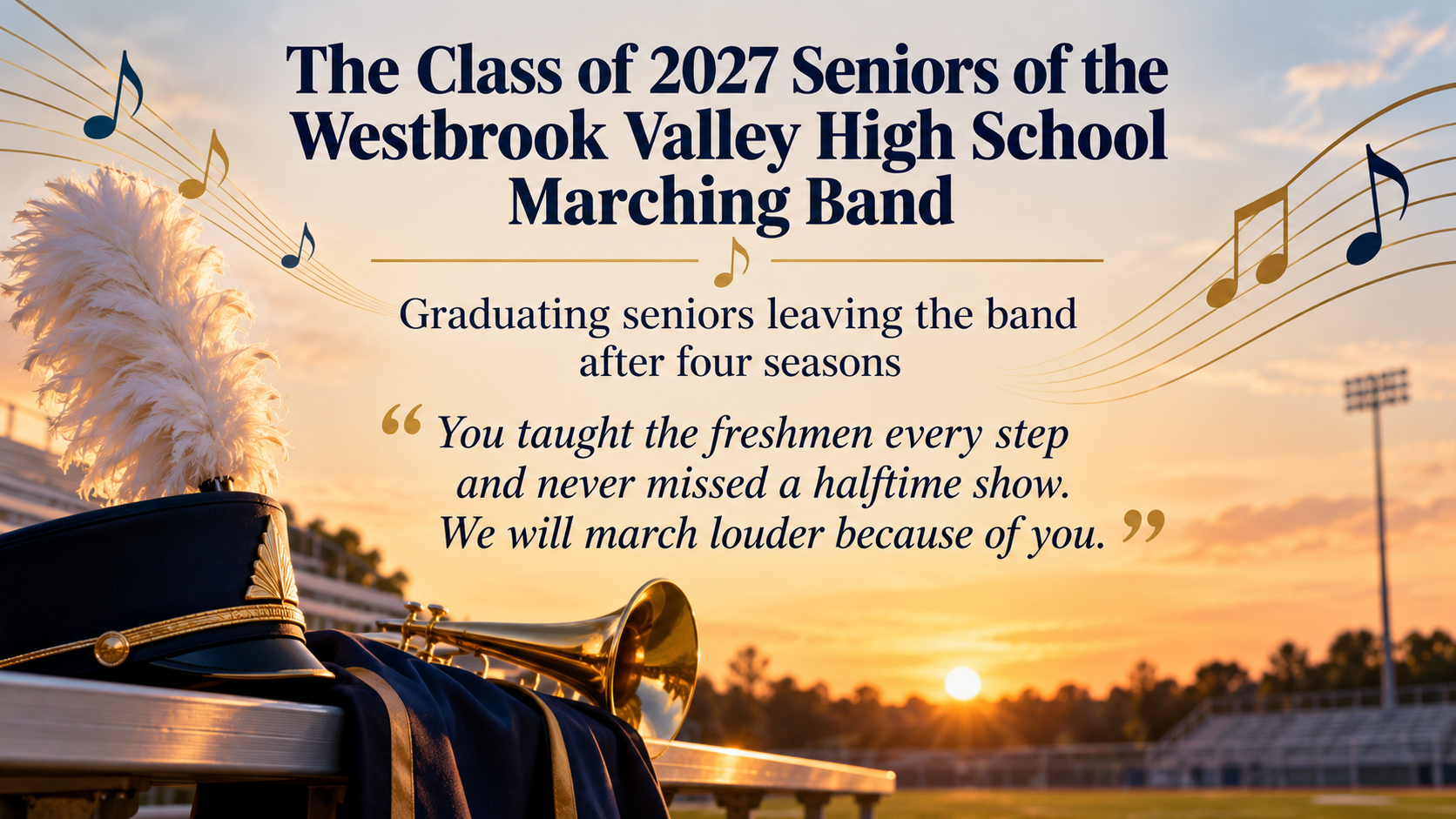
Say goodbye in public to a colleague, a retiree or a graduating group, with their name, your group's message and an optional date, on one display poster.
One generated farewell image for a public tribute. Request the full name prominently, then the occasion and your message; add a date or sign-off only if supplied. Proofread the complete result before displaying it.
Graduating seniors as a group, with no date or sign-off
Name of the person or group
The Class of 2027 Seniors of the Westbrook Valley High School Marching Band
Occasion
Graduating seniors leaving the band after four seasons
Message from the group
You taught the freshmen every step and never missed a halftime show. We will march louder because of you.
Date to show (optional)
Left empty
From (optional)
Left empty
A group rather than one person, with a long name and no date or from line. Checks that the full group name renders without abbreviation, the poster reads as a goodbye rather than an invitation, and no date is added.
Same task, three directions
Pick a direction to start from.
01
Quiet retirement send-off
Soft, grateful and unhurried, with a symbol of the person's work, for a long career coming to an end.
02
New chapter
A hopeful goodbye for someone leaving for a new job, a move or a big adventure.
03
Seniors' farewell
School-spirit colors and a simple activity motif for goodbye posters to graduating seniors, clubs and teams.
What the template keeps
The parts that stay consistent.
01
The name first
Request the full person or group name as the main text. Check its spelling and prominence in the result.
02
A goodbye, not an invite
Request a public tribute without unprovided RSVP, gift or event details. Check that none have been added.
How to use it
From details to a result.
01
Enter the name exactly
Type the name the way the person or group writes it, including accents or a nickname they prefer.
02
Describe the occasion
Retirement, a new job, a move or graduation. Include years of service only if you want them shown.
03
Write the group's message
One or two specific sentences from the team. Add a date and a from line if you like.
04
Proofread, then display it
Check the name and every word before the poster goes on the wall or the screen.
Output boundaries
What to check before you use it.
AI-rendered text can misspell names, and accents are easy to lose. Check the spelling before the poster goes up.
Ask for symbolic objects connected with the occasion instead of a realistic portrait of the honoree. Check the actual illustration.
A poster image cannot collect replies. Type any wanted party date, time or place in additional direction; request no unprovided details and review the result.
The poster is one digital image. Printed large for a party room it may look soft, and no print-ready file is included.
QuestionsCan I use this as a retirement party poster?+
Yes, as a display poster. If you want the party details on it, type the date, time and place exactly in the additional direction. If you need guests to reply, an invitation works better than a poster.
Can I make posters for seniors who are graduating?+
Yes. Enter the class, team or club name and the occasion. Request an equal group tribute without invented individual names, then check the image.
Can I print it as a farewell flyer to hand out?+
The template makes one digital image. You can print it at home or share it as a retirement celebration flyer, but it is not a print-ready file, so check that it looks sharp at the size you need.
I need farewell poster ideas for the message. What works?+
Mention one habit, project or moment the group will miss. Draft one or two sentences with the team, request that wording unchanged and proofread the generated message.