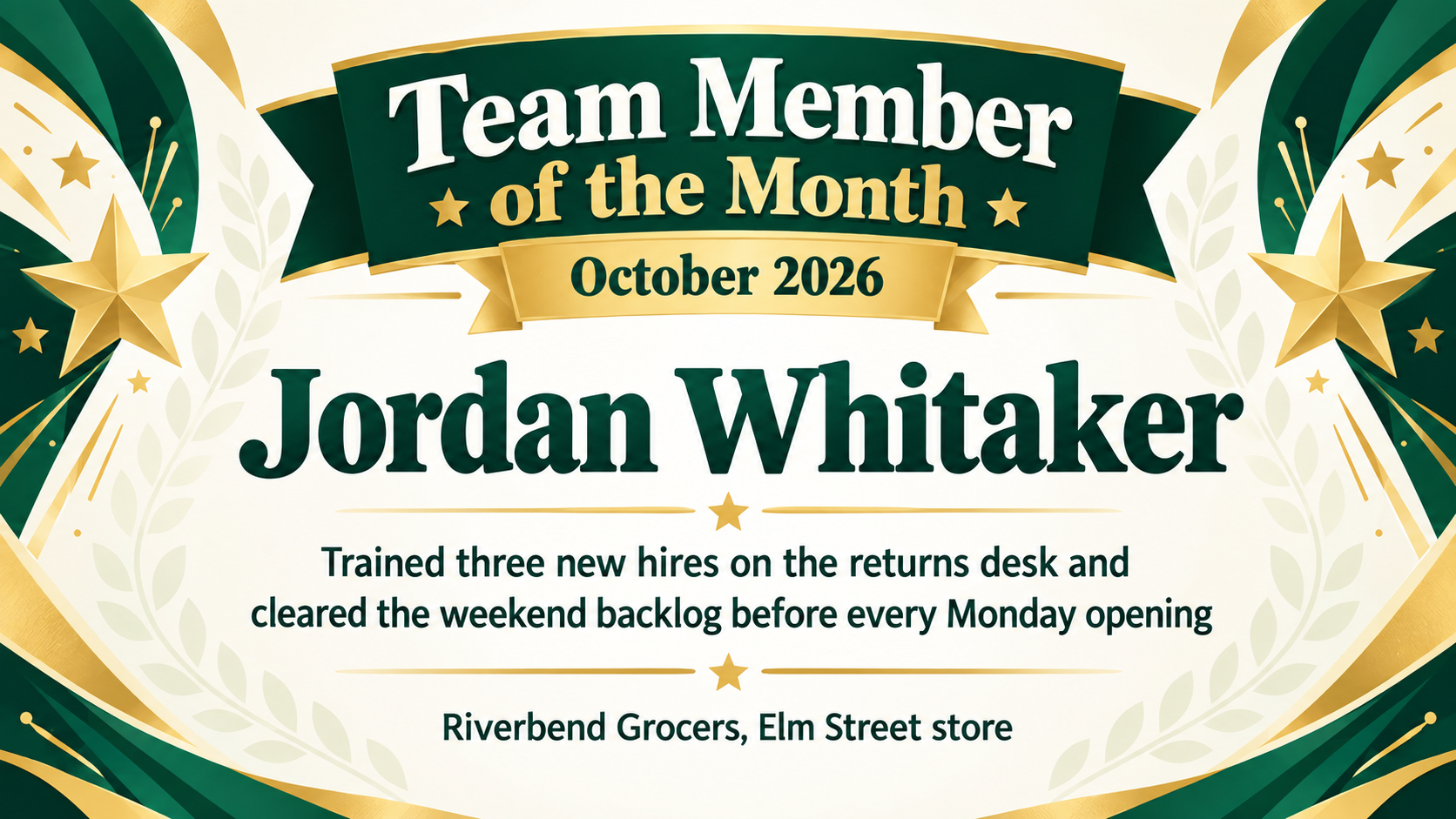
Name the month, the person and the one thing they achieved, and get a certificate image for the break-room wall or the team channel. Uses only the details you enter.
One generated certificate image that puts the month and the employee's name up front, with a single achievement line and your workplace underneath. It is an image, not a PDF. Check the name, month and achievement wording before posting it.
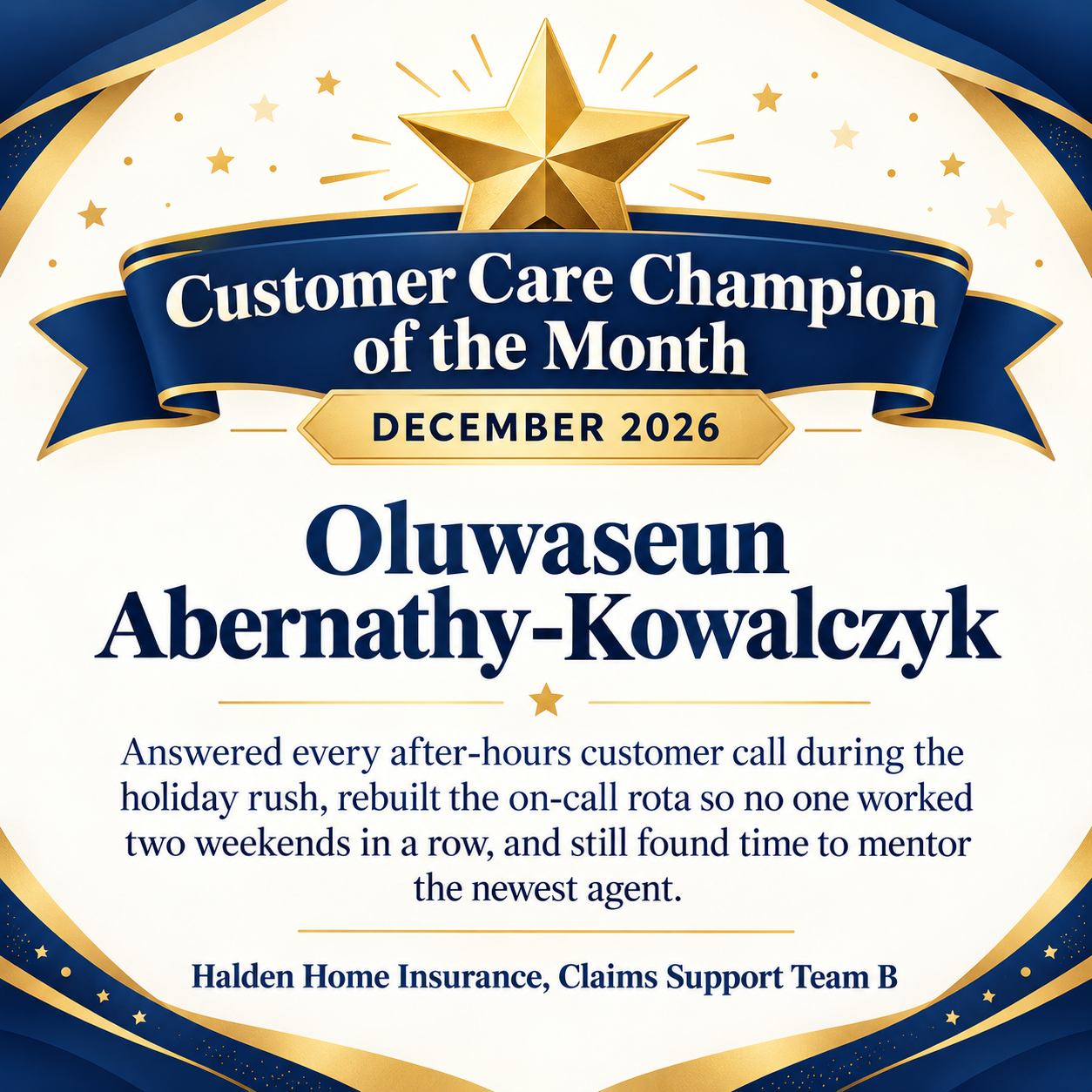
Long custom award title and a long achievement, square for a chat channel
Employee's name
Oluwaseun Abernathy-Kowalczyk
Month and year
December 2026
What they achieved this month
Answered every after-hours customer call during the holiday rush, rebuilt the on-call rota so no one worked two weekends in a row, and still found time to mentor the newest agent
Company, store or team
Halden Home Insurance, Claims Support Team B
Award title, if not "Employee of the Month"
Customer Care Champion of the Month
A long hyphenated surname, a five-word award title and a three-part achievement in a square frame. Checks that the month badge stays readable and the achievement is fitted, not cut or paraphrased.
Same task, three directions
Pick a direction to start from.
01
Framed plaque look
Dark wood-tone border, a brass-style name plate and a small star above the month. Suits a certificate printed and hung beside previous winners.
02
Bright team board
Confetti dots and a bold ribbon for a playful post in the team channel or on a break-room screen.
03
Clean month badge
A calm corporate layout with a circular month badge on the left and the text block on the right.
What the template keeps
The parts that stay consistent.
01
The month is always visible
The month and year sit in their own badge or banner, so a wall of past winners stays easy to read.
02
One person, one achievement
The certificate carries a single, specific achievement line rather than a paragraph of praise.
03
No invented portrait
A star, ribbon or trophy motif stands in for a face, so nobody is shown as someone they are not.
How to use it
From details to a result.
01
Enter the month exactly
Write the month and year the way you want them shown, such as "October 2026". The layout gives them their own badge.
02
Name one real achievement
One concrete sentence about the month works better than a list. Numbers appear only if you type them.
03
Add the workplace and an optional award name
Rename the award if your team calls it something else, add a logo if you like, and choose wide, square or tall.
04
Review, send and proofread
The brief opens in Vizify for review. After generating, check the name, month and achievement before you print or post it.
Output boundaries
What to check before you use it.
Text in the image can have mistakes. Check the employee's name, the month and year, and the achievement wording before sharing.
The result is a single raster image, not an editable PDF or Word file. Next month's certificate is a new request with the new name and month.
Separate runs can vary in layout. Say "match last month's layout" and describe it if you want a consistent series.
The template does not include a photo of the employee. Add one yourself afterwards if you want it on the wall display.
Aspect ratios are directions, not print sizes, and there is no bleed for professional printing.
QuestionsCan I call the award something other than Employee of the Month?+
Yes. Put your own title in the award title field, such as "Associate of the Month" or "Star of the Month". It replaces the default heading and is rendered as written.
Can I reuse the same employee of the month award template every month?+
Save the request in Vizify and rerun it with the new name, month and achievement. Each run creates a new image, so describe the layout you liked or ask Vizify to keep last month's look.
Can I put the employee's photo on the certificate?+
Not in this template. A generated face would not be the real person, so the design uses a star or ribbon instead. If you want a photo, place it next to the printed certificate or add it in an image editor.
Does the certificate come as a PDF I can type into?+
No. You get one image with the text already in it. To change a word, ask for the correction in the conversation and check the revised image.
What should the achievement line say?+
One thing that happened this month, in plain words, such as the project finished or the help given to colleagues. Avoid numbers unless you have checked them, because the certificate shows exactly what you type.