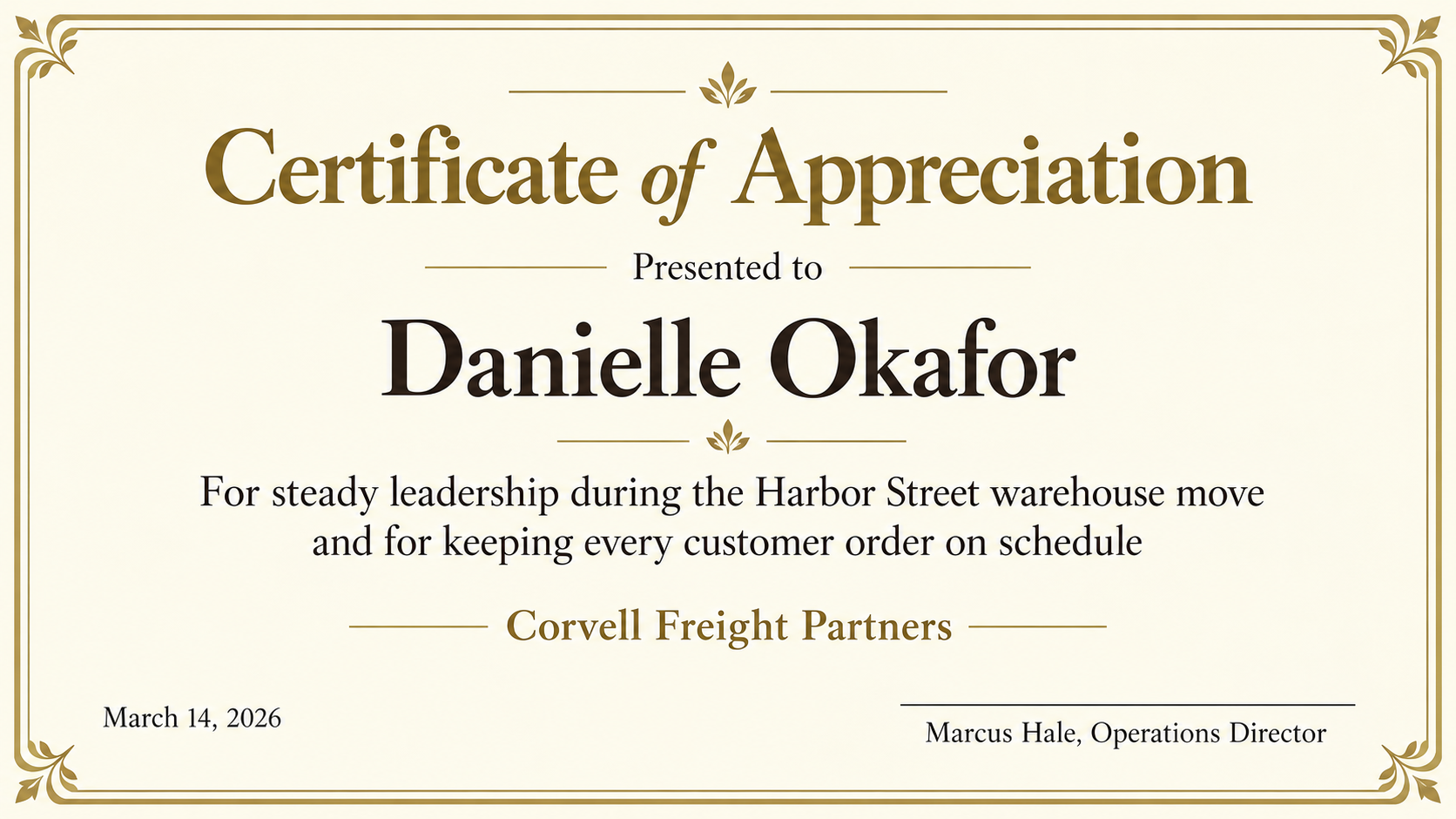
Thank a colleague with a certificate image based on their name, contribution, presenting company and date. Proofread the result before sharing or printing.
One generated certificate image with the recipient's name, the contribution you are thanking them for, the presenting company and the date. It is an image, not an editable PDF. Check every name, date and word before printing or sharing.
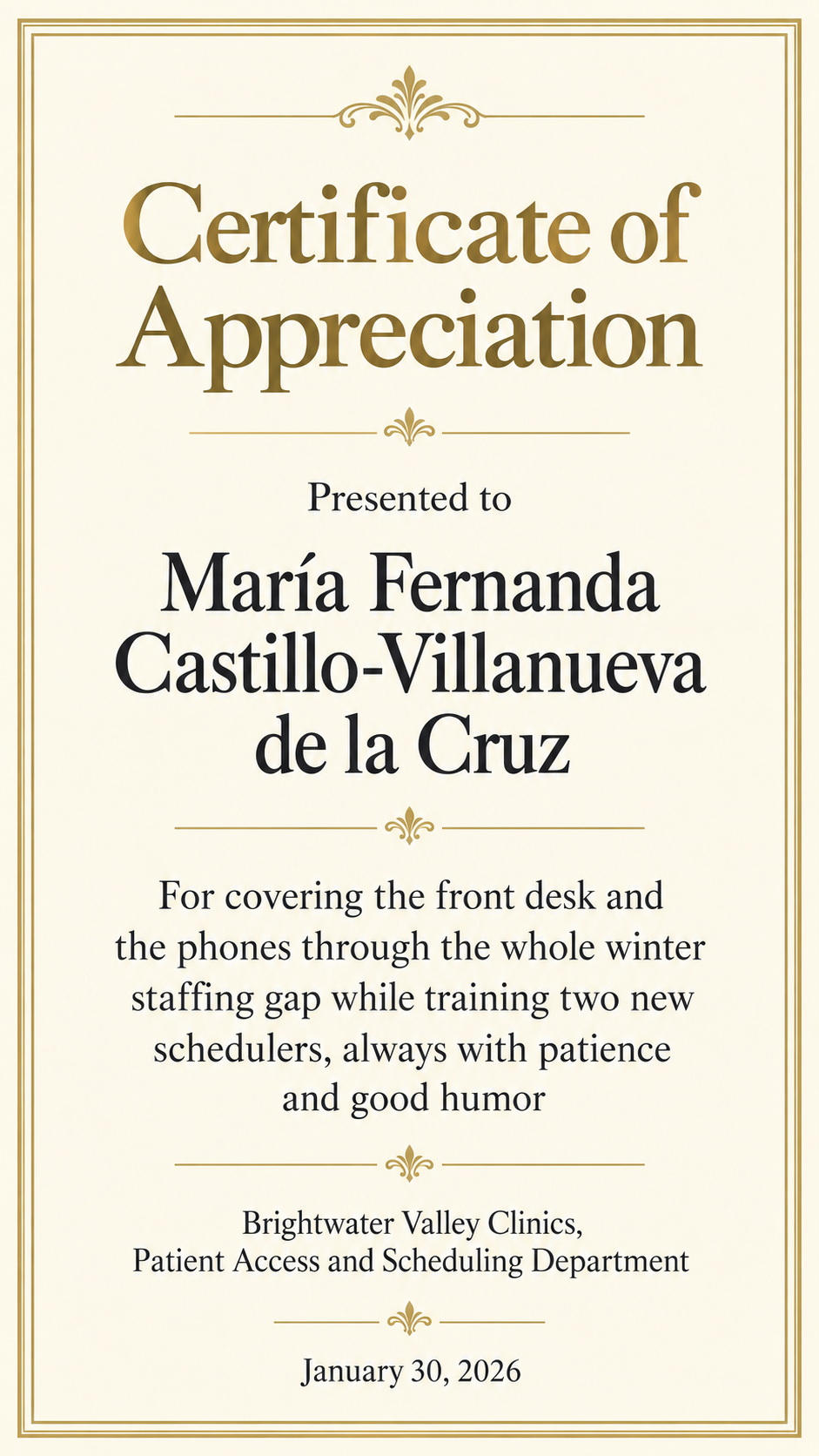
Long double-barrelled name and a department-level issuer, no signer
Recipient's full name
María Fernanda Castillo-Villanueva de la Cruz
What you are thanking them for
For covering the front desk and the phones through the whole winter staffing gap while training two new schedulers, always with patience and good humor
Presented by (company or team)
Brightwater Valley Clinics, Patient Access and Scheduling Department
Date on the certificate
January 30, 2026
Signer name and title (optional)
Left empty
A long multi-part name with an accent and a hyphen, a long department issuer and no signer. Checks that nothing is abbreviated, the accents survive, and no signature or signature line is invented.
Same task, three directions
Pick a direction to start from.
01
Classic border with warm gold
A thin double border, a cream paper tone and a serif heading. Suits a presentation at an all-hands meeting or a copy framed for the desk.
02
Modern corporate minimal
White space, one brand color and a clean sans serif. Works when the certificate is posted in a team channel as well as printed.
03
Warm peer-to-peer thanks
A friendlier tone for thanks between colleagues, with a script-style heading and small illustrated leaves in two corners.
What the template keeps
The parts that stay consistent.
01
Name-first hierarchy
The recipient's name is the largest line after the heading, so the certificate is clearly about one person.
02
Only your wording
Your contribution, company and date supply the certificate text. Review the result for any wording, figures or awards you did not provide.
03
Room for a real signature
When you name a signer, an empty line sits above their name so the certificate can be signed by hand.
How to use it
From details to a result.
01
Write the name the way it should be printed
Use the recipient's full name exactly as they spell it, with accents and hyphens. It is the line people check first.
02
Say what the thanks is for in one sentence
Name the specific contribution. A concrete sentence reads better on a certificate than a list of qualities.
03
Add the company, date and optional signer
Upload a logo if you want one and pick landscape or portrait. The brief opens in Vizify, and nothing is generated until you send it.
04
Proofread before you print
Compare every word, the date and the logo with your notes, then ask for a specific fix in the conversation if anything drifted.
Output boundaries
What to check before you use it.
AI-rendered text can contain mistakes, especially in long names and small lines. Check spelling, accents and the date before anyone sees it.
The result is one generated image, not an editable PDF, Word or PowerPoint file. Changing a name means a correction in the conversation or a new request.
An uploaded logo is redrawn by the model and can shift in shape or color. Use your original artwork where exact reproduction matters.
Aspect ratios are directions. The image is not sized to US Letter or A4 and has no print bleed, so check it with your printer's settings.
Each request makes one certificate for one person. A team of ten means ten requests.
QuestionsWhat should a certificate of appreciation for employees actually say?+
A heading, the person's name, one sentence about what they did, who is thanking them and a date. Specific beats general, so "for keeping every order on schedule during the move" says more than "for hard work". The template uses only the sentence you write.
Can I edit it afterwards like a Word or PDF certificate template?+
No. The result is an image. You can ask Vizify to fix a word, change a color or rearrange the layout, and each change produces a revised image, but there is no editable text layer.
Can I use it as a simple thank you certificate for a peer or a contractor?+
Yes. Put the person's name and the reason in the fields and describe a warmer style in Additional direction. For volunteer hours or years of service, the dedicated templates have fields for those details.
How do I make employee recognition certificates for a whole team?+
Prepare one request per person. Reuse the first direction and change the name and contribution to aim for a coherent set. Style and text can vary between results, so compare and proofread every certificate separately.
What happens when I use this template?+
Your details, optional logo and the template's layout rules open in Vizify for review. Nothing runs until you send. Preparing the brief is free; generating needs sign-in and uses your account's current access and credit rules.