Give attendees a certificate image that records taking part in your workshop, camp, conference or competition, built around the event name, dates and organizer you supply.
One generated certificate image stating that the named person took part in your event, with the event name, dates and organizer as supplied. It records participation only and is not a qualification. Check the name, event title and dates before sharing.
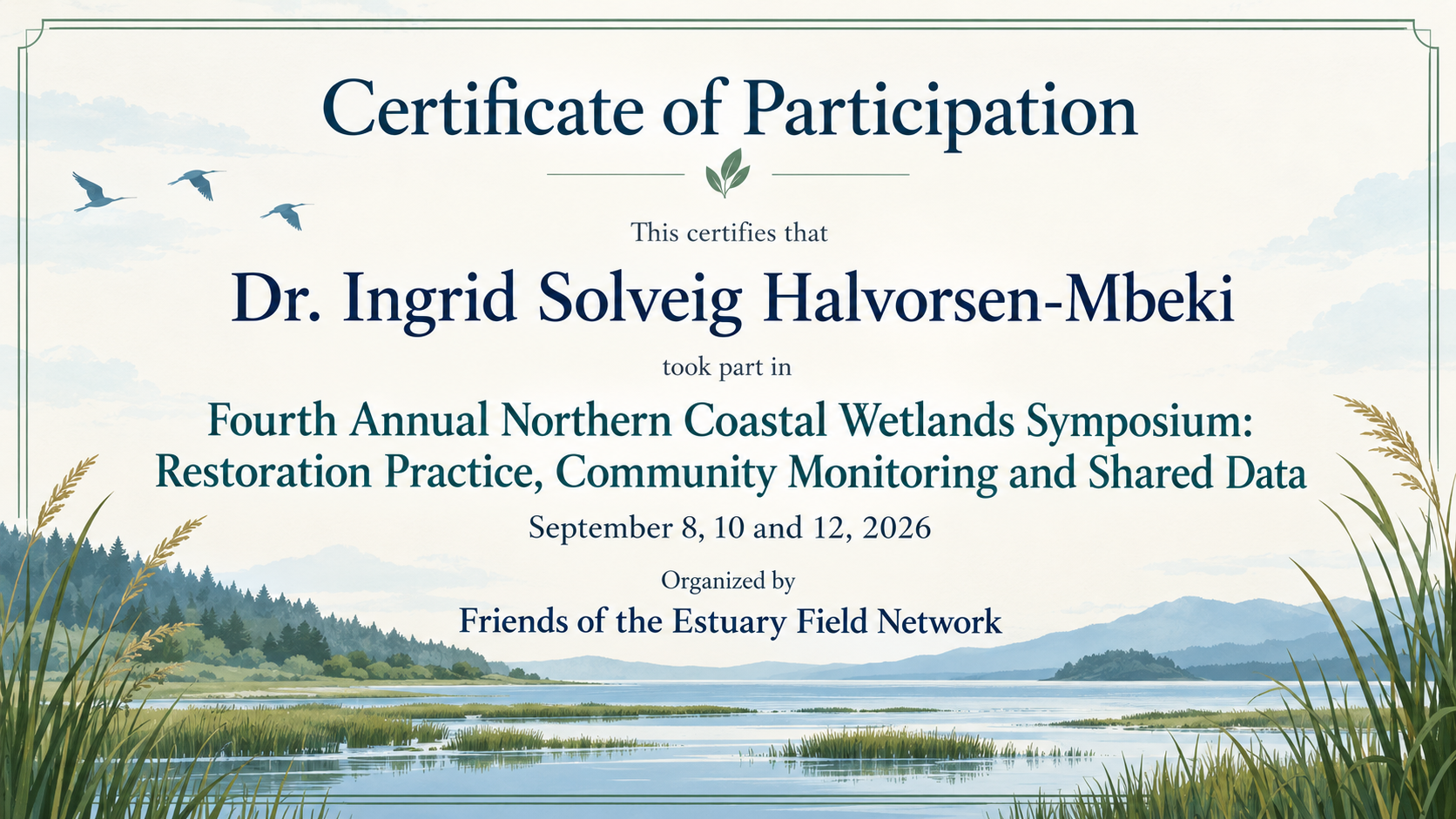
Conference name with a subtitle, three dates and no location
Participant name
Dr. Ingrid Solveig Halvorsen-Mbeki
Event or program name
Fourth Annual Northern Coastal Wetlands Symposium: Restoration Practice, Community Monitoring and Shared Data
Date or dates
September 8, 10 and 12, 2026
Organized by
Friends of the Estuary Field Network
Location (optional)
Left empty
A title with a colon and a long subtitle, non-consecutive dates, a title before the name and no location. Checks the event name wraps cleanly, the dates stay exact, and no credit hours or accreditation are added.
Same task, three directions
Pick a direction to start from.
01
Conference formal
Navy and silver with a thin rule under the event name. Suits symposiums, professional meetups and panels.
02
Youth program cheerful
Rounded shapes and a bright palette for camps, clubs and school holiday programs, still with plenty of space for the names.
03
Workshop minimal
A plain, modern layout with the event name set large on the left and details stacked on the right.
What the template keeps
The parts that stay consistent.
01
Event name as the anchor
The event gets a prominent line of its own, so the certificate clearly says what the person took part in.
02
Participation, not qualification
The wording records attendance only. No passing grades, credit hours or accreditation are implied.
03
Dates supplied by you
Your date range or list supplies the display text. Compare every day, month, year and separator with the image before handing it out.
How to use it
From details to a result.
01
Enter the event name in full
Use the official title, including any subtitle. It gets its own line, so it does not need shortening.
02
Add the participant and the dates
Type the name as the participant spells it and the dates as they should appear, such as "April 11–12, 2026".
03
Name the organizer and optional place
Add a logo if you have one, choose landscape or portrait, and open the brief in Vizify. It runs only when you send it.
04
Check before handing it out
Compare the name, event title and dates with your registration list, and ask for corrections in the conversation.
Output boundaries
What to check before you use it.
This is a record of taking part designed by you. It is not an official qualification, license or accredited credit, and it should not be presented as one.
AI-rendered text can have errors, most often in long event titles and subtitles. Proofread the whole certificate before sharing.
One image per request for one participant. Certificates for a full attendee list are separate requests.
The output is a raster image, not a fillable PDF, and aspect ratios are directions rather than exact print sizes.
A supplied logo is redrawn and may differ slightly from your artwork.
QuestionsIs a participation certificate the same as an official certificate?+
No. It shows that someone took part in your event. It does not certify skills, count as accredited training or replace a certificate issued by a licensing body. The template avoids words like "certified" or "passed" for that reason.
Can I add continuing education hours or credits?+
Only include wording your organization is authorized to issue. Supply that wording in Additional direction and proofread every word and number afterward. Vizify does not verify authorization or calculate credits; the template does not add them on its own.
Where can I see a certificate of participation sample before I start?+
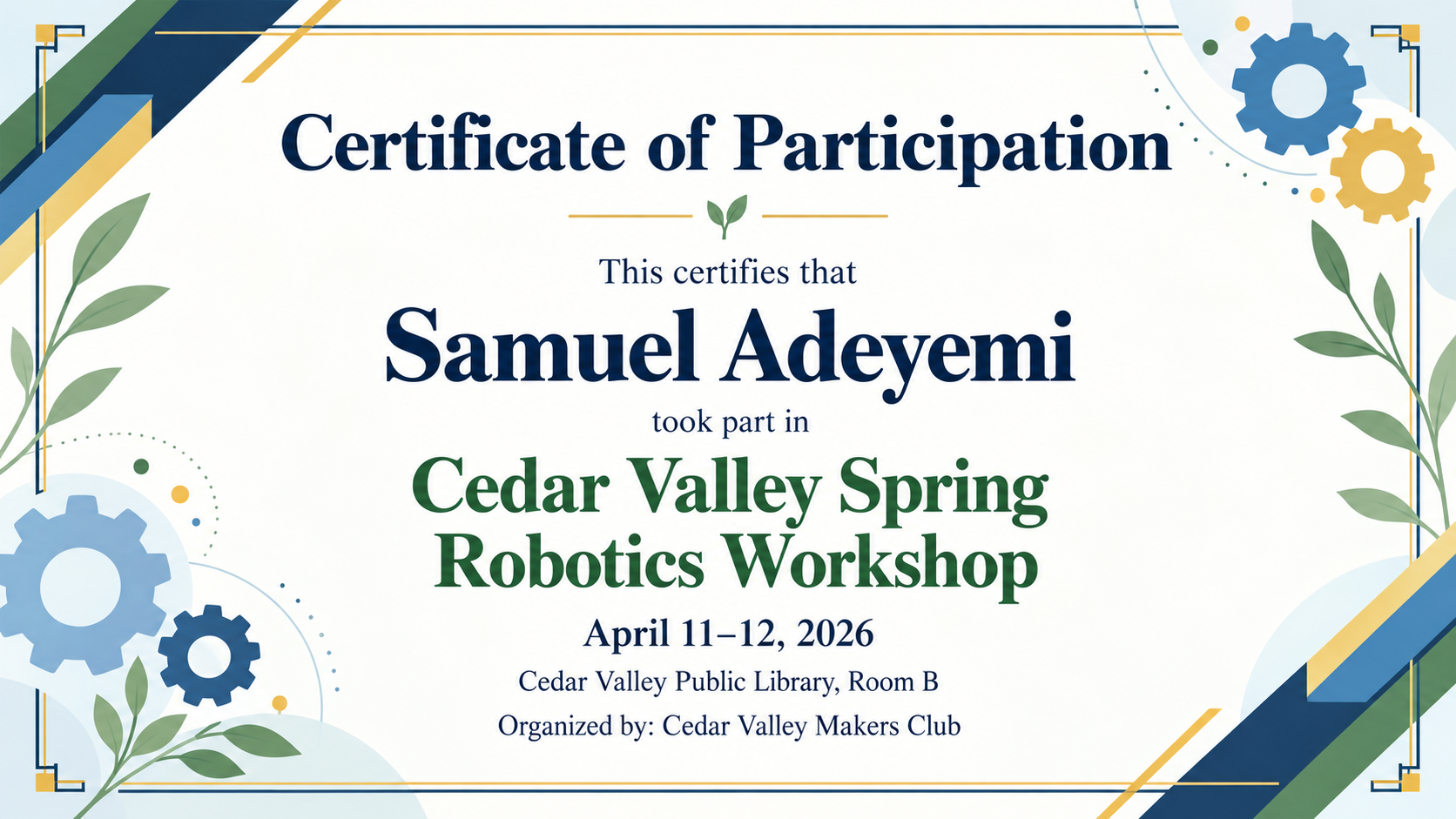
Use Try example inputs to fill the form with the robotics workshop sample, then open it in Vizify and look at the brief before sending. The boundary example on this page shows how a long conference title is handled.
Can I make certificates for everyone who attended?+
Each request creates one certificate for one name. Keep the same event details and direction, change the participant name for each run, and check every result, since spelling can drift between runs.
What if my event ran on dates that are not consecutive?+
Enter the full list, such as "September 8, 10 and 12, 2026". The direction keeps separate dates rather than turning them into a range; check that every date remains correct in the image.