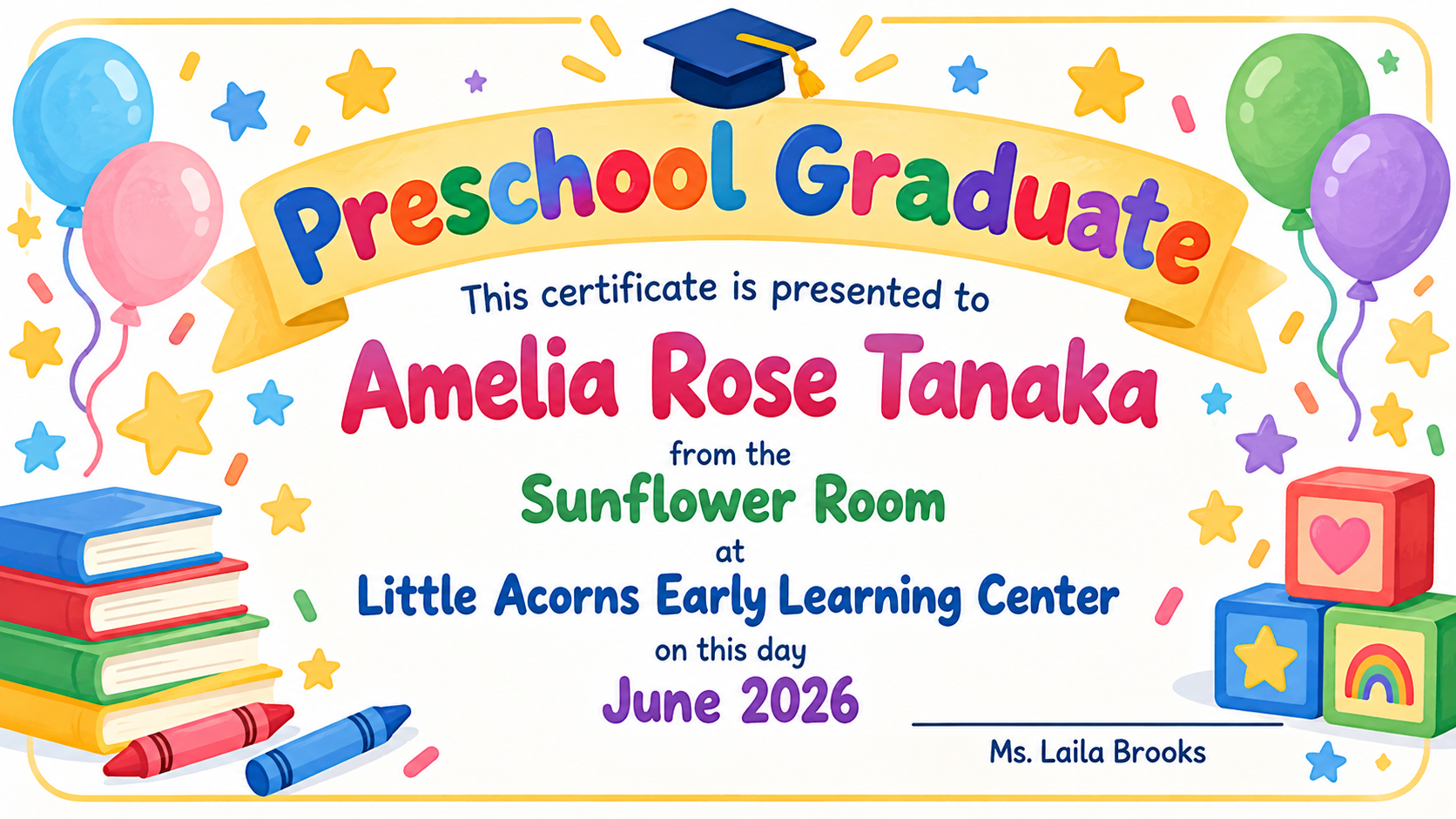
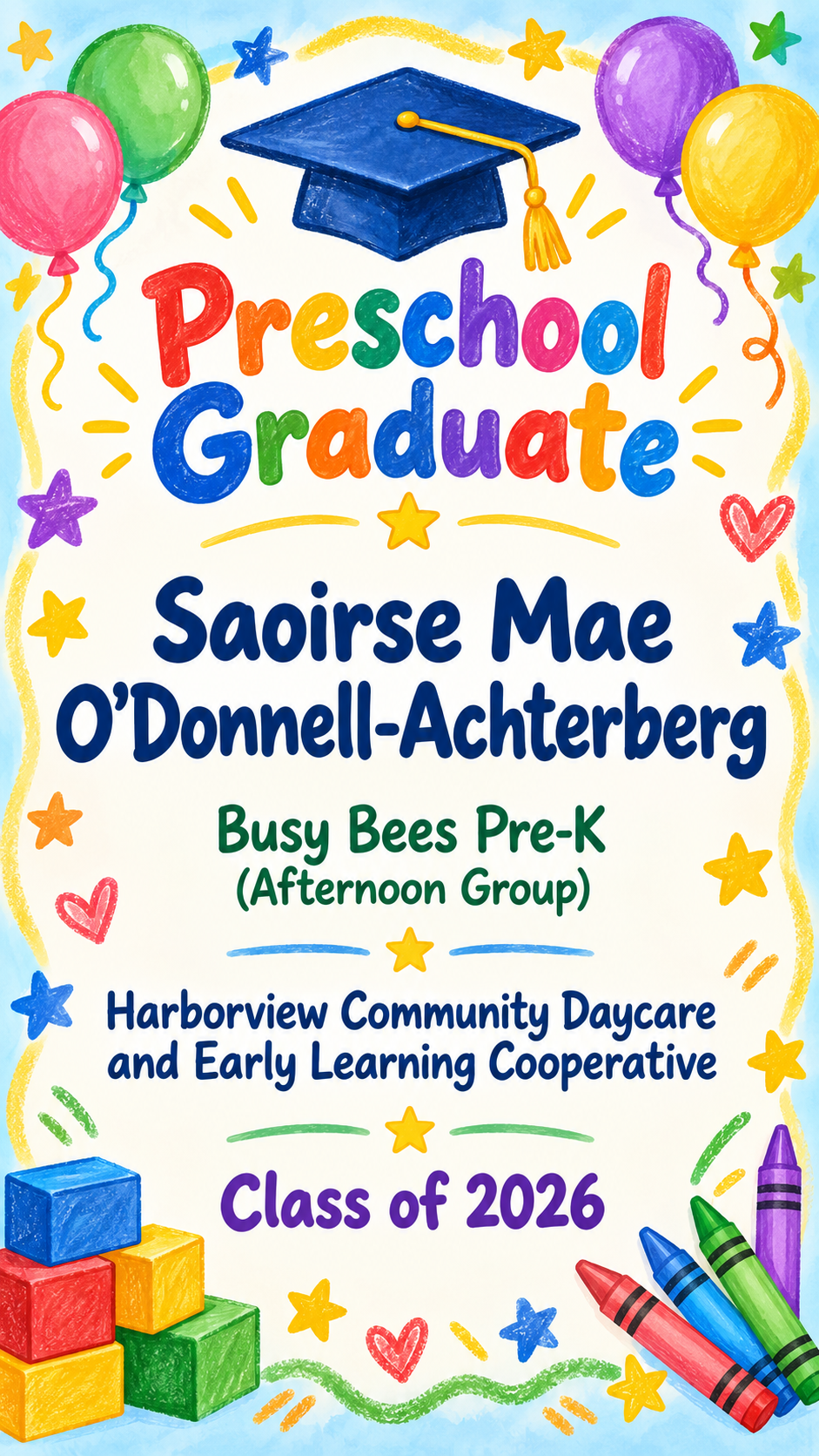
A playful graduation certificate image for a preschool or daycare class, with the child's full name, class, school and year. Made for keepsakes and classroom celebrations.
One generated keepsake certificate image with the child's full name, class, school and year, framed by child-friendly illustrations. It is a memento, not a school record. Check the spelling of every name before printing it for families.
Four-part name with an apostrophe, long daycare name, no teacher, portrait
Child's full name
Saoirse Mae O'Donnell-Achterberg
Class or group
Busy Bees Pre-K (Afternoon Group)
Preschool or daycare name
Harborview Community Daycare and Early Learning Cooperative
Graduation year or date
Class of 2026
Teacher's name (optional)
Left empty
An Irish first name, an apostrophe and hyphen in the surname, brackets in the class name and no teacher. Checks the full name survives exactly and no signature line appears without a teacher.
Same task, three directions
Pick a direction to start from.
01
Crayons and stars
Primary colors, a crayon border and small stars. The classic cheerful look for a classroom ceremony.
02
Soft pastel keepsake
Gentle pastels and a watercolor feel for a certificate families will frame at home.
03
Little builders
Building blocks and a tiny mortarboard sitting on top, for a playful layout that still keeps the name large.
What the template keeps
The parts that stay consistent.
01
The child's name comes first
The full name is the largest text, so parents and children can find it straight away.
02
Illustrations, not portraits
Decorations are objects and shapes. No child's face is generated.
03
Keepsake wording
No grades, assessments or report-card comments are added to the certificate.
How to use it
From details to a result.
01
Enter the child's full name
Type it the way the family spells it, including middle names and accents. It is the biggest line on the certificate.
02
Add class, school and year
Use the class name the children know, like "Sunflower Room", and the year or date of the ceremony.
03
Choose a style and format
Add a teacher's name if you want a signature line, pick a direction, then open the brief in Vizify and send it when ready.
04
Proofread each name before printing
Check the spelling with a class list. Ask for a fix in the conversation if a letter drifted.
Output boundaries
What to check before you use it.
AI text can contain spelling mistakes. Check every child's name against your class list, particularly unusual spellings and apostrophes.
This is a keepsake image, not an official school record or diploma, and it has no school crest or seal.
One request makes one certificate. A class of eighteen children means eighteen requests with the same direction.
Do not upload photos of children. This template has no reference upload and does not draw real children.
The image is not sized for a particular paper and has no print bleed. Check how it prints before making copies.
QuestionsCan I make preschool certificates for the whole class?+
Yes, one child at a time. Run the template once per child with the same class, school, year and direction, changing only the name, then proofread each certificate against your class list.
Does it work as a daycare graduation certificate or for pre-K?+
Yes. Enter the daycare or pre-K program name as the school and the group name as the class. The wording and decorations stay the same.
Can I add my child's photo?+
Not in this template. It uses illustrations instead of faces. If you want a photo, place the printed certificate next to one in a frame or scrapbook.
Is this an official graduation certificate for preschool?+
It is a keepsake. It is not a transcript, diploma or record issued by an education authority, and it does not carry official seals.
How do I keep the text readable for young children and grandparents?+
Keep the class and school names short where you can, and avoid adding extra lines in Additional direction. The template already uses large rounded lettering on a calm background.