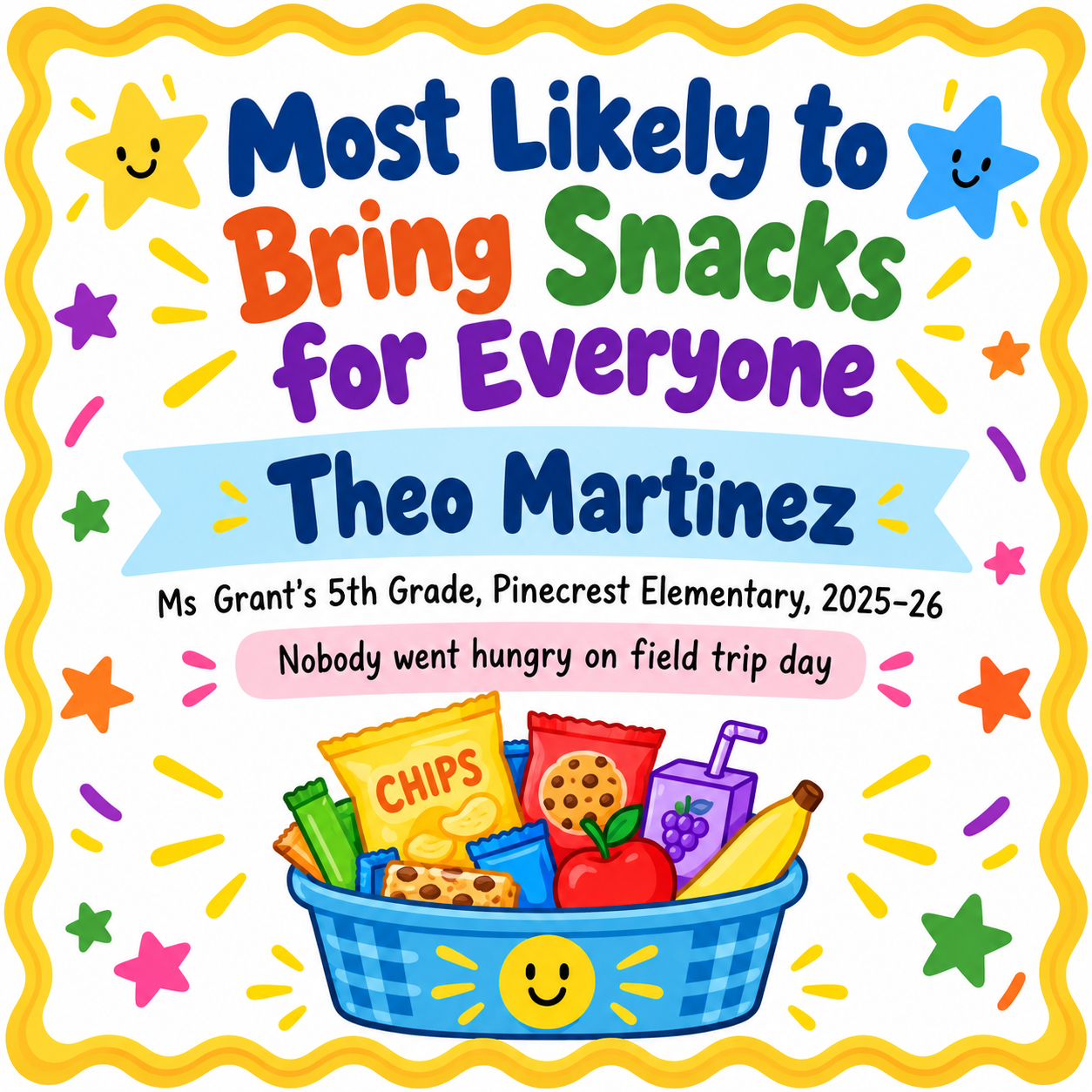
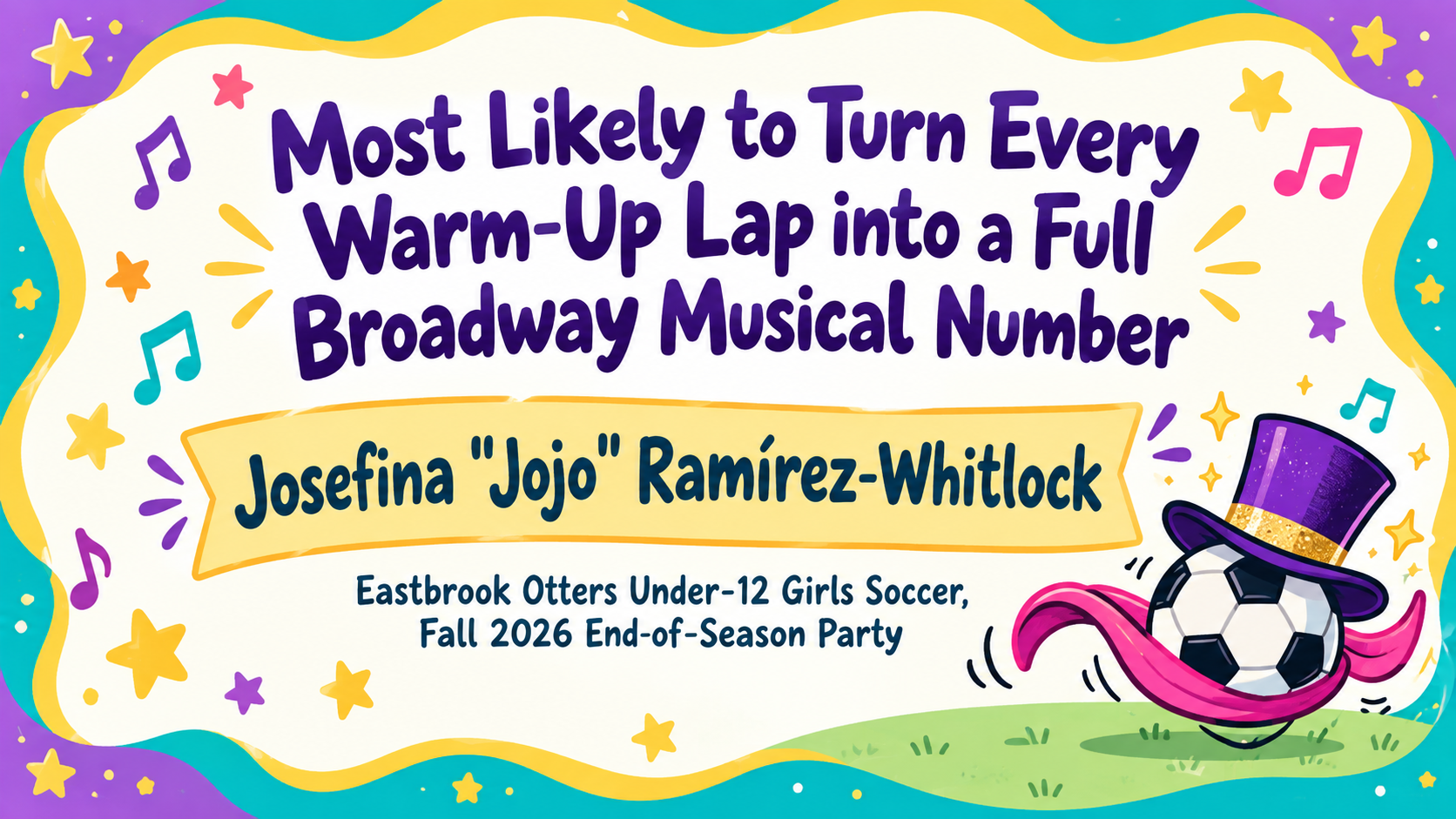
One generated award certificate with your superlative title, the recipient's name and the class, team or event, plus a small illustration that fits the award. Keep awards kind, and check the title and name spelling before printing.
Very long award title for a sports team, no note, wide
Superlative title
Most Likely to Turn Every Warm-Up Lap into a Full Broadway Musical Number
Recipient's name
Josefina "Jojo" Ramírez-Whitlock
Class, team or event
Eastbrook Otters Under-12 Girls Soccer, Fall 2026 End-of-Season Party
Short note (optional)
Left empty
A 73-character award title, a nickname in quotation marks and no note. Checks that the title wraps cleanly, the quotation marks and accent survive, and no joke is added to fill the empty note.
Same task, three directions
Pick a direction to start from.
01
Classroom "Most likely to"
Bright colors and doodled stars for end-of-year class superlatives, easy to print and hand out in a stack.
02
Team end-of-season awards
A varsity-style layout with jersey lettering and a ribbon, for sports teams, bands and clubs.
03
Office party superlatives
A tidy, grown-up design for workplace awards like "Best Desk Plant", playful but still work-appropriate.
What the template keeps
The parts that stay consistent.
01
The award is the headline
The superlative title gets the biggest type, because it is what people read and laugh at first.
02
Kind by default
Awards that could hurt feelings get a kinder suggestion instead of a certificate.
03
Icons, not caricatures
The illustration matches the award theme without drawing the recipient.
How to use it
From details to a result.
01
Write a kind award title
Pick something the recipient will be proud to hang up, like "Most Likely to Start a Dance Party". It is printed as written.
02
Add the name and the group
Enter the recipient's name and the class, team or event so the certificate makes sense years later.
03
Add a short note if you like
One line of context makes a certificate more personal. Leave it empty for a cleaner look.
04
Review, send and check the spelling
The brief opens in Vizify first. After generating, check the award title and name before printing.
Output boundaries
What to check before you use it.
Long, pun-heavy award titles are where AI text errors happen. Proofread every certificate, and keep titles under about ten words when you can.
Each request creates one certificate for one person. A full set of class superlatives means one request per award.
Illustrations are generic icons chosen from the award text, not portraits or inside jokes the model cannot know.
The result is an image, not an editable Word or PDF superlatives template, and it has no print bleed.
QuestionsWhat are good superlative ideas that won't hurt anyone's feelings?+
Build them around strengths and habits people are happy to own, such as kindness, humor, hobbies or a signature snack. Avoid anything about looks, grades or home life. If a title reads as a jab, the template suggests a friendlier version first.
Can I make a superlatives certificate for every student in my class?+
Yes, one per request. Keep the same direction and group line, and change the award title and name each time. Check every result, because long titles can drift between runs.
Is there a superlative certificate template for sports teams or the office?+
This one covers both. Choose Team end-of-season awards or Office party superlatives as the direction, and enter the team or party name in the class, team or event field.
Can the certificate include a picture of the student?+
No. It uses a small cartoon icon linked to the award instead of a portrait. That keeps it fun and avoids drawing a real child.
Can I use nicknames?+
Yes. Type the name exactly as it should appear, including quotation marks around a nickname. Check that the punctuation came through correctly.