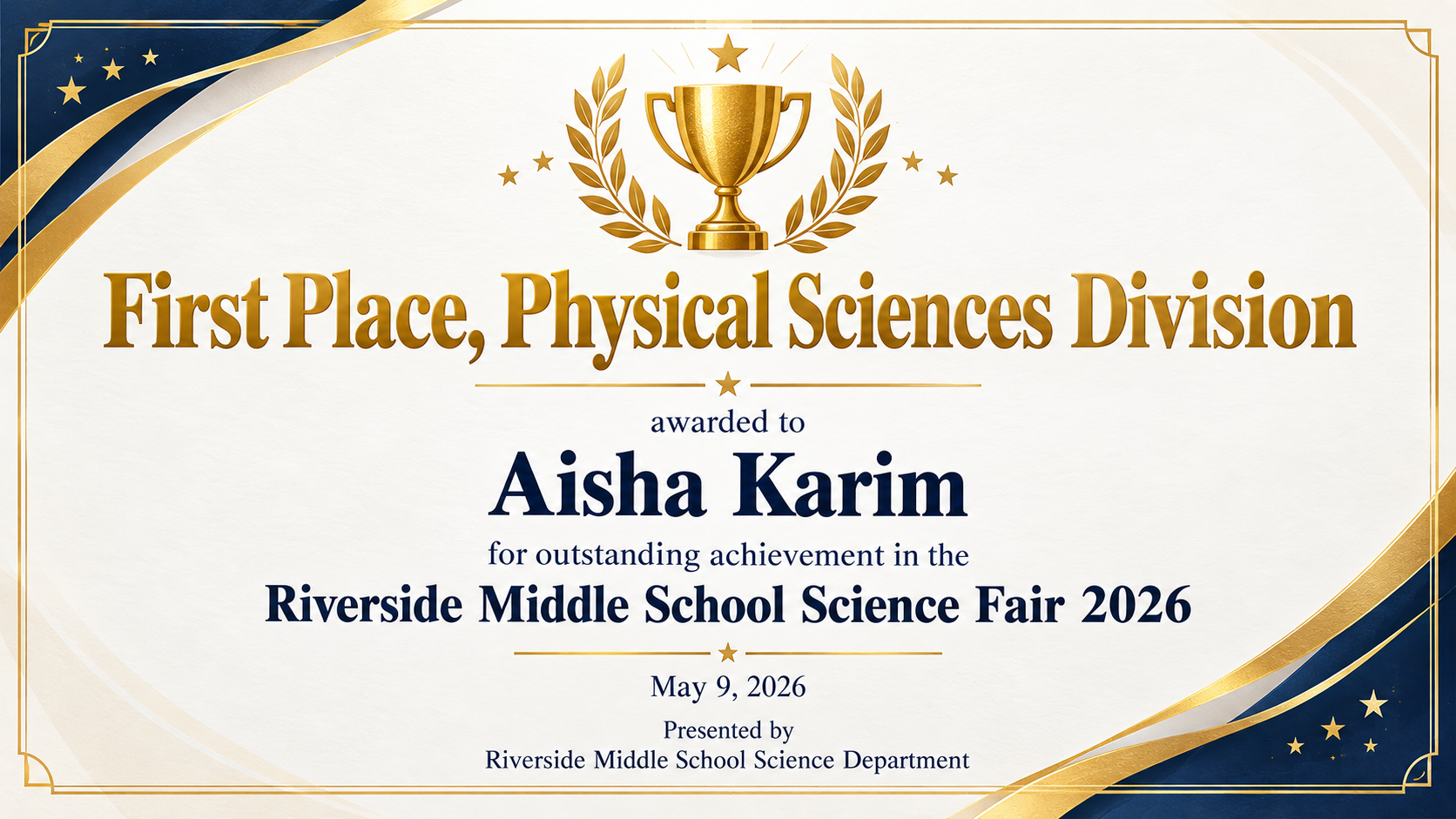
Celebrate a contest result with a certificate image that states the winner, the competition, the exact place or award and the date. For school, club and community contests.
One generated winner certificate image with the winner's name, the competition, the exact place or award and the date. The award wording and placing are reproduced as supplied. Check them against your results sheet before presenting.
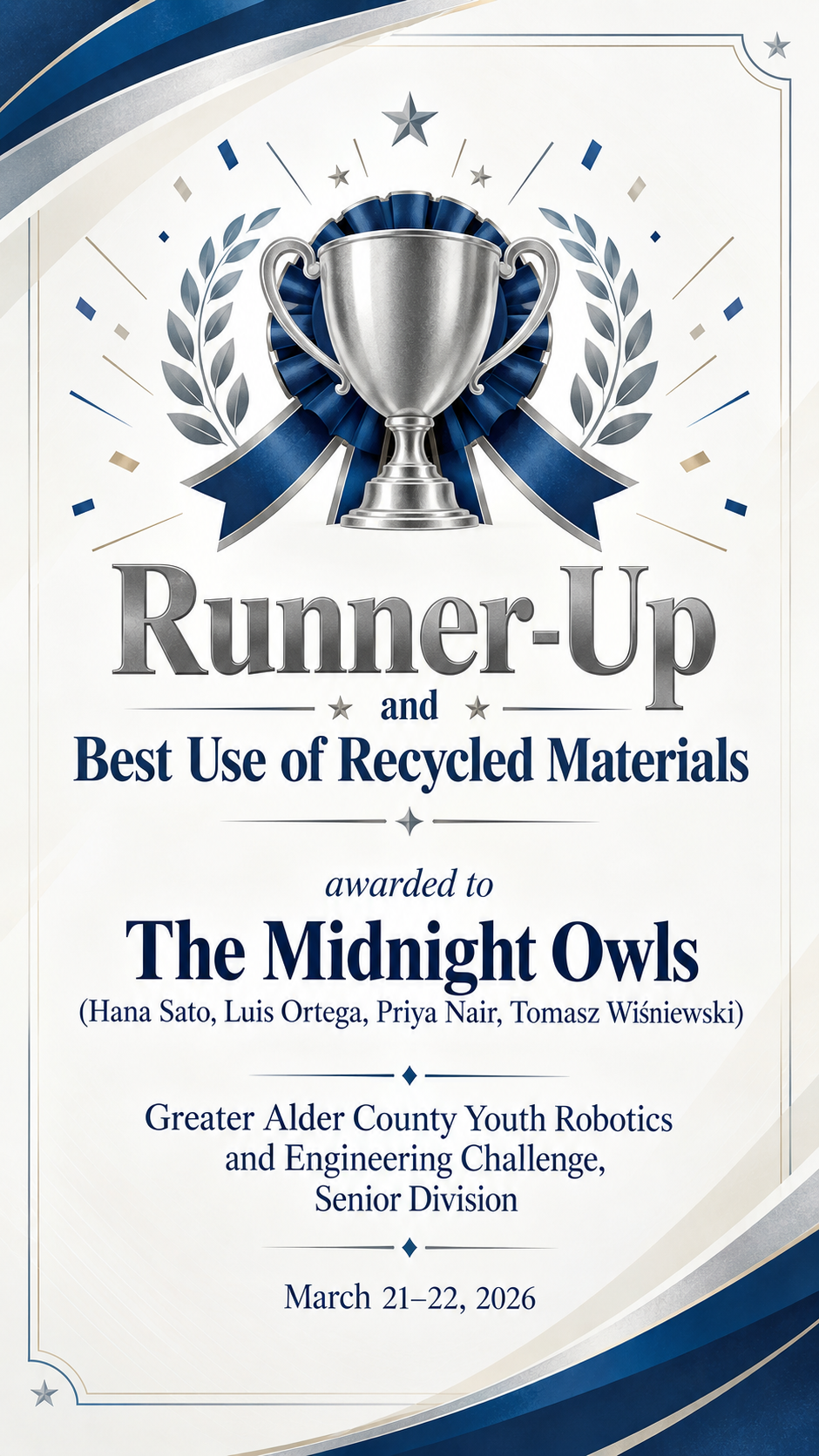
Team winner with member names, category award, no presenter
Winner's name or team
The Midnight Owls (Hana Sato, Luis Ortega, Priya Nair, Tomasz Wiśniewski)
Competition
Greater Alder County Youth Robotics and Engineering Challenge, Senior Division
Place or award
Runner-Up and Best Use of Recycled Materials
Date
March 21–22, 2026
Presented by (optional)
Left empty
A team name with four member names in brackets, two awards in one line and no presenter. Checks that silver or neutral decoration is used rather than gold, that every member name stays readable, and that no presenter is invented.
Same task, three directions
Pick a direction to start from.
01
Trophy gold classic
A trophy illustration and gold foil-style border for first-place results at a school or club competition.
02
Bold sports and esports
Dark background, angular shapes and strong type for tournaments, races and gaming competitions.
03
Academic ribbon
A rosette ribbon and a restrained layout for spelling bees, debates, science fairs and art contests.
What the template keeps
The parts that stay consistent.
01
The result is the headline
The place or award is the largest element, because that is what the winner will look for.
02
Decoration matches the place
Gold, silver and bronze treatments follow the placing you wrote, and are never upgraded.
03
No borrowed authority
No federation emblems, seals or judges' signatures are added to the design.
How to use it
From details to a result.
01
Enter the exact place or award
Copy it from your results sheet, such as "Second Place" or "Best in Show". It becomes the headline, so spelling matters.
02
Add the winner and competition
For a team, add the team name and, if you like, the members in brackets.
03
Add the date and optional presenter
Upload a competition logo if you have one and choose a format. The brief opens in Vizify and runs only when you send it.
04
Check the placing before presenting
Compare the award, names and date with your official results, then ask for corrections in the conversation.
Output boundaries
What to check before you use it.
AI-rendered text can contain errors. Check the award, the placing and every name against your results before presenting.
The certificate is a celebratory image, not an official record, ranking or proof of eligibility for another competition.
One image per request. Certificates for first, second and third place are three requests.
Long team member lists become small. For more than four members, consider listing only the team name.
The output is a raster image with no editable layers, and aspect ratios are directions rather than print sizes.
QuestionsCan I make certificates for first, second and third place?+
Yes, one per request. Keep the same direction and competition, change the winner and the place each time, and the decoration follows the place you type.
Can the winning certificate carry an official seal or league logo?+
The template does not invent seals or federation emblems. If you run the competition and have your own logo, upload it and the design places it at the top.
Does it work for a team rather than one person?+
Yes. Put the team name in the winner field and, if you want, the member names in brackets after it. Very long lists get small, so check that each name is legible.
What if the result was an honorable mention or a category award?+
Type it exactly, such as "Honorable Mention" or "Best Design". The certificate uses neutral colors rather than gold for awards that are not a numbered place.
Can I add the score or prize money?+
Add it in Additional direction exactly as it should read. The template never adds scores, points or prizes on its own.