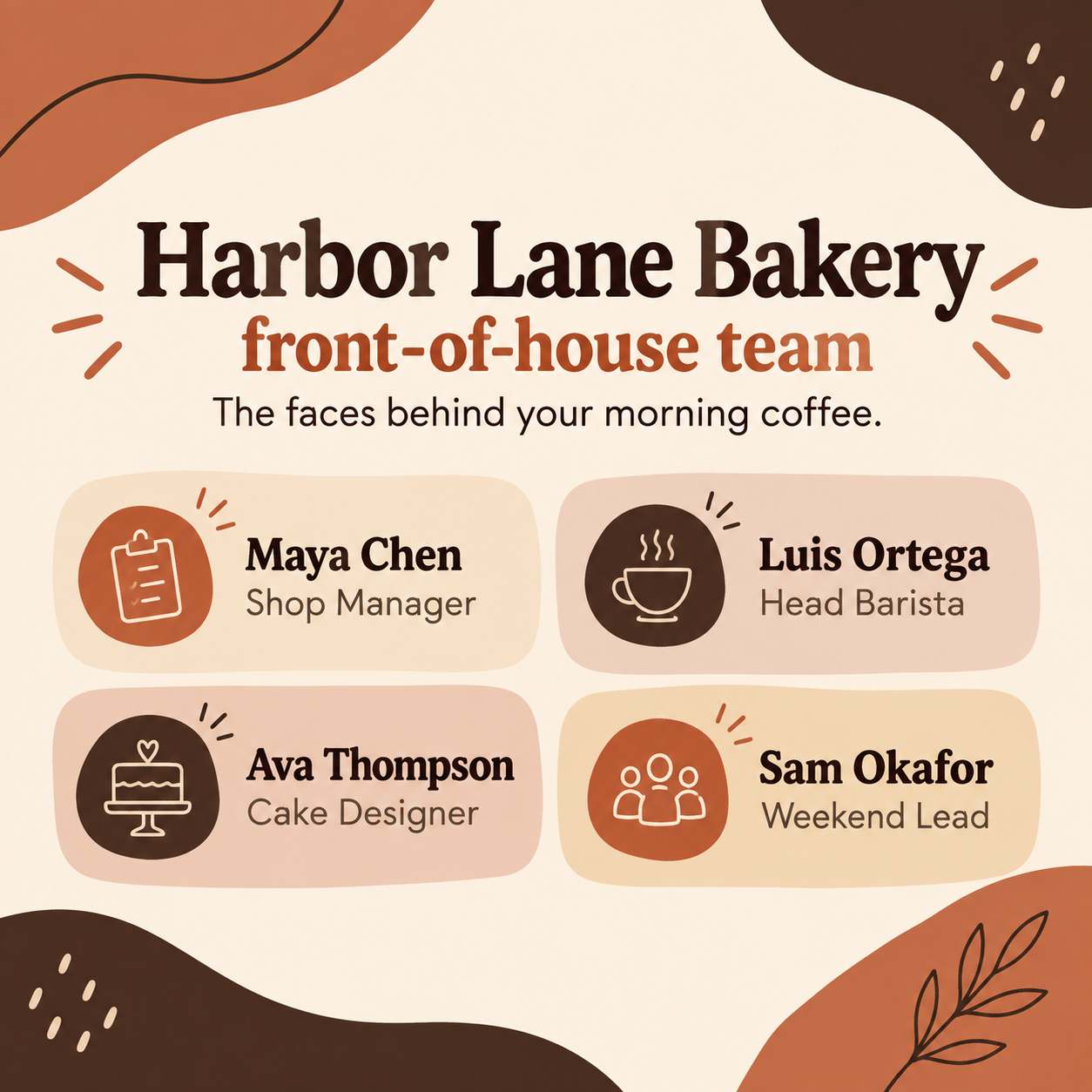
Meet the team post from one group photo or name cards.
Introduce a team, staff or club officers in one social image with names and roles, built around a single group photo or, without one, simple name cards.
One generated introduction image with the team name, each person's name and role, and an optional intro line, built around one group photo if you add it or around name cards if you don't. Check every name and role, and expect faces from a photo to shift.
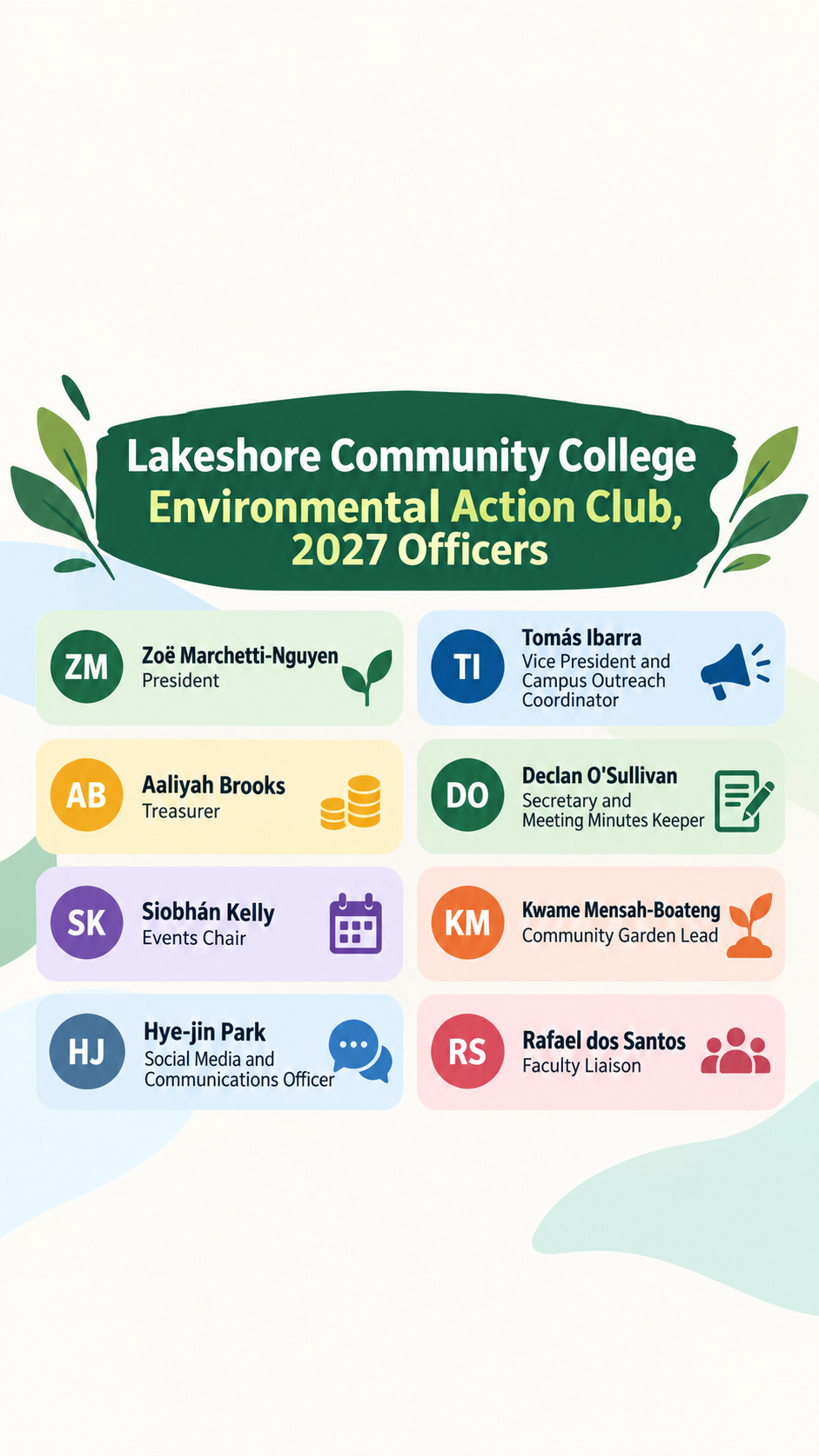
Student club officers, eight long titles and accented names, no photo
Team, club or group name
Lakeshore Community College Environmental Action Club, 2027 Officers
Names and roles, one person per line
Zoë Marchetti-Nguyen, President
Tomás Ibarra, Vice President and Campus Outreach Coordinator
Aaliyah Brooks, Treasurer
Declan O'Sullivan, Secretary and Meeting Minutes Keeper
Siobhán Kelly, Events Chair
Kwame Mensah-Boateng, Community Garden Lead
Hye-jin Park, Social Media and Communications Officer
Rafael dos Santos, Faculty Liaison
Short intro line (optional)
Left empty
Brand or club colors (optional)
Left empty
Eight officers with accented, hyphenated and apostrophe names, long titles, no photo, intro or colors. Checks that no faces are invented, each name stays with its role, and the post asks before shrinking text to fit.
Same task, three directions
Pick a direction to start from.
01
Group photo spotlight
Your group photo fills the top of the post with names and roles in a tidy panel underneath. The simplest meet the team graphic.
02
Name-card grid
No photo needed. Each person gets a card with initials and a small role icon, which suits new teams and privacy-minded staff.
03
Meet the officers
A bold, school-spirited layout for student clubs and associations introducing a new board at the start of the year.
What the template keeps
The parts that stay consistent.
01
Names tied to roles
Request each complete name beside its own role, then check every name, accent, hyphen and role association in the actual image.
02
One photo, or none
Request a layout around one supplied group photo; without a photo, request name cards without invented portraits. Inspect the actual result.
03
Room for everyone
Request readable names and titles. If the roster will not fit, approve a subset or separate posts before generating; do not silently drop people or shorten roles.
How to use it
From details to a result.
01
Name the team
The team, department or club name becomes the heading.
02
List each person and role
Write one person and role per line exactly as they should appear. Four to eight people is a useful starting point; inspect readability and keep every person with their role.
03
Add a group photo if you have one
Use one group photo everyone has agreed to share, if you have one. Without a photo, request name cards and inspect the image for invented faces.
04
Review, generate and check names
The brief opens in Vizify before it runs. Ask each person to confirm their name and role before you post.
Output boundaries
What to check before you use it.
One reference photo is supported. Laying out separate headshots for each person is not part of this template.
Faces from the photo are redrawn and may not look exactly like your team. Only use photos everyone has agreed to share.
Generated text can contain mistakes. Check every name, accent and role before posting.
Beyond about eight people, or with long roles, the roster may be hard to read. Approve a subset or several separate posts before generating and inspect every name and role.
Each request makes one image. A carousel with one person per slide means one request per slide, and Vizify does not post it.
Format and safe-area instructions are requests. Inspect the actual image, all name/role pairs and the destination crop; exact pixels, margins and text placement are not guaranteed.
QuestionsCan I upload a separate headshot for each team member?+
No. This template takes one photo. Use a group photo, or make one post per person with their own photo in separate requests.
Can I make a meet the officers Instagram post for a student club?+
Yes. Supply the club and year as the team name and list every officer with their title. Without a photo, request a roster with no faces, then check the complete names, roles and actual image.
Will people look exactly like they do in the photo?+
Not exactly. The photo guides the scene, but faces are redrawn. If exact likeness matters, post the original photo with a caption instead.
Can I print it as a team poster?+
The tall direction works on a noticeboard, but it is one image, not a print-ready file. Resize it to your paper size separately.
Can I use it for a series of meet the team social media posts?+
Yes. Run the template once per group or per person with the same colors in the additional direction, so the posts look consistent.