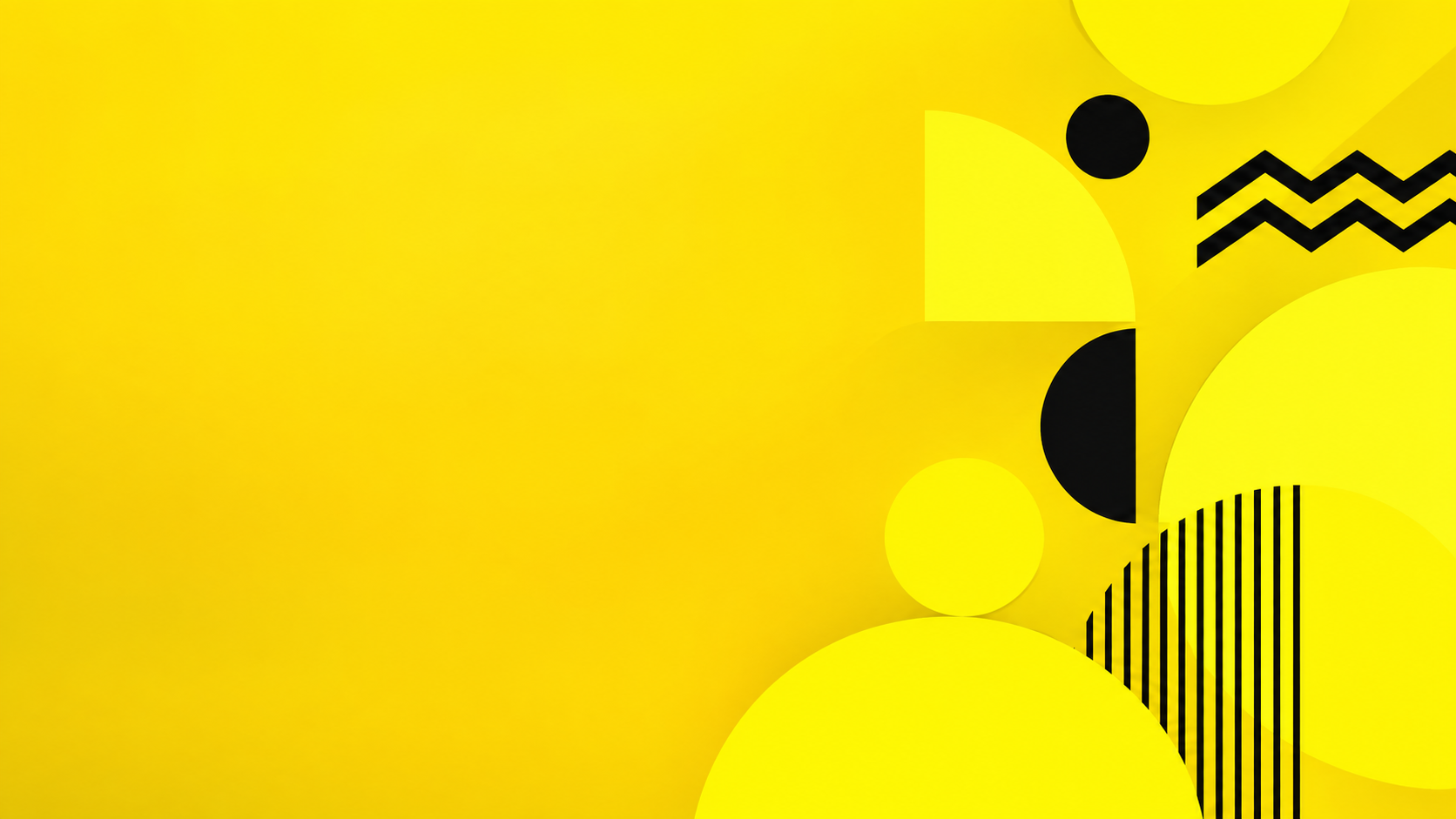
One generated yellow wallpaper, either warm and natural or bright and geometric, with a slightly deeper, calmer area behind your icons so labels stay readable. Check how it looks behind your icons once it is set.
Neon lemon with a busy geometric pattern and no contrast direction
Yellow tones
Neon lemon yellow only
Elements (optional)
Bold stacked circles, half circles and zigzag stripes all over the screen, with a black accent
Icon side and contrast (optional)
Left empty
A very bright single yellow with a busy all-over pattern and no contrast direction. Checks that a calmer, slightly deeper area still appears on the icon side, the black accent stays an accent, and shapes stay out of the dock area.
Same task, three directions
Pick a direction to start from.
01
Warm sunflower light
Honey and butter tones with sunflowers and soft sunlight, warm and natural.
02
Bright geometric
Lemon yellow with simple bold shapes and one accent color, graphic and cheerful.
03
Soft butter gradient
A plain gradient from pale butter to warm mustard, the most restful yellow option.
What the template keeps
The parts that stay consistent.
01
Readable icon area
A slightly deeper, calmer yellow behind the icons keeps labels legible.
02
One yellow mood
Warm and natural or bright and graphic, never both at once.
How to use it
From details to a result.
01
Name your yellows
Two or three tones, such as butter, honey and mustard, or a single bright lemon.
02
Pick natural or geometric
Sunflowers, lemons and sunlight, or circles, stripes and blocks. Leave it empty for a simple gradient feel.
03
Say where icons sit
That side stays calmer and a little deeper in tone so labels stay readable.
04
Set it and check the icons
Set it as your wallpaper, look at your icon labels, and ask for a deeper icon area if they are hard to read.
Output boundaries
What to check before you use it.
Bright yellow can make light icon labels hard to read. Check readability after setting the wallpaper and ask for a deeper icon area if needed.
Yellows vary a lot between screens, so the same image can look warmer or greener on another display.
Made in a 16:9 or 9:16 direction, not your screen's exact resolution, so edges may be cropped.
It is a still image, not a live or dynamic wallpaper.
QuestionsWhy do my icons disappear on a yellow computer background?+
Many systems show icon labels in white, which is hard to see on pale yellow. This template keeps the icon area deeper or more muted. If labels are still hard to read, ask for that side to be darker.
Can I make a yellow wallpaper cute instead?+
Yes. Describe small illustrated elements, such as tiny lemons, ducklings or daisies, in the elements field, and keep the yellows soft.
Will a yellow laptop wallpaper fit my screen?+
It is made in a 16:9 direction. Laptops with 16:10 or 3:2 screens crop a little from the sides, so elements are kept away from the edges.
Can I use the same yellow wallpaper on my phone?+
Make a second request with the portrait format and the same yellows. The phone version keeps the top third calm for the clock instead of an icon side.