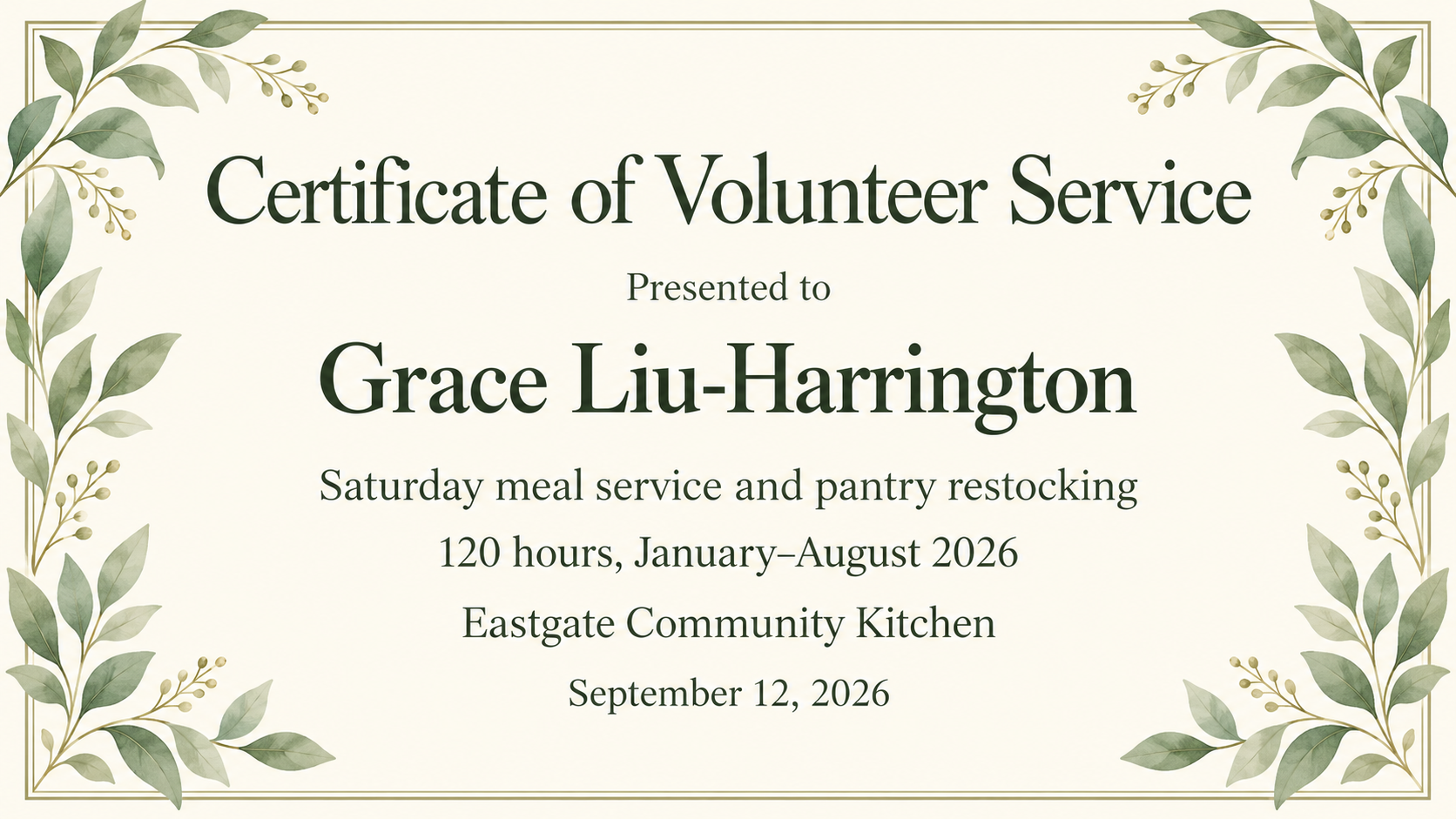
Thank a volunteer with a certificate image naming the program they helped with, your organization and, if you choose, the hours or period you record for them.
One generated certificate image thanking a named volunteer for a specific program, with your organization, the date and any hours you supply. Hours are copied from your entry and never checked or calculated. Proofread the name and numbers before presenting it.
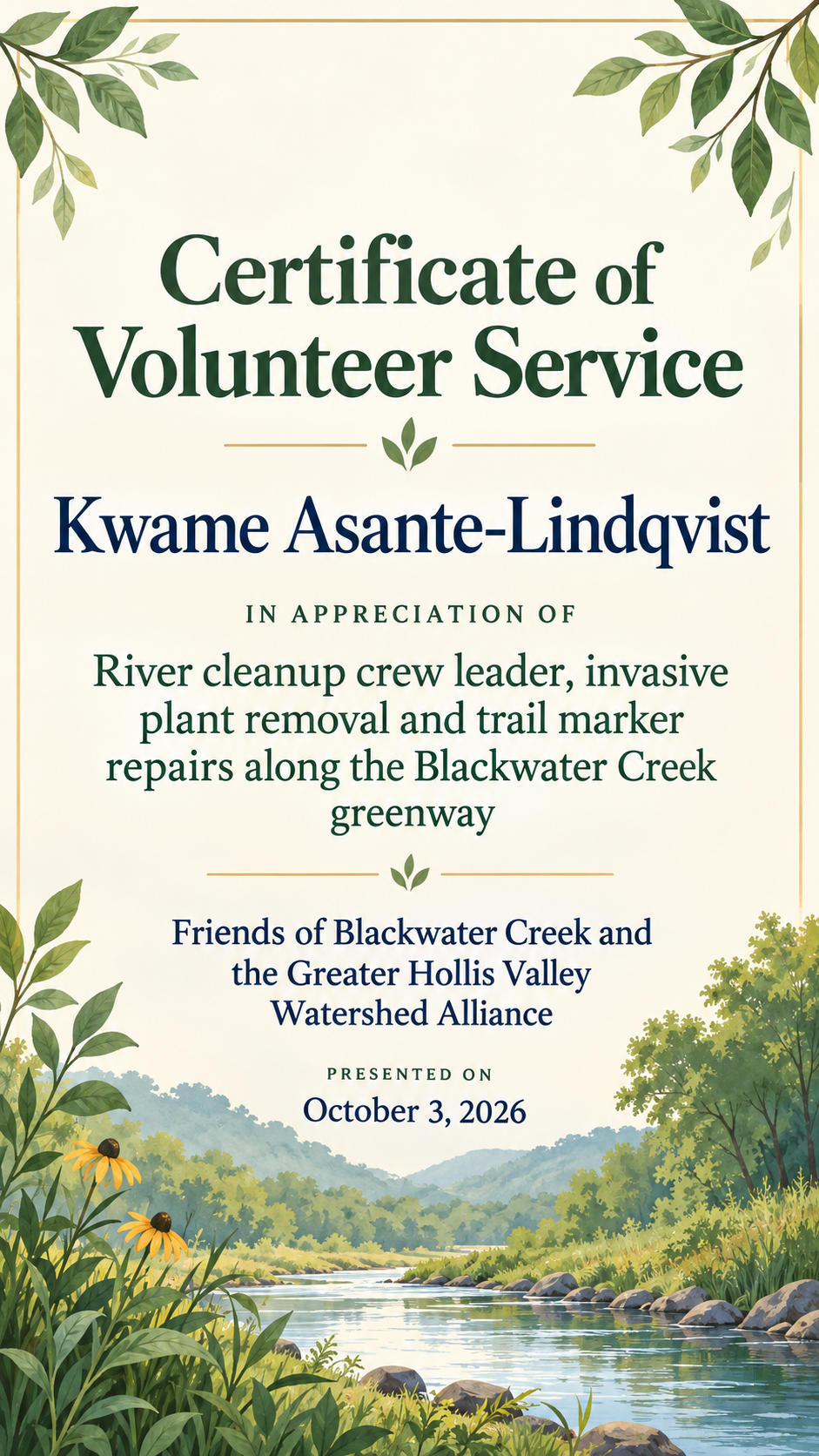
No hours supplied, long program and organization names, portrait
Volunteer's name
Kwame Asante-Lindqvist
Program or project
River cleanup crew leader, invasive plant removal and trail marker repairs along the Blackwater Creek greenway
Hours or period (optional, shown as typed)
Left empty
Organization
Friends of Blackwater Creek and the Greater Hollis Valley Watershed Alliance
Date presented
October 3, 2026
The optional hours field is empty and both names are long. Checks that no hours, blank lines or placeholder numbers appear, and that the long program text wraps rather than being trimmed.
Same task, three directions
Pick a direction to start from.
01
Warm community
Soft greens and a leaf motif for food banks, cleanups and neighborhood groups.
02
Clean nonprofit
A modern, structured look using one brand color, for charities that present certificates at an annual event.
03
Student service
A bright, encouraging layout for student volunteers at school events, libraries or youth programs.
What the template keeps
The parts that stay consistent.
01
Hours exactly as you record them
Your hours or period are display text, without totals, rounding or record verification. Compare the rendered numbers and dates with your input before presenting.
02
Program named, not generic
The certificate says what the volunteer actually did, which makes it more meaningful to keep.
03
Decorations stay at the edges
Leaves, hearts and hands frame the text without crossing names or numbers.
How to use it
From details to a result.
01
Enter the volunteer and program
Name the specific program or project, such as the pantry shift or the cleanup crew, not only "volunteering".
02
Decide whether to show hours
If you track hours, type them exactly as they should read. Leave the field empty to leave hours off the certificate.
03
Add your organization and the date
Upload a logo if you like and pick a format. The brief opens in Vizify for review before anything is generated.
04
Check names and numbers
After generating, compare the name, program, hours and date with your volunteer records and ask for any fixes.
Output boundaries
What to check before you use it.
Vizify does not verify volunteer hours. The certificate shows what you type, so confirm hours against your own records first.
It is not an official service-learning form or a government volunteer record. If a school or program needs its own form signed, use that form.
AI text can contain errors, especially in numbers and long names. Proofread before presenting.
Each request makes one certificate as a single image, not a fillable PDF or an editable file.
A supplied logo is redrawn and may not match your artwork exactly.
QuestionsWill the certificate confirm or add up volunteer hours?+
No. The hours line is copied from what you type. Vizify does not read timesheets, total shifts or verify attendance, so check your records before entering a number.
Can students use a certificate of volunteer service for school requirements?+
Ask the school first. Many schools and programs need their own form signed by a supervisor. This certificate is a thank-you that can accompany that paperwork, not replace it.
What should a volunteer certificate say?+
The volunteer's name, what they helped with, who is thanking them and the date. Add hours or a period only if you track them. One specific program line is more personal than a general thank-you.
How do I make certificates for all our volunteers at the end of the season?+
Run the template once per volunteer with the same direction and organization. Change the name, program and hours each time, and proofread every certificate.
Can I leave the hours off?+
Yes. Leave the hours field empty and the certificate shows only the program, organization and date, with no blank space for a number.