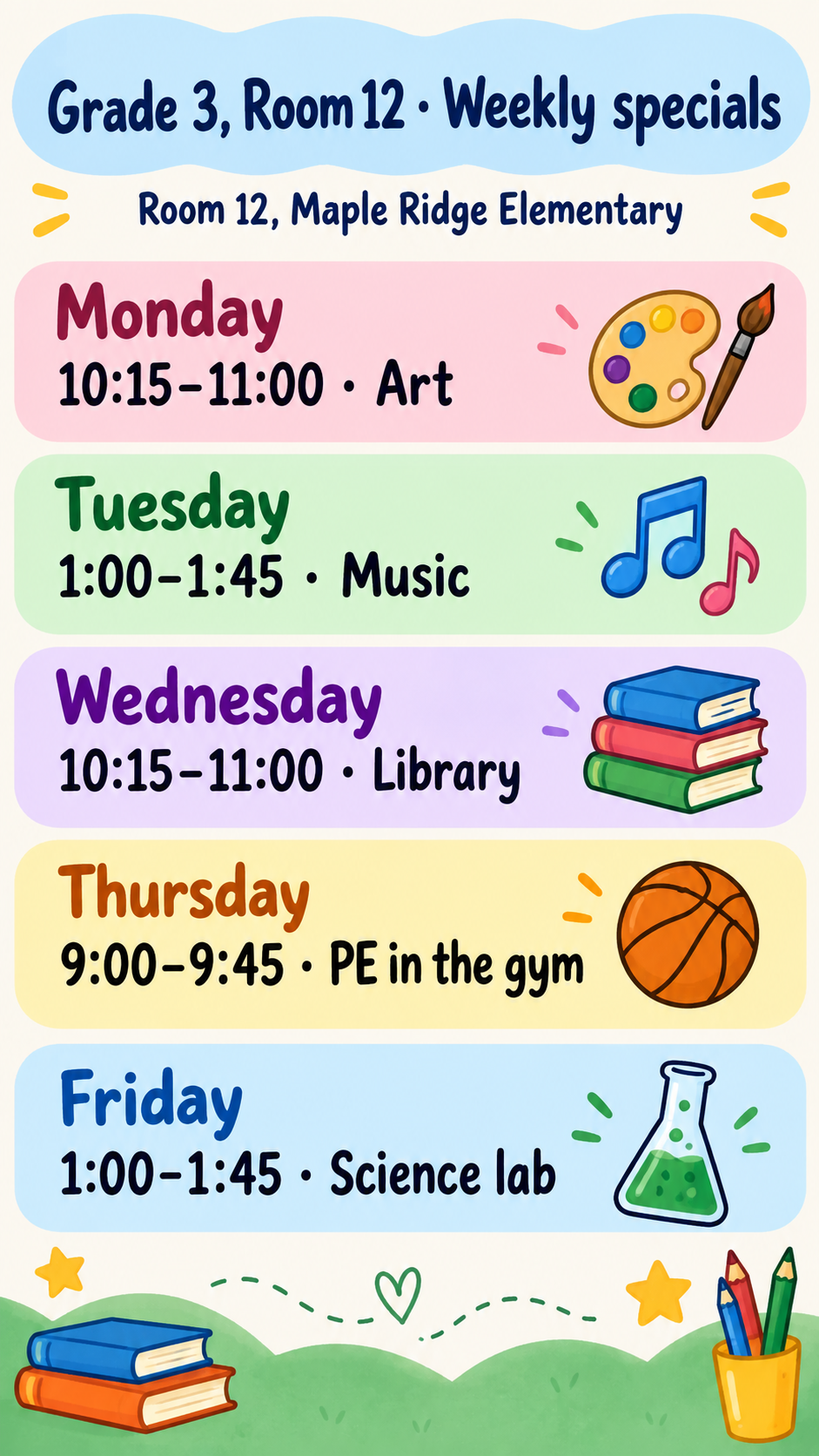
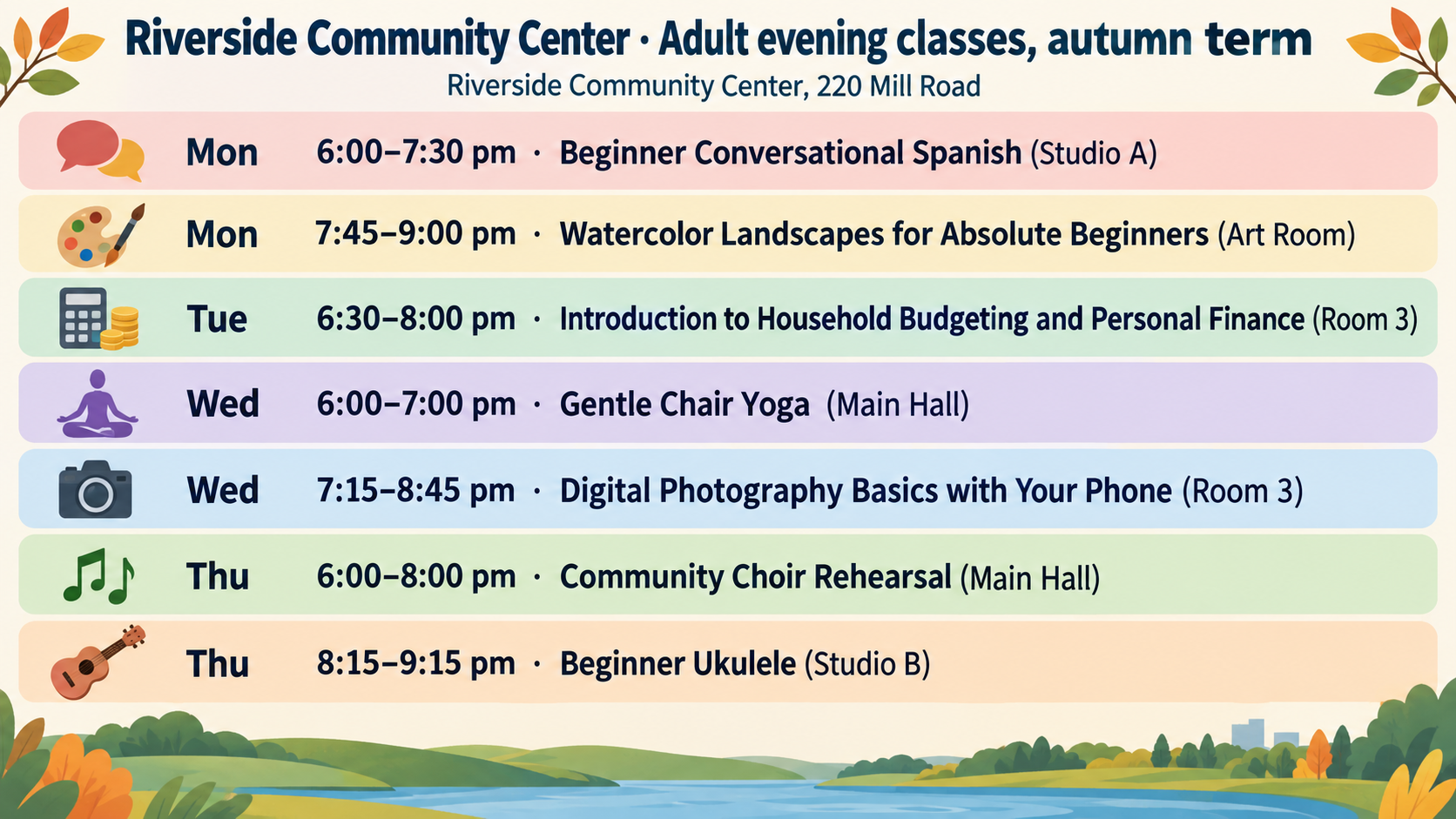
Class schedule poster for a short weekly timetable.
Prepare a poster brief from a short list of classes, times and rooms for a classroom, studio or community board. Check the generated timetable before displaying it.
One generated timetable image. Request one row or tile per session, keeping the supplied days, times, class names and rooms. Compare every cell with your schedule before displaying it.
Seven adult evening classes with long names and their own rooms
Schedule title
Riverside Community Center · Adult evening classes, autumn term
Classes and time slots, one per line
Mon 6:00–7:30 pm · Beginner Conversational Spanish (Studio A)
Mon 7:45–9:00 pm · Watercolor Landscapes for Absolute Beginners (Art Room)
Tue 6:30–8:00 pm · Introduction to Household Budgeting and Personal Finance (Room 3)
Wed 6:00–7:00 pm · Gentle Chair Yoga (Main Hall)
Wed 7:15–8:45 pm · Digital Photography Basics with Your Phone (Room 3)
Thu 6:00–8:00 pm · Community Choir Rehearsal (Main Hall)
Thu 8:15–9:15 pm · Beginner Ukulele (Studio B)
Default room or building
Riverside Community Center, 220 Mill Road
Colors and style (optional)
Left empty
Seven sessions with long course names and a room on every line, and no style direction. Checks that nothing is dropped, merged or reordered, and that every time keeps its pm marker.
Same task, three directions
Pick a direction to start from.
01
Color-coded days
Soft color bands can help distinguish days. Choose this direction, then check the actual text size and contrast where the poster will hang.
02
Subject icon tiles
A grid of tiles with a small icon next to each class, for younger students who are still learning to read the schedule.
03
Quiet noticeboard list
A clean typographic list on off-white, for adult classes, studios and community rooms where a calmer look fits.
What the template keeps
The parts that stay consistent.
01
Your order and times
Ask to keep sessions in your order and times in your format. Check both against the original.
02
One line, one cell
Request a separate row or tile for each session. Check that none were merged, split or omitted.
03
Check at the display size
Request large, evenly spaced cells, then test the actual image at your intended size and viewing distance.
How to use it
From details to a result.
01
Give the schedule a title
Name the class, group or room, such as Grade 3 specials or Tuesday studio classes.
02
List each session on its own line
Day, time and class name, in the order they should appear. Add a room in brackets when it differs from the default.
03
Add the default room and a style
Request the default room or building beneath the title. Choose color bands, subject icons or a quiet list, and check the resulting layout.
04
Check every cell
After generating, compare each day, time and class name with your source schedule and ask for corrections where needed.
Output boundaries
What to check before you use it.
Every cell is AI-rendered text. Check each day, time and class name against your schedule before posting.
Best for a short timetable. Long schedules with many periods become small and error-prone.
The poster is a static image, not a scheduling system, and it will not update when classes change.
It returns one image, not an editable table, spreadsheet or print-ready file.
QuestionsHow many classes fit on one class schedule poster?+
Start with roughly five to ten short lines, then check the actual text size. For a dense timetable, make separate poster requests or use a table document; this template returns an image.
Can I fix one time after the poster is made?+
Ask for the correction in the conversation. Because the image is regenerated or edited, other cells can shift too, so check the whole schedule again afterwards.
Can I include teacher names?+
Add each teacher to the relevant session line. Ask for only the supplied names and check that the generated image has not added or changed any.
Does this work for a dance studio or gym timetable?+
Yes. Any short list of sessions with days, times and rooms works, from dance classes to swim lessons. Use the quiet list style for a calmer look.