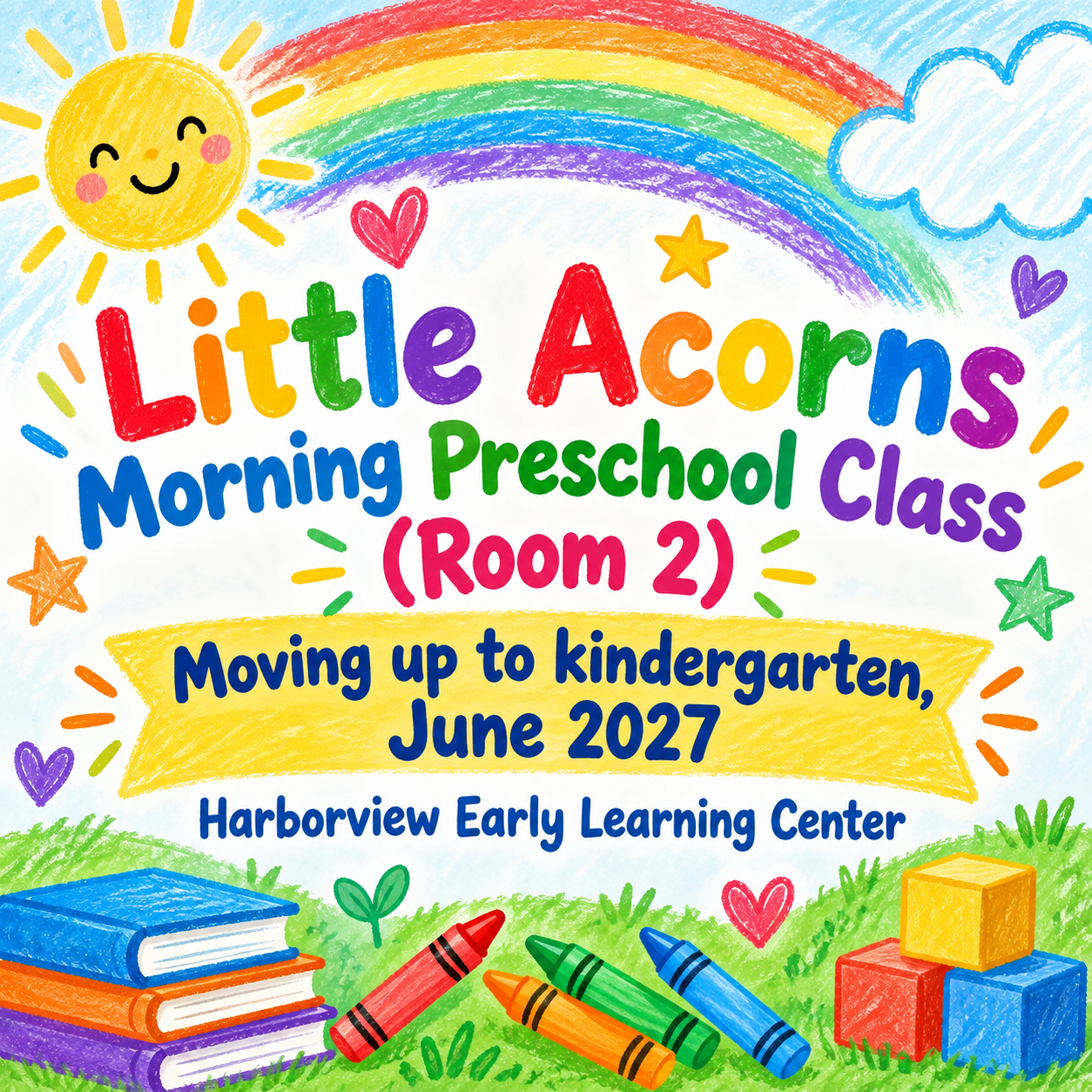
Graduation poster for a graduate or a whole class.
Celebrate one graduate or a whole class with the name, school and year you supply, from preschool to college, and add a photo if you want one on the poster.
One generated graduation image. Request the name or class, year and school, with an extra line only if supplied. An optional photo can guide a framed portrait; compare the wording and likeness before sharing.
A preschool class rather than one child, with no photo, detail or colors. Checks that the playful style is chosen, no child's face is invented, and the class name stays complete, including the room number.
Same task, three directions
Pick a direction to start from.
01
Photo frame
Your uploaded photo in an arch or circle frame with the name beneath, for a graduation photo poster at a party or on a porch.
02
Crayon celebration
A playful kindergarten graduation poster with hand-drawn shapes and bright colors, for a whole class or one child.
03
Formal school colors
A clean, dignified layout in school colors for high school and college graduates.
What the template keeps
The parts that stay consistent.
01
Name and year as typed
Request the supplied name or class, school and year unchanged. Compare every word and number with the input.
02
No invented honors
Request no awards, grades or future plans beyond those supplied. Check for invented details in the result.
03
Age-appropriate style
Playful for little ones, formal for older graduates.
How to use it
From details to a result.
01
Enter the graduate or the class
Type one person's name, or a class or group name for a class poster.
02
Add school and year
Write them the way they should appear, such as Class of 2027 or Moving up to kindergarten.
03
Add a photo if you want one
Upload a clear photo you may use if you want a portrait. Without a photo, request symbolic graduation imagery and check that no realistic face was invented.
04
Check names and likeness
Compare every word and the photo likeness before printing or sharing the poster.
Output boundaries
What to check before you use it.
AI-rendered text can misspell names and schools. Check them before sharing.
A photo guides the likeness, but faces and hair can change. Compare the result with the original photo.
Request no school crests, mascots or logos, and inspect the result for invented emblems. This template does not promise an exact official logo.
This is one digital image, not a print-ready file, yard sign or large-format banner.
QuestionsCan I make a kindergarten graduation poster for the whole class?+
Yes. Enter the class name and leave the photo out. Request playful symbolic illustrations without invented children’s faces, then inspect the result.
How does a graduation photo poster keep my photo?+
Upload one clear PNG, JPEG or WebP up to 10 MB that you have permission to use. Request a separate photo frame, then compare the entire result with the photo; faces and hair can change.
Can I use it as a preschool poster for a moving-up day?+
Yes. Write the year line in your school’s wording, request it unchanged and check it in the image. A moving-up line can be used instead of a graduation year.
Can I print it as a large yard sign?+
The template creates one digital image, not a large-format file. A sign printer may need a higher-resolution file, so check with them and look at the image at full size before ordering.