A black-and-white, sepia or faded photo (required)
Known colors of clothing, objects or places
Color direction
Anything that must stay unchanged
Upload the photo, tell Vizify any colors you know, such as a blue dress or a red front door, and pick a color direction. It returns one colorized image that keeps the people, pose and composition of the original. The colors are an informed estimate, so treat them as an interpretation.
Your photo and notes open in Vizify for review. Nothing runs until you send it.
A black-and-white, sepia or faded photo (required)
Known colors of clothing, objects or places
Color direction
Anything that must stay unchanged
One colorized image artifact
Revisions on request, such as changing one object's color
The edit is asked to change color only and to protect faces, pose and framing. It is still a generative edit, so small details can shift; compare the result with the original side by side.
Tell Vizify the colors you know from family stories, notes on the back or other photos, and they are applied instead of estimated.
A black-and-white photo records brightness, not hue. Where you give no color, Vizify picks a plausible one, and the result should be shared as a colorized interpretation.
If the car should be dark green or the sky is too blue, ask for that single change in the same conversation rather than starting again.
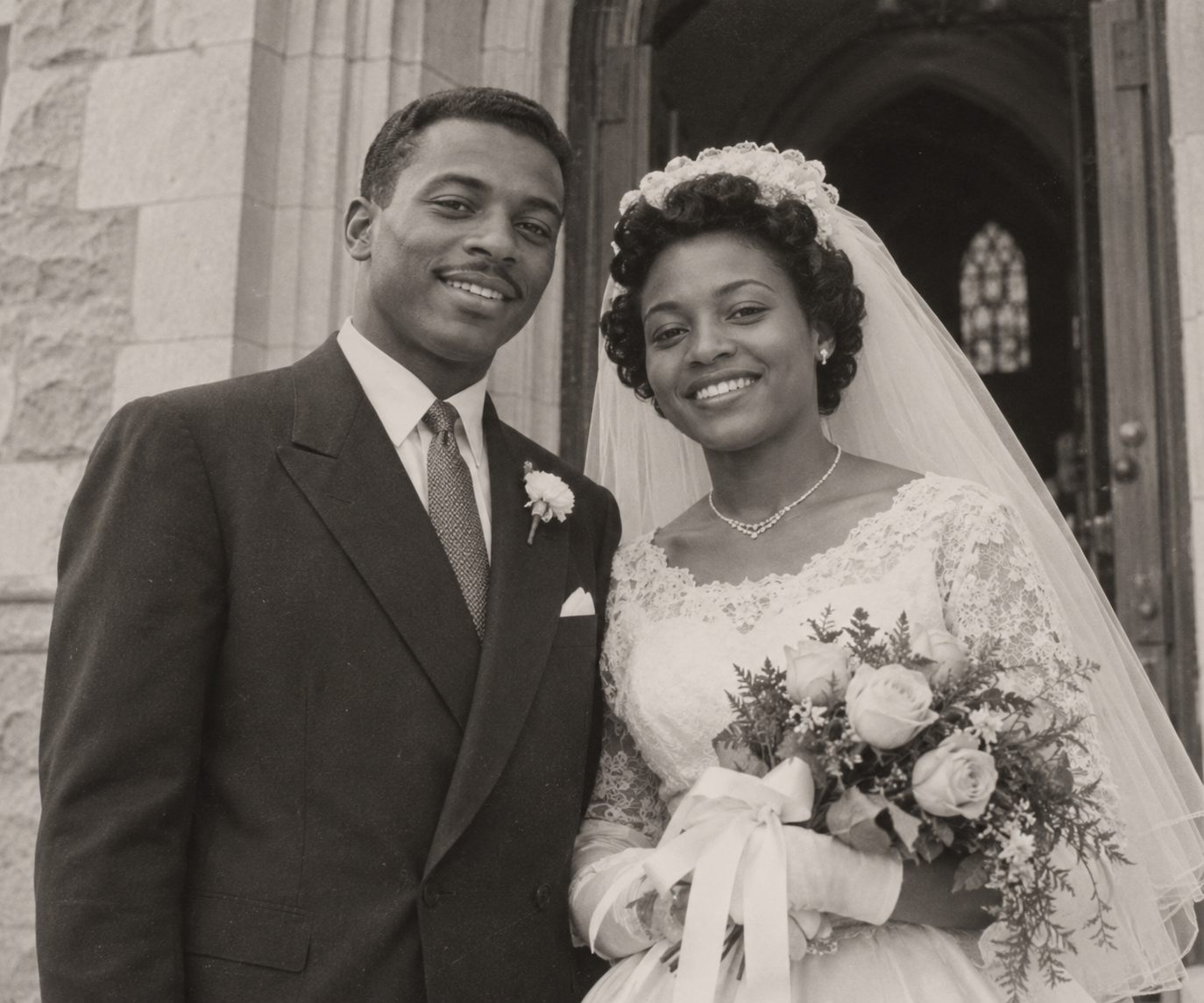
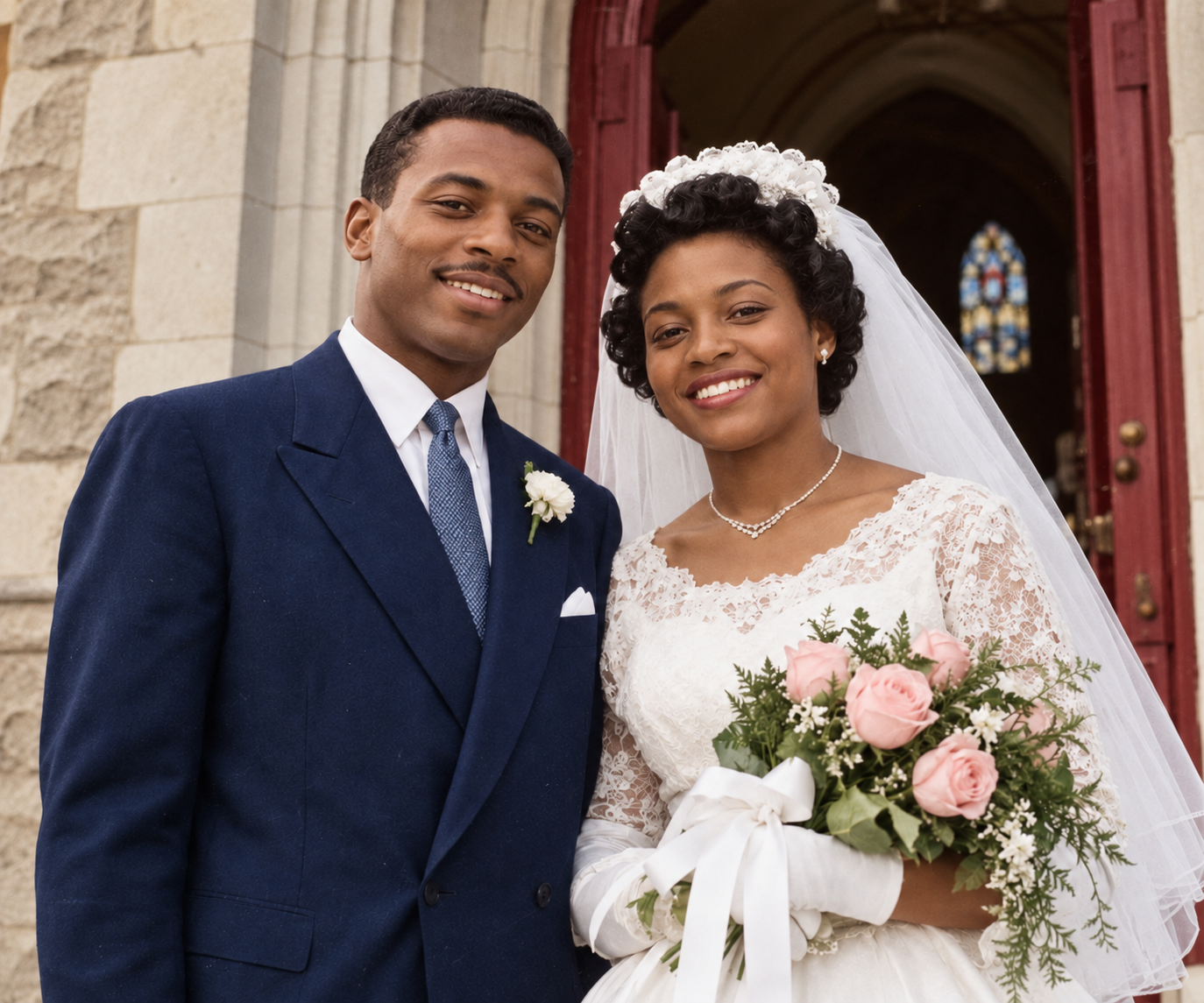
Colorize this black-and-white wedding portrait of my grandparents, Ruth and Samuel Adeyemi, taken outside their parish church in 1956. Known colors: Ruth's bouquet was pale pink roses with a white ribbon, Samuel's suit was navy, and the church door was dark red. Keep their faces, expressions and the framing exactly as they are. Color direction: natural.
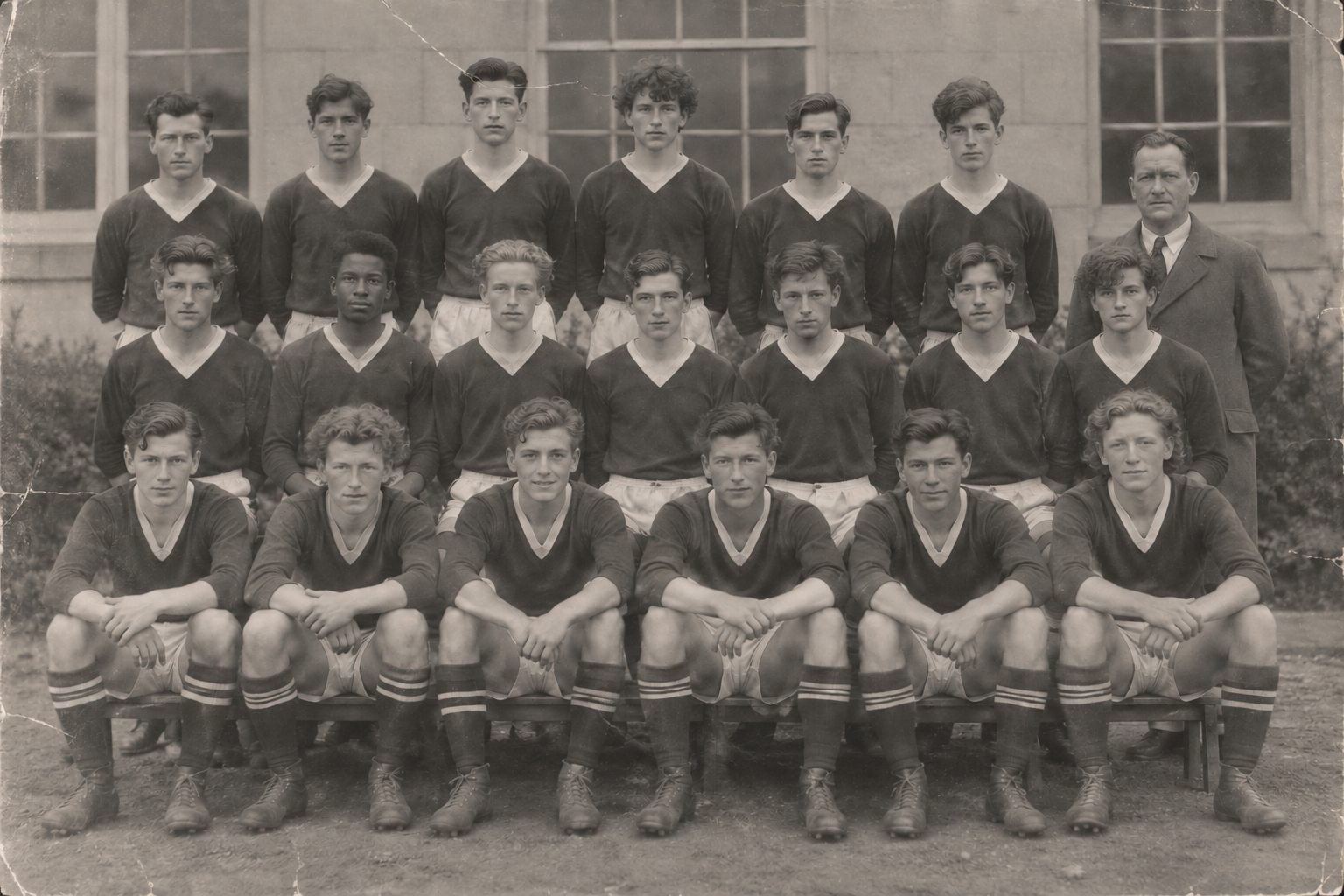
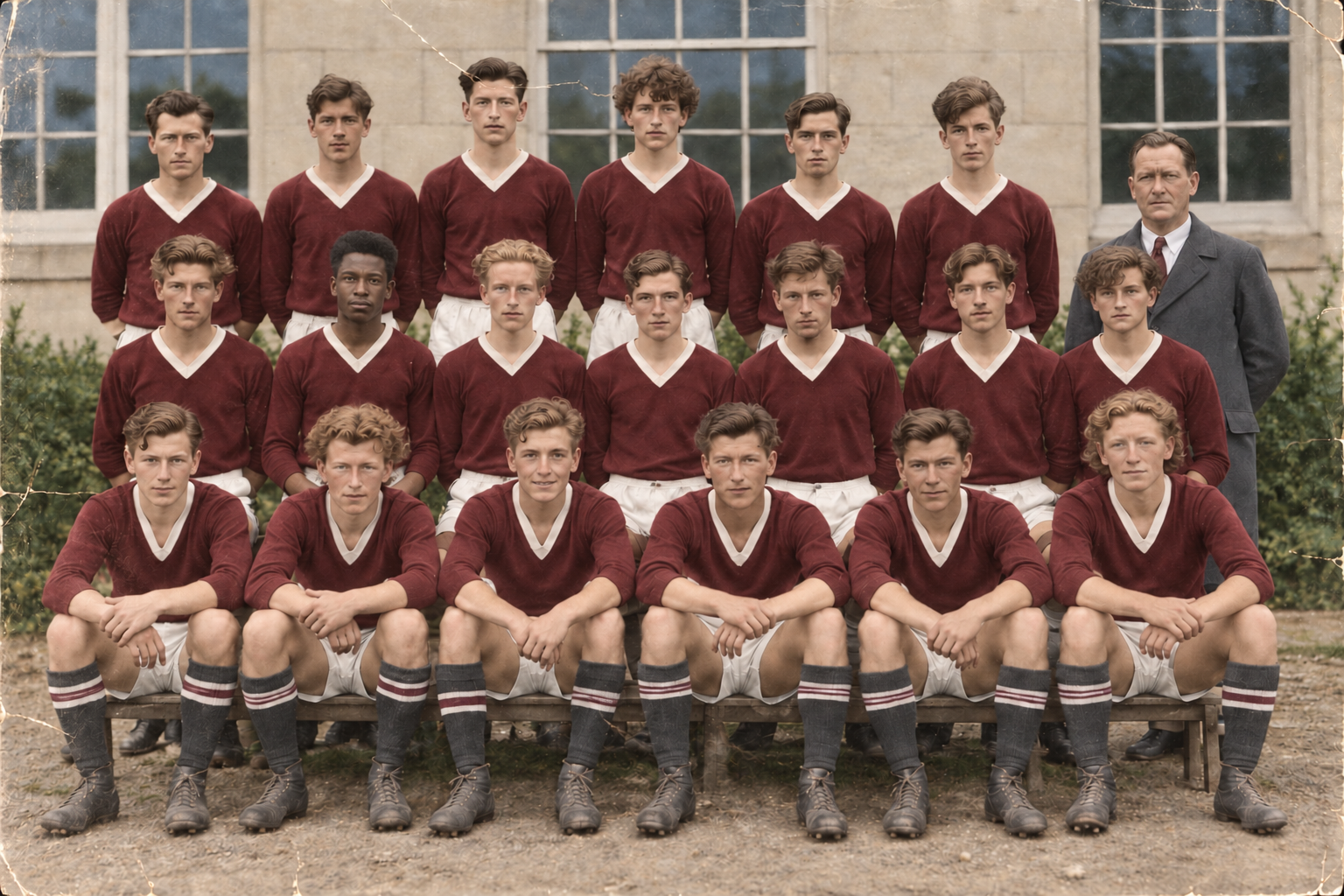
Add color to this faded, slightly scratched photo of a school sports team, around 20 people in three rows. I don't know any of the original colors.
Many small faces, visible damage and no color hints. Checks that faces stay recognizable, team uniforms get consistent colors, and the result is presented as an estimate rather than the real colors.
Upload one photo and add any colors you know. Vizify uses an AI image-editing model to add color while keeping the people and composition, then returns one colorized image for you to review.
No. A black-and-white photo stores brightness only, so every color the model adds is an estimate unless you supplied it. For family history or archive work, label the result as colorized and keep the original.
The edit is instructed to preserve faces, identity and fine detail, but it is generative, so expressions, hands or small text can shift slightly. Compare the result with the original and ask for a retry if someone looks different.
Yes, and it helps. Name the object and its color, such as "her coat was camel brown" or "the front door was red", and those colors are applied instead of guessed.
Yes. Upload the photo and say what should change, for example restoring faded color in the sky and clothing while keeping the original warmth.
The focus is color. You can ask for light cleanup of small scratches at the same time, but heavily damaged areas are reconstructed by guesswork. For sharper, cleaner detail, use the Image Enhancer as a separate step.
One PNG, JPEG or WebP image up to 10 MB per request. Scan prints at a good resolution first, since detail lost in the scan cannot be recovered.
No particular pixel size is promised. If you need a larger version for printing, run the result through the Image Upscaler afterwards.
No. Each request colorizes one photo. For a set, work through them one by one and repeat the same color notes so people and places stay consistent.
Preparing the request on this page is free and needs no account. Colorizing requires signing in to Vizify and uses your account's current access and credit rules.
Start from the best scan you have; creases, glare and low resolution all reduce what the model can keep. Then write down any colors you know, from family memory, notes on the back of the print or other photos of the same place. Even one or two known colors, such as a uniform or a car, anchor the rest of the palette.
Black-and-white film records how light or dark each area was, not its hue. A mid-grey coat could have been green, brown or blue. The colorizer chooses a plausible option based on the scene and your color direction, which is why the result is a colorized interpretation, not a restoration of the original colors. Keep the original alongside it.
Compare faces and small details with the original before you share. Ask for specific corrections in the conversation, such as a warmer skin tone or a different dress color. For more detail or a larger print, the image enhancer and image upscaler are separate follow-up steps.