Invite people to take your survey with its name, who it is for, the closing date and where to find it, on a poster for a notice board, office screen or chat.
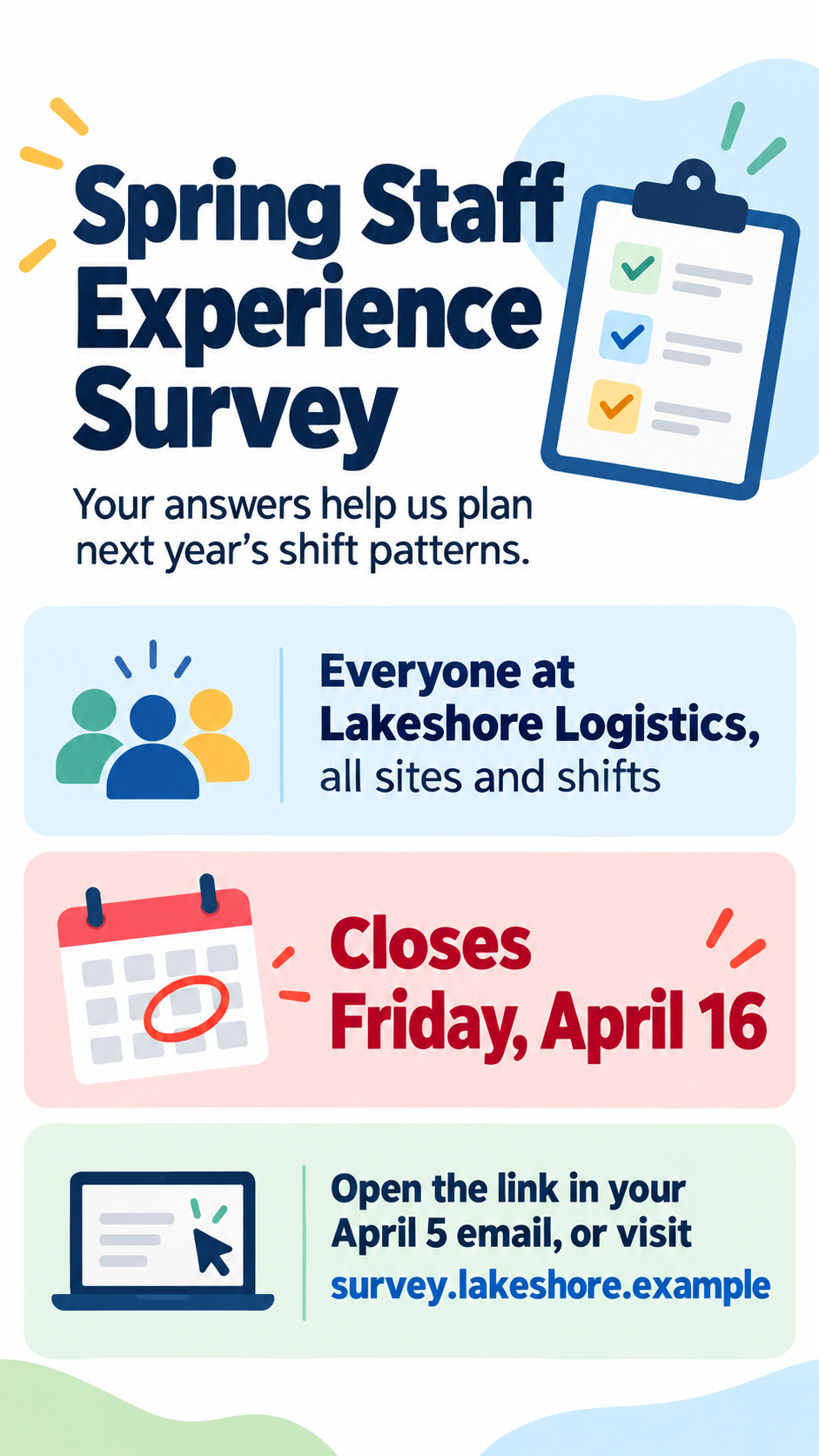
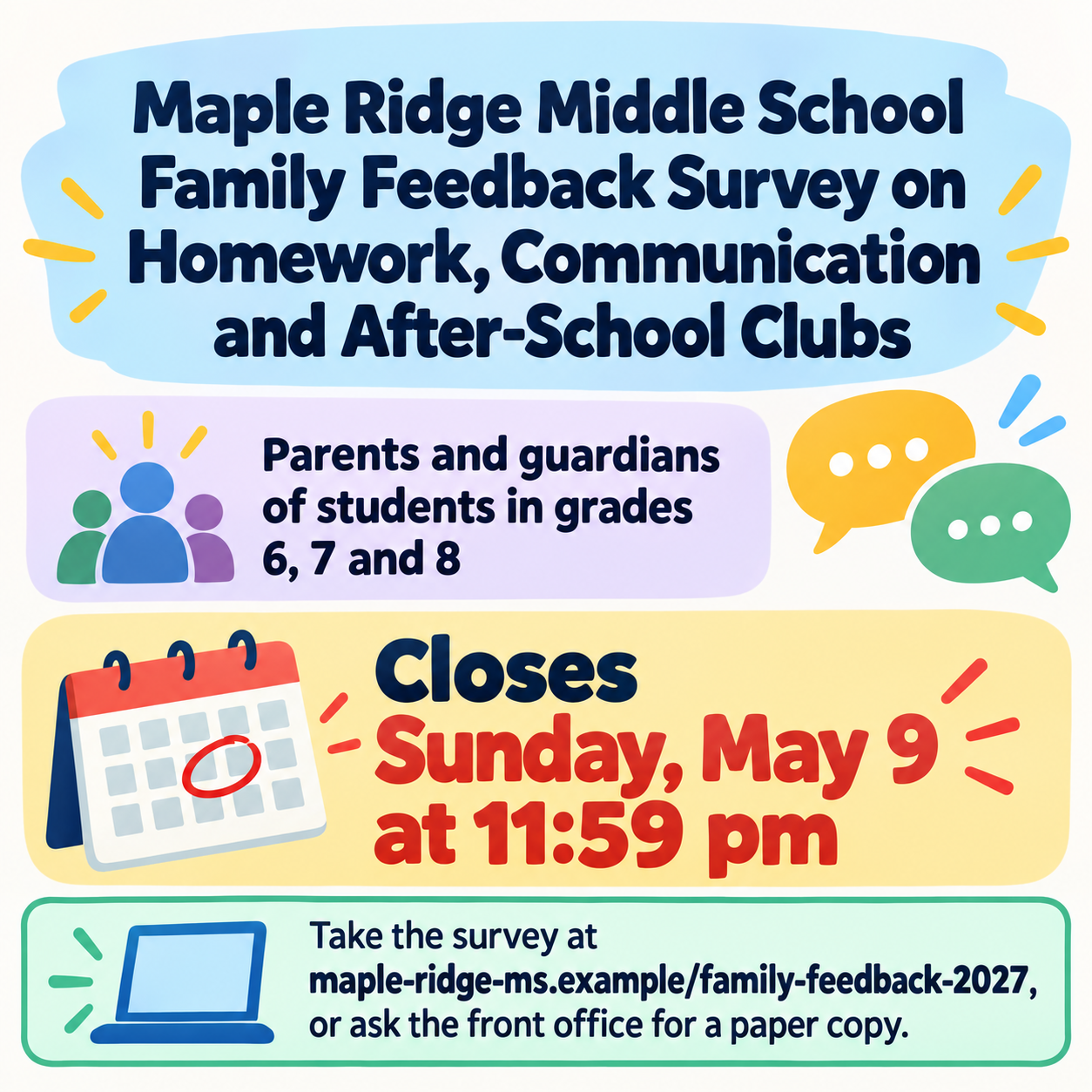
One generated invitation poster with the survey name, the audience, a highlighted closing date and the access line in its own box. It does not create the survey or a scannable code. Check the web address and deadline before posting.
Long school survey name, long web address and no purpose line
Survey name
Maple Ridge Middle School Family Feedback Survey on Homework, Communication and After-School Clubs
Who should take it
Parents and guardians of students in grades 6, 7 and 8
Closing date
Closes Sunday, May 9 at 11:59 pm
Where to take it
maple-ridge-ms.example/family-feedback-2027, or ask the front office for a paper copy
Why it matters (optional)
Left empty
A long survey name, a long web address with a paper alternative and no purpose line. Checks that the address is copied character for character, the deadline keeps its time, and no QR code or completion time is invented.
Same task, three directions
Pick a direction to start from.
01
Deadline first
A calendar with the closing date circled leads the poster, so nobody misses when it ends.
02
Speech bubbles
Soft overlapping speech bubbles suggest people being heard, with the survey details inside the largest one.
03
Clean office notice
A calm layout in your brand color for office screens, staff rooms and team chat.
What the template keeps
The parts that stay consistent.
01
Deadline in focus
The closing date is highlighted, so people know how long they have.
02
No invented promises
Anonymity, prizes and completion time appear only if you state them.
How to use it
From details to a result.
01
Name the survey and audience
Use the survey's real name and say who should answer it.
02
Set the closing date
Write the date, plus a time if there is one. It becomes the most visible detail after the name.
03
Say where to take it
A short web address, the email link or a paper copy. Keep it easy to type from a poster.
04
Check the access line
Type the address from the poster into a browser to confirm it matches the real survey before posting.
Output boundaries
What to check before you use it.
AI-rendered text can misprint web addresses. Type the address from the finished poster into a browser to check it.
No QR code is generated, because a drawn code will not scan. Add a real code afterwards if you need one.
The template does not create, host or send the survey, and it does not predict response rates.
You receive a single image framed by aspect ratio only, without a print-ready version.
QuestionsCan the poster include a QR code to the survey?+
Ask for one and the poster leaves an empty labeled square where the code should go. Make a real code with your survey tool and place it there, because a generated code will not scan.
Any employee survey poster ideas that help people take part?+
Say what the survey is for, who it is for and when it closes, and keep the access step short. Only promise anonymity or a prize if your organization has confirmed it; the template never adds those claims.
Can I make a survey flyer to hand out as well?+
You can print the image as a survey flyer, though it is not a print-ready file. The two examples on this page show how a short brief and a long one lay out, which helps when choosing how much to include.
Does Vizify create the survey too?+
No. This template makes the invitation poster only. Build the survey in your usual survey tool and put its address in the access field.