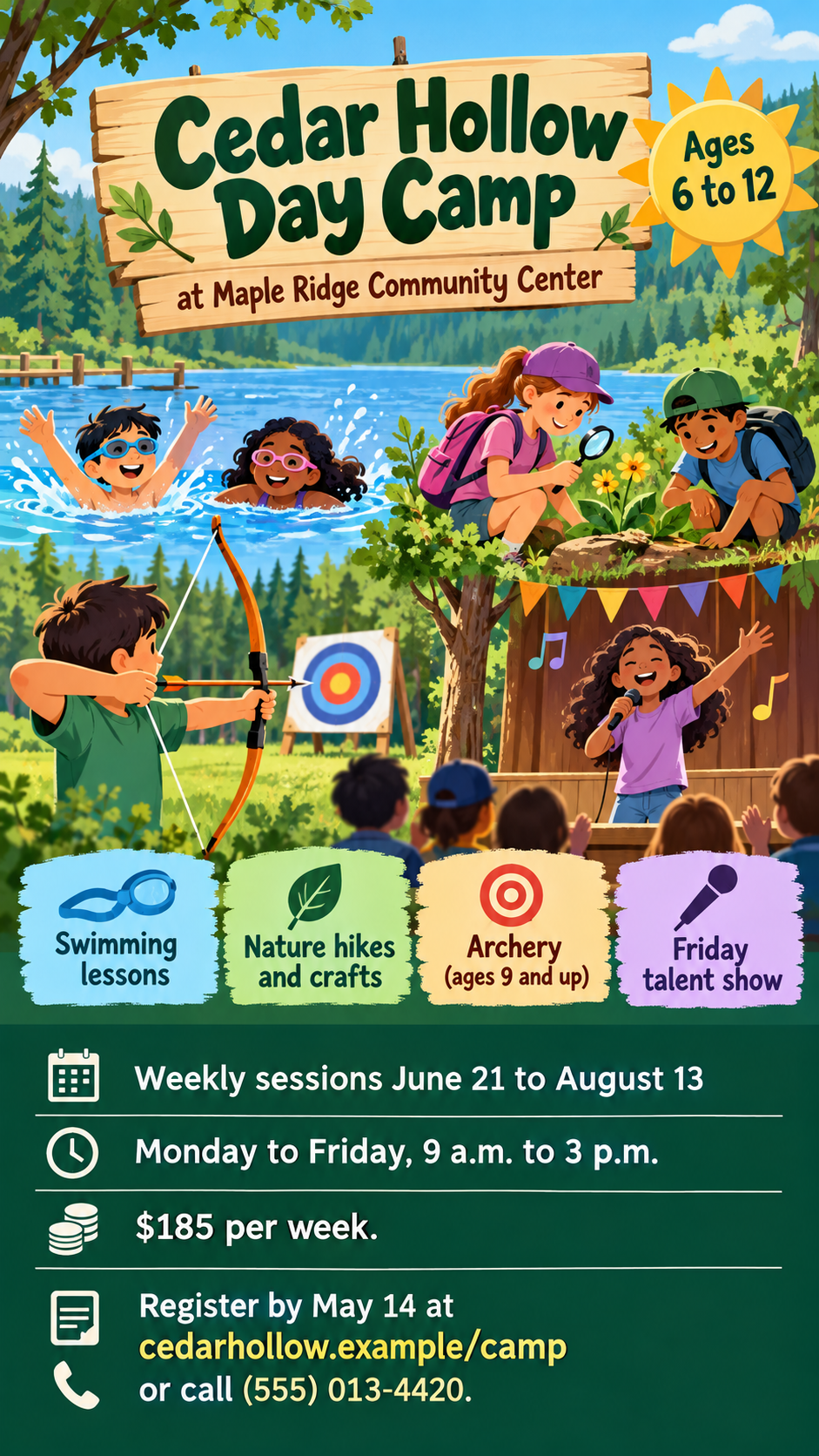
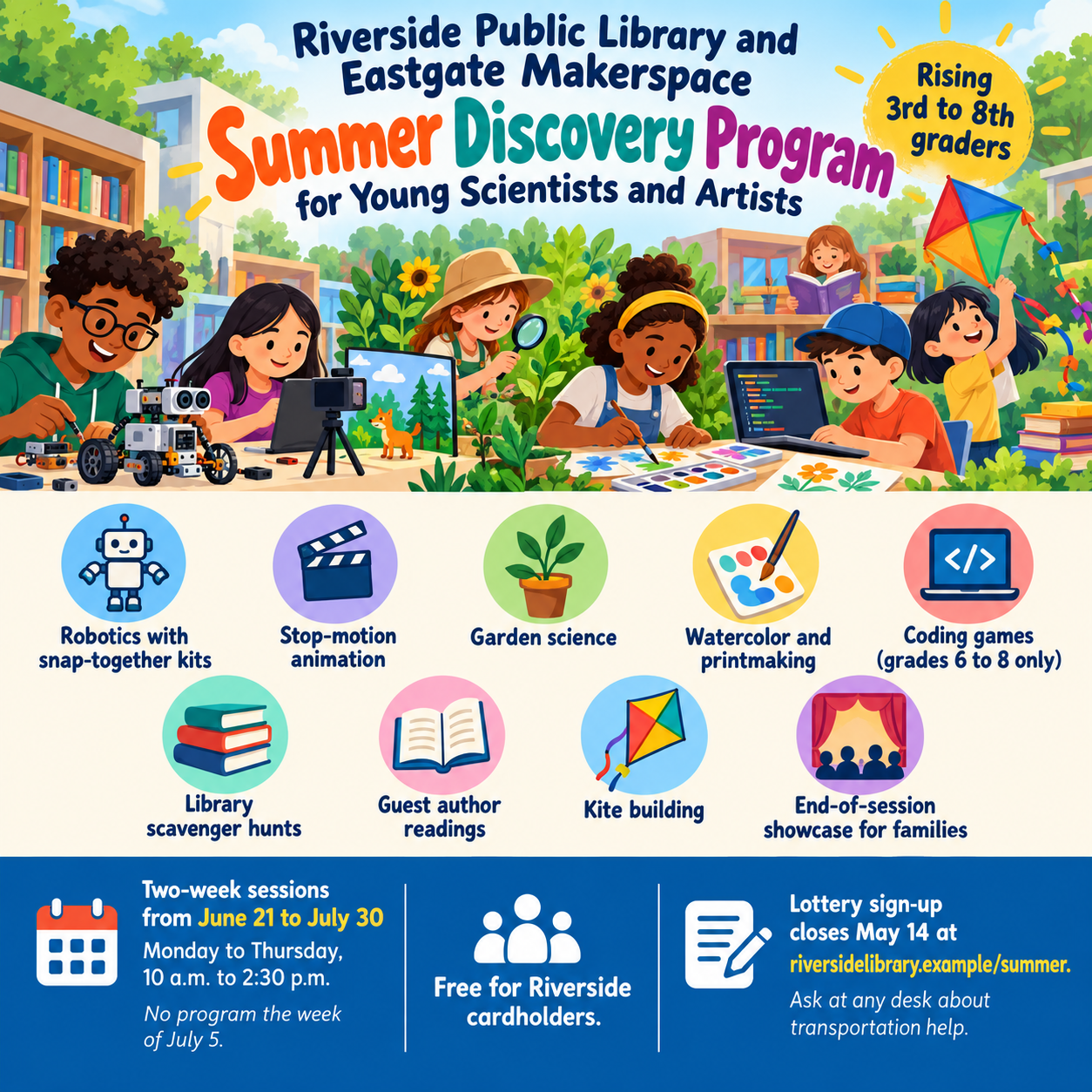
Summer camp flyer with activities and a registration panel.
Promote a day camp or summer program with one flyer that shows the fun first, then the ages, session dates, fees and how to register, from details you supply.
One generated flyer image in two layers, an illustrated activity area under the camp name and a separate registration panel with ages, dates and contact details. Fees, phone numbers and deadlines appear only as you type them; check each before sharing.
Grade-based STEM and arts program with nine activities and a scholarship line
Camp or program name and organizer
Riverside Public Library and Eastgate Makerspace Summer Discovery Program for Young Scientists and Artists
Ages or grades
Rising 3rd to 8th graders
Session dates and daily hours
Two-week sessions from June 21 to July 30, Monday to Thursday, 10 a.m. to 2:30 p.m.; no program the week of July 5
Activities, one per line
Robotics with snap-together kits
Stop-motion animation
Garden science
Watercolor and printmaking
Coding games (grades 6 to 8 only)
Library scavenger hunts
Guest author readings
Kite building
End-of-session showcase for families
Fees, registration and contact
Free for Riverside cardholders. Lottery sign-up closes May 14 at riversidelibrary.example/summer. Ask at any desk about transportation help.
Nine activities, a skipped week and a grade limit on one activity. Checks that the skipped week and the grades 6 to 8 limit stay attached, and that no fee, meal or safety claim is added to fill the panel.
Same task, three directions
Pick a direction to start from.
01
Illustrated trail map
Each activity becomes a stop on a hand-drawn trail, which reads well for outdoor and nature camps with several activities.
02
Bright sports and splash
Primary colors and energetic illustrated campers, for sports, swim and multi-activity day camps aimed at younger kids.
03
Calm summer program
Soft watercolor greens and cream with a tidy icon list, for library, arts or academic summer program flyers aimed at parents.
What the template keeps
The parts that stay consistent.
01
Fun first, logistics second
The activity scene draws attention; the registration panel answers the practical questions below it.
02
Ages always visible
The age or grade range stays close to the camp name rather than lost in the details.
03
Generic illustrated campers
Children are drawn as illustrations, never as realistic photos of your actual campers or site.
How to use it
From details to a result.
01
Name the camp and the ages
The age range sits next to the name, so parents know at once whether the camp fits their child.
02
List the activities
One short line each. Add an age or grade limit beside any activity that has one.
03
Add dates, fees and how to register
These fill the registration panel exactly as typed, so include the deadline and the contact parents should use.
04
Review and check the panel
Everything opens in Vizify first. After generating, compare the dates, fees and phone number with your registration page.
Output boundaries
What to check before you use it.
Generated text can contain mistakes. Check ages, dates, fees, phone numbers and web addresses before you share the flyer.
The result is one tall or square image. Tear-off tabs, a print-ready file with bleed and exact paper sizes are not part of this template.
The illustrated campers, staff and setting are generic and do not show your real camp, cabins or counselors.
It cannot take registrations, payments or waitlists; it only designs the flyer.
More than six to eight activities crowd the scene; long lists are best grouped or trimmed.
QuestionsCan I use this for a summer program flyer that isn't a traditional camp?+
Yes. Library reading programs, coding weeks, arts intensives and sports clinics all fit. Put the program name where the camp name goes and list what participants will do.
Can I add tear-off tabs with our phone number?+
Not as real tabs; the flyer is a single image. Put the phone number in the registration field so it appears in the panel, and add tear-off strips in a layout tool if you print it.
Should I include prices, scholarships and deadlines?+
Include anything parents need that you have confirmed, in the registration field and in the exact wording you want. The template never adds discounts or fees you did not supply.
Can the camp flyer show photos of our campers?+
This template does not take a photo, and it draws generic illustrated campers instead. If you want real photos, use ones you have permission to share and place them in a layout tool.
What does it cost to make the flyer?+
Preparing the brief on this page is free. Generating the image requires sign-in and follows your account's current access and credit rules.