Healthcare flyer for a clinic service or community health event.
Tell patients and neighbors about a clinic day, screening or health fair with one flyer that uses your approved wording and a clearly visible contact block.
One generated flyer image announcing a health service or event, with the organization, what is offered, when and where, your approved wording and a prominent contact block. It adds no medical content; your team checks every word, number and address.
Multi-site health fair with bilingual approved wording
Clinic or organization
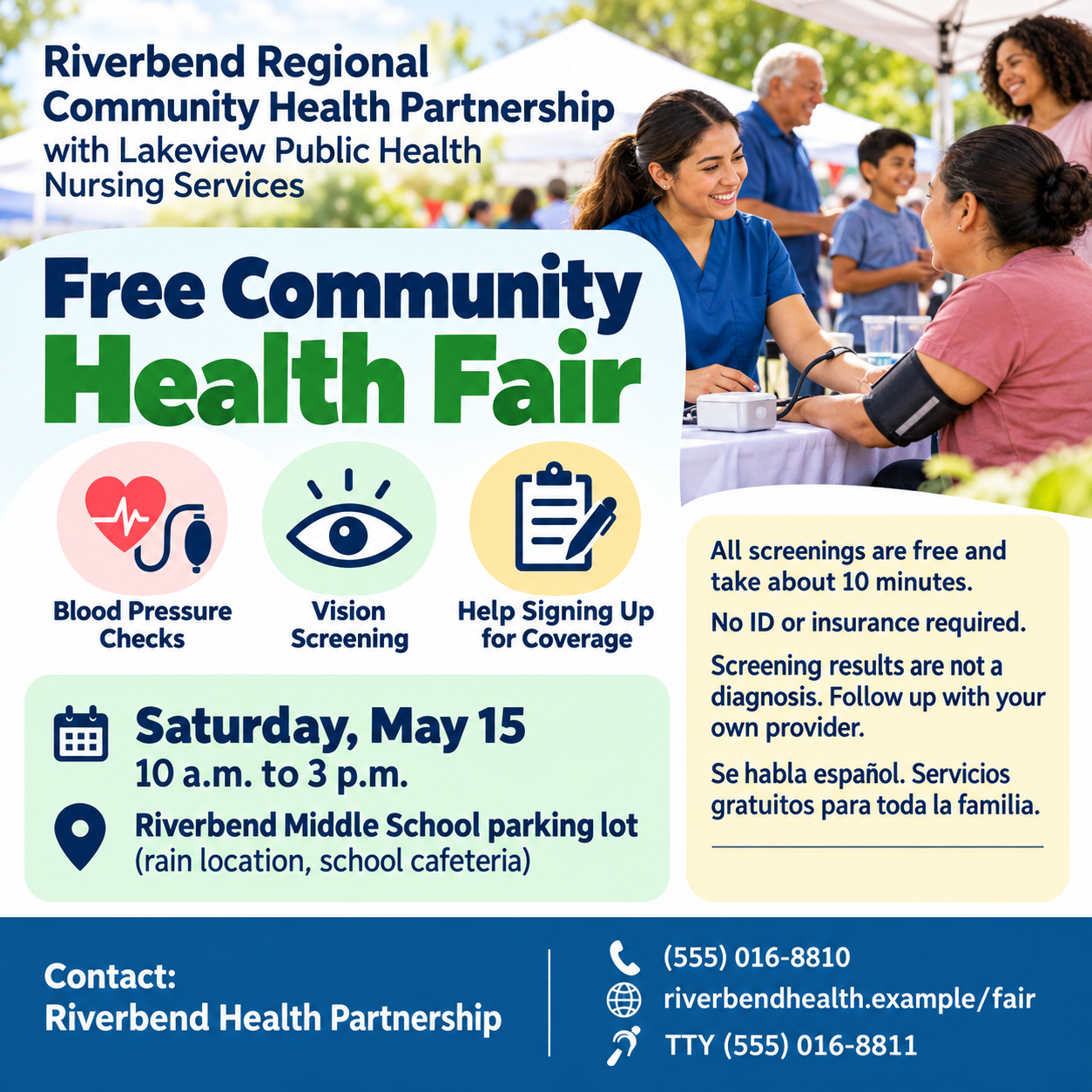
Riverbend Regional Community Health Partnership, with Lakeview Public Health Nursing Services
Service or event being announced
Free community health fair with blood pressure checks, vision screening and help signing up for coverage
Date, time and location
Saturday, May 15, 10 a.m. to 3 p.m., Riverbend Middle School parking lot (rain location, school cafeteria)
Approved wording
All screenings are free and take about 10 minutes.
No ID or insurance required.
Screening results are not a diagnosis. Follow up with your own provider.
Se habla español. Servicios gratuitos para toda la familia.
Contact details
Riverbend Health Partnership, (555) 016-8810, riverbendhealth.example/fair, TTY (555) 016-8811
A long two-organization name, a rain location, four approved lines including Spanish with accented characters, and two phone numbers. Checks that every line is kept verbatim, both numbers stay distinct, and no health claim is added.
Same task, three directions
Pick a direction to start from.
01
Calm clinic
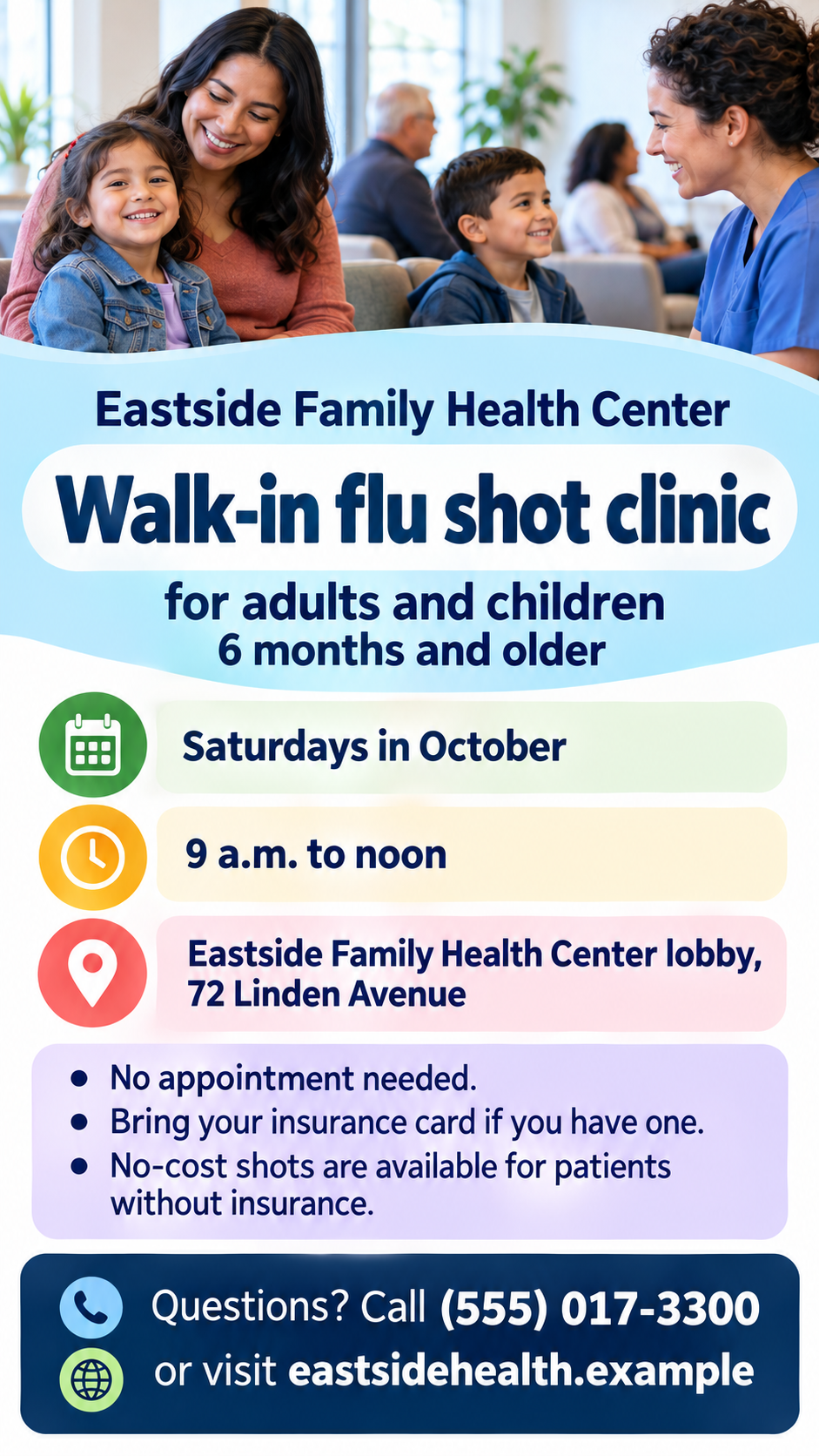
Soft teal and white with a friendly waiting-room scene, for clinic services, vaccination days and pharmacy notices.
02
Community health fair
An outdoor scene with tents and families, and the date in a large badge, for screenings and health fairs.
03
Text-first notice
A mostly typographic flyer with one accent color, suited to notice boards, pharmacy windows and waiting rooms.
What the template keeps
The parts that stay consistent.
01
Approved wording only
Health information comes from your text, never from the model.
02
A contact block people can find
Phone and web address sit together with strong contrast and space around them.
03
Reassuring, non-graphic imagery
No needles, blood or distress, and no protected medical emblems.
How to use it
From details to a result.
01
Name the organization and service
Say what is offered and who runs it, the way patients will recognize it.
02
Paste your approved wording
Use text your clinical or communications team has already approved. It is placed exactly as written.
03
Add when, where and how to reach you
Date, time and location, then the phone number and web address people should use.
04
Review, generate and have it checked
Everything opens in Vizify before it runs. After generating, have your reviewer confirm every word and number.
Output boundaries
What to check before you use it.
Vizify does not write or review medical content. Your team supplies approved wording and checks the result before it is shared.
Generated text can contain mistakes. Check phone numbers, addresses, hours and any non-English line with a fluent reader.
Protected symbols such as the red cross emblem, and official agency or accreditation logos, are not drawn.
It cannot book appointments or take registrations; contact details are shown as text.
The result is one tall or square image, not a print-ready file or a multi-page patient leaflet.
QuestionsCan I make a medical flyer for a vaccination clinic or screening day?+
Yes. Describe the service, when and where it runs, and paste the approved wording. The flyer announces the event and adds no medical claims of its own.
Will it write the health information for me?+
No. Health flyers need reviewed content, so the template only places wording your team has approved. It will ask if something reads like unapproved advice.
Can the flyer include text in two languages?+
Yes. Add each line in the approved wording field. Generated text can still slip, so have a fluent reader check the non-English lines.
Can we use our clinic logo?+
This template does not take a logo, and generated images cannot reproduce one exactly. Ask for a clear corner in the additional direction and place your logo in a layout tool.
Does Vizify check the flyer against healthcare advertising rules?+
No. Have your compliance or communications reviewer approve the final image before it goes on boards, in windows or online.