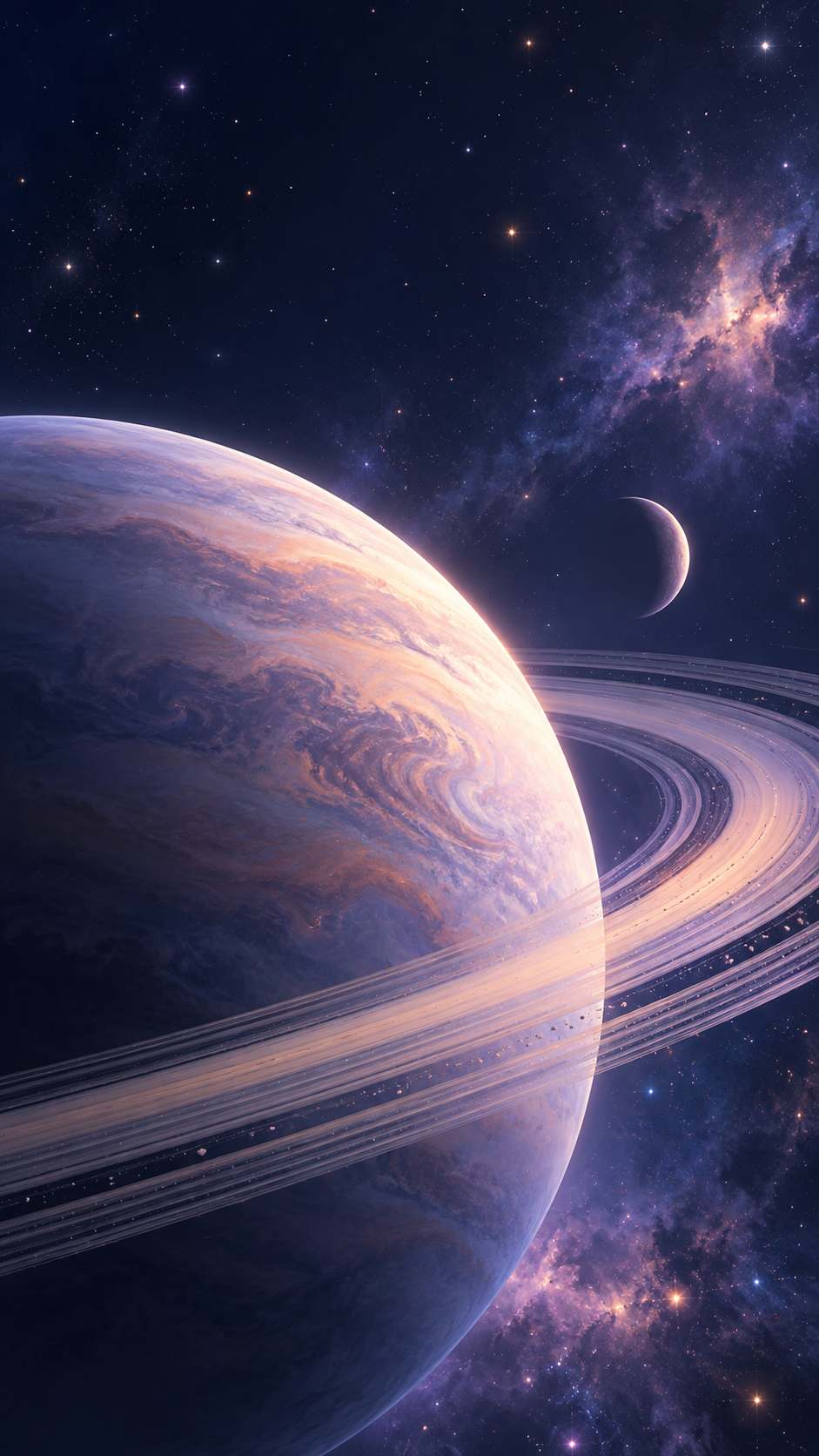
One generated, stylized space scene, either a wide nebula or star field or a close-up planet or moon, framed with calm dark sky where the clock or icons sit. It is artwork, not an astronomical photo.
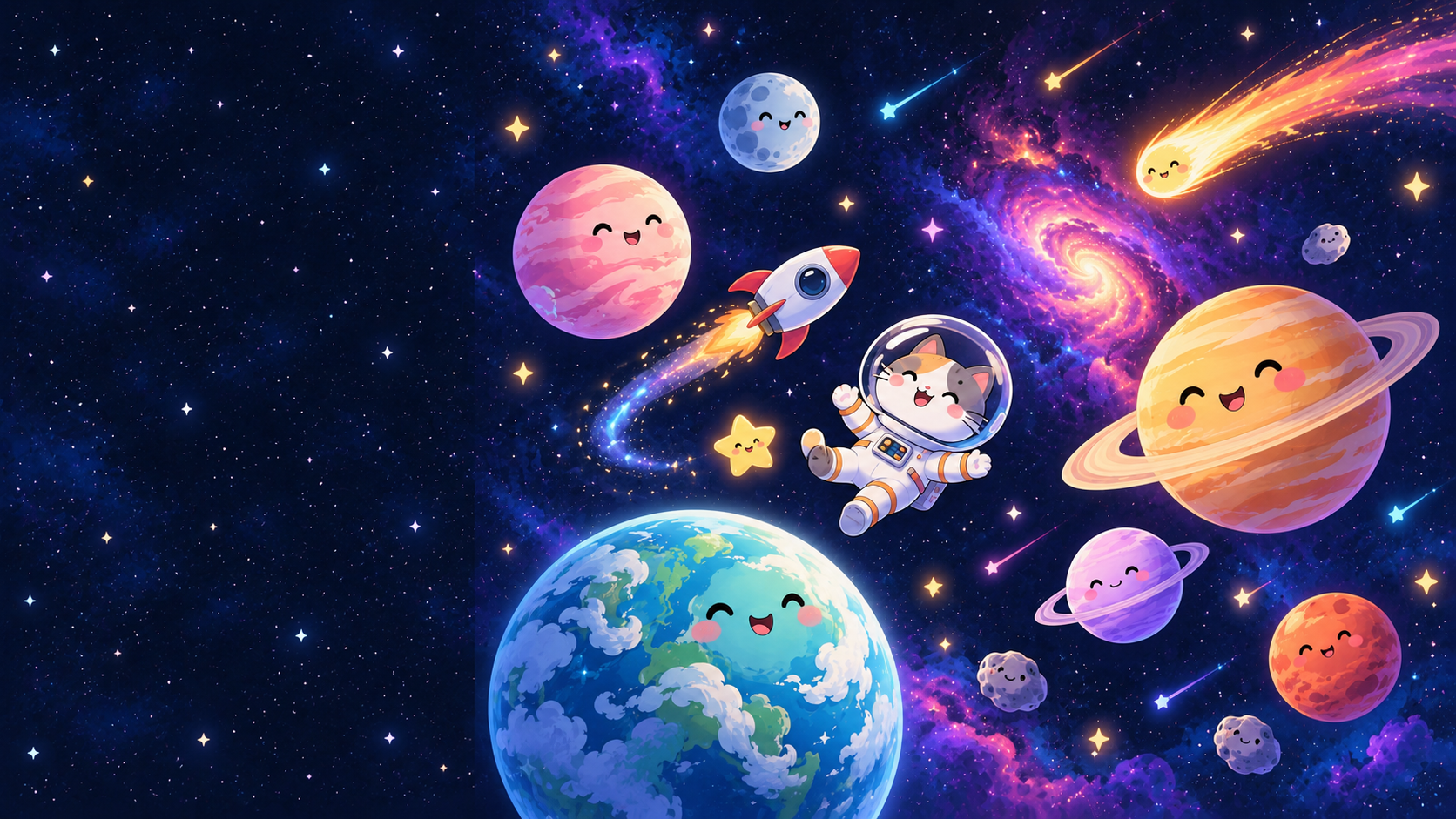
Crowded cute space scene for a laptop, no color tone
Planet, nebula or scene
Cute cartoon planets with smiling faces, a tiny rocket, a comet, shooting stars and a small astronaut cat floating between them
Color tone (optional)
Left empty
Style (optional)
Cute and illustrated, sticker-like
A crowded cute scene for a laptop with no color direction. Checks that the icon side stays open despite many elements, the astronaut cat is an original character, and nothing is labeled as a real planet or mission.
Same task, three directions
Pick a direction to start from.
01
Distant nebula
Soft clouds of color and fine stars filling the frame, calm enough to sit behind any icons.
02
Planet horizon
The curve of a large planet along the bottom of the frame with a dark sky above, dramatic but simple.
03
Cute space doodles
Rounded pastel planets, sparkles and a tiny rocket on a soft dark sky, for a playful screen.
What the template keeps
The parts that stay consistent.
01
Calm dark sky where you need it
Plain sky sits behind the clock or icons so they stay readable.
02
Artwork, clearly
No labels, missions or logos that would suggest a real astronomical image.
How to use it
From details to a result.
01
Choose a subject
A distant nebula, a close-up planet, or a playful scene with rockets and stars.
02
Set the colors
Name two or three tones, such as indigo, lavender and peach.
03
Pick a style
Painterly, photographic-looking, flat illustrated or cute. The style changes the whole feel.
04
Choose phone or laptop
Portrait keeps the clock area dark; landscape keeps one side calm for icons.
Output boundaries
What to check before you use it.
This is generated artwork, not an astronomical photograph or an accurate model of any real planet.
Your screen may crop the scene, because the format is a 9:16 or 16:9 direction rather than an exact resolution.
Dark gradients can show faint banding on some screens. Ask for fine grain if you notice it.
Characters such as astronauts or animals are original designs, not existing mascots.
QuestionsAre these real photos of space?+
No. Each wallpaper is an original, stylized artwork. It may look photographic, but it does not show a real nebula or planet.
Can I make a cute space background?+
Yes. Set the style to cute and illustrated and describe the things you want, such as smiling planets, a tiny rocket or a sleepy moon.
Can I get an aesthetic cute space wallpaper for my laptop?+
Choose the landscape format. The elements cluster on one side and the side where your icons sit stays as open, dark sky.
Can it show Saturn or Earth?+
You can describe a planet that looks like one, and the result is an artistic interpretation. It is not labeled and is not an accurate image.