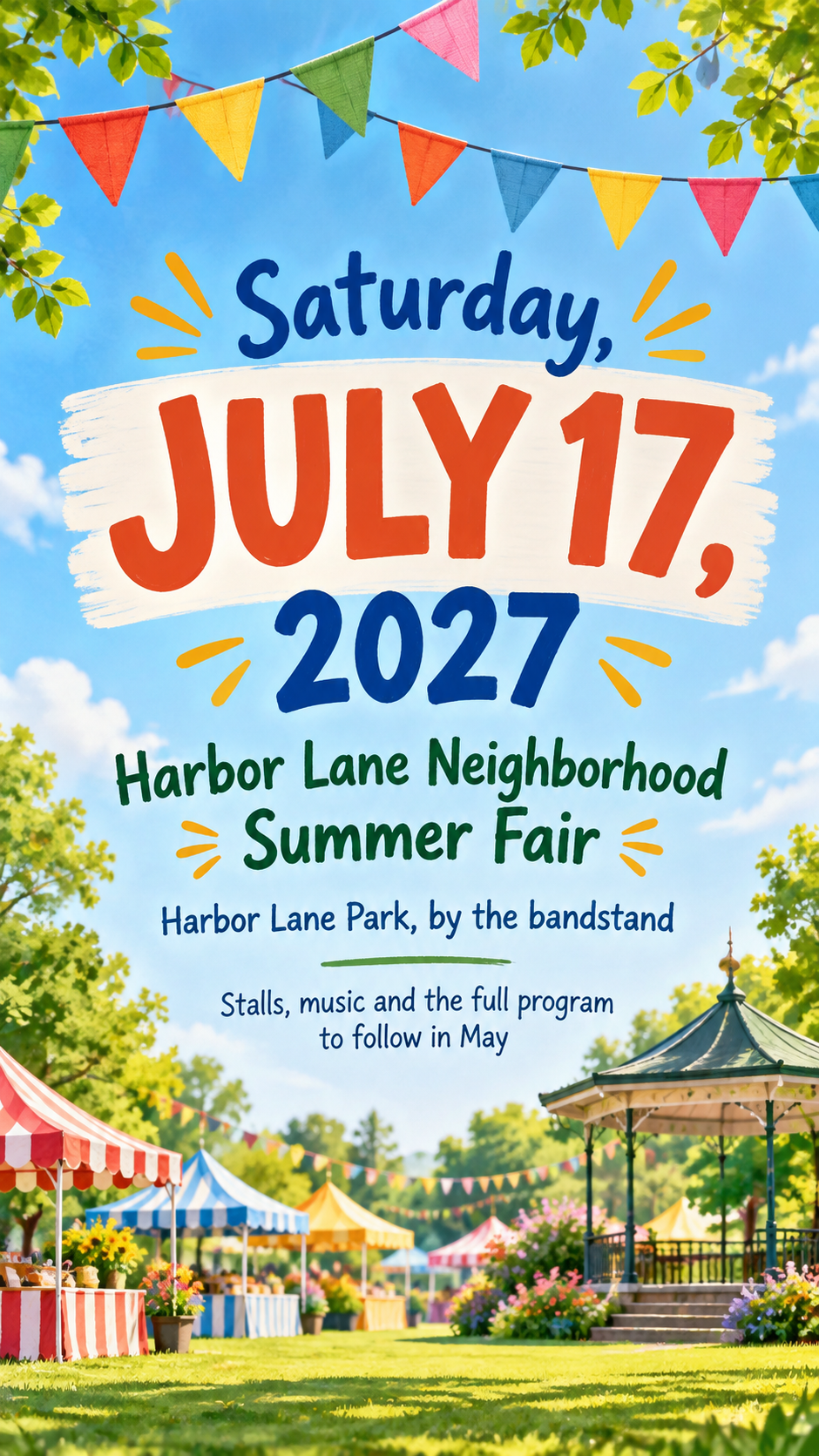
Announce an upcoming event early with the date as the main visual and anything not yet confirmed marked clearly, on one poster for a wall, a group chat or a feed.
One generated save the date poster with the date set largest, the event name beside it, and the location or a details-to-come line only as you supply them. Check the date, weekday and names before sharing.
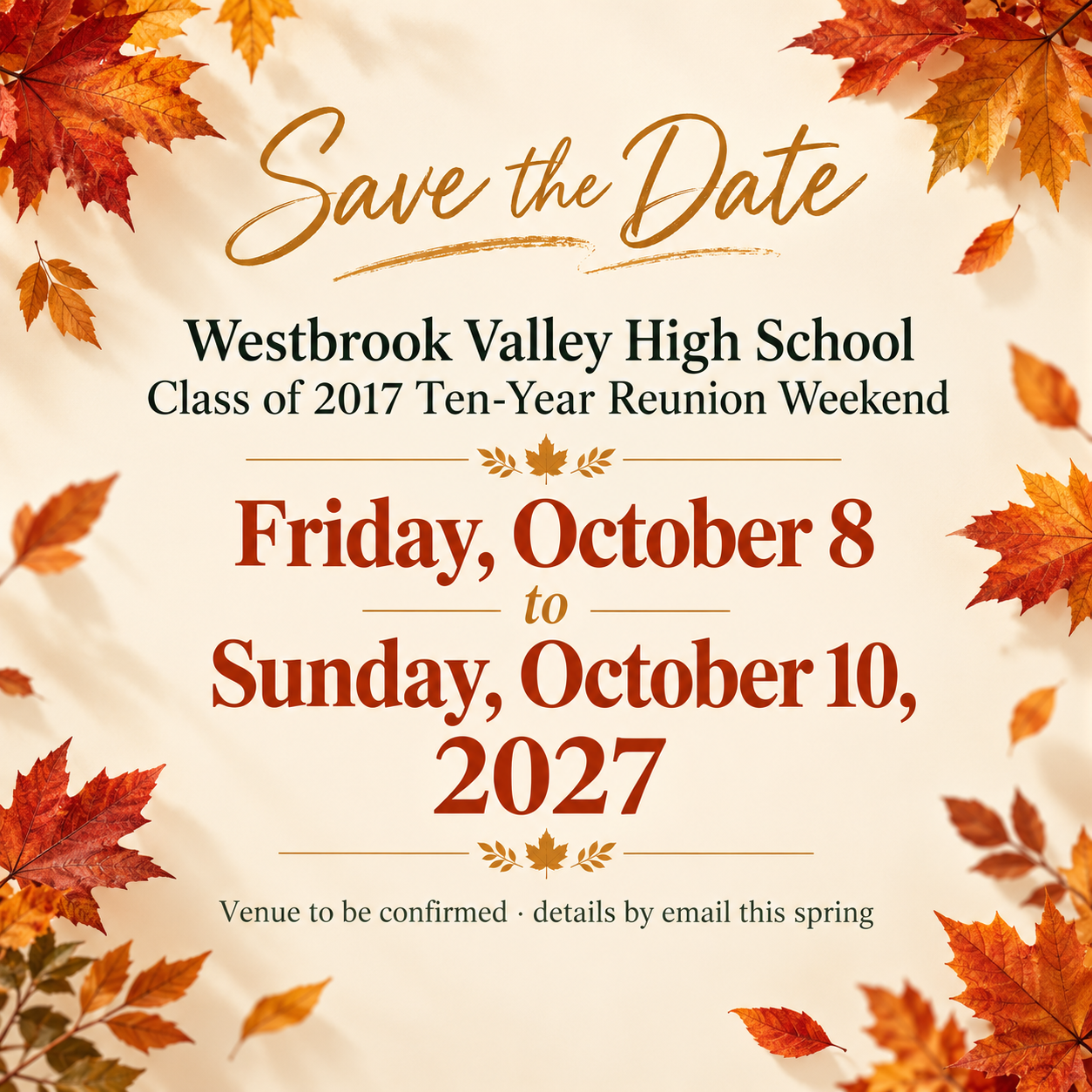
Three-day reunion with the venue still to be confirmed
Event name
Westbrook Valley High School Class of 2017 Ten-Year Reunion Weekend
Date or date range
Friday, October 8 to Sunday, October 10, 2027
Location (optional)
Left empty
Details-to-come line (optional)
Venue to be confirmed · details by email this spring
A long event name, a three-day range and no location. Checks that the full range reads as one date block, the venue-to-be-confirmed wording appears as written, and no venue, time or website is invented.
Same task, three directions
Pick a direction to start from.
01
Circled calendar
A calendar page with your date circled by hand, for fairs, reunions and community events.
02
Oversized numerals
The day number fills most of the frame and the month and event sit around it. Bold and easy to spot in a busy feed.
03
Soft seasonal
Gentle seasonal color and one light motif, for weddings, anniversaries and family gatherings.
What the template keeps
The parts that stay consistent.
01
The date as hero
The date is the largest thing on the poster, so it is remembered after a glance.
02
Unconfirmed stays unconfirmed
Missing details are left out or shown with your own to-be-confirmed wording, never guessed.
How to use it
From details to a result.
01
Name the event
Use the name guests will recognize, including names of a couple or a class year if relevant.
02
Write the date exactly
Spell out the month, and add the weekday and year only if you want them shown. Ranges work too.
03
Add what you know
A location if it is confirmed, or a line such as Venue to be confirmed. Leave out anything you're unsure of.
04
Check the date twice
The date is the whole point of the poster. Compare it with your plan before sharing.
Output boundaries
What to check before you use it.
AI-rendered text can misprint numbers. Check the date, weekday and year before sharing.
The template does not check that a weekday matches the date or that your venue is available.
It is an early notice, not an invitation, so there is no RSVP section.
This is one digital image, not a print-ready card or a matching set of stationery.
QuestionsCan I make a save the date poster before we have a venue?+
Yes. Leave the location empty, or write the wording you want, such as Venue to be confirmed, in the details line. The poster never picks a place for you.
Is this the same as an invitation?+
No. A save the date gives people early notice of the date. Send a full invitation with times, the venue and RSVP details once they are confirmed.
Can I use it for a wedding?+
Yes. Put the couple's names and the occasion in the event field, spelled exactly. The poster uses a motif rather than a realistic couple unless you ask otherwise.
What date format should I use?+
Write the date the way your guests expect to read it, with the month spelled out. Numeric dates like 07/08 are read differently in different countries.