Invite colleagues, friends and family to a retirement send-off. Enter the retiree, the exact time and place and your RSVP wording, then choose a relaxed, formal or office style.
One generated retirement invitation image with the retiree's name, your celebration line, the exact date, time and venue, and your RSVP wording as plain text. Check every detail against your plans before sharing it.
Long venue and parking directions, honorific, no RSVP or style, wide
Retiree's name
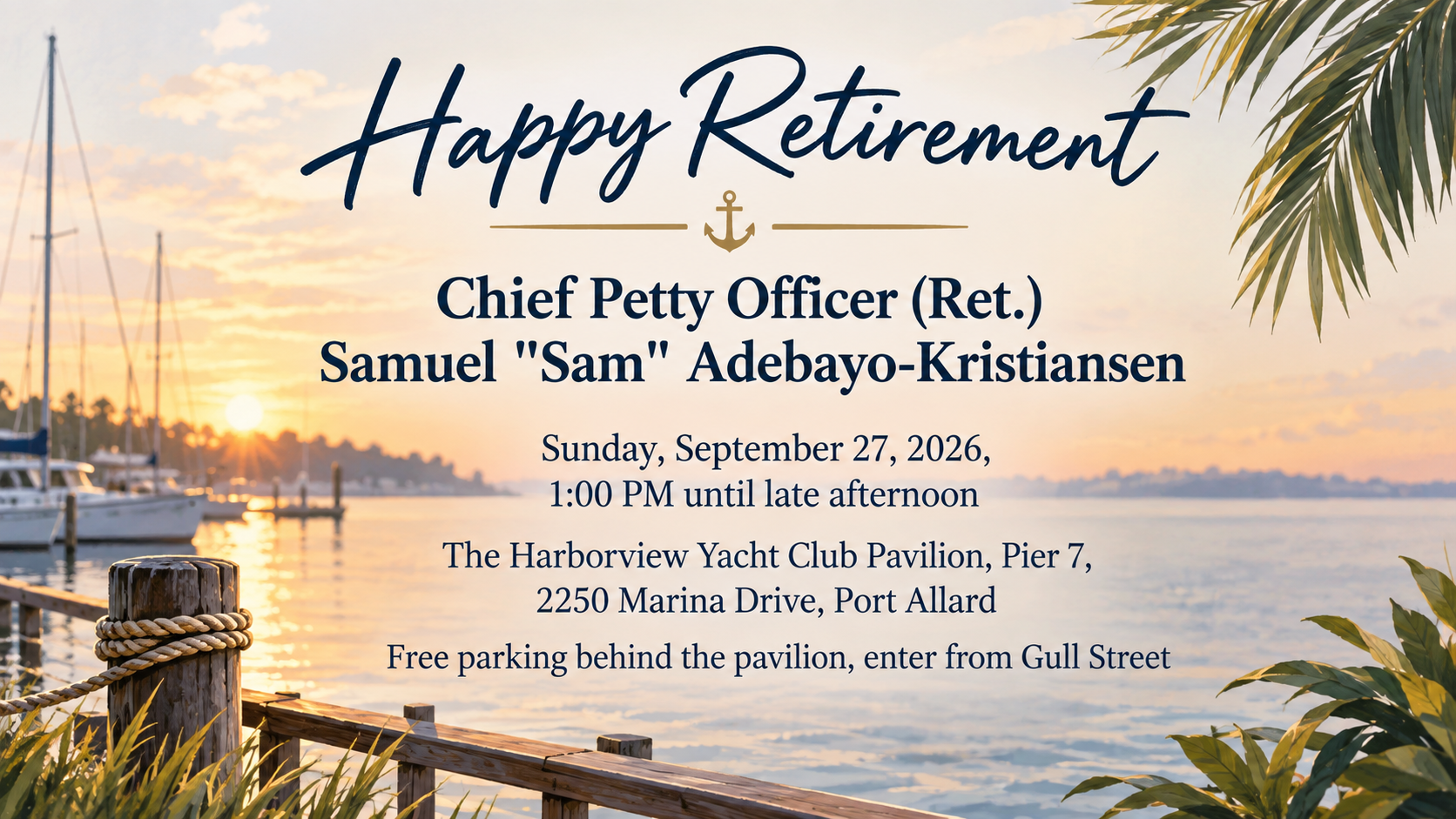
Chief Petty Officer (Ret.) Samuel "Sam" Adebayo-Kristiansen
Date, time and venue
Sunday, September 27, 2026, 1:00 PM until late afternoon
The Harborview Yacht Club Pavilion, Pier 7, 2250 Marina Drive, Port Allard
Free parking behind the pavilion, enter from Gull Street
Celebration line (optional)
Left empty
RSVP wording (optional, shown as text)
Left empty
Style (optional)
Left empty
A long name with a rank, brackets and a nickname, three lines of details and no RSVP or style. Checks that all three detail lines survive, no RSVP or dress code is invented, and the neutral style applies.
Same task, three directions
Pick a direction to start from.
01
Relaxed and leisurely
Sunset colors, a beach chair or a fishing rod, and a laid-back feel for an afternoon party. Keeps the humor gentle.
02
Formal dinner
A deep navy or forest green card with fine gold lines for a sit-down dinner or an evening reception.
03
Office send-off
Bright and friendly for a gathering in the break room or on the office rooftop, with cake and balloons.
What the template keeps
The parts that stay consistent.
01
Three styles, one brief
The same details work as a relaxed, formal or office invitation, so you can compare looks without retyping.
02
Details as written
Dates, times and addresses are reproduced line by line rather than reworded.
03
RSVP as plain text
No forms, buttons or links are drawn, so the invitation never implies a system that does not exist.
How to use it
From details to a result.
01
Enter the retiree and the event details
Type the date, time and venue on separate lines exactly as guests should read them, including the full address.
02
Add a celebration line and RSVP wording
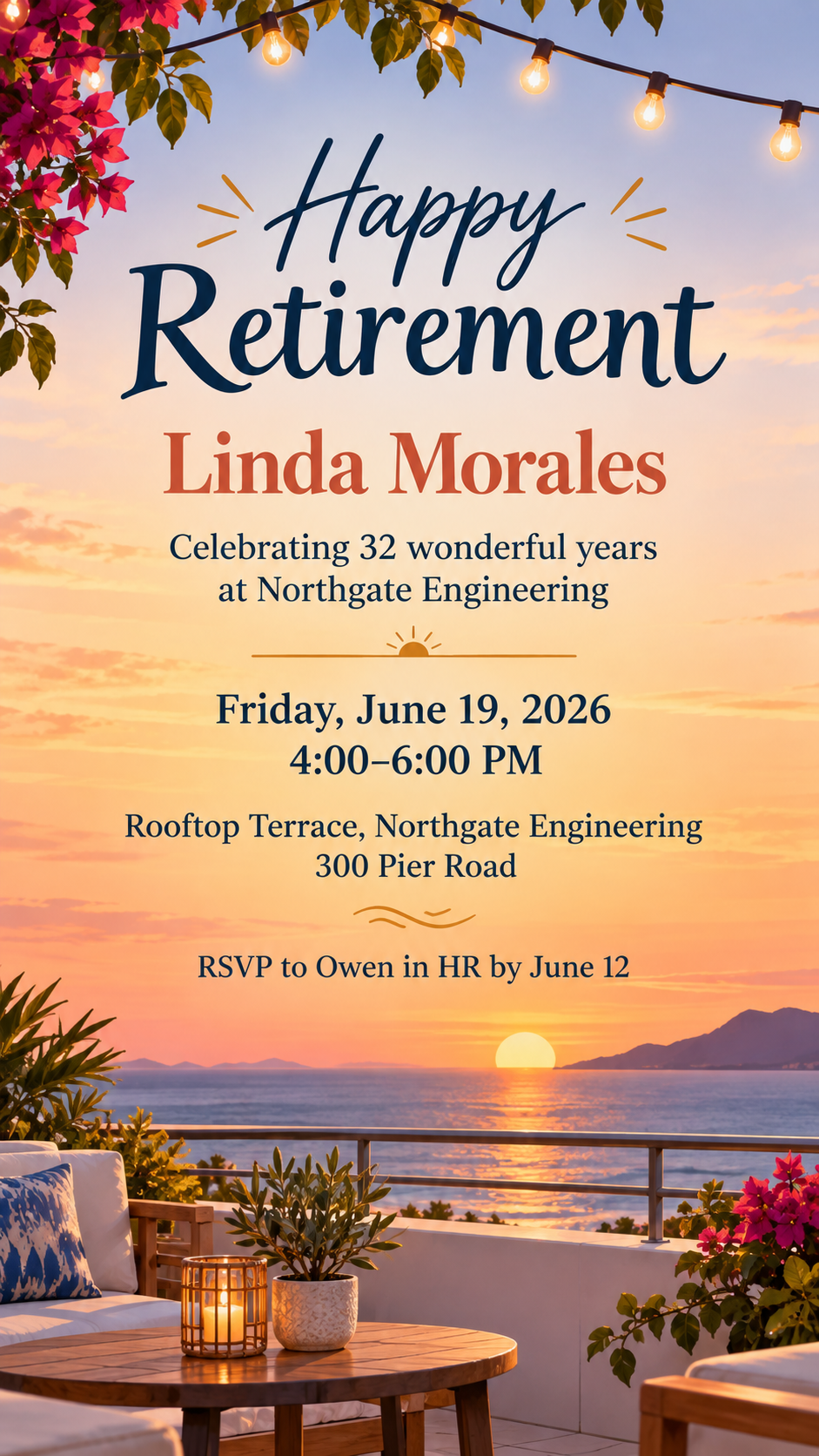
A line like "Celebrating 32 years" is optional. The RSVP wording is shown as text; replies still come to you directly.
03
Choose a style
Pick relaxed, formal dinner or office send-off, or describe your own, and choose tall, square or wide.
04
Review, send and double-check the details
The brief opens in Vizify for review. After generating, compare the name, date, time and address with your plans before sharing.
Output boundaries
What to check before you use it.
AI-rendered text can contain mistakes. Check the name, date, time, address and RSVP deadline before you share the invitation.
The RSVP line is only text. Vizify does not send invitations, collect replies, manage a guest list or organize a gift collection.
The result is one image for sharing digitally. It is not a print-ready card with bleed and it is not an editable Word or design file.
Very long detail blocks shrink the type. Keep directions short or share them in a follow-up message.
Each style or format you want to compare is a separate request.
QuestionsAre these free retirement party invitation templates?+
Preparing the invitation brief on this page is free. Generating it needs a Vizify sign-in and uses your account's current access and credit rules.
Can guests reply through the retirement party invite?+
No. The RSVP wording tells guests who to contact and by when. Vizify does not collect replies, send reminders or track attendance.
Which style suits a retirement celebration invitation at the office?+
Choose the Office send-off direction for a gathering at work, the Formal dinner direction for an evening reception, or Relaxed and leisurely for a backyard or beach party. You can compare styles by running the brief again.
Can I print it as a retirement party invitation card?+
The image is made for phones, email and chat. It has no bleed and no exact card size, so do a test print if you want paper copies and adjust in your print software.
Can I keep it a surprise?+
Yes. Put the surprise note in the RSVP wording, such as "It's a surprise, please reply to Owen only." Nothing is added unless you write it.
Can I include a photo of the retiree?+
This template has no photo upload and does not draw the retiree. It uses illustrations and type, which also avoids a generated face that does not look like them.