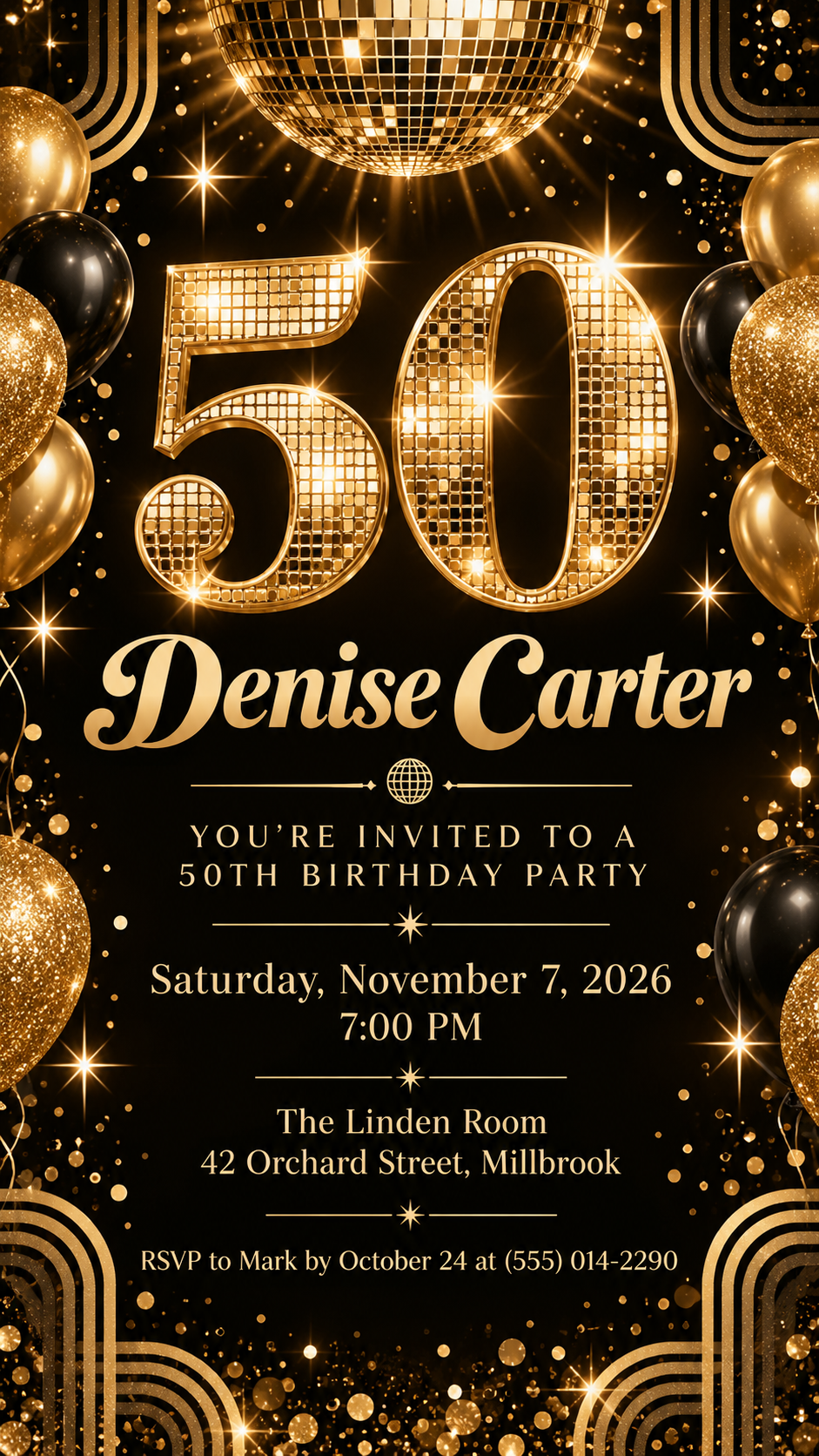
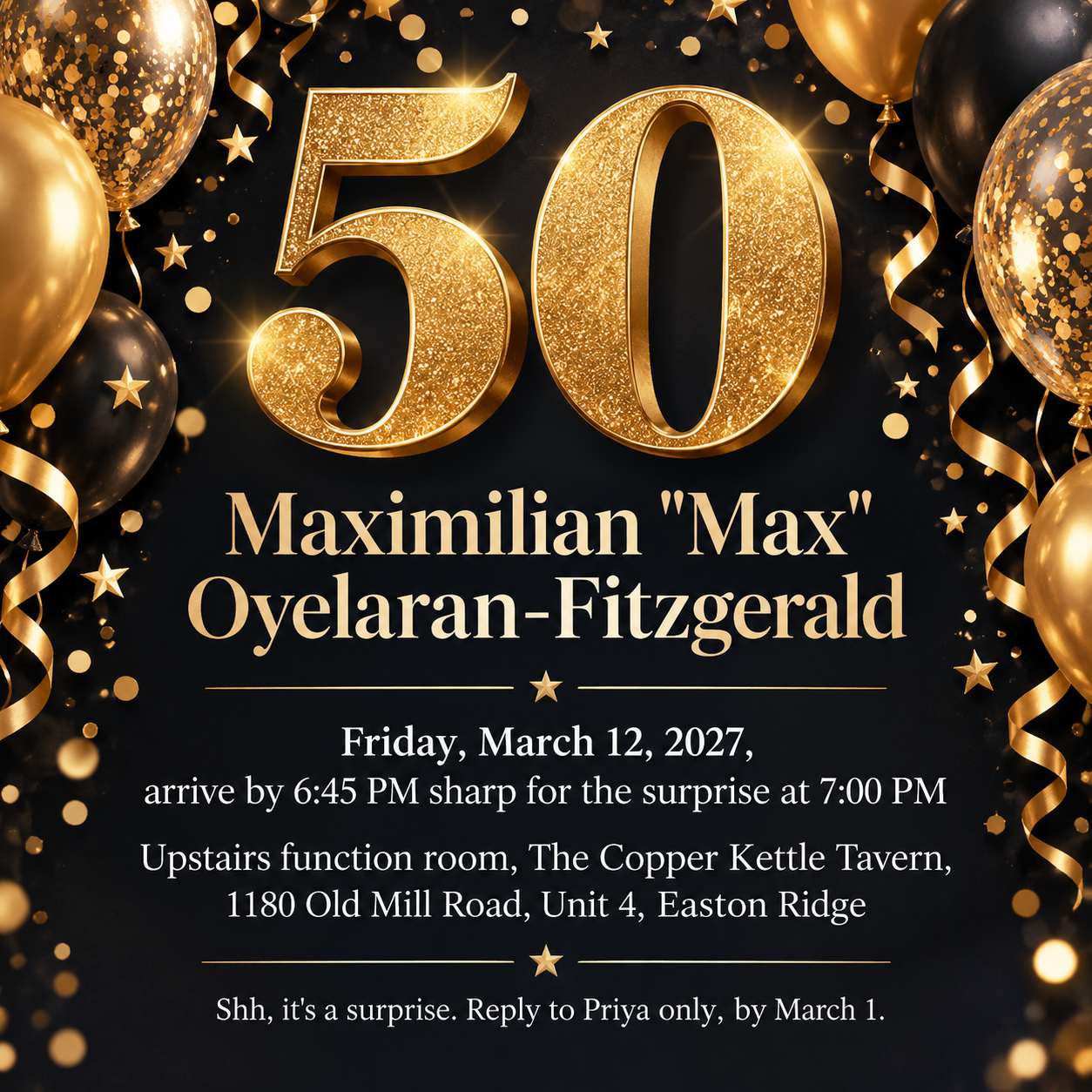
One generated invitation image built around a large "50", the honoree's name and your party details. Date, time, venue and RSVP wording are reproduced as typed; check every detail before you send it to guests.
Surprise party with a long name and venue, no theme, square
Name of the person turning 50
Maximilian "Max" Oyelaran-Fitzgerald
Date and time
Friday, March 12, 2027, arrive by 6:45 PM sharp for the surprise at 7:00 PM
Venue and address
Upstairs function room, The Copper Kettle Tavern, 1180 Old Mill Road, Unit 4, Easton Ridge
Theme or style (optional)
Left empty
RSVP line (optional)
Shh, it's a surprise. Reply to Priya only, by March 1.
A nickname in quotation marks, two times in one line, a multi-part address and no theme. Checks that "50" still leads, both times stay exact, and the surprise wording appears only as the user wrote it.
Same task, three directions
Pick a direction to start from.
01
Black and gold glam
A metallic "50" on deep black with fine sparkle, suited to an evening party.
02
Garden party botanical
A relaxed daytime look with greenery framing a soft "50", for lunches, brunches and backyard parties.
03
Retro disco
A playful 1970s mood with a mirror ball and warm stripes for a dance-floor celebration.
What the template keeps
The parts that stay consistent.
01
The 50 leads
The number is the largest graphic element, so the occasion is clear even as a small thumbnail in a group chat.
02
Details kept exact
Date, time, venue and RSVP wording are copied as typed rather than rewritten.
03
Ornaments at the edges
Balloons, flowers or sparkle frame the details instead of sitting on top of them.
How to use it
From details to a result.
01
Enter the honoree's name
Use the name guests know, including a nickname in quotation marks if that is how it should read.
02
Add the exact date, time and venue
Type them as they should appear on the invitation, including the day of the week and the full address.
03
Add a theme and RSVP line
Both are optional. The RSVP line is printed as text; replies still come to you by phone, message or email.
04
Review, send and check before sharing
The brief opens in Vizify first. After generating, check every digit of the date, time and address before sending the invitation out.
Output boundaries
What to check before you use it.
AI-rendered text can contain mistakes. Check the name, date, time, address and RSVP details letter by letter before sending.
The invitation is a single image for digital sharing. It is not a printable card with bleed and trim, and there is no editable text file.
The RSVP line is text only. Vizify does not send invitations, collect replies or track guests.
Long addresses and multiple times make the details smaller. Keep them short where you can.
QuestionsAre these 50th birthday invitations templates free?+
Filling in the template and preparing the brief is free. Generating the invitation needs a Vizify sign-in and uses your account's current access and credit rules.
Can I print it as a 50th birthday invitation card?+
You can try printing the image, but it is designed for phones and messages. It has no print bleed and is not sized to a card format, so check a test print before ordering copies.
How do I make it a surprise party invitation?+
Write the surprise wording you want in the RSVP line, such as "Shh, it's a surprise. Reply to Priya only." The template does not add surprise wording on its own.
Can guests RSVP through the invitation?+
No. The RSVP line tells guests how to reply to you. Vizify does not collect responses, send reminders or keep a guest list.
Can I show the year they were born, like "Est. 1976"?+
Yes, if you add it in Additional direction exactly as it should appear. The template never works out or prints a birth year by itself.