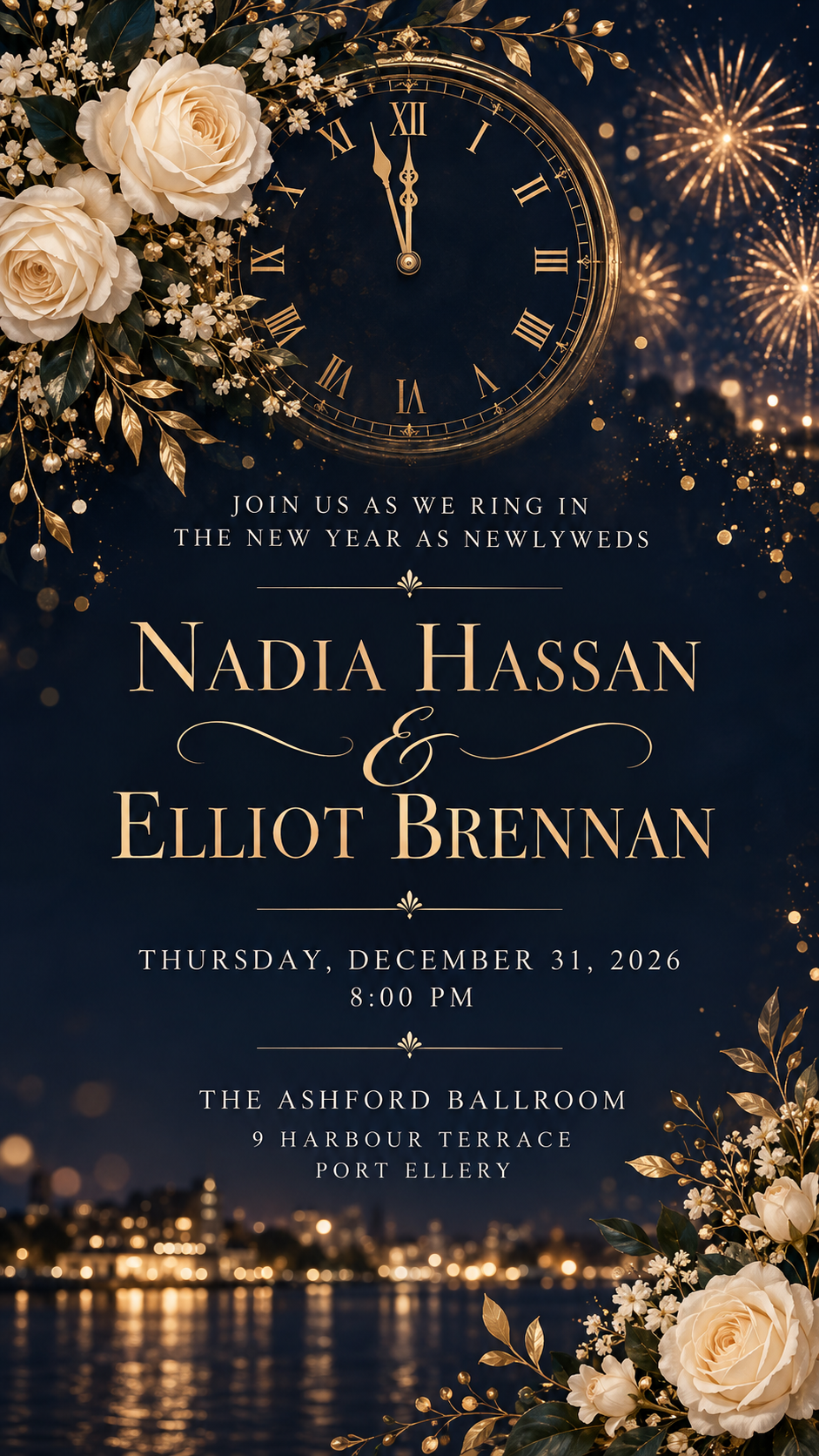
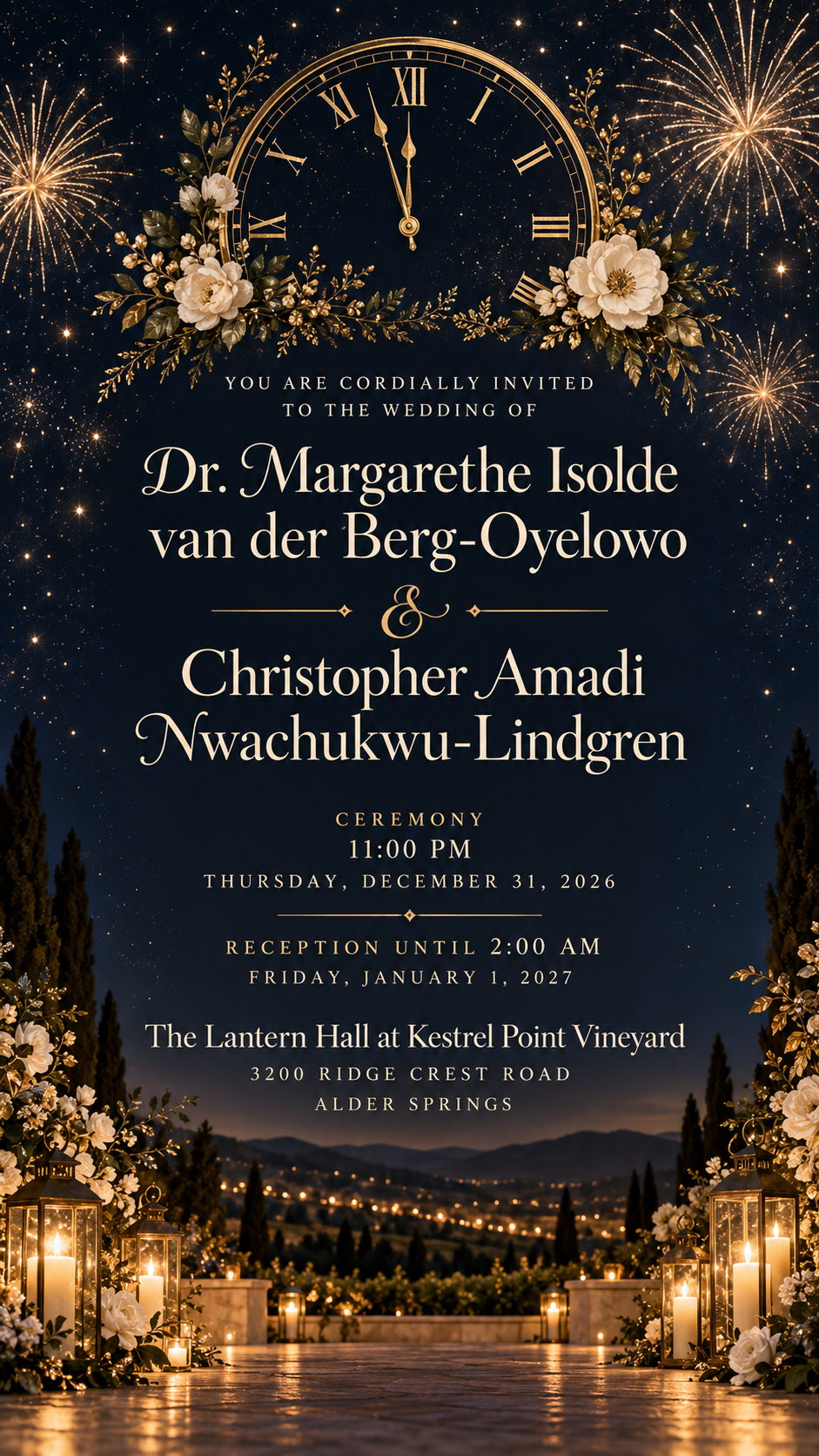
A digital wedding invitation that joins wedding elegance with midnight celebration, built from the couple's names, the exact date, time and venue, and your own greeting.
One generated wedding invitation image for a New Year's Eve celebration, with the couple's names, the date, time and venue exactly as supplied, and your greeting if you add one. Made for sharing digitally; check every detail, especially times around midnight.
Ceremony before midnight, reception into January 1, long names, no greeting
Couple's names
Dr. Margarethe Isolde van der Berg-Oyelowo and Christopher Amadi Nwachukwu-Lindgren
Date and time
Ceremony 11:00 PM, Thursday, December 31, 2026. Reception until 2:00 AM, Friday, January 1, 2027
Venue and address
The Lantern Hall at Kestrel Point Vineyard, 3200 Ridge Crest Road, Alder Springs
Greeting or invitation line (optional)
Left empty
Two long names with titles and particles, an event that crosses midnight into a new year, and no greeting. Checks that both dates and years stay exact and the long names stay readable without shrinking the date.
Same task, three directions
Pick a direction to start from.
01
Midnight navy and gold
A deep navy sky, gold line work and a clock set just before midnight. Formal and quietly festive.
02
Champagne and blush
Soft blush and champagne tones with floral sprigs and a pair of glasses, for a warmer, romantic mood.
03
Black-tie minimal
Black and ivory with a single fine firework burst, for a clean modern invitation.
What the template keeps
The parts that stay consistent.
01
Wedding first, party second
Elegant wedding cues lead, with midnight and celebration details as accents rather than the main subject.
02
Dates across midnight
Events that end on January 1 keep both dates and years as you wrote them.
03
Sparkle kept clear of text
Fireworks, glitter and confetti frame the invitation without covering details.
How to use it
From details to a result.
01
Enter both names as you want them
Choose "&" or "and" and include titles if you use them. The names are the largest text.
02
Add the exact date and time
If the celebration runs past midnight, write both dates and times so guests are clear.
03
Add the venue and an optional greeting
Include the full address. The greeting is your own line and nothing else is added.
04
Review, send and proofread
The brief opens in Vizify for review. After generating, check names, dates, the year and the address before sharing.
Output boundaries
What to check before you use it.
AI-rendered text can contain mistakes. Check the names, the date, the year and the times before sending, especially near midnight.
This is a digital invitation image. It is not a print-ready file with bleed and trim marks, and it is not an editable stationery file.
Vizify does not send invitations, collect RSVPs or host a wedding website. Add those details in your own message if you have them.
Long names with titles take up space and make the details smaller. Keep the rest of the text short.
QuestionsHow do I show a ceremony that ends after midnight?+
Write both parts in the date and time field, such as "Ceremony 11:00 PM, December 31, 2026. Reception until 2:00 AM, January 1, 2027." Both dates are kept exactly as you type them.
Can I print these invitations?+
You can print the image for informal use, but it is not a print-ready file with bleed or a set card size. For professional printing, ask your printer what file they need.
Can it double as a save-the-date?+
Yes, once the details are confirmed. This template requires both names, the date and time, and the venue. Write “Save the date” in the optional greeting field to give it a date-announcement style.
Can guests RSVP from the invitation?+
No. Add a reply line in Additional direction if you want one printed, such as who to contact and by when. Vizify does not collect replies.
Will it include a photo of us?+
No. The design uses decorative motifs rather than drawing people, so no one ends up with a face that is not theirs.