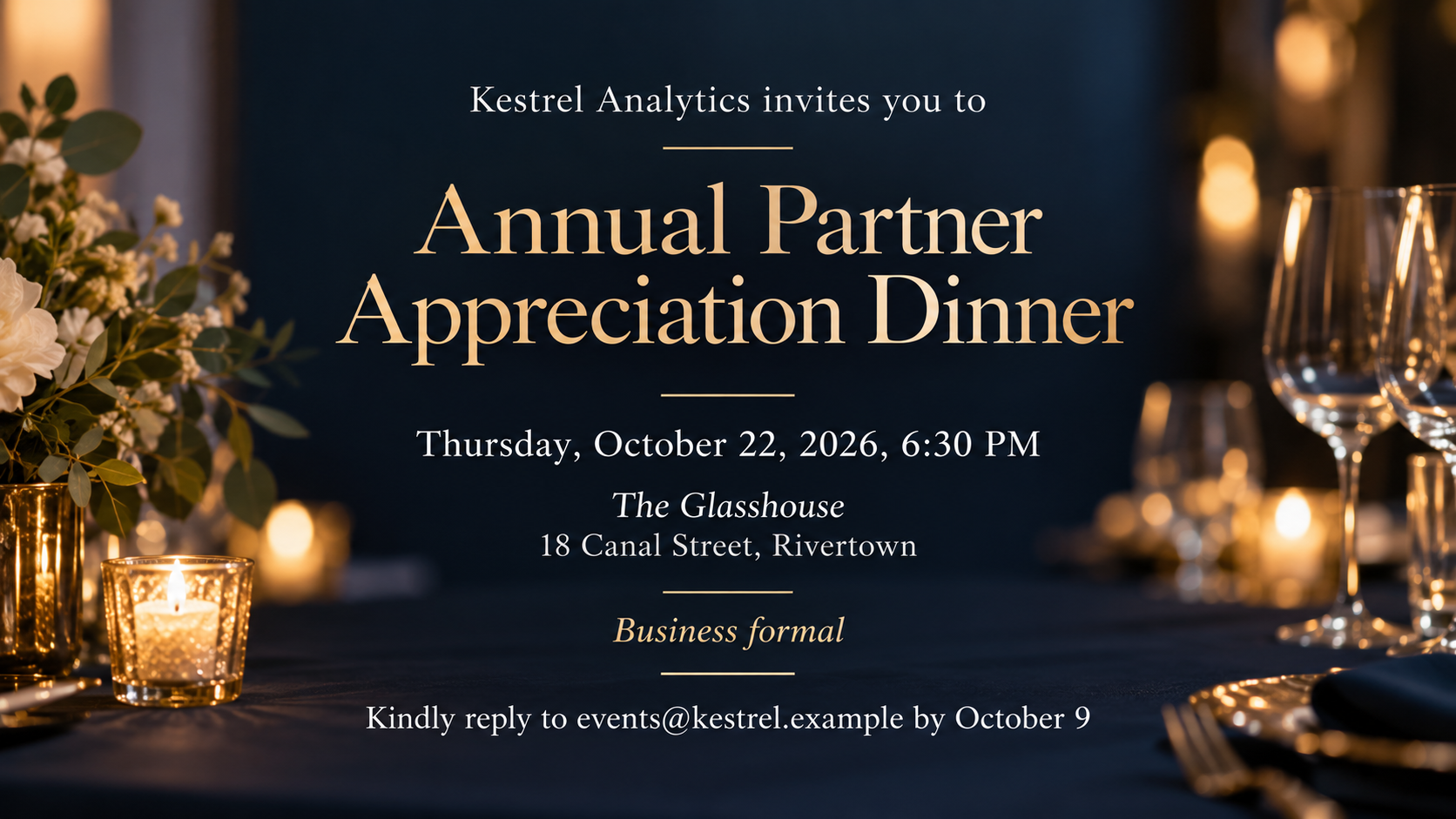
A professional invitation image for a client dinner, launch, reception or company party, built from your event name, host, exact time and venue, and dress code.
One generated invitation image with your event name, host, date, time, venue, optional dress code and reply line. Wording is reproduced as typed; check it before sending. Vizify does not send invitations or manage registrations.
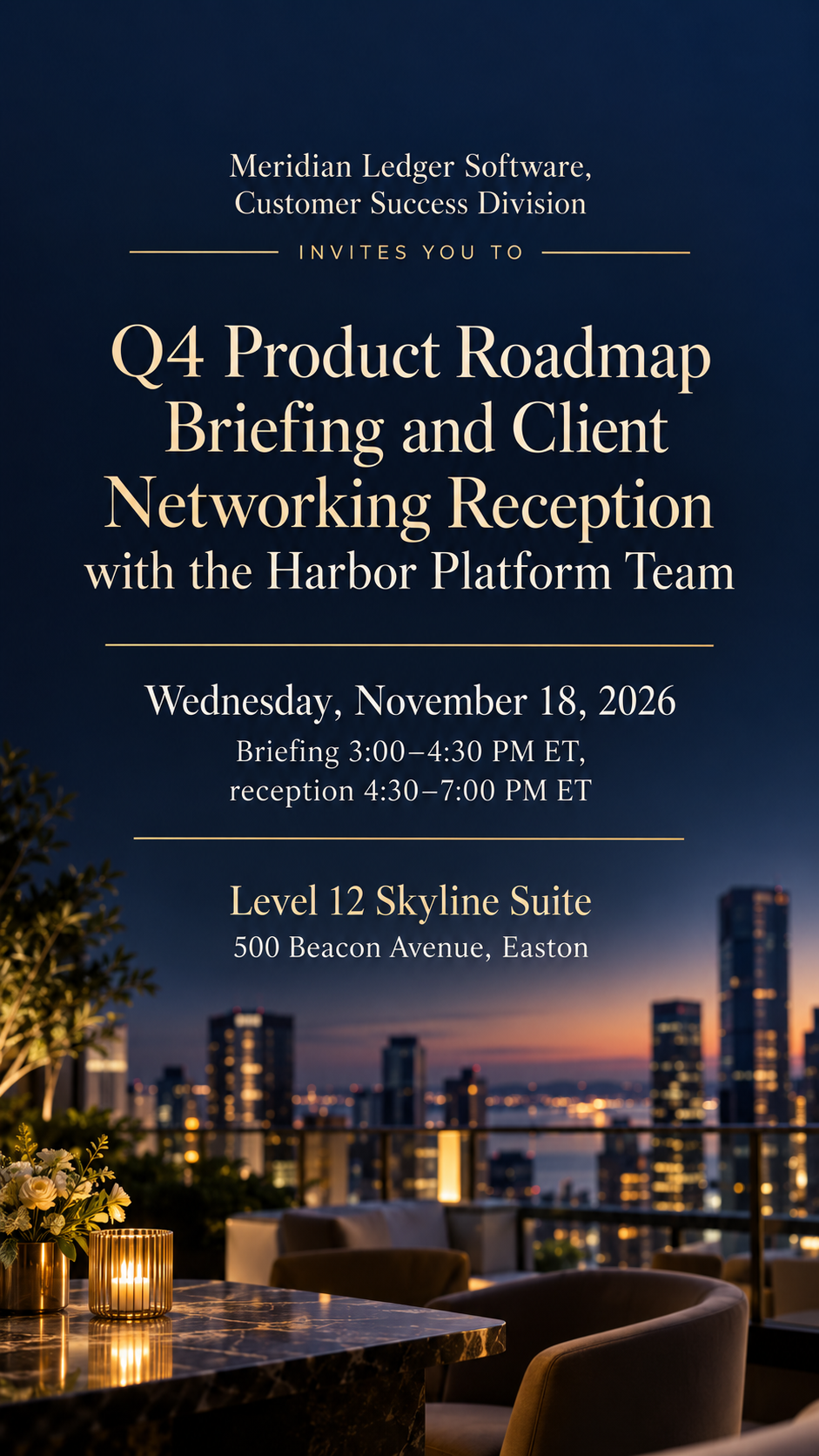
Long launch-and-reception name with a time zone, no dress code or reply line
Event name
Q4 Product Roadmap Briefing and Client Networking Reception with the Harbor Platform Team
Hosted by
Meridian Ledger Software, Customer Success Division
Date, time and venue
Wednesday, November 18, 2026
Briefing 3:00–4:30 PM ET, reception 4:30–7:00 PM ET
Level 12 Skyline Suite, 500 Beacon Avenue, Easton
Dress code (optional)
Left empty
Reply or registration line (optional)
Left empty
A long event name, a host with a division, two sessions with time zones and no optional fields. Checks that both sessions keep their exact times, and no dress code, agenda, speaker or reply link is added.
Same task, three directions
Pick a direction to start from.
01
Formal dinner
Deep charcoal or navy with fine metallic lines and serif type, for client dinners, galas and award evenings.
02
Launch and conference
A modern, confident layout with bold type and one brand color for launches, summits and briefings.
03
Company social
A warmer, friendlier invitation for summer parties, year-end gatherings and team celebrations.
What the template keeps
The parts that stay consistent.
01
Host, then event, then details
The layout follows the order guests expect on a professional invitation.
02
Register matches the occasion
Dinners stay refined, launches stay bold and socials stay relaxed, all from the same fields.
03
No invented logistics
No agenda, speakers, sponsors or registration links appear unless you supply them.
How to use it
From details to a result.
01
Name the event and the host
Use the event title as it appears in your calendar invite, and the company or team that is hosting.
02
Add the exact time and place
Put each session and the full venue address on its own line. Include time zones if guests are travelling.
03
Add a dress code and reply line if needed
Both are optional and printed as text. Add your logo and choose wide for email, tall for phones or square for chat.
04
Review, send and proofread
The brief opens in Vizify for review. After generating, check names, times and the reply address before it goes out.
Output boundaries
What to check before you use it.
AI-rendered text can contain mistakes, especially in email addresses and times. Check them character by character before sending.
Vizify does not send invitations, collect RSVPs or run registration. The reply line is only text in the image.
A supplied logo is redrawn and may differ slightly from your brand files. Use the original logo where exact brand reproduction is required.
The output is one image, not an editable invitation file or a printed card with bleed. Other sizes are separate requests.
Long agendas do not fit legibly. Keep the agenda in the email body and let the image carry the essentials.
QuestionsCan I use this for a dinner invitation card as well as a conference?+
Yes. Choose the Formal dinner direction for a sit-down dinner or reception, or Launch and conference for a briefing or summit. The fields stay the same.
Does Vizify send the company event invitation or track RSVPs?+
No. You get an image to place in your own email, calendar invite or chat. Replies and registrations stay in whatever tool you already use.
How do I keep it looking like a professional invitation for our brand?+
Upload your logo and name your brand colors in Additional direction. The logo is redrawn by the model, so compare it with your brand file and use the original where accuracy matters.
Can I add an agenda or speaker names?+
Add a short line or two in Additional direction exactly as it should read. Longer agendas are easier to read in the email text than in an image.
How is this different from other event invitation templates?+
It is tuned for workplace events, with a host line, dress code and reply line, and a restrained layout for email. Personal parties have their own templates with playful styles.