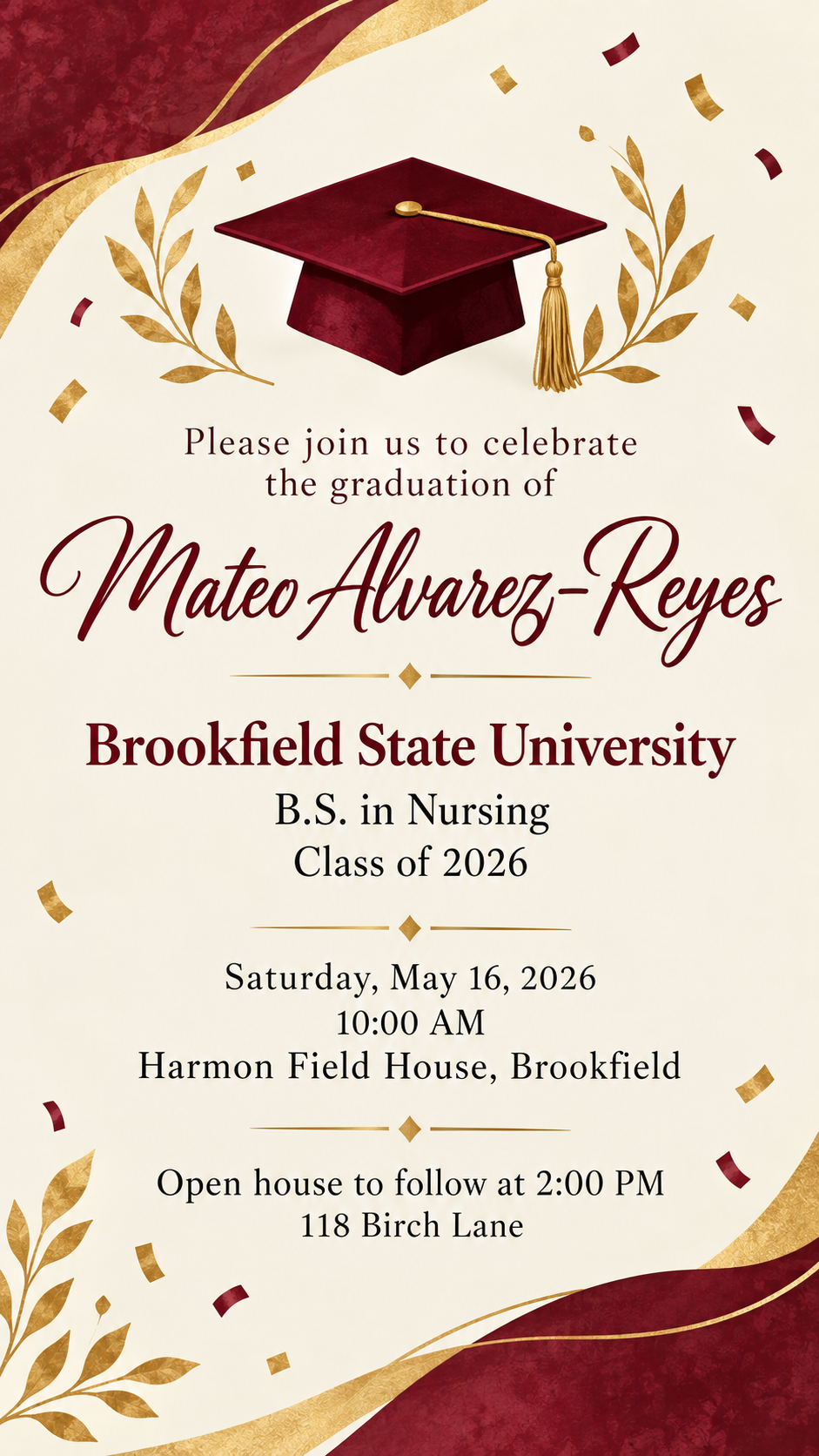
Invite family and friends to a graduation ceremony and celebration. The graduate's name, the school and degree, and the ceremony details are laid out in a clear order.
One generated invitation image with the graduate's name, school and degree or class, the ceremony date, time and venue, and an optional party line, in your school colors if you give them. It is a personal invitation, not an official school document. Check every detail before sending.
High school graduate with a long program name, no party or colors, square
Graduate's name
Anh Thư Nguyễn-Barrington
School and degree or class
Westbury Valley Regional High School, International Baccalaureate Diploma Programme, Class of 2026
Ceremony date, time and venue
Thursday, June 11, 2026, 6:30 PM (doors open 5:45 PM)
Westbury Valley Performing Arts Center, 400 Collegiate Way, Westbury
Celebration afterwards (optional)
Left empty
School colors (optional)
Left empty
A Vietnamese name with stacked diacritics, a very long program line and two times in the ceremony block, with no party or colors. Checks that the diacritics survive and no crest, school colors or party line is invented.
Same task, three directions
Pick a direction to start from.
01
Classic cap and tassel
A mortarboard with a tassel in your school colors, a diploma scroll and formal serif type.
02
Modern typographic
No illustrations, just a strong name and class year in large type, for a clean invitation that reads well on a phone.
03
Garden open house
Soft greenery and string lights for an afternoon celebration at home after the ceremony.
What the template keeps
The parts that stay consistent.
01
Three clear tiers
Name first, school and degree second, ceremony details third, so guests find what they need quickly.
02
Personal, not official
The invitation comes from the family or graduate and uses generic graduation motifs, never a school crest or seal.
03
Separate ceremony and party
When there is a celebration afterwards, it gets its own block so nobody goes to the wrong place.
How to use it
From details to a result.
01
Enter the graduate's name
Type it as it should appear, including accents and hyphens. It is the most prominent line.
02
Add the school and degree or class
Write the school name and the degree, diploma or class year exactly as you want it printed.
03
Add the ceremony and any party
Put the ceremony date, time and venue on separate lines, add a celebration line if there is one, and name your school colors.
04
Review, send and proofread
The brief opens in Vizify for review. After generating, check every name, date, time and address before sending the invitation.
Output boundaries
What to check before you use it.
AI text can contain mistakes. Check the graduate's name, the school, the degree abbreviation and every date and time before sharing.
This is a personal invitation. It is not endorsed by the school and does not use or recreate official crests, seals or logos.
Ceremony tickets, seating and livestream access are handled by the school. The image does not manage guests or replies.
The image is for digital sharing and has no print bleed or card size. Printed cards need a test print first.
The template does not draw the graduate. Add a photo separately if you want one alongside the invitation.
QuestionsCan I put the school's official logo or crest on the invitation?+
No. Many schools restrict use of their marks, and a generated copy would not be accurate. The template uses your school colors and generic graduation motifs instead.
Can I print it as an invitation card for graduation?+
You can print the image, but it is designed for phones and email. It has no bleed and is not sized to a card, so check a test print before ordering copies.
What makes a good graduation invitation card design?+
A clear order: the graduate's name, then the school and degree, then when and where. Keep the details short, use one or two school colors and leave space around the text. The template follows that order by default.
Can I use it for graduation cards invitation sets for a whole class?+
Each request creates one invitation for one graduate. For several graduates, run the template once per person with the same direction and check each result.
Does it work for high school, college and graduate degrees?+
Yes. Write the school and degree or class year the way you want them shown, from "Class of 2026" to a full degree title.