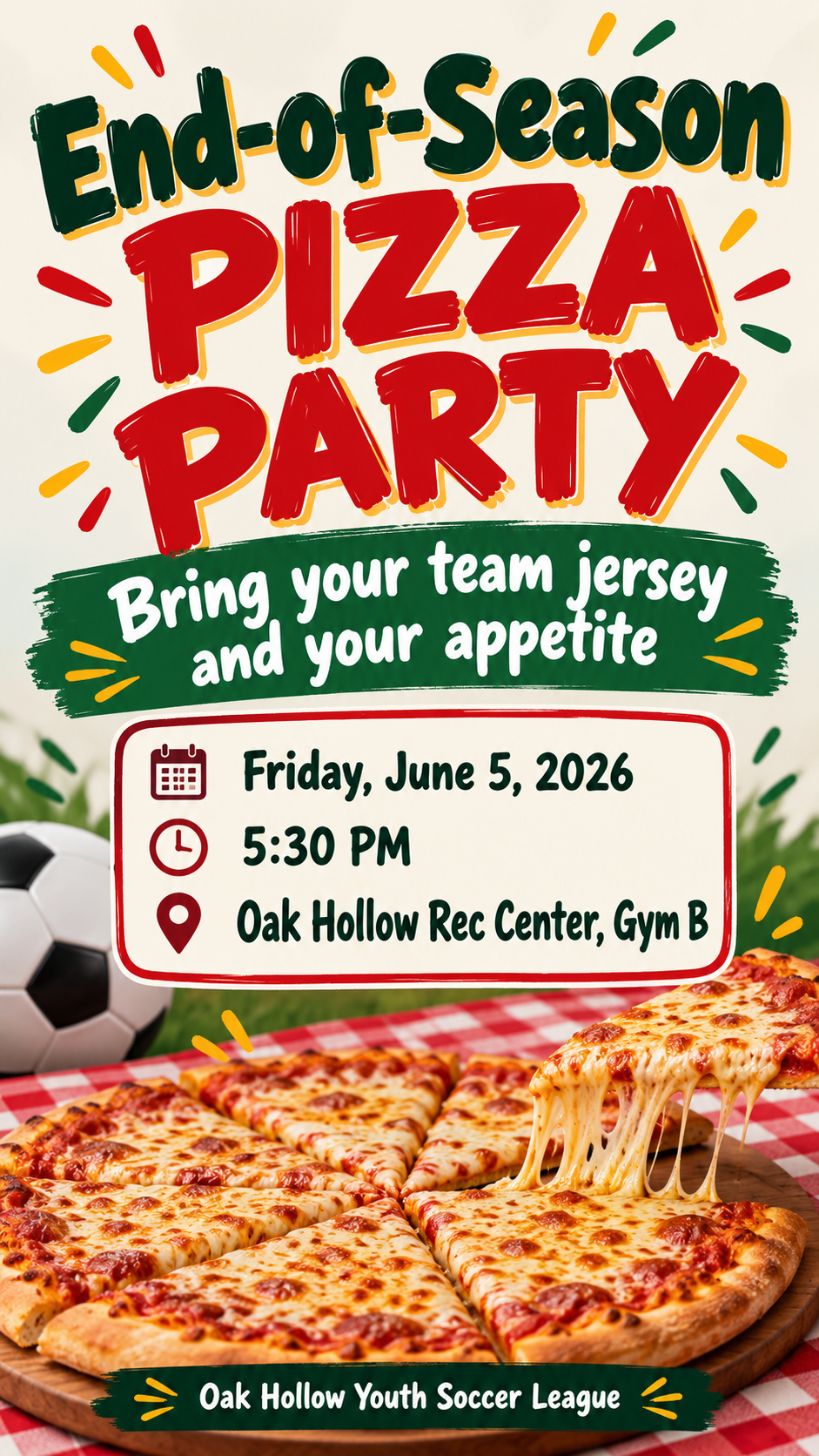
One image that works as a pizza party flyer for a notice board or as an invitation in a group chat, built from your party name, time, place and call-out line.
One generated pizza party image with your party name as a bold headline, the exact time and place, your call-out line and an optional host. It works as a flyer or an invitation. Check the details before posting or sending it.
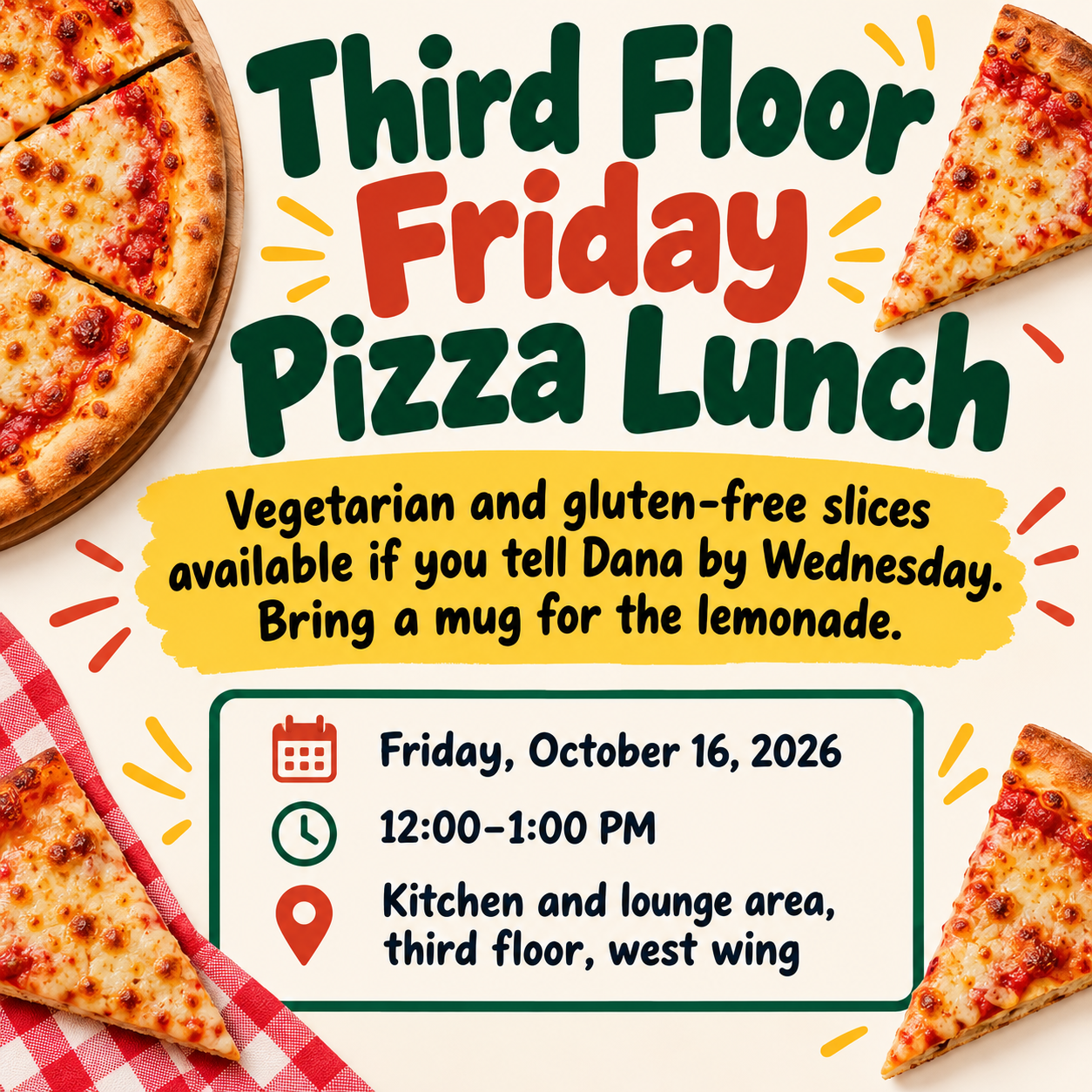
Long call-out with a dietary note, no host, square
Party name
Third Floor Friday Pizza Lunch
Date, time and place
Friday, October 16, 2026, 12:00–1:00 PM
Kitchen and lounge area, third floor, west wing
Call-out line
Vegetarian and gluten-free slices available if you tell Dana by Wednesday. Bring a mug for the lemonade.
Host or organizer (optional)
Left empty
A two-sentence call-out that includes a dietary note, a workplace location and no host. Checks that the dietary note appears exactly as written and no other options, prices or brand names are added.
Same task, three directions
Pick a direction to start from.
01
Retro pizzeria
Red and white checkerboard, a classic pie and chunky retro lettering. Reads well pinned to a board.
02
Kids' cartoon slices
Smiling cartoon slices and bright colors for class parties, birthdays and team celebrations.
03
Clean office lunch
A simple, modern flyer for a workplace pizza lunch or a team meeting with food.
What the template keeps
The parts that stay consistent.
01
One image, two jobs
Bold enough for a notice board, clear enough for a group chat, from the same brief.
02
The call-out gets noticed
Your line is the second thing people read, right after the party name.
03
No invented food claims
Toppings, prices and dietary options appear only if you write them.
How to use it
From details to a result.
01
Name the party
A short name makes the strongest headline, such as "Friday Pizza Night" or "Class Pizza Party".
02
Add the time, place and call-out
Put the date and time on one line and the place on the next. The call-out says why people should come.
03
Add a host if helpful
A club, class or team name helps people know who is inviting them. Choose tall for a board or square for a chat.
04
Review, send and check the details
The brief opens in Vizify for review. After generating, check the day, time and room before posting or sending.
Output boundaries
What to check before you use it.
AI-rendered text can contain mistakes. Check the party name, date, time and place before you post or send it.
The image is not a print-ready file with bleed. It is fine for a home printer and a notice board, but check a test print first.
Vizify does not send the invitation, take orders or count guests. Use your own message or sign-up list for that.
Real pizza brand logos, boxes or mascots are not recreated.
QuestionsIs this a flyer or an invitation?+
Both. The layout is bold enough to pin on a board as a pizza party flyer and clear enough to send as an invitation in a group chat or email.
Can it list toppings or dietary options?+
Yes, if you write them in the call-out line or in Additional direction. The template never adds menu items or dietary claims on its own, so what appears is only what you supply.
Can I print it for a school or office notice board?+
Print it on a home or office printer and check the text is sharp. It has no bleed or set paper size, so leave a margin when printing.
Can people sign up or RSVP through the flyer?+
No. Add a line such as "Tell Coach Dana by June 1" and collect replies yourself. Vizify does not track sign-ups.
Can I use it for a birthday pizza party?+
Yes. Use a party name like "Leo's 8th Birthday Pizza Party" and put the birthday details in the call-out line. The Kids' cartoon slices direction suits it well.