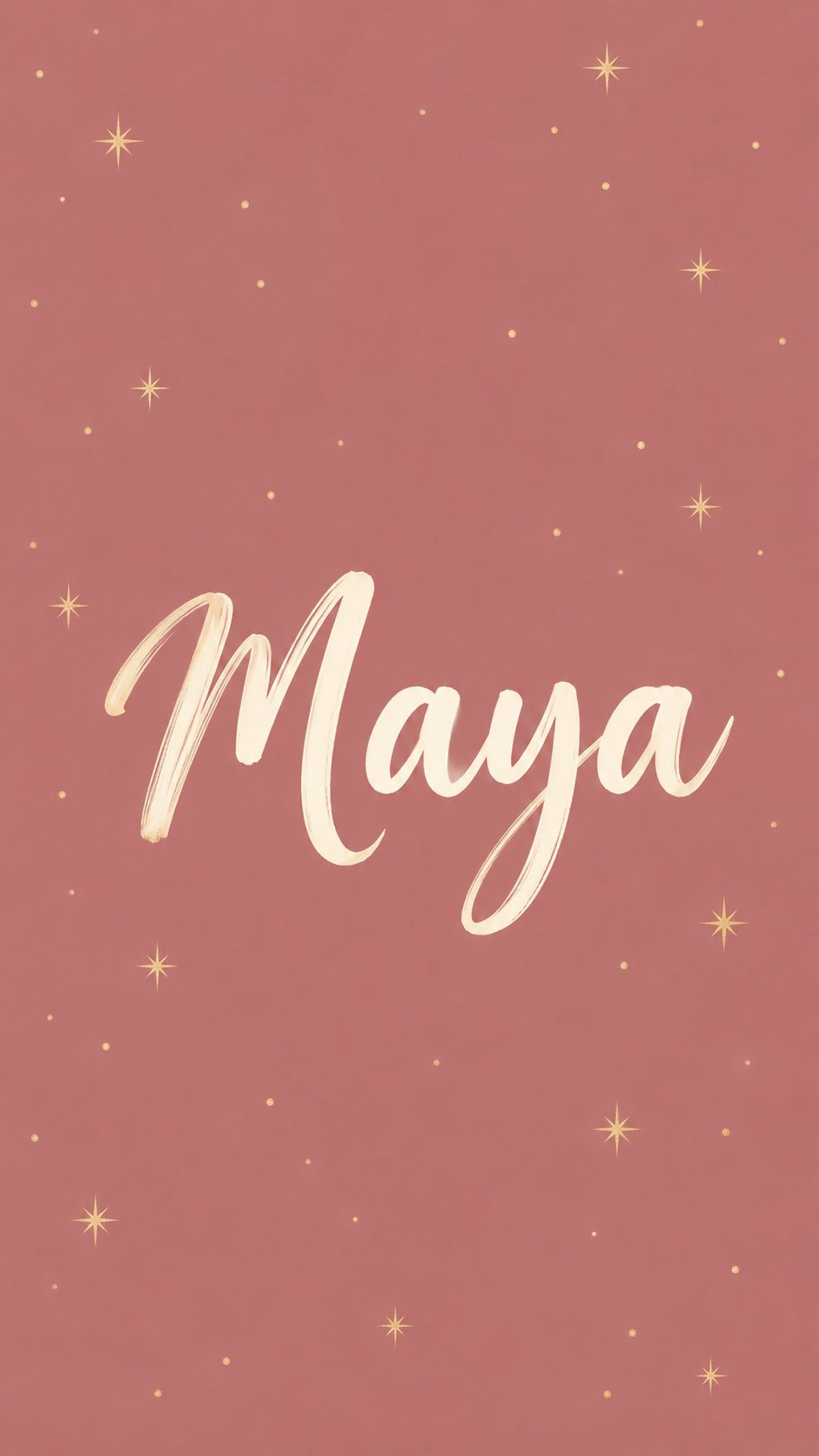
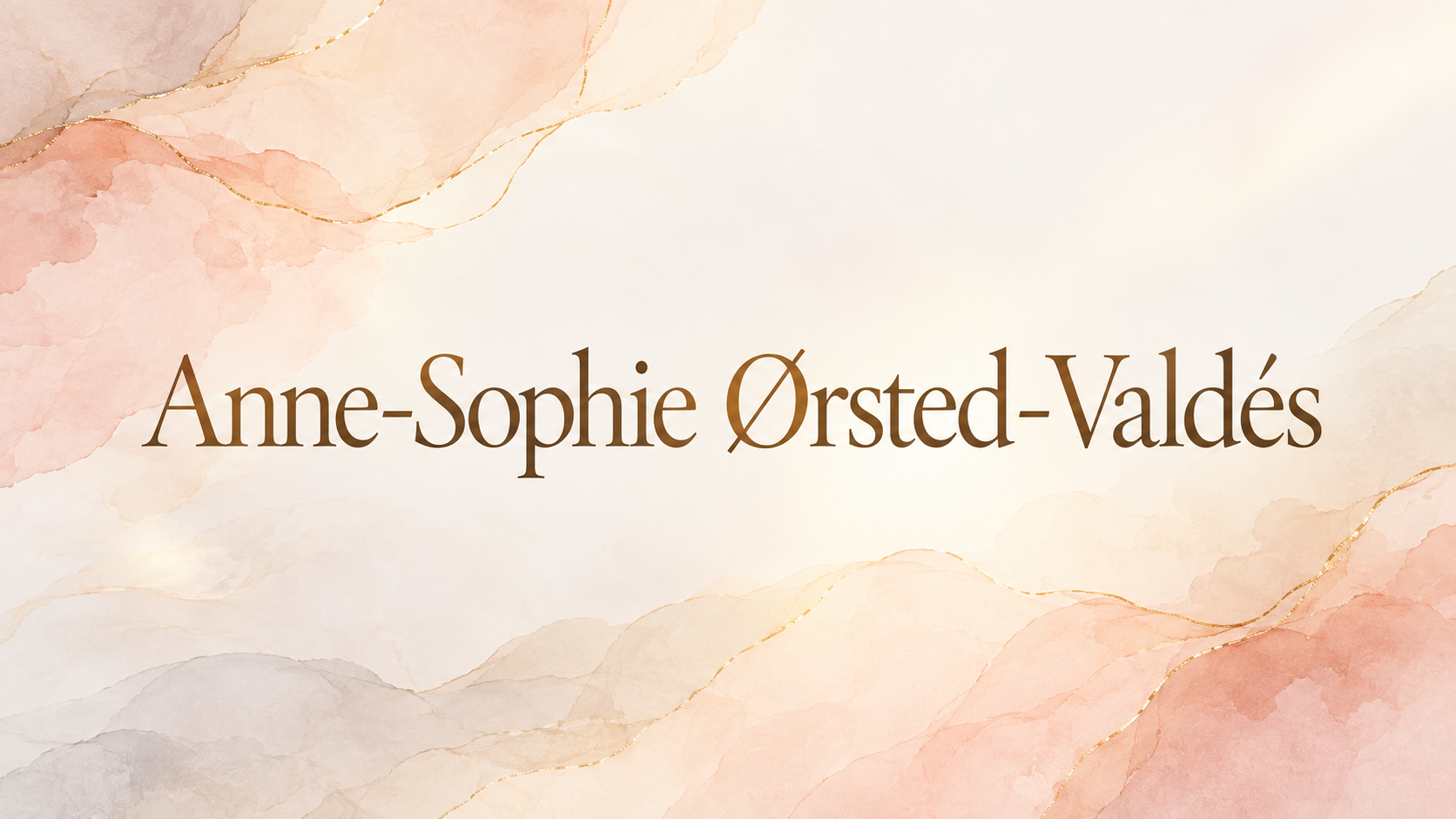
One generated wallpaper with the name as the only text, in the lettering feel and colors you describe, placed clear of the clock or desktop icons. AI lettering can drop or swap letters, so check the spelling letter by letter.
Long hyphenated name with accents and no style direction
Name, exactly as it should appear
Anne-Sophie Ørsted-Valdés
Lettering feel (optional)
Left empty
Colors and background (optional)
Left empty
A long double name with Ø, é and two hyphens, and no lettering or color direction. Checks that every accent, both hyphens and the capitals survive, and that nothing is added around the name.
Same task, three directions
Pick a direction to start from.
01
Script on soft color
A flowing script name on a single soft color, for a personal phone lock screen.
02
Bold rounded capitals
Chunky, high-contrast capitals, the style least likely to lose a letter and easy to read at a glance.
03
Name with small doodles
The name surrounded by a few small doodles, such as flowers, hearts or stars, kept clear of the letters.
What the template keeps
The parts that stay consistent.
01
Spelling as typed
Letters, order, capitals and accents are copied from your input, and the result is checked against it.
02
The name alone
No extra words, dates or greetings are added.
03
Clear of the clock and icons
The name sits where screen furniture will not cover it.
How to use it
From details to a result.
01
Type the name exactly
Include capitals, accents, hyphens and spaces the way the name is really written.
02
Describe the lettering
Script, rounded capitals, handwritten or elegant. There is no font menu; the style follows your words.
03
Choose colors and a device
Pick colors, then portrait for a phone or landscape for a desktop. The name is placed clear of the clock or icons.
04
Check every letter
Compare the result with what you typed, letter by letter, and ask for a fix if anything is off.
Output boundaries
What to check before you use it.
AI-rendered lettering can drop, swap or add letters, especially in long names, accents and script styles. Check the spelling before using it.
You can't pick a named typeface. The lettering is drawn to match your description.
The image follows a 9:16 or 16:9 direction, not your exact screen, so check that a long name is not clipped at the edges once set.
One name works best. Several names or extra words raise the chance of mistakes.
QuestionsCan I create a wallpaper with my name in another alphabet?+
Latin letters with accents work best. Other scripts can be tried, but generated characters are often wrong, so have someone who reads them check the result.
Why did a letter come out wrong?+
AI lettering is drawn, not typed, so letters can slip, especially in script styles. Ask for a correction in the conversation, or switch to rounded capitals, which keep letters more reliably.
Can I pick a specific font?+
No. Describe the feel instead, such as thin elegant script or bold bubbly capitals, and the lettering is drawn to match.
Can I make a name background for my laptop too?+
Yes. Choose the landscape format and the name is set off-center, away from your desktop icons and the dock or taskbar.
Is this a name wallpaper maker with editable text?+
Each wallpaper is a new image made from your name and style. You refine it by asking in the conversation, not by editing a text box, so check the spelling each time.