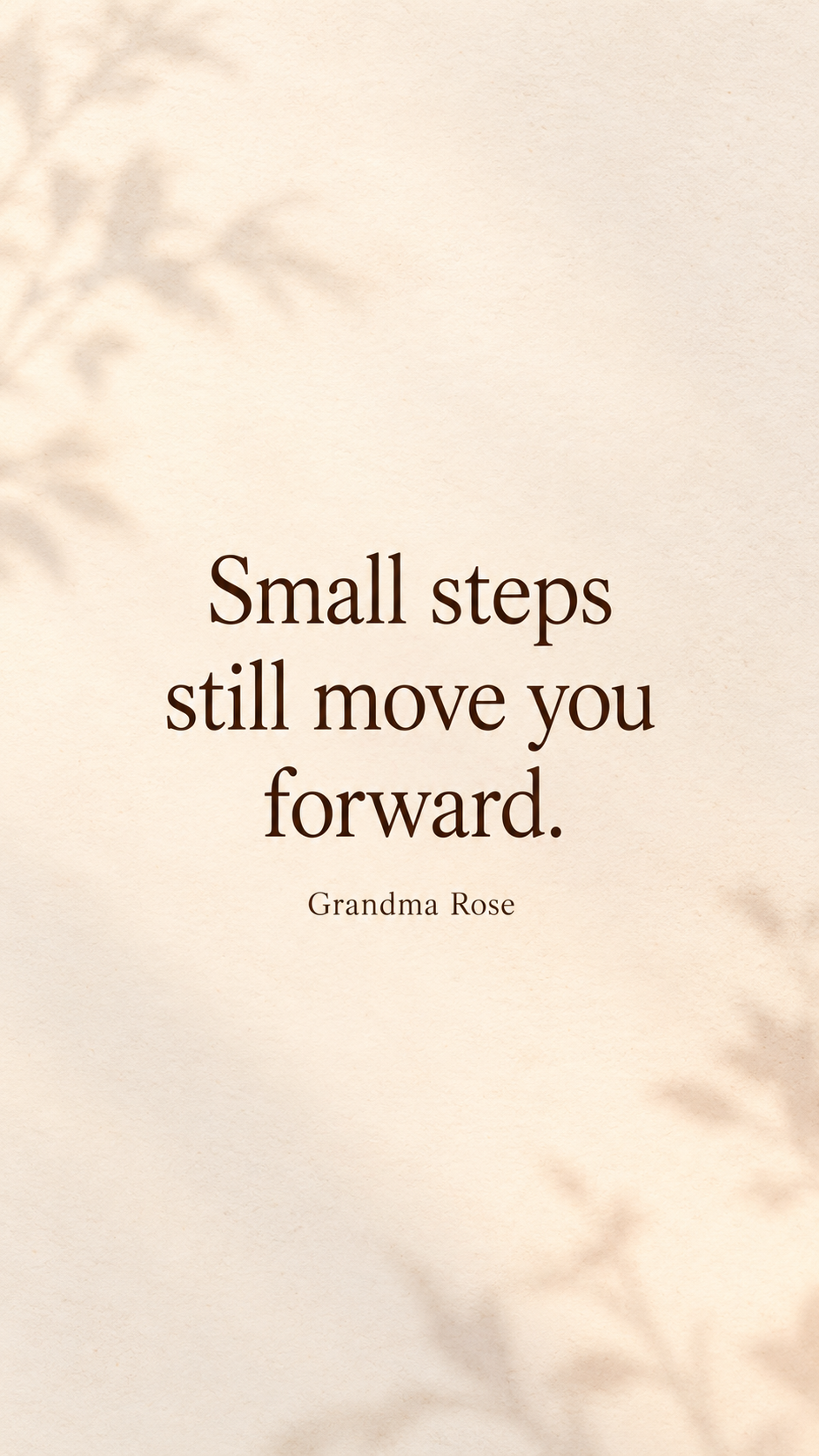
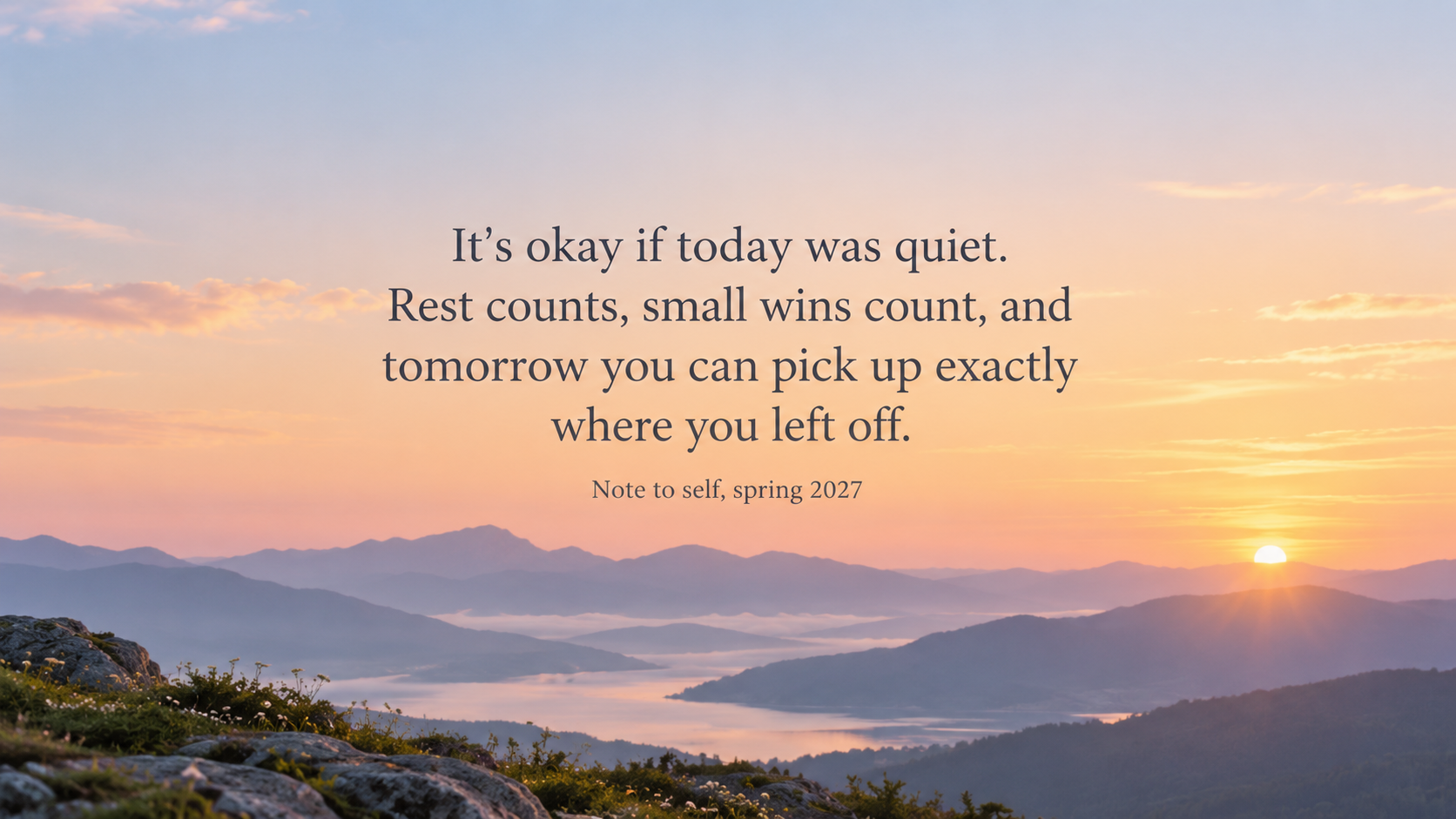
One generated wallpaper with your quote word for word, an optional attribution beneath it and a soft background, placed clear of the clock or desktop icons. Check every word and punctuation mark before you set it.
Three-sentence quote with punctuation for a desktop
Your quote, exactly as it should read
It's okay if today was quiet. Rest counts, small wins count, and tomorrow you can pick up exactly where you left off.
Attribution (optional)
Note to self, spring 2027
Background style (optional)
Left empty
A three-sentence quote with apostrophes and commas, an attribution and no background direction. Checks that every word and punctuation mark survives, the text stays clear of the icon side, and no quotation marks are added.
Same task, three directions
Pick a direction to start from.
01
Minimal type
Dark serif lettering on a plain warm background with lots of space, the calmest way to keep a line in view.
02
Motivational sunrise
A soft sunrise gradient over distant hills, for a motivational line you want to see first thing.
03
Dark mode lettering
Light lettering on deep navy, easy to read at night and calm behind icons.
What the template keeps
The parts that stay consistent.
01
Your words, unchanged
No rewording, trimming or added quotation marks.
02
Text clear of screen furniture
The quote sits away from the clock, widgets and desktop icons.
How to use it
From details to a result.
01
Type your quote exactly
Include the punctuation and line breaks you want. Short lines render most reliably.
02
Add an attribution if you like
Your name, a family member or the source you have checked. Nothing is added if you leave it empty.
03
Choose a background style
Minimal, motivational or dark. The background stays soft so the words stay readable.
04
Proofread the result
Compare every word and mark with what you typed, then ask for a correction if something slipped.
Output boundaries
What to check before you use it.
AI-rendered lettering can misspell words or drop punctuation, especially in long quotes. Proofread before using it.
You can't pick a named typeface. The lettering follows your style description.
It is a still image. It works as a wallpaper or a photo screensaver but does not animate.
Exact device resolution is not guaranteed, and screens crop a 9:16 or 16:9 image differently, so check that no words sit too close to an edge.
QuestionsCan I use a famous quote?+
You can type any quote you have the right to use. Check the wording and who said it, since many quotes online are misattributed. The template shows the attribution you type and never adds one.
Can I make motivational screensavers with this?+
It makes one still image. You can choose it in your device's screensaver or photo settings if they allow, but it won't animate.
What length works best for quote backgrounds?+
Around 12 words or fewer is easiest to read and renders most reliably. Longer quotes are kept complete but set smaller, with more chance of a spelling slip.
Can I get desktop wallpaper quotes and a phone version of the same line?+
Yes, with two requests. The desktop version sets the quote off-center away from your icons; the phone version places it below the clock.