Put what you love, what you are good at, what the world needs and what you can be paid for into a four-circle Ikigai chart, with the overlaps you choose yourself.
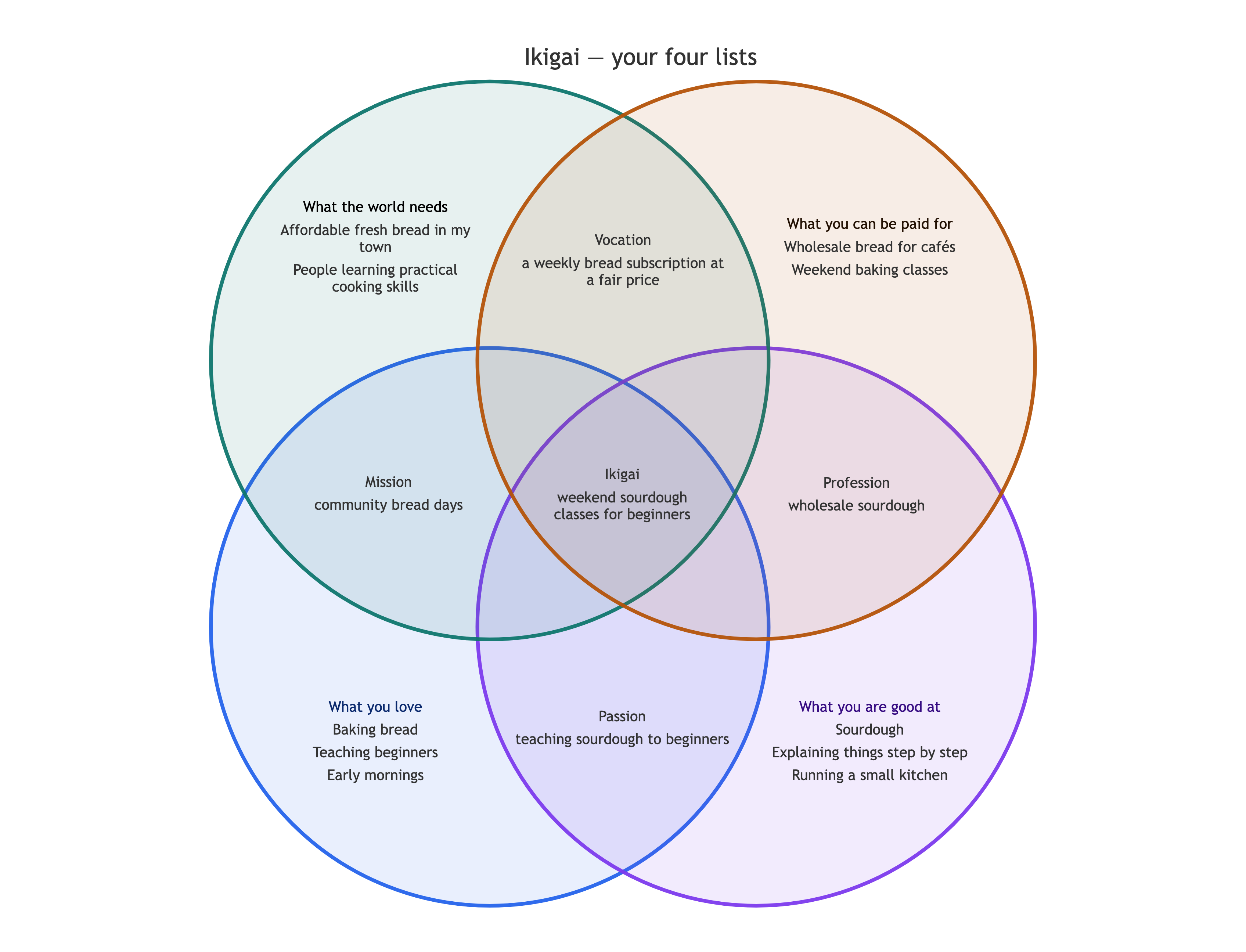
One four-circle Ikigai chart with your items in each circle and, where you supply them, in Passion, Mission, Vocation, Profession and the center. Overlaps you leave empty stay empty. It is a reflection aid, not advice. Check each item sits where you meant it.
Sourdough
Explaining things step by step
Running a small kitchen
What the world needs
Affordable fresh bread in my town
People learning practical cooking skills
What you can be paid for
Wholesale bread for cafés
Weekend baking classes
Your own reading of the overlaps
Passion - teaching sourdough to beginners
Mission - community bread days
Vocation - a weekly bread subscription at a fair price
Profession - wholesale sourdough
Center - weekend sourdough classes for beginners
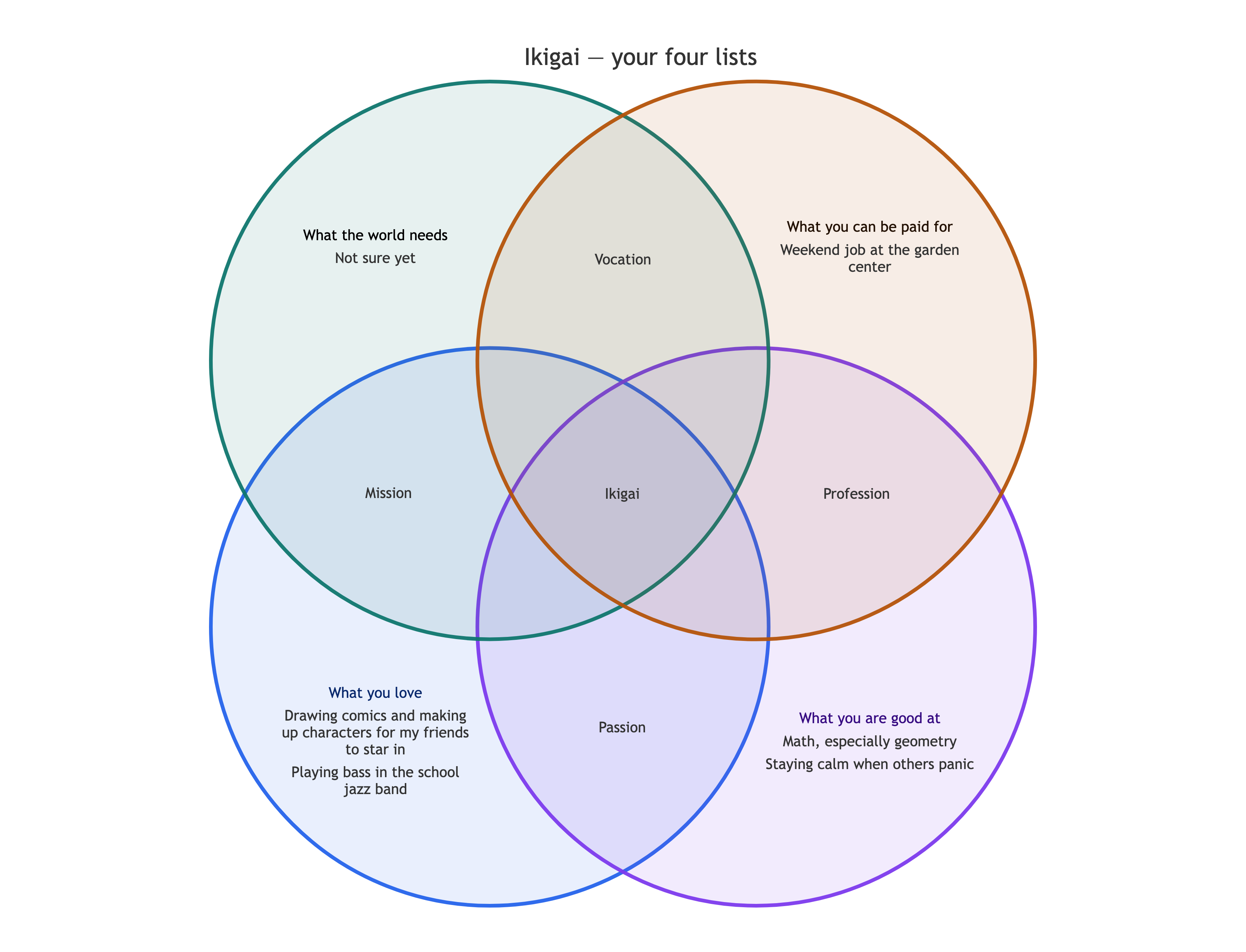
A student's lists with an unsure answer and no overlaps yet
What you love
Drawing comics and making up characters for my friends to star in
Playing bass in the school jazz band
What you are good at
Math, especially geometry
Staying calm when others panic
What the world needs
Not sure yet
What you can be paid for
Weekend job at the garden center
Your own reading of the overlaps
Left empty
No overlaps are given and one circle says "Not sure yet", which must appear as written. Checks that nothing is inferred into Passion, Mission, Vocation, Profession or the center, and that no career idea is suggested.
Same task, three directions
Pick a direction to start from.
01
Career change reflection
Your current work next to ideas you have not tried yet, marked in your own words, to see which overlaps are still empty.
02
Student course and subject choices
Friendlier circle labels for a class activity or a conversation with a counselor, with short phrases in each circle.
03
Side project check
One project idea tested against the four circles, with the idea itself placed in the center and the rest left as you wrote it.
What the template keeps
The parts that stay consistent.
01
Your answers, unedited
Items stay in your words, including answers you are unsure about.
02
The named overlaps
Passion, Mission, Vocation, Profession and the center are always labeled, even when empty.
03
No conclusions added
The chart shows what you wrote. It does not suggest a job or tell you what your ikigai is.
How to use it
From details to a result.
01
Fill the four circles
A few short items in each. Write "not sure yet" where you do not have an answer; it will appear as written.
02
Add overlaps if you have them
Name the region and what goes there. Leave this empty to see the circles on their own first.
03
Review in Vizify, then send
Your lists open for review. The chart is only created when you press Send.
04
Check and revise
Move items or add overlaps in the conversation as your thinking changes.
Output boundaries
What to check before you use it.
This is a reflection chart, not career advice or a test. It makes no prediction or promise about work or income.
Four circles cannot show every combination. Only the four named pairs and the center have their own regions.
Circle positions are automatic and may differ from the classic Ikigai drawing you have seen elsewhere.
Long items crowd small regions, so keep each one short. Saving and sharing follow the export options in the Vizify App.
QuestionsWhat goes in each overlap of an Ikigai chart?+
Passion is where love and skill meet, mission is love and what the world needs, vocation is what the world needs and what pays, and profession is skill and what pays. The center is where all four meet.
Will Vizify tell me what my ikigai is?+
No. The chart arranges your own answers so you can see them together. Deciding what they mean is up to you, perhaps with a mentor or counselor.
Can I rename the four circles?+
Yes. Give your labels in the additional direction, such as wording for a class activity. The overlaps keep their positions.
What if one of my answers fits two circles?+
List it in both circles, or put it in the overlap between them in the overlaps field. Vizify will not move it on your behalf.