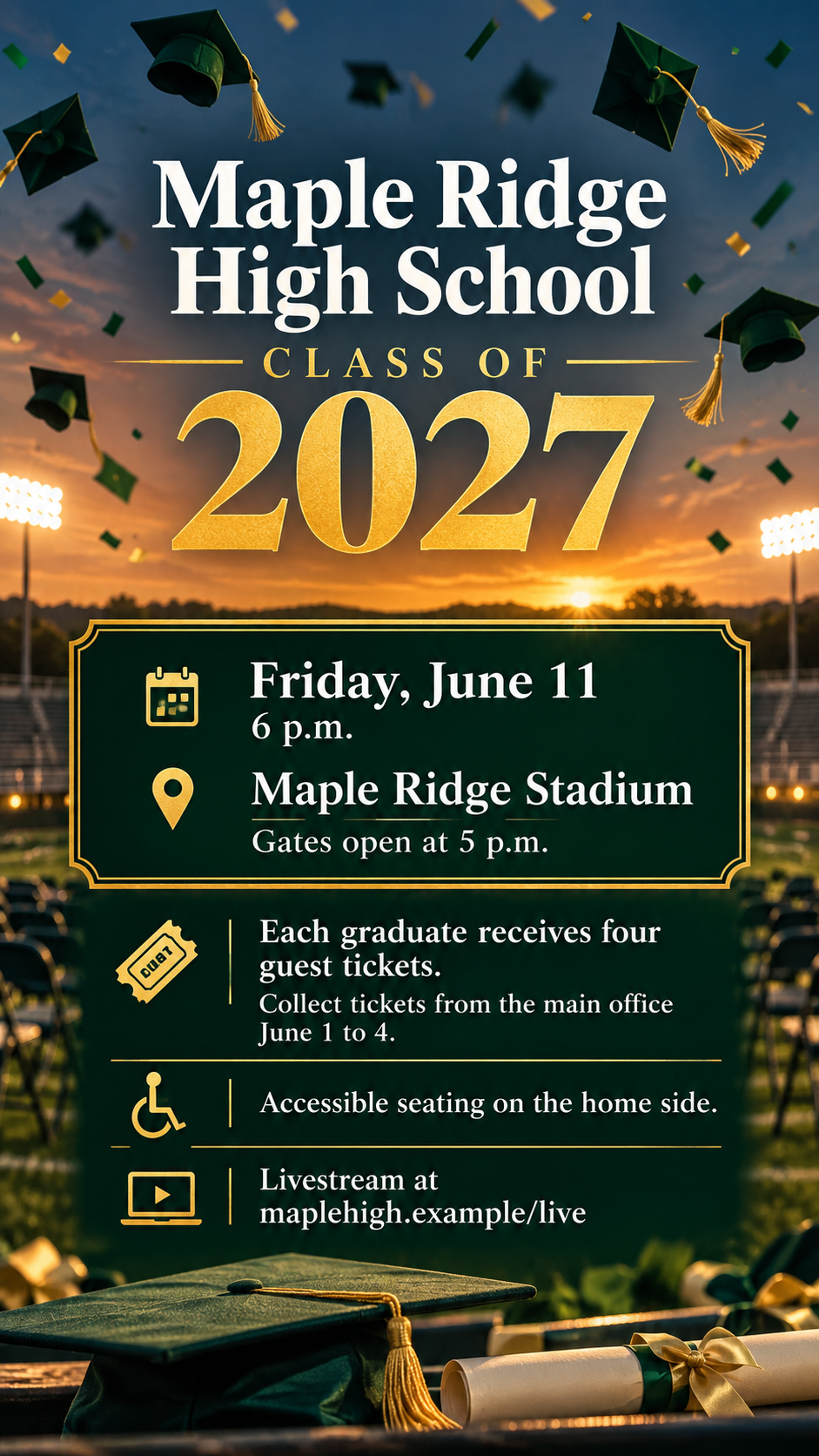
Graduation ceremony flyer for a school-wide announcement.
Announce a commencement to families and the wider community with one flyer showing the school, class year, ceremony time and venue, and ticket or guest instructions.
One generated flyer image with the school and class year as the headline, the ceremony date, time and venue in a framed block, and your ticket or guest instructions below. Check the class year and times carefully; generated numbers can slip.
Long academy name with a rain location and no colors
School and graduating class
St. Brendan's Collegiate Academy for the Arts and Sciences, Graduating Class of 2027
Ceremony date, time and venue
Saturday, May 29, 10 a.m., Harbor Point Amphitheater. If it rains, the ceremony moves to the Academy Main Gymnasium at the same time.
Tickets, RSVP or guest instructions
No tickets are needed at the amphitheater. If the ceremony moves indoors, each family may bring five guests; collect wristbands at the east entrance.
Parking, accessibility or livestream note (optional)
Left empty
School colors (optional)
Left empty
A long school name, a rain location and conditional guest rules, with no extras or colors. Checks that the backup venue and its guest limit stay clearly conditional and that no crest or mascot is invented.
Same task, three directions
Pick a direction to start from.
01
Classic cap and diploma
A tossed cap above the class year and the facts in a framed panel, for a traditional commencement announcement.
02
Oversized class year
The year fills the upper half in large numerals, with the details stacked cleanly underneath. Reads well from a distance.
03
Evening under the lights
A stadium at dusk with caps in the air, and a solid band so every detail stays readable over the scene.
What the template keeps
The parts that stay consistent.
01
Class year as the headline
The school and year lead, so the flyer is recognizable across a hallway or a feed.
02
Facts in a framed block
Date, time and venue sit together, separate from ticket rules and extras.
03
No borrowed school marks
Only generic graduation motifs, with no invented crest, seal or mascot.
How to use it
From details to a result.
01
Name the school and class
Write the class year exactly. It becomes the headline, so check it before continuing.
02
Add the ceremony facts
Date, start time, arrival or gate time and venue, plus a backup location if you have one.
03
Explain tickets or RSVP
Families need to know how to attend. Add parking, accessibility or livestream notes if they help.
04
Review, generate and proof
The brief opens in Vizify before anything runs. Compare the year, times and venue with the school calendar.
Output boundaries
What to check before you use it.
Generated text can contain mistakes, and years are especially prone to slipping. Check the class year, date, times and venue.
The school's official crest, seal or mascot is not reproduced. Add official marks in a layout tool if you have permission to use them.
It is a public announcement, not a personal invitation, a name card or a printed ceremony program.
It cannot issue tickets, collect RSVPs or host a livestream; those details are shown as text.
The result is one image in a tall, square or wide direction, not a print-ready file with bleed.
QuestionsIs this the same as a graduation invitation?+
No. This flyer announces the ceremony to the whole school community. To invite guests to one graduate's party or ceremony, start from an invitation template instead.
Can the flyer show our school crest or mascot?+
The template uses generic caps, tassels and diplomas so nothing is mistaken for an official mark. Add your real crest in a layout tool if the school allows it.
Can I include a rain location?+
Yes. Add it in the ceremony field with its own wording, and the flyer keeps it clearly labelled as the backup.
Can I list the graduates' names?+
This flyer is not built for a list of names; long name lists become too small to read. A printed program is the better place for them.
Can I post the flyer on the school website too?+
Choose the wide direction for a website banner or lobby screen and the tall one for bulletin boards. Each format is a separate request.