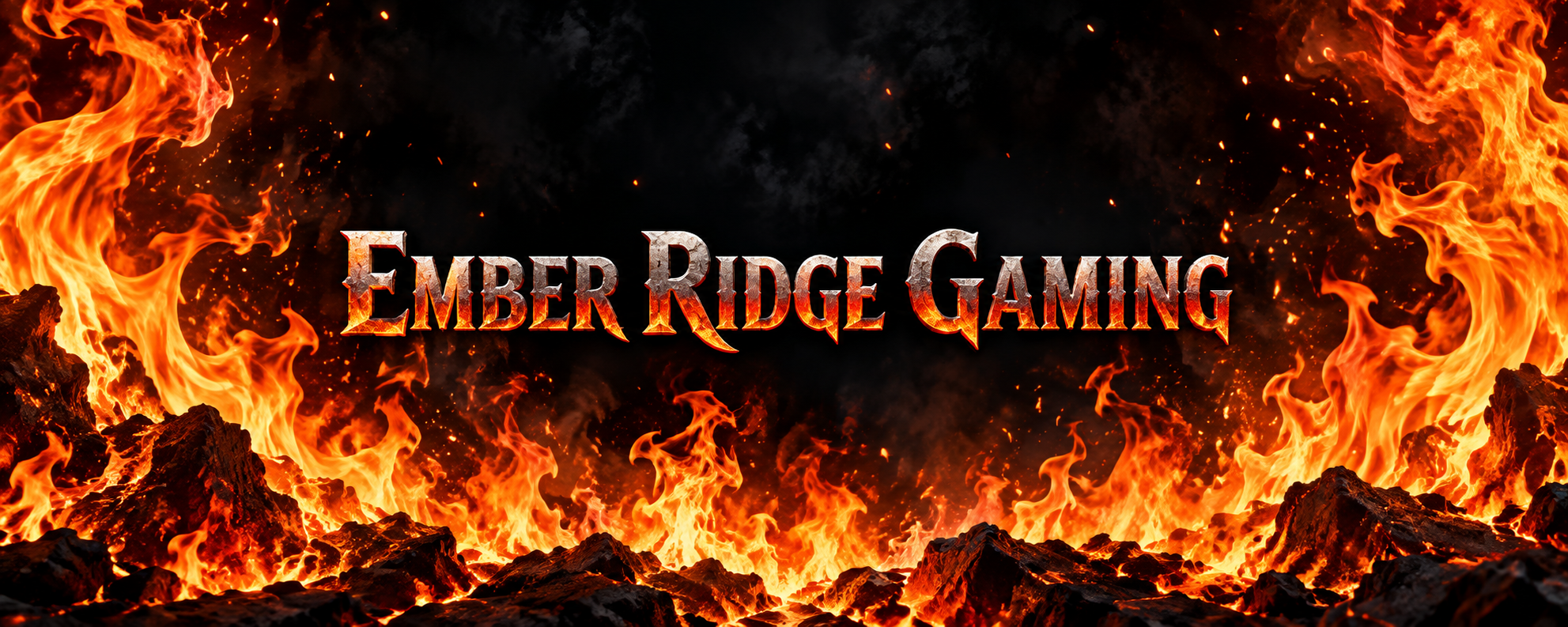
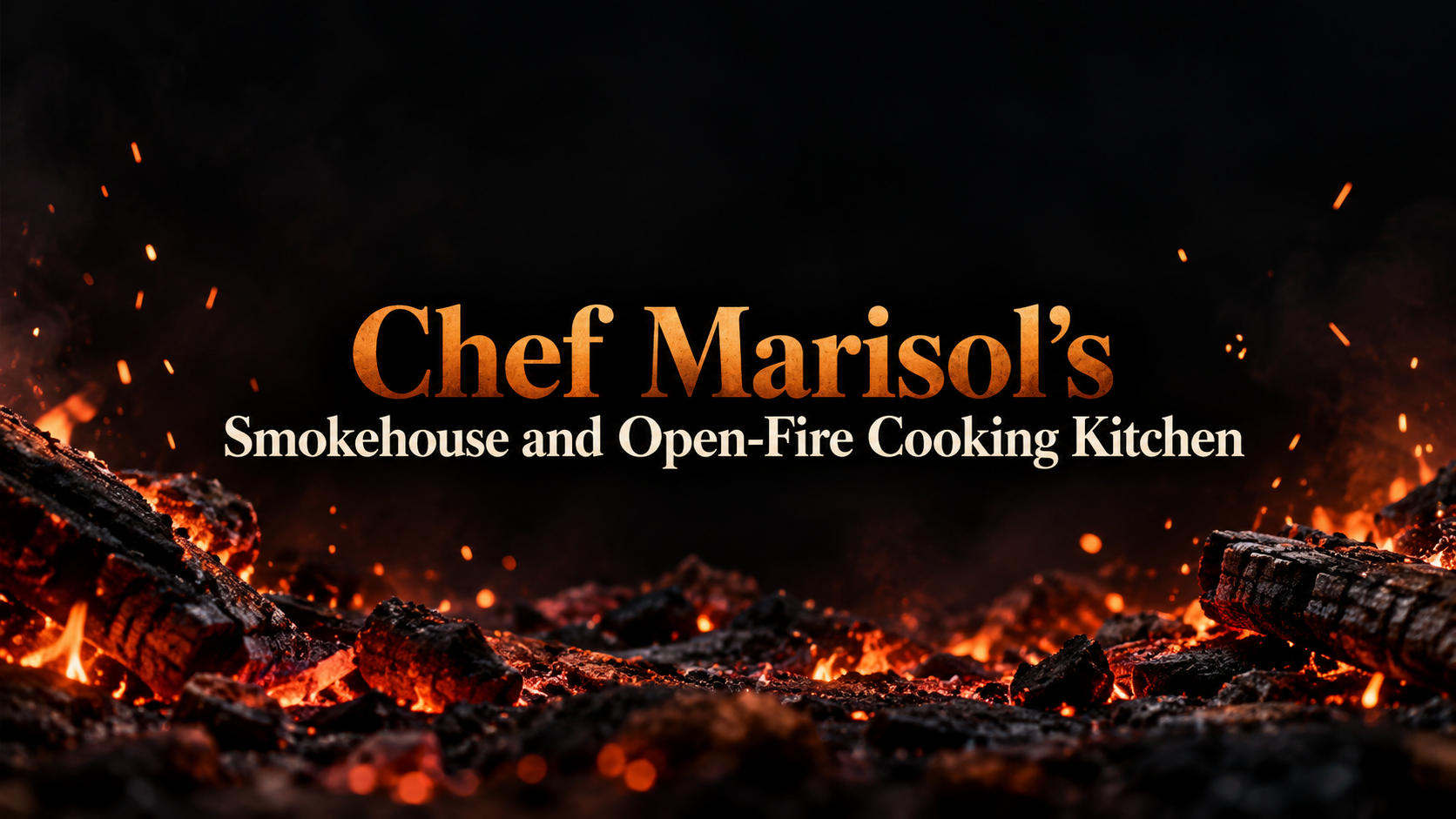
Make YouTube channel art with original flames, from low embers to a roaring blaze, while your channel name stays high-contrast and readable in the center.
One generated wide banner with original fire imagery at the intensity you choose and your channel name centered with the strongest contrast in the frame. Check that no flame crosses the lettering and that the name is spelled correctly.
Chef Marisol's Smokehouse and Open-Fire Cooking Kitchen
How much fire
Only low embers and a few drifting sparks
Background color (optional)
Left empty
Channel topic (optional)
Left empty
A long name with an apostrophe and hyphen, very little fire and no background color or topic. Checks that a quiet fire still reads as the theme and the name wraps on two lines without clipping.
Same task, three directions
Pick a direction to start from.
01
Blaze from below
Flames rise from the bottom edge and fade to black near the top, a classic look for gaming and sports channels.
02
Ember field
Drifting sparks and a low glow instead of big flames, for music, cooking or storytelling channels that want warmth without noise.
03
Blue flame
Cooler blue-white fire for tech, esports or night-themed channels that still want heat.
What the template keeps
The parts that stay consistent.
01
Name above the fire
Flames stay behind or beside the lettering, never across it.
02
Contrast before effects
Glow and smoke are kept away from the name so it stays sharp.
03
Original fire
Flames are drawn fresh, not borrowed from game logos or other channels' art.
How to use it
From details to a result.
01
Enter the channel name
Type it exactly. Fire art is busy, so the name gets the darkest, calmest spot in the frame.
02
Choose how much fire
Embers give a warm glow; a roaring blaze fills the sides. Add a background color if you want something other than black.
03
Review in Vizify and generate
Your choices and the contrast rules open together. Nothing runs until you send.
04
Check legibility at small size
Shrink the preview to phone size. If a flame crosses a letter, ask for a darker band behind the name.
Output boundaries
What to check before you use it.
The channel name can come out misspelled, especially long names. Check every letter before uploading.
The banner is a still image. Animated or looping fire is not part of this template.
The 16:9 format is a direction, not an exact pixel size. Confirm the file against YouTube's current requirements.
Heavy glow can soften contrast on some screens. Ask for a darker backing band if the name looks faint.
Flames are generated fresh each time, so the same request will not repeat the exact same fire shapes.
QuestionsWill my channel name be readable over the flames?+
The template keeps flames behind or beside the name and gives the lettering the strongest contrast in the image. Still check it small, since phones show the banner at a fraction of desktop size.
What does the flame intensity setting change?+
How much of the frame burns. Embers give a calm glow with sparks, steady flames fill the lower third, and a roaring blaze climbs the sides while the center stays clear.
Can I make the fire blue, green or purple?+
Yes. Write the color into the flame field or the additional direction. The background color field sets what the fire burns against.
Can I use the fire from my favorite game's logo?+
No. Flames are drawn as original imagery rather than copied from logos, emblems or other channels. Describe the colors and energy you like instead.
What part of a fire YouTube banner shows on mobile?+
Only the center. Keep the name and anything that matters in the middle band; the outer flames are atmosphere that phones may crop away.