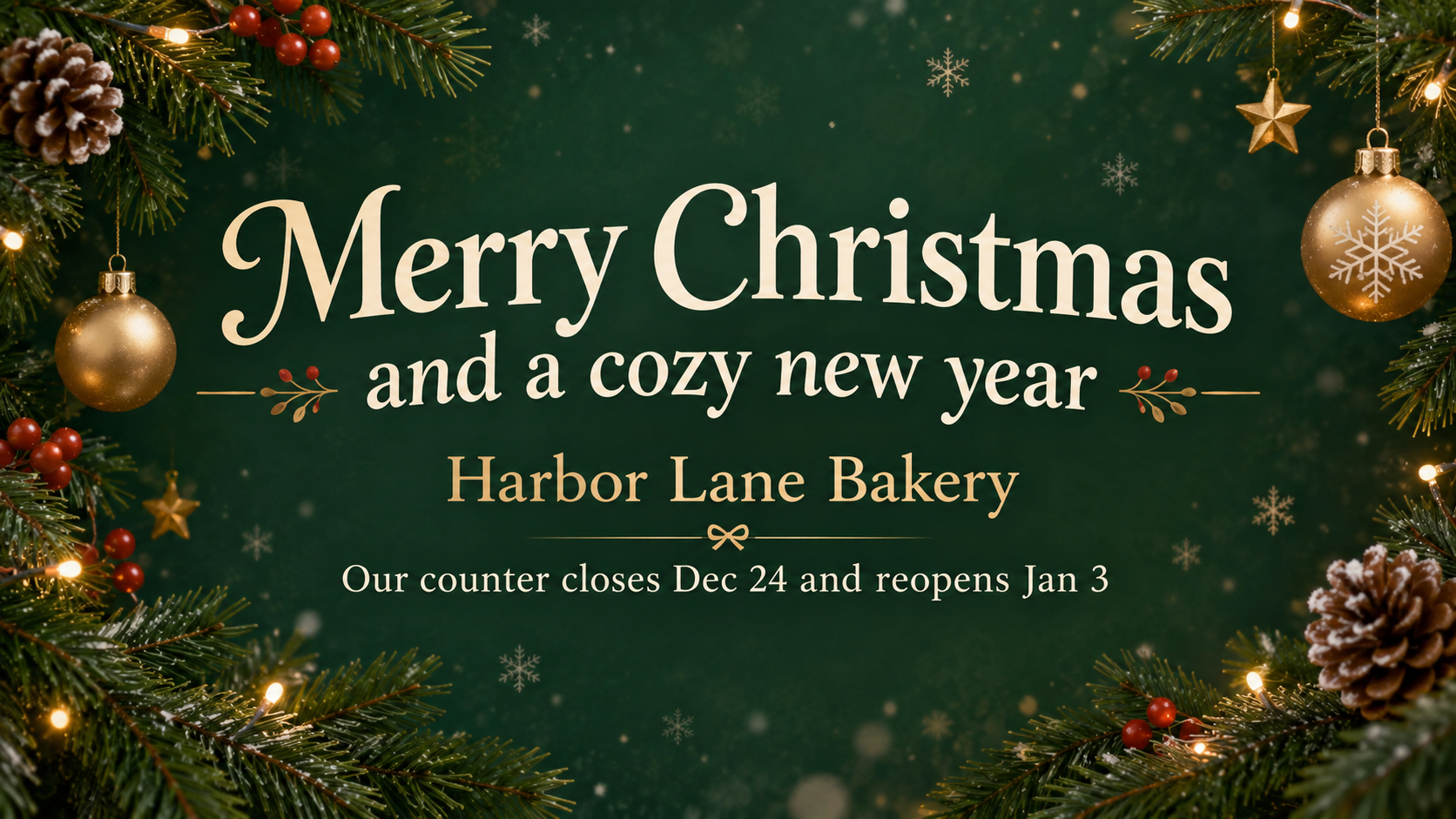
Create a Christmas header image for a customer email or newsletter from your greeting, brand name and colors. You get the banner image; the email itself stays in your email tool.
One generated wide Christmas header requesting your greeting, full brand name and any supplied second line in a central horizontal band. Inspect every word and the actual crop, then add it in your email tool.
Long greeting and long sender name, no second line or colors
Christmas greeting
Wishing you a merry Christmas and a peaceful, well-rested start to the new year
Brand or sender name
Northfield Community Credit Union Member Services Team
Short second line (optional)
Left empty
Color tone (optional)
Left empty
A two-clause greeting and a long sender name with both optional fields empty. Checks that each fits on at most two lines in the middle band and that no offer or closing date is invented.
Same task, three directions
Pick a direction to start from.
01
Evergreen and gold
Pine branches along the top edge and gold-toned lettering on deep green, for a traditional brand greeting.
02
Minimal snowfall
Plenty of white space, fine snowflakes and dark type. Suits clean, modern brands whose newsletters look the same all year.
03
Illustrated winter street
A warm, hand-drawn winter scene behind the text, good for local shops, cafes and studios.
What the template keeps
The parts that stay consistent.
01
Greeting first
Request the greeting as the main line and the complete brand name beneath it; inspect the actual hierarchy and wording.
02
A croppable middle band
Request all lettering in a central band with generous margins. Check that your chosen email crop keeps every word before sending.
03
Nothing added to your message
Request only the greeting, brand name and second line you supplied. Inspect the image for extra words, offers, codes or fake buttons.
How to use it
From details to a result.
01
Write a short greeting
A few words read best in an inbox. Longer news belongs in the email body.
02
Add your brand and any dates
Type the sender name as customers know it. Holiday hours go in the second line exactly as they should read.
03
Review and generate
Your text and the layout rules open together in Vizify. Nothing is generated until you send.
04
Crop it for your template
Trim the top and bottom to your email template's header shape and check it on a phone before scheduling the send.
Output boundaries
What to check before you use it.
Brand names, dates and times rendered in the image can contain mistakes. Check them before sending to your list.
This makes the header image only. It does not produce HTML, a full email, links, buttons or a signature.
The 16:9 format is a direction, not your template's pixel width. Expect to crop and resize it in your email tool.
Some inboxes hide images until the reader allows them, so repeat the greeting and any closing dates in the email text.
Each request makes one banner. A matching social post or website banner is a separate request.
Layout, margins and format are requests. Verify the full greeting, brand name, dates and actual email crop; exact pixels, file size and safe placement are not guaranteed.
QuestionsDoes this create the whole Christmas email?+
No. It makes the header picture only. You place it at the top of the email in your email platform and write the subject line, body text and links there.
What should a merry Christmas email banner say?+
Keep it to a greeting of a few words and your brand name. People take in a header in a moment, often on a phone, so save longer news and offers for the email body.
Can I put a holiday offer or code on the banner?+
If you want an offer or code shown, supply its exact wording in the second line. The brief requests only supplied details; inspect every character and any added copy. A code in an image cannot be clicked or copied as text, so repeat it in the email body.
Will the banner fit my email template?+
The brief requests a wide 16:9 image and a central text band. Actual proportions and placement can vary; inspect the artwork, crop and resize it for your email template, then test the email on a phone.
Can Vizify send the email for me?+
No. Vizify makes the image. Download it and add it to the campaign in your own email tool.