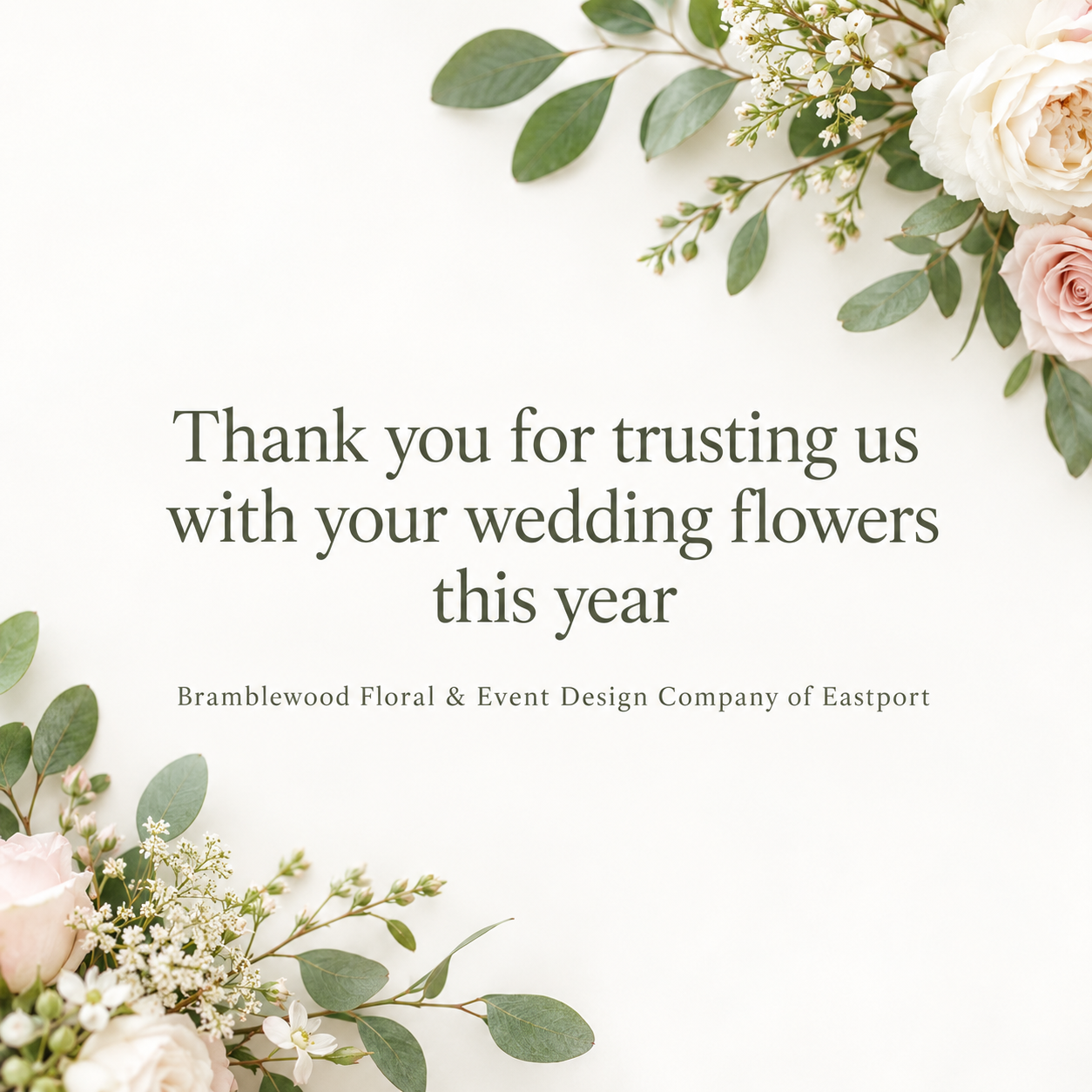
Make a small, calm thank-you image for an order confirmation, event follow-up or customer note, using your own short line and brand name with plenty of open space.
One generated thank-you image requesting your full line as the main text, your brand name smaller and open space around both. Inspect the wording and any extra copy, then place it in your email tool.
Long line and long studio name, no moment or style
Thank-you line
Thank you for trusting us with your wedding flowers this year
Brand name
Bramblewood Floral & Event Design Company of Eastport
What you are thanking them for (optional)
Left empty
Style (optional)
Left empty
A 12-word line and a long brand name with no moment or style. Checks that the line is neither rewritten nor shortened, the image stays uncluttered and the light default style applies.
Same task, three directions
Pick a direction to start from.
01
Handwritten note
A script-style thank-you on textured paper, like a note tucked into a parcel.
02
Brand color block
A solid block of your brand color with clean type, for businesses whose emails already have a strong look.
03
Single-line drawing
One continuous-line drawing tied to the moment, leaving calm space for the words.
What the template keeps
The parts that stay consistent.
01
Short and sincere
One line of thanks, not a letter, so the image supports your email rather than replacing it.
02
Room to breathe
Generous white space keeps the image from reading like an advert.
03
One quiet cue
A single visual detail hints at the occasion without crowding the words.
How to use it
From details to a result.
01
Write one short thank-you line
Supply one sentence exactly as you want it shown. The brief requests that wording; inspect the image for changes before using it.
02
Add your brand and the moment
The moment requests one small visual cue. Check that it has not become extra text in the actual image.
03
Pick wide or square
Wide suits the top of an email; square sits well mid-email or in a reply.
04
Review, generate and place it
Check the wording in Vizify after generating, then add the image in your own email tool.
Output boundaries
What to check before you use it.
The line and brand name are rendered by the model and can contain mistakes. Check them before sending.
The image is the same for every recipient. It cannot show individual customer names; use your email tool's merge fields for that.
It contains no links or buttons and does not produce HTML or the email text.
Formats are aspect-ratio directions. Resize the image to your template's width.
Some inboxes hide images until the reader allows them, so say thank you in the email text as well.
Layout, line count and white space are requests. Check the complete line, brand name and actual email placement; exact dimensions, margins and recipient-specific text are not guaranteed.
QuestionsWill this write a thank-you email for my customers?+
No. It makes one image from your supplied thank-you line and brand name. Inspect the wording after generation; the email text, personal names and links stay in your email tool.
Where should a thank you image go in an email?+
Common spots are just below the greeting in an order confirmation, near the top of a post-event follow-up, or beside the sign-off of a customer note. Keep it modest in size so it supports the message.
Can I include each customer's name?+
An image is the same for everyone who receives it, so it cannot fill in names. Keep the image general and add names with your email tool's personalization fields.
Should I choose wide or square?+
Wide works at the top of an email. Square suits the middle of an email or a one-to-one reply. Each request makes one image, so pick the shape you need.
Can I add a discount for the next order?+
If you explicitly request a discount line in the additional direction, supply the exact wording and check every character in the image. Nothing in the image is clickable, and a code cannot be copied as text; repeat it in the email body or keep the artwork as a plain thank-you.