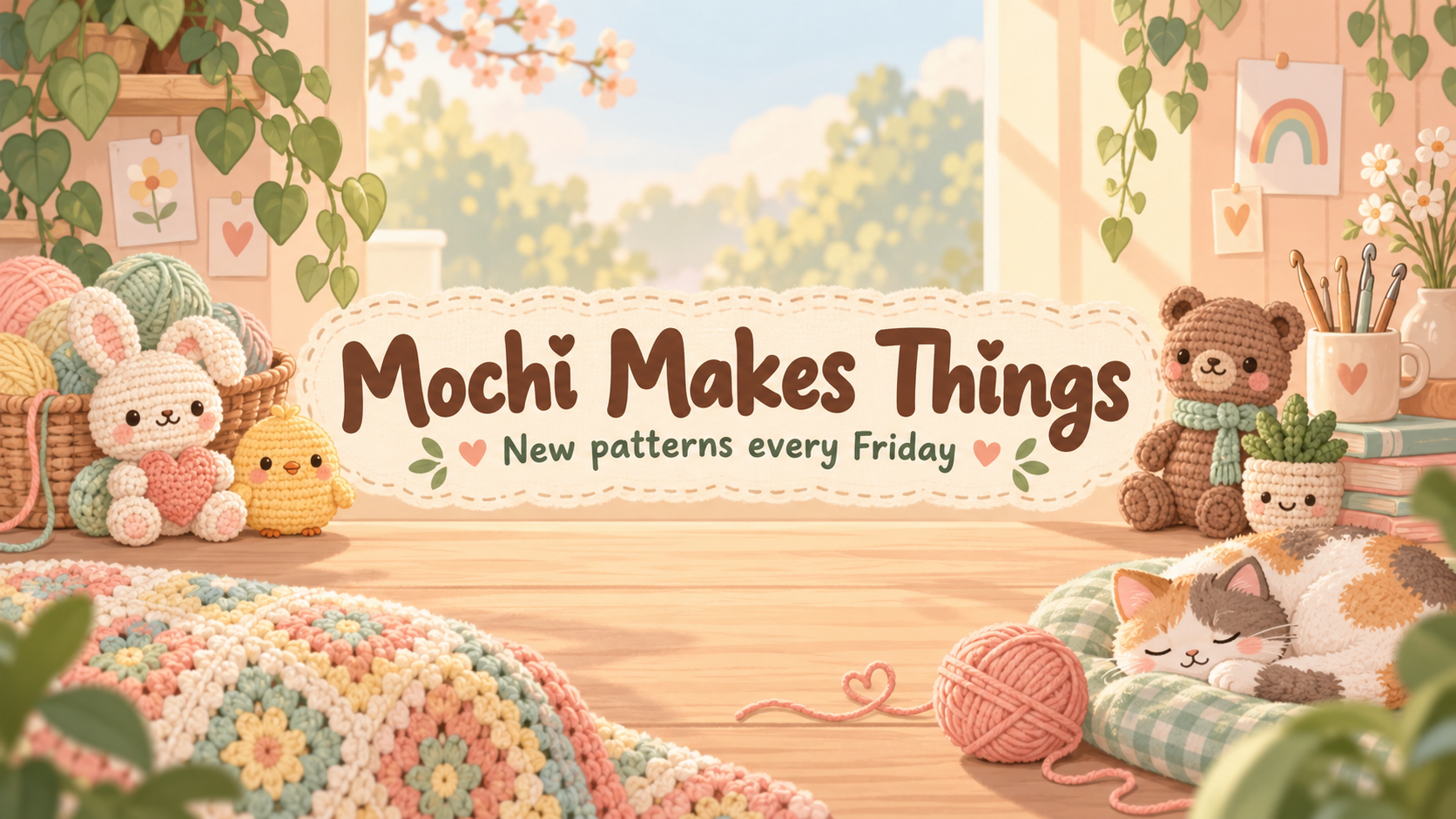
Create cute YouTube channel art from your name, theme and colors. A compact center layout aims to reduce crop losses; check text and device previews before uploading.
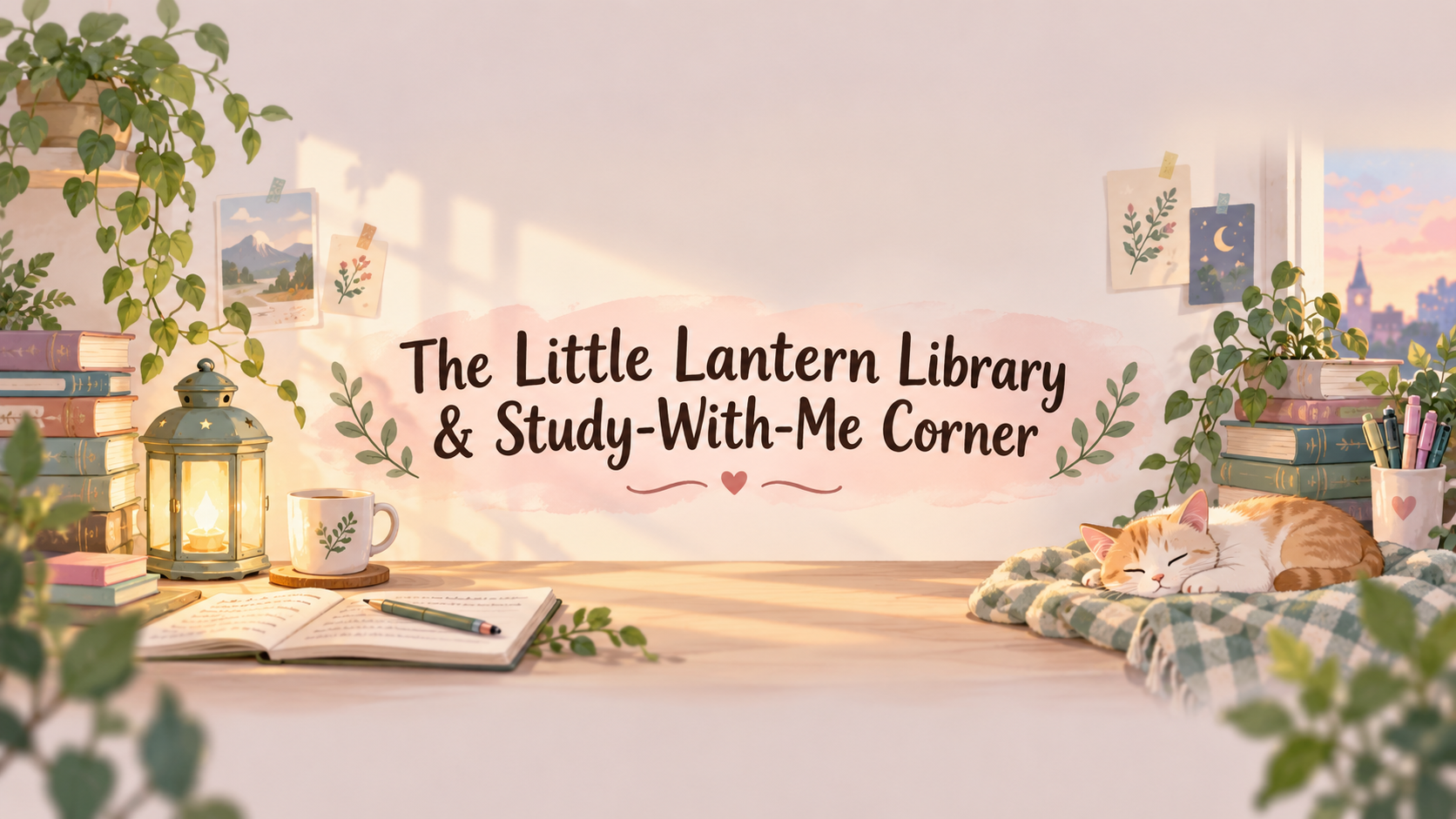
One generated wide banner aiming to keep your supplied name and optional tagline in a compact center band, with original illustrations near the edges. Check spelling, actual size and the YouTube device previews before uploading.
Quiet study-with-me sessions, bullet journal setups and book reviews for students
Tagline or upload day (optional)
Left empty
Colors (optional)
Left empty
A long name with an ampersand and hyphens, and no tagline or palette. Checks that the name wraps inside the center band, stays spelled correctly, and that the pastel default keeps it readable.
Same task, three directions
Pick a direction to start from.
01
Pastel sticker scatter
Small hand-drawn stickers around a clean center, like a decorated notebook page. Suits craft, study and journaling channels.
02
Soft 3D characters
Rounded, toy-like original characters peek in from the sides while the name sits on a simple label. Good for gaming and vlog channels.
03
Cozy tiny pattern
A small repeating pattern of clouds, hearts or stars behind a solid name plate. Calm enough for ASMR, cooking or slow-living channels.
What the template keeps
The parts that stay consistent.
01
Aim for a compact center
The brief requests a compact central name and optional tagline. Inspect the generated placement in each device preview; it is not a safe-area guarantee.
02
Decoration that can be cropped
Cute details sit toward the edges, where losing them on a phone does not change the message.
03
Readable pastel contrast
The brief pairs soft backgrounds with darker lettering. Check the actual contrast, especially at the displayed mobile size.
How to use it
From details to a result.
01
Type the channel name exactly
Use the spelling and capitals viewers search for. Keep the name compact, then check whether the full wording survives the platform crop.
02
Say what the channel is about
One sentence about your videos gives the illustration its motifs, so a baking channel gets different doodles than a study channel.
03
Add a tagline and colors if you want them
Both are optional. Without colors you get soft pastels with a darker name.
04
Review, generate and preview the crop
Everything opens in Vizify for review first. After generating, check the name letter by letter and look at the center as a phone would show it.
Output boundaries
What to check before you use it.
The channel name and tagline are rendered by the model and can contain spelling mistakes. Check every letter before uploading.
The 16:9 format is a direction, not a guaranteed pixel size. Confirm the file against YouTube's current upload requirements.
Phones crop the edges heavily, so anything outside the center band may not be seen on mobile.
Characters are original. The template will not recreate existing cartoon mascots or franchise characters.
You get one banner. A matching profile picture, thumbnail or watermark would each be separate requests.
QuestionsWill my cute YouTube banner look the same on a phone?+
YouTube displays the same banner differently across devices. The brief aims to concentrate wording in the center, but the result still needs checking in YouTube’s previews. Outer decoration may be cropped.
Can I get just a cute YouTube banner background and add my own lettering?+
Yes. Fill in the name to indicate the space needed, then write "background only, no lettering" in the additional direction. This asks for an empty center instead of a rendered name or tagline; check the result before adding text elsewhere.
Can I use a character from a show or game I love?+
The template draws original characters only. Describe the feeling you want, such as round, sleepy or bouncy, and the illustration follows that instead of copying a known mascot.
Is a cute YouTube cover photo the same thing as channel art?+
Yes. Cover photo, channel art and banner all describe the wide image across the top of your channel. Your round profile picture and video thumbnails are different shapes and are not part of this template.
Is it free to make?+
Preparing the brief on this page is free. Generating the banner needs a Vizify sign-in and uses your account's current access and credit rules.