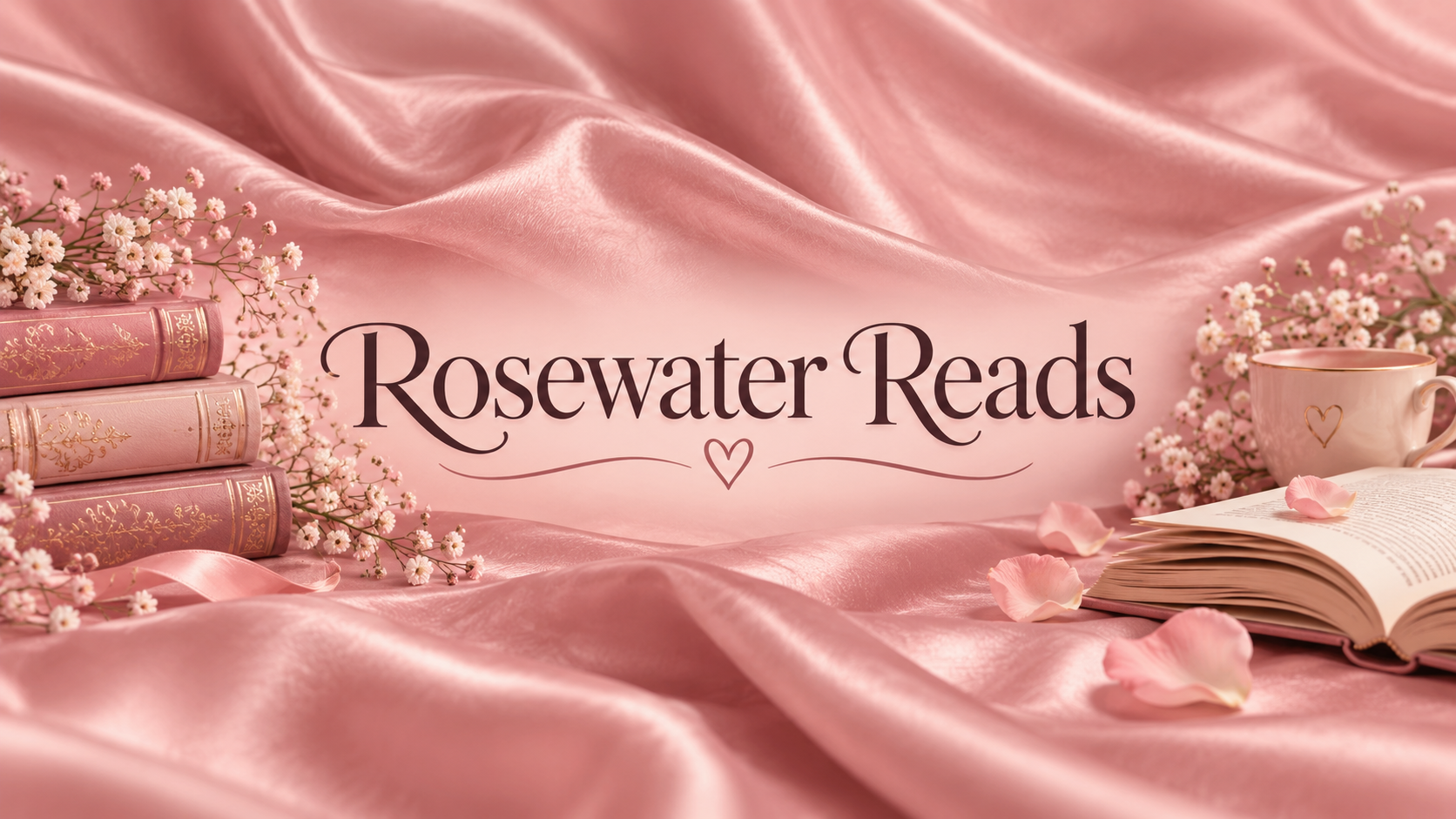
Make pink YouTube channel art in the shade and texture you want, from light pink clouds to hot pink glitter, with your channel name centered and readable.
One generated wide banner where your chosen pink and a surface texture carry the look, with your channel name centered in a contrasting color. Check the name's spelling and how the shade looks on a phone screen.
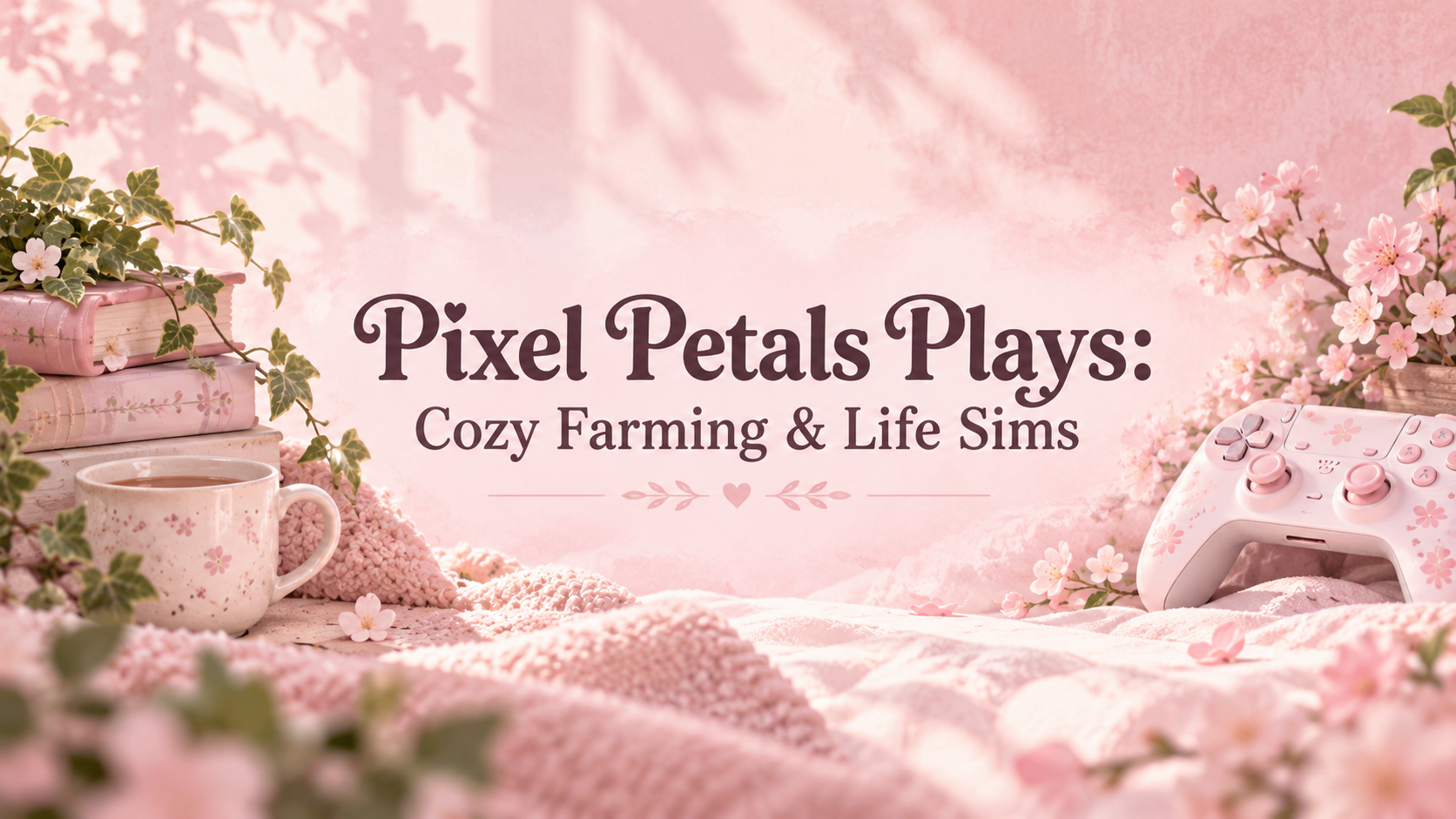
Cozy farming games, life sims and relaxing late-night streams
A near-white shade, no texture and a long name with a colon and ampersand. Checks that pale pink still reads as pink, the name gets a darker color for contrast and wraps cleanly.
Same task, three directions
Pick a direction to start from.
01
Satin and pearls
Soft fabric folds and a few pearls for beauty, fashion and lifestyle channels.
02
Cloud sky
Pink and lilac clouds at sunset for a dreamy, light pink YouTube banner.
03
Bold hot pink
Saturated hot pink with a crisp graphic texture for gaming, dance or fitness channels.
What the template keeps
The parts that stay consistent.
01
Pink leads
Your chosen shade stays the dominant color, supported by two or three related tones.
02
Texture over clutter
The surface carries the aesthetic, so the banner looks finished without crowding the name.
03
Contrast for the name
Lettering color is chosen against the shade, dark on pale pink and light on hot pink.
How to use it
From details to a result.
01
Enter your channel name
Type it exactly as it appears on YouTube.
02
Pick a pink and a texture
Name the shade you picture, then a surface such as satin, clouds or glitter. Leave texture empty for a soft gradient.
03
Add the channel topic
The topic adds one or two small props at the edges, so the banner hints at what you post.
04
Review, generate and check on a phone
Everything opens in Vizify first. After generating, check the name and see how the pink looks on a phone screen.
Output boundaries
What to check before you use it.
Pink shades are matched by eye, not to an exact hex value, and look different from screen to screen.
Glitter and other fine textures can look busy behind small text. Ask for a calmer band behind the name if needed.
The channel name can be misspelled by the model. Check every letter before uploading.
The 16:9 format is a direction, not a guaranteed pixel size, and phones show only the middle of the banner.
QuestionsHow is this different from the cute YouTube banner template?+
This one is built around color and surface, such as satin, clouds, glitter or gingham in the pink you choose. The cute template focuses on characters and doodles. Choose this one when the pink aesthetic is the point, or ask for small characters here if you want a cute pink YouTube banner.
Can a light pink YouTube banner still be readable?+
Yes. With very pale pink the template sets the name in a darker rose, plum or charcoal so it stands out. Check it on a phone, where the banner is shown much smaller.
Can I match an exact pink from my brand?+
Add the hex code or color name to the additional direction. The result is matched by eye rather than guaranteed exactly, so compare it with your brand color before uploading.
Can I use it as an aesthetic YouTube banner background without text?+
Write "texture only, keep the center empty" in the additional direction. The template still uses your channel name to plan the space but leaves it off the image, so you can letter it yourself.
Will the same pink aesthetic banner work on other platforms?+
Each platform crops a header differently. This layout is planned for YouTube's centered crop; for another platform, make a separate request with that platform's template using the same shade and texture.