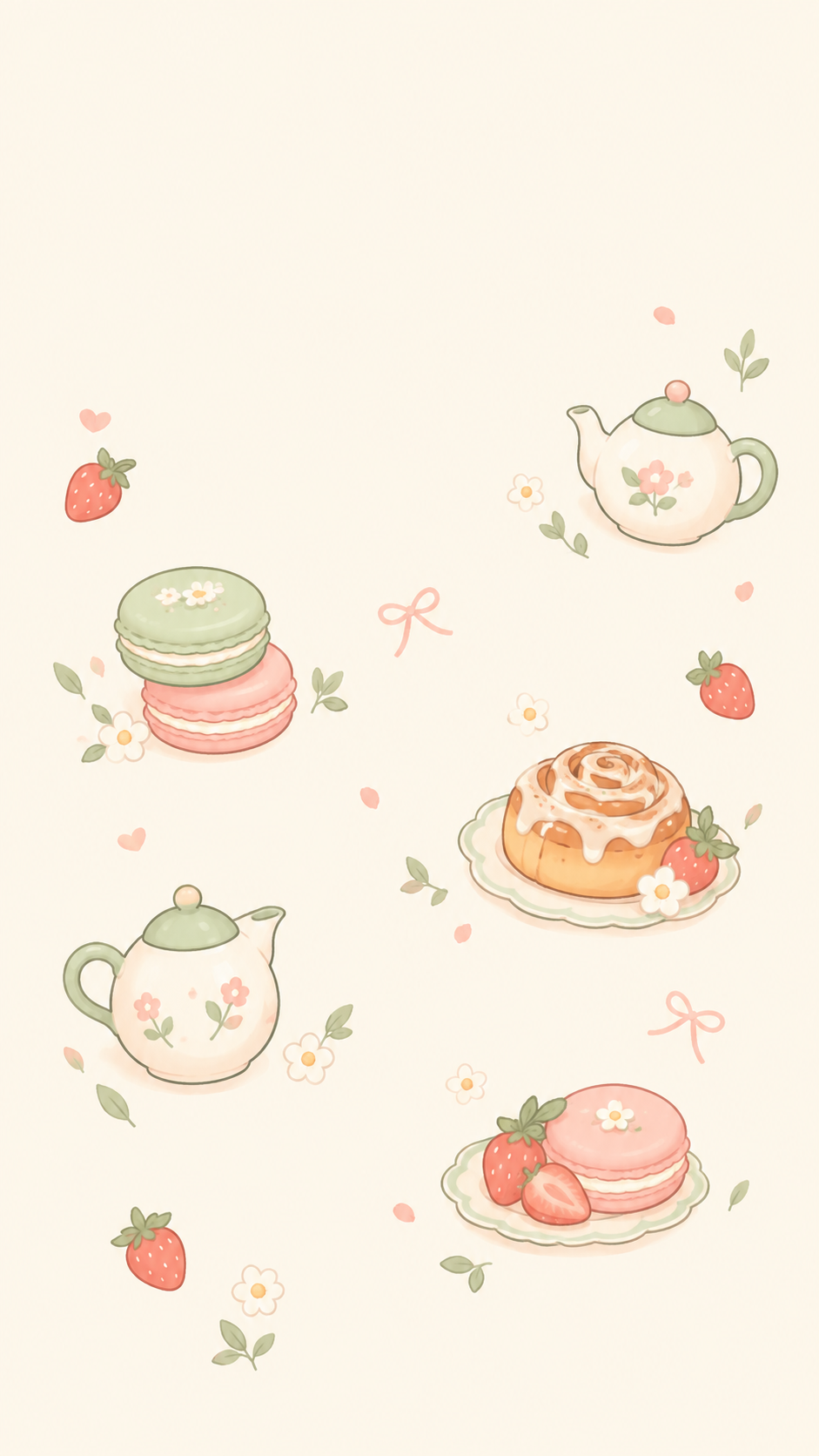
Make a cute, text-free illustrated wallpaper as a scatter of small objects or a repeating pattern, framed for a phone or a laptop with space kept for icons and the clock.
One generated still wallpaper with small cute motifs, either scattered with plenty of empty space or as an even repeating pattern, framed for the format you choose. It carries no text, and icons stay readable on top.
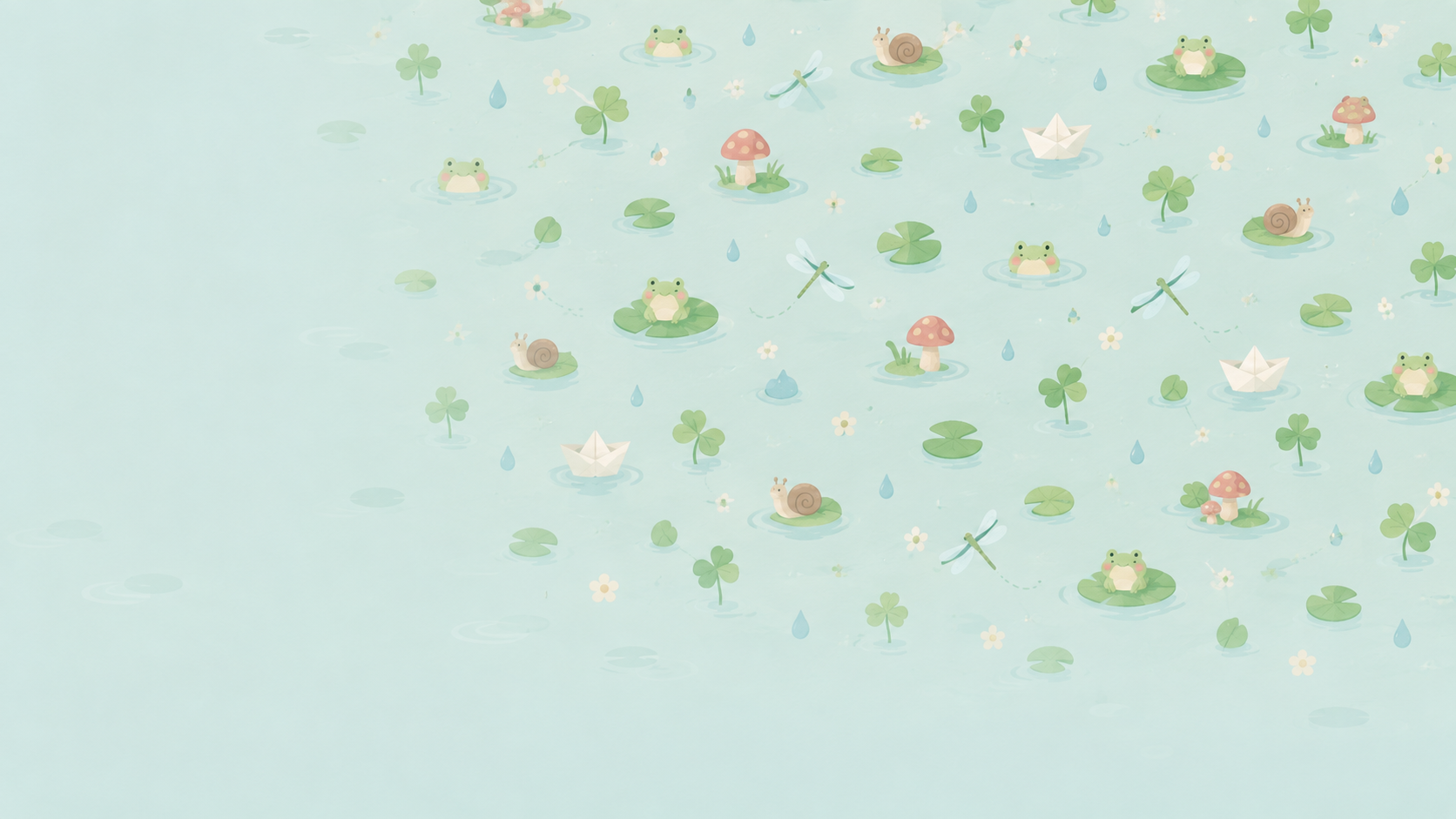
Eight motifs as a repeating pattern for a laptop, no colors
Theme
Tiny frogs, lily pads, dragonflies, mushrooms, raindrops, snails, clover leaves and little paper boats floating on a pond
Colors (optional)
Left empty
Layout (optional)
Repeating pattern
Device and screen (optional)
Laptop and phone, same design
Eight motifs, no colors and a device line naming two screens. Checks that the chosen landscape format decides the framing, motifs stay small and evenly spaced as a pattern, and no text appears.
Same task, three directions
Pick a direction to start from.
01
Scattered small objects
A handful of cute objects floating on a plain background with lots of breathing room, so icons sit in the gaps.
02
Repeating pattern
One or two motifs repeated in an even grid, like wrapping paper, in gentle contrast so icons stay readable.
03
Single cute corner
One character in a bottom corner and a plain color everywhere else, for the calmest possible screen.
What the template keeps
The parts that stay consistent.
01
Room for icons
Calm areas are kept where the clock, desktop icons, dock or taskbar usually sit.
02
No text
The wallpaper stays text-free, so nothing clashes with widgets and labels.
03
Original motifs
Every object and character is newly drawn, not taken from an existing show or brand.
How to use it
From details to a result.
01
Choose a theme
A small set of cute things that belong together, such as bakery treats, pond life or tiny houseplants.
02
Pick scattered or pattern
Scattered keeps lots of empty space. A pattern fills the screen evenly with small motifs.
03
Choose phone or laptop framing
Portrait for phones, landscape for laptops and desktops. The calm areas move to match.
04
Set it and adjust
Set it as your wallpaper, check that icons are readable, and ask for a lower-contrast version if they are not.
Output boundaries
What to check before you use it.
It is a still image. Animated wallpapers and screensavers are not part of this template.
Portrait and landscape are aspect-ratio directions, not exact device resolutions, and motifs near the edges can be cut off.
A pattern may not tile seamlessly if you repeat it yourself. It is designed as one full image.
Icon and clock positions vary by device and settings, so the calm areas are a guide.
QuestionsWhat makes a cute aesthetic wallpaper easy to use?+
Soft colors, small motifs and empty space where your clock and icons sit. Busy, high-contrast designs look nice alone but make app labels hard to read.
Can I get the same cute design on my phone and my laptop?+
Yes, with two requests. Keep the theme and colors the same, choose portrait for the phone and landscape for the laptop, and the calm areas are placed for each screen.
Can it be animated or used as a screensaver?+
No. It makes one still image. You can pick it in your device's screensaver settings if they accept photos, but it will not move.
Can I add my name or a word to it?+
This template keeps wallpaper text-free so icons and widgets stay readable. For a name or phrase, start a separate image request in Vizify with the exact wording and check the lettering in the result.