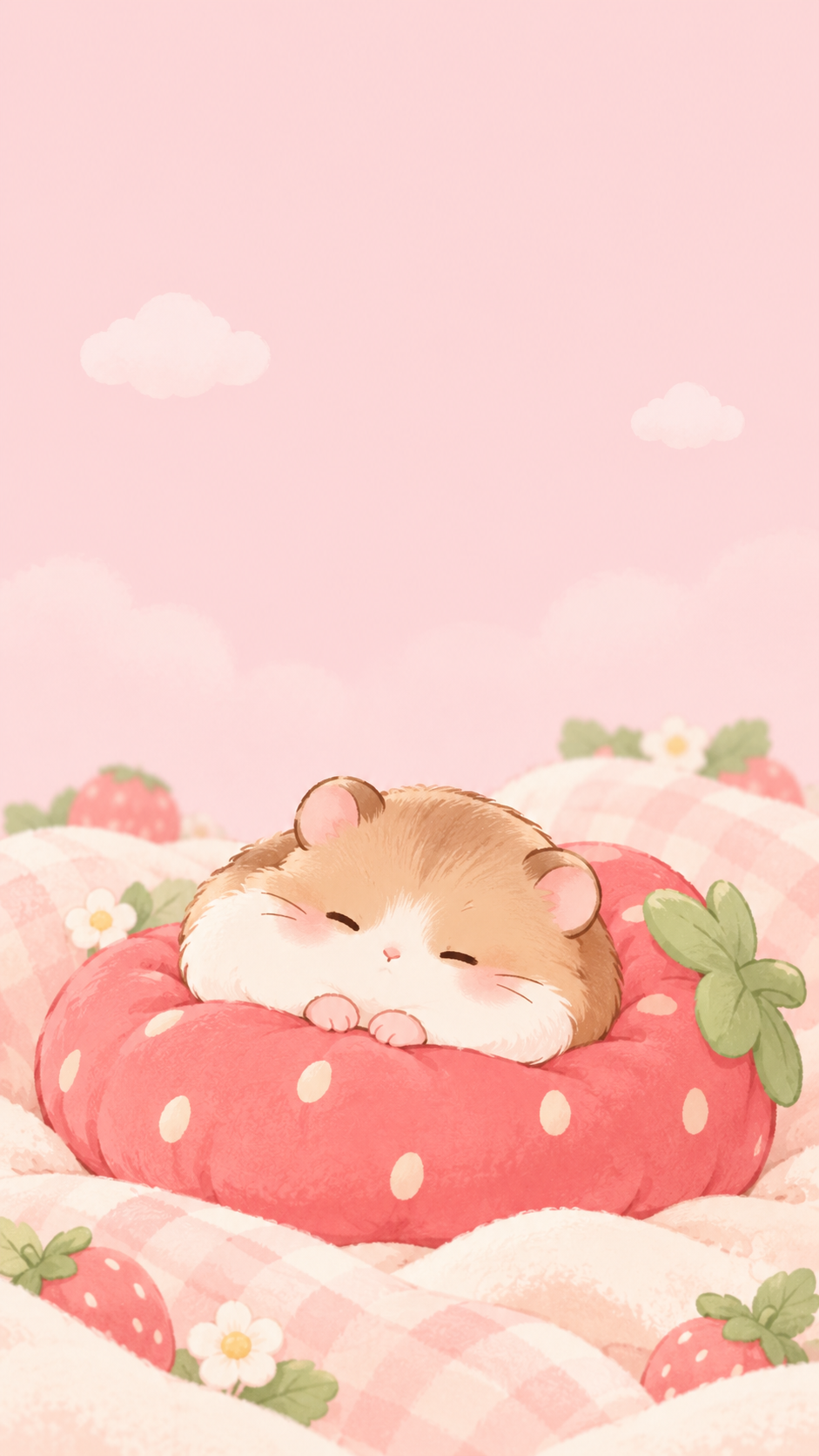
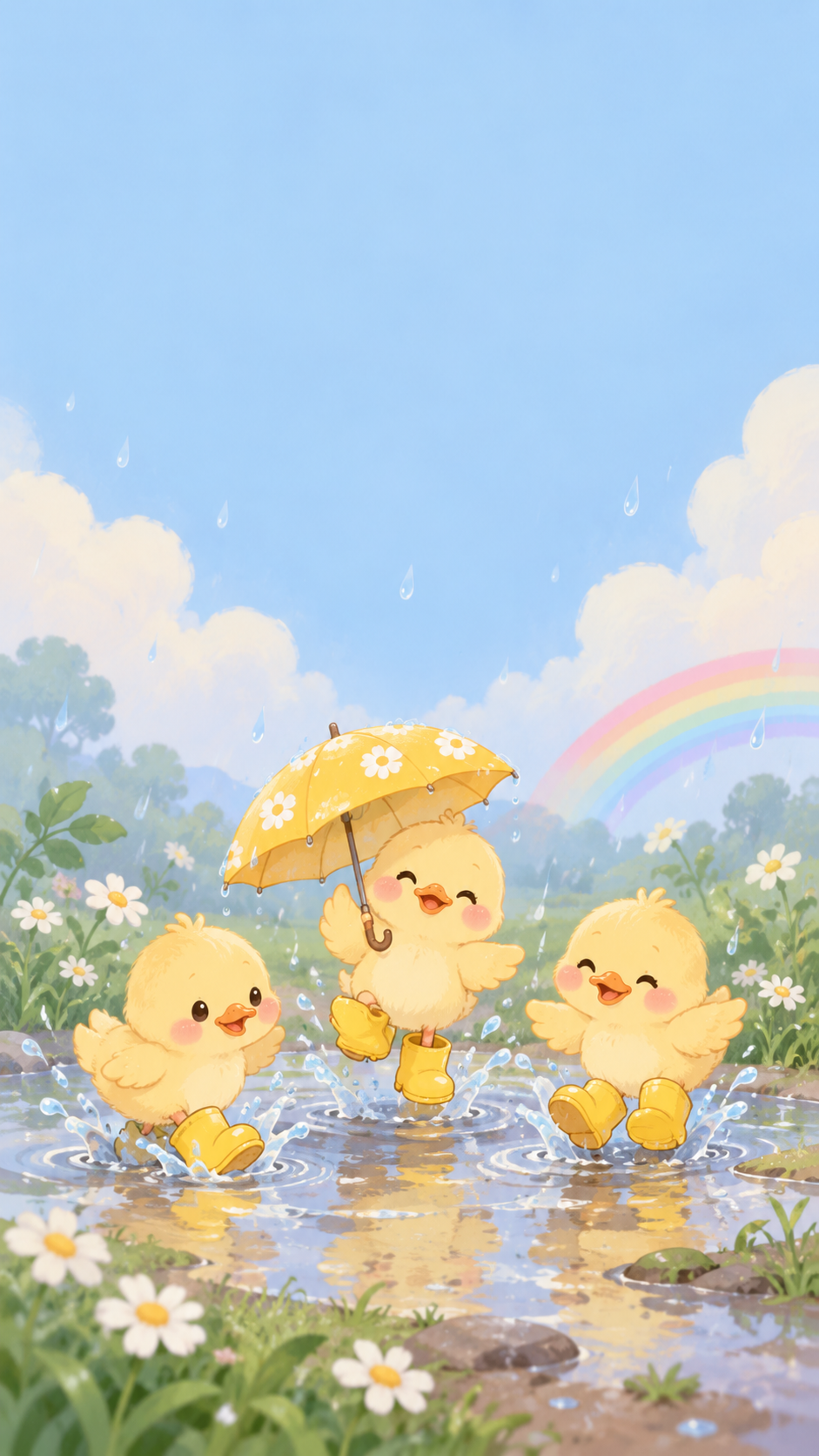
Create a cute illustrated lock screen for your phone in a tall 9:16 layout, with the top kept calm for the clock and widgets and the subject placed lower down.
One generated portrait wallpaper with an original cute subject in the lower middle and a calm top third for the clock, date and widgets. Set it on your phone and adjust the crop, since phones are taller than 9:16.
Busy scene with three characters and no color direction
Cute subject
Three baby ducks in yellow rain boots splashing in a puddle, one holding a tiny umbrella, with raindrops, a small rainbow and daisies around the puddle
What sits behind the clock (optional)
Left empty
Background color (optional)
Left empty
A busy subject with several characters and props, and no clock-space or background direction. Checks that the scene stays in the lower part of the frame, the top third remains calm on its own, and no letters or icons appear.
Same task, three directions
Pick a direction to start from.
01
Pastel character
One small character sits low in the frame on a soft pastel background, leaving the whole top of the screen clear.
02
Peeking over the edge
A taller subject with a clean outline on a plain background. Some phones can layer a subject like this in front of the clock, depending on their settings.
03
Cozy night
A deep navy background with a softly glowing subject, easy on the eyes in dark mode and at bedtime.
What the template keeps
The parts that stay consistent.
01
Calm clock area
The top third stays low in detail so the time and widgets stay readable.
02
Subject in the safe middle
The character sits in the lower middle, away from edges that get cropped.
03
Original characters only
Every character is newly drawn, not borrowed from a show, game or brand.
How to use it
From details to a result.
01
Pick one cute subject
One character or object works best on a small screen. Describe its pose and one or two details.
02
Decide what sits behind the clock
Plain sky, soft color or a faint pattern. Leave it empty and the template keeps the top third calm for you.
03
Choose a background color
Optional. Pastels keep the clock and icons readable; say dark if you use dark mode.
04
Set it on your phone
Save the image, set it as your lock screen and adjust the crop. Ask for changes if the subject sits too high or too close to an edge.
Output boundaries
What to check before you use it.
The image is made in a 9:16 direction, not your phone's exact pixel size. Most phones are taller, so a little is cropped from the sides.
Clock and widget positions differ between phones and settings, so the calm top area is a guide, not a guarantee.
Characters are original generated designs. The template does not recreate existing cartoon characters or mascots.
It is a still image, not a live or animated wallpaper.
QuestionsWill it fit my iPhone screen exactly?+
It is made in a tall 9:16 direction and your phone scales it to fill the screen. Most iPhones are taller than 9:16, so a little is cropped from the sides, which is why the subject is kept away from the edges. Pinch to adjust the crop when you set it.
Can I use it as a cute background for iPhone home screens too?+
Yes, though app icons cover most of the home screen. A calmer version with the subject low in the frame works better, so ask for a softer or blurred variation after the first image.
Can I get cute wallpapers for iPhone with a favorite cartoon character?+
No. The template only draws original characters. Describe the qualities you like, such as a round face, big ears or a tiny hat, and it makes a new character with that feel.
How do I make matching cute aesthetic backgrounds for iPhone lock and home screens?+
Keep the same background color and style direction for both requests, and ask for the second one with the subject smaller or removed. Each image is a separate request.
Is it free?+
Preparing the brief here is free. Generating the wallpaper needs sign-in and uses your account's current access and credit rules.