Species, anatomy cues, colors, and fur markings
Expression, outfit, pose, and illustration style
Optional reference artwork with the details to retain
Optional image shape; square is selected to start
Describe the species, markings, colors, and personality of your original character. Add reference artwork if helpful, then review a request for one static transparent fursona image in Vizify before generation runs.
Your character brief, references, and selected shape open in Vizify for review. The request targets one static image with a transparent background.
Species, anatomy cues, colors, and fur markings
Expression, outfit, pose, and illustration style
Optional reference artwork with the details to retain
Optional image shape; square is selected to start
One static fursona image artifact
A transparent-background illustration to inspect for alpha and fur edges
A reusable character brief for another request
Describe the muzzle, ears, markings, palette, and expression that distinguish your fursona. Those details guide the artwork without confining the idea to a preset parts list.
Upload character artwork or a style reference and explain what each should guide. Inspect the new illustration for changed markings, colors, and proportions before treating it as a design reference.
The request uses a model with transparent-background support. Inspect the actual alpha and the edges around ears, fur, and accessories before placing the illustration on another background.
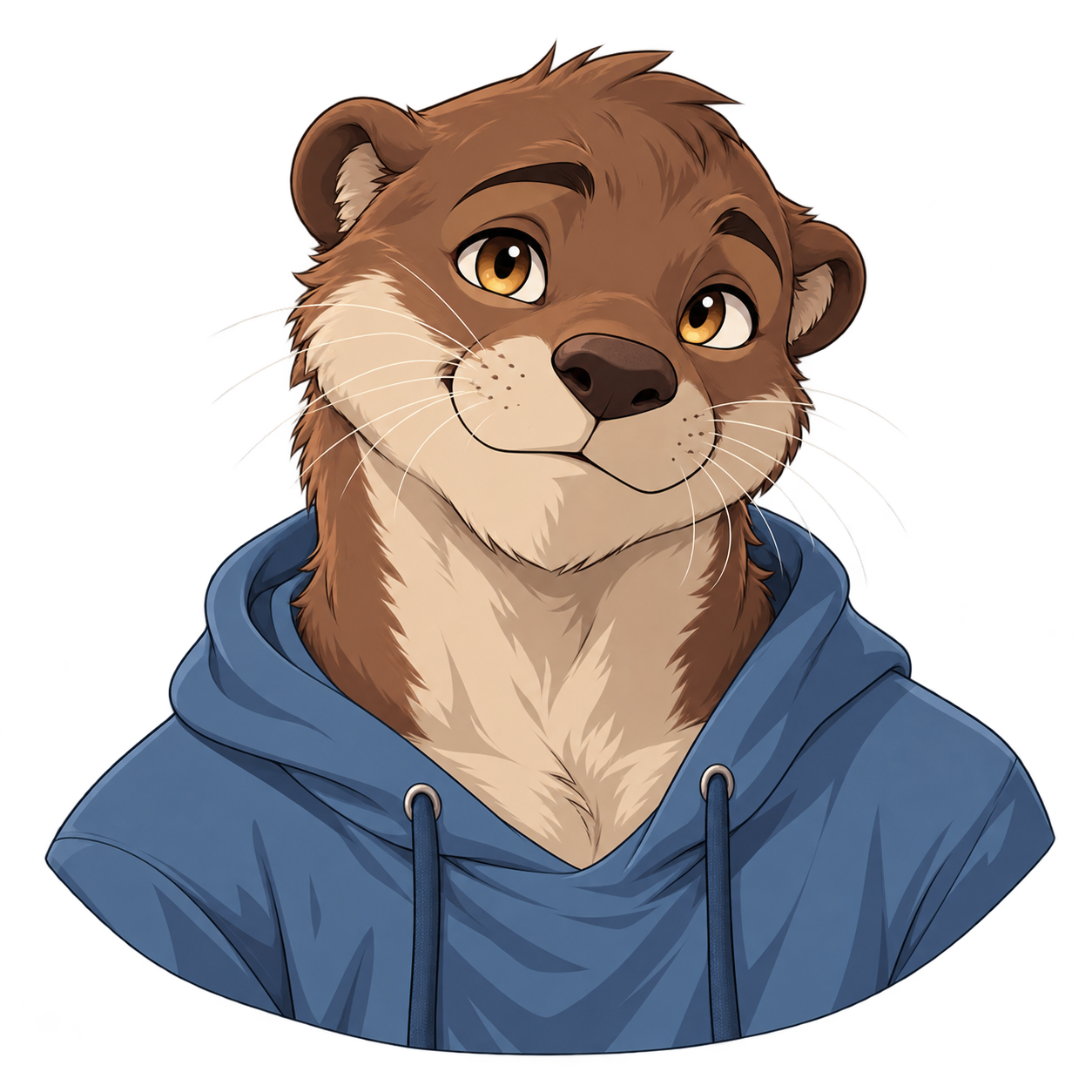
Create one square cel-shaded bust portrait of an original adult anthropomorphic river otter with warm brown fur, a cream muzzle, rounded ears, amber eyes, and a muted blue hoodie. Give the character a relaxed curious expression and simple shoulder shape. Center the portrait with breathing room around the ears and shoulders. Use a true transparent alpha background, with no scenery, checkerboard, writing, logos, watermark, reference sheet, extra figures, or collage.
Example image. The species, muzzle, palette, and expression illustrate one character brief.
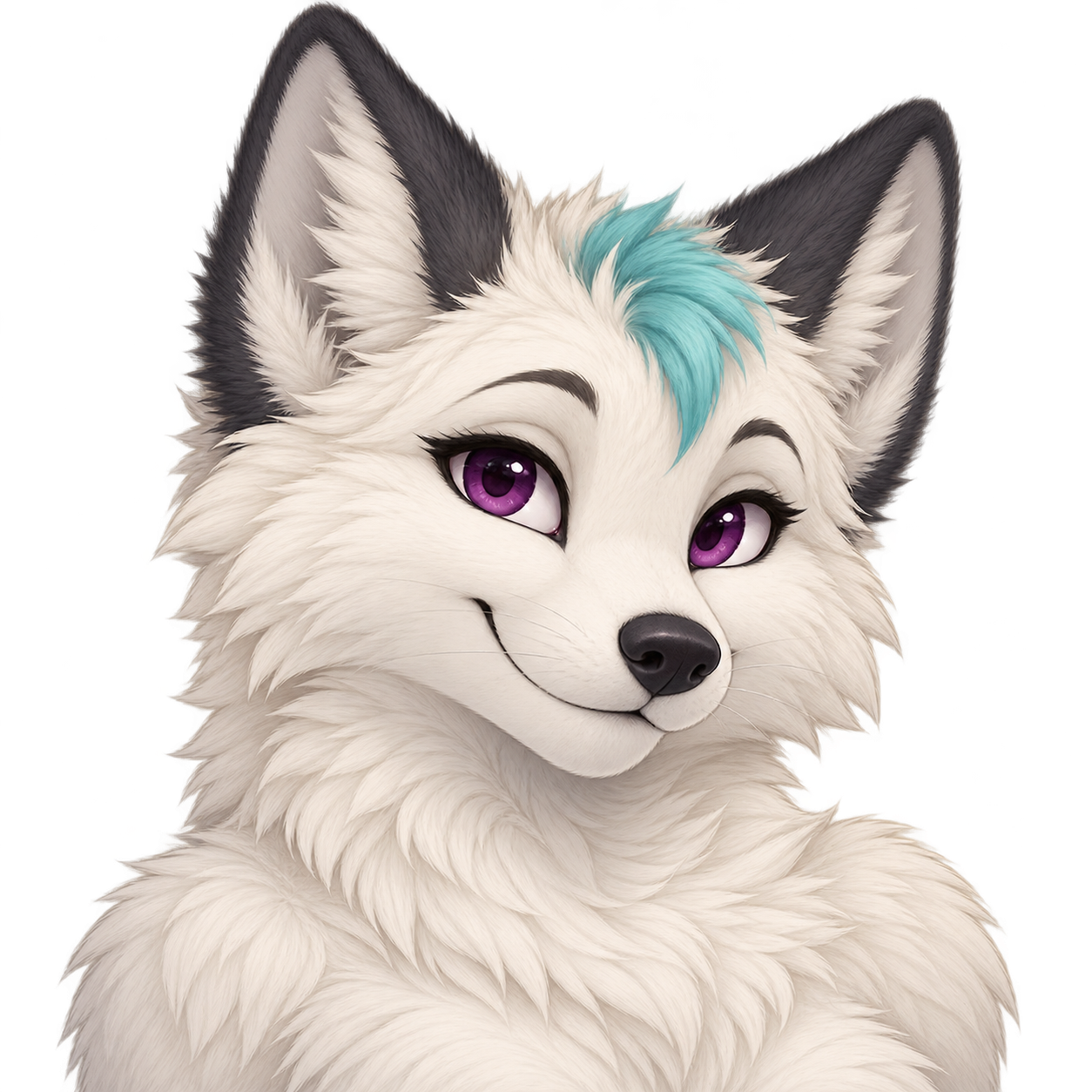
Create one square illustrated bust portrait of an original adult anthropomorphic arctic fox with ivory fur, charcoal ear tips, a small turquoise forehead tuft, and plum eyes. Give it a cheerful closed-mouth expression and visible fine fur tips. Keep every ear fully inside the image. Use a true transparent alpha background, with no checkerboard, scenery, text, letters, logos, watermark, clothing text, accessories, multi-state pack, or collage.
Example image. Fine pale fur and complete ears make alpha and edge inspection necessary; this is not a rig or expression pack.
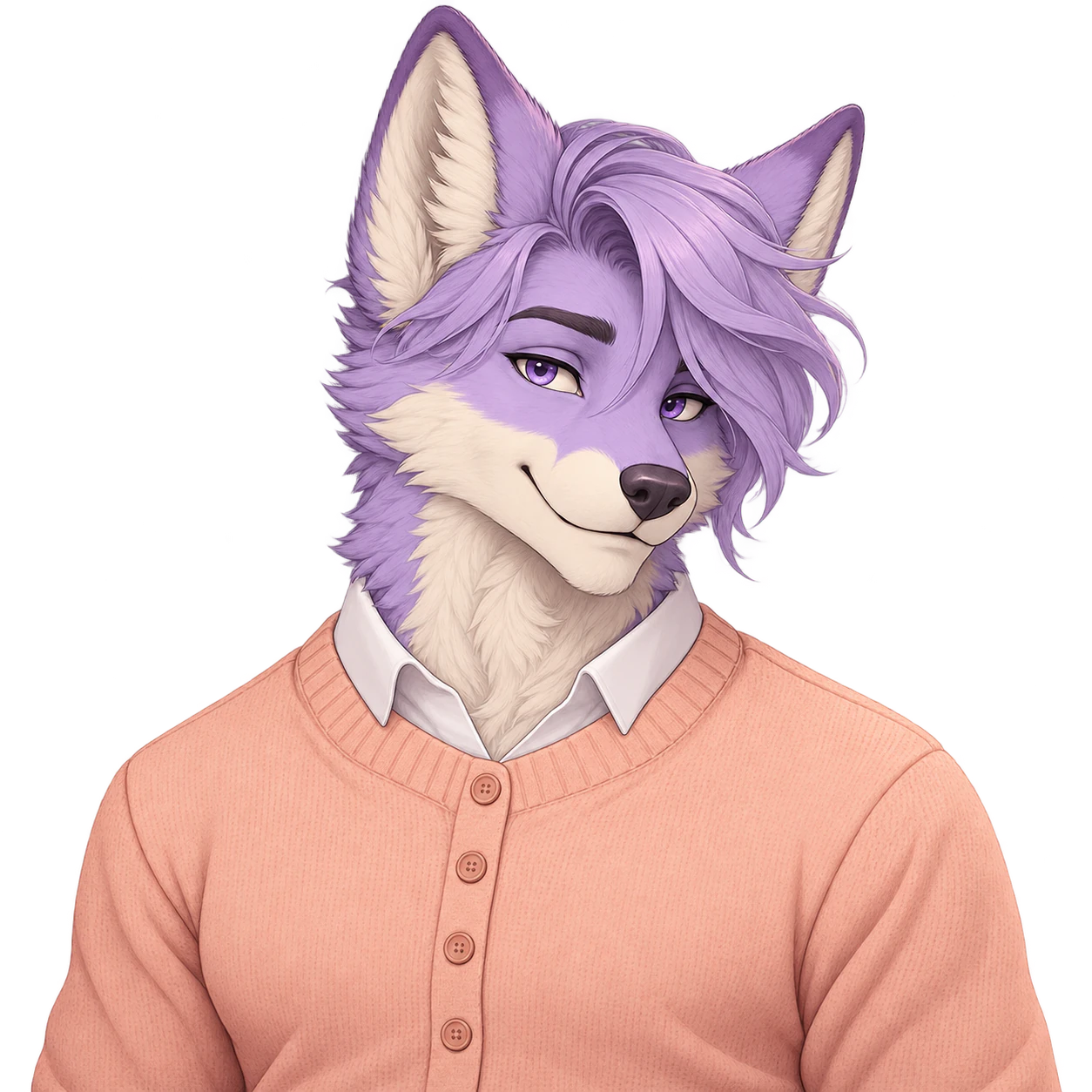
Create an adult male fursona with soft styling, species-specific features and a modest outfit.
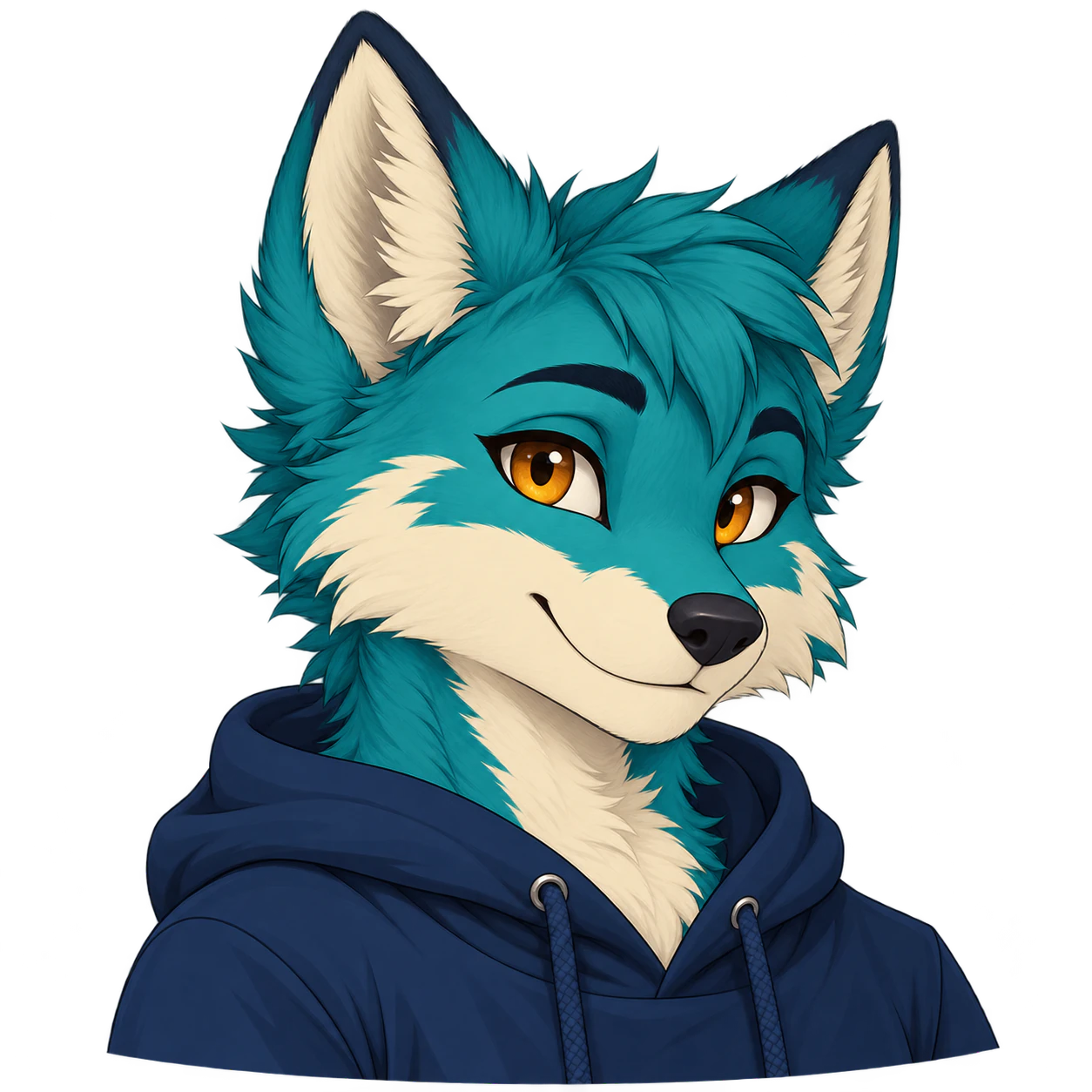
Create one original furry avatar from your details and an optional reference. Request a transparent PNG, then inspect the silhouette and alpha.
Create one original static character avatar from your details and an optional reference. Request a transparent PNG, then inspect the silhouette and alpha.
One original static character illustration from your brief and optional references. It requests a transparent background; the result still needs inspection for design details and real alpha.
Name the species, muzzle and ear shape, main colors, markings, expression, and outfit. Add the pose, framing, and illustration style when those matter to the design.
Yes. Describe a head or bust portrait with a clear expression and complete ears. Square is the starting shape, but it is a generation preference, not an exact avatar crop or platform export.
Yes. Add it as a reference and name the features to retain. Generation can change markings or anatomy, so compare the result with your reference; exact consistency is not guaranteed.
Yes. Describe the species or hybrid and the anatomy you want. The tool uses a written brief rather than a closed species or parts menu.
The request asks a model with native-alpha support for a transparent result. Verify that the delivered file has real alpha rather than a painted white or checkerboard background, and check fine fur and ear edges.
No. You describe or revise the design through prompts and references. It does not provide separate clickable eyes, ears, tails, or clothing parts.
A request can describe a single illustrated sheet, but this tool does not guarantee character consistency across views or states. It does not split a sheet into independent files or export a coordinated expression pack.
A static image can be concept art or a starting asset. This page does not deliver a rig, native 3D avatar, animation states, or a complete live PNGTuber setup.
You can prepare the brief without an account. It opens in Vizify for review; generation starts after you sign in and send the task, and uses credits. The App performs the durable upload of any references.
Not exactly. References guide the species, muzzle and ear shapes, fur colors, marking positions and expression, but the model, brief and settings may redraw details. Describe the features to retain and compare each new image with your reference. If the tail needs to show, request framing that includes it; a head or bust portrait may leave it out. Check complete ears, markings and fine pale fur against a colored background, including actual alpha at the edges. One illustration does not guarantee identical character proportions across later images.
Write the character’s stable traits first: species, ear shape, muzzle, markings, and palette. Then name the expression, framing, and illustration style for this image. When you attach several references, explain which supplies the character design and which supplies the visual style.
A head or bust portrait puts the expression and markings at the center of a PFP. A full-body request can explore an outfit and silhouette in one static illustration, but it does not produce a manipulable model or a character specification with guaranteed matching views.