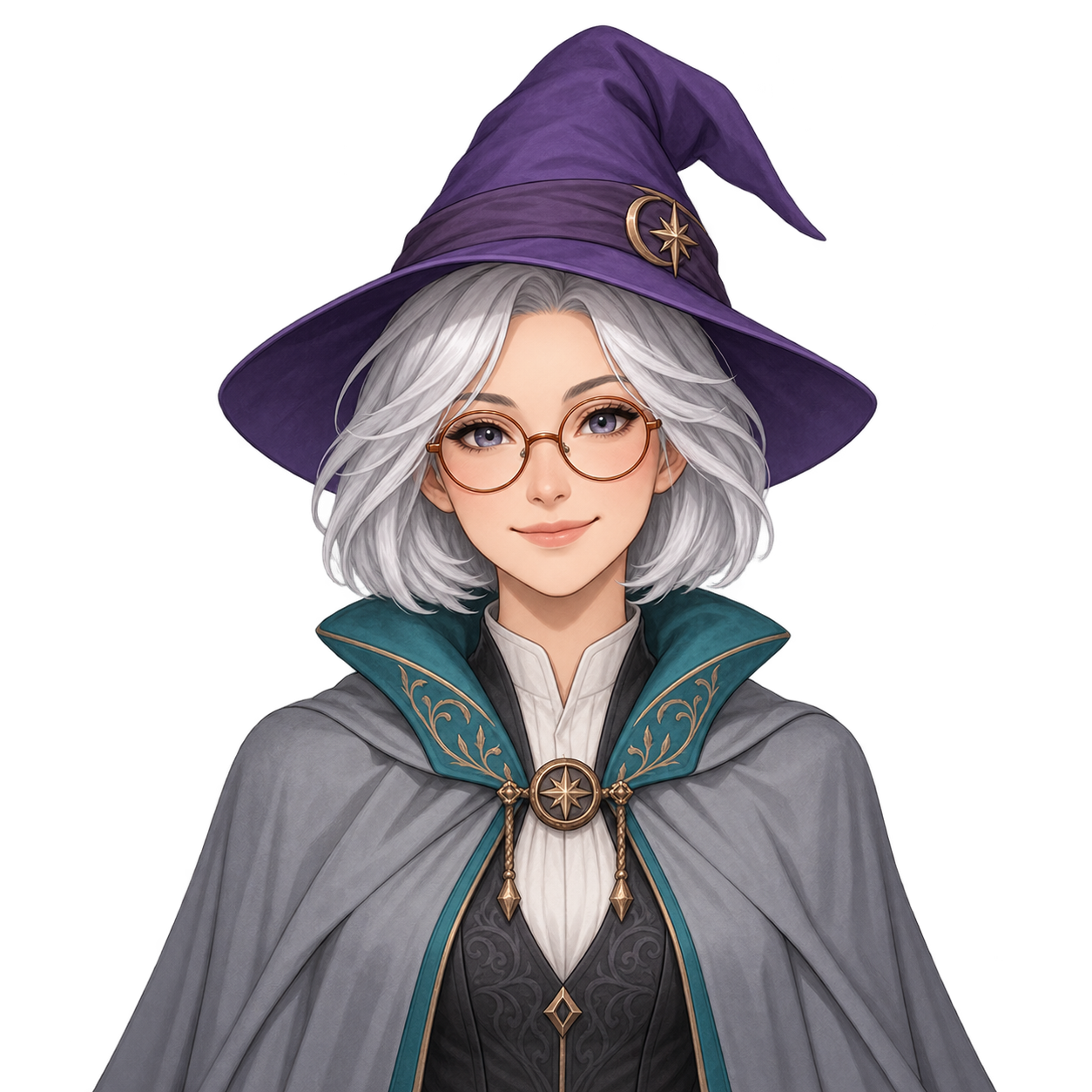
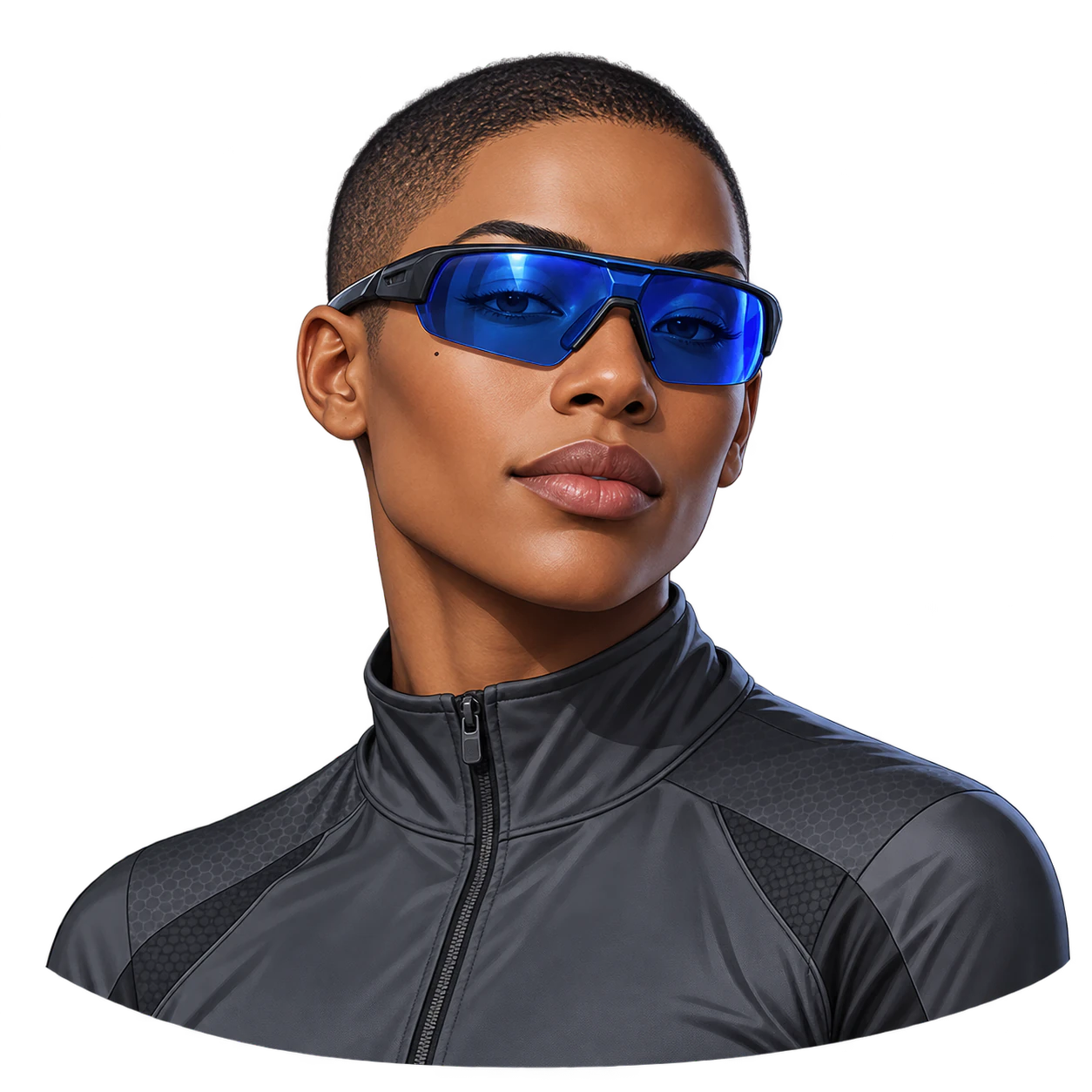
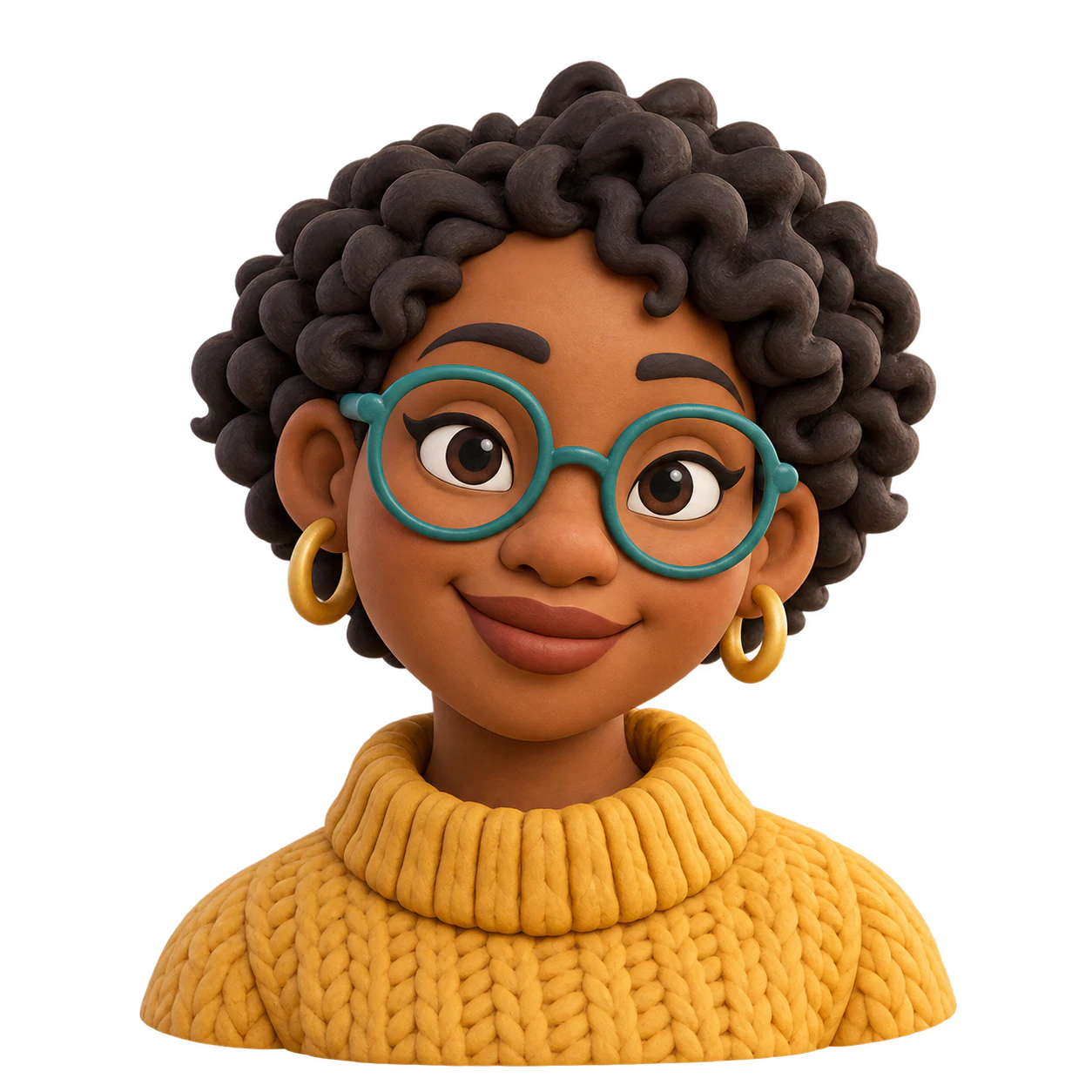
Create one original static character avatar from your details and an optional reference. Request a transparent PNG, then inspect the silhouette and alpha.
One original static character image with one expression and a transparent-background request. This is a visual asset to review and adapt elsewhere, not a talking-state pack, rigged model or streaming setup.
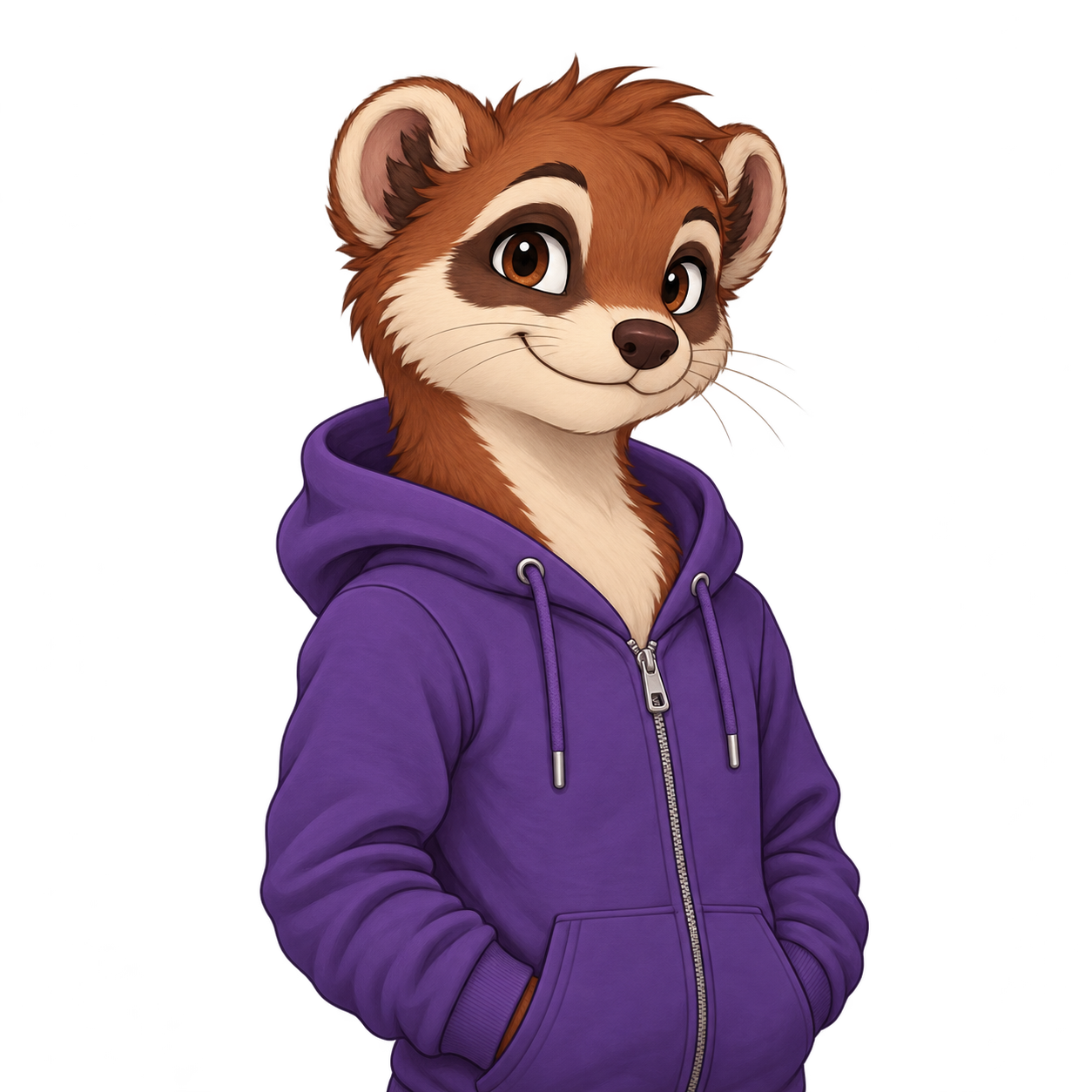
An original anthropomorphic ferret with rust-brown fur, a cream muzzle and a purple zip hoodie
Expression and pose (optional)
A friendly closed-mouth smile, waist-up at a slight three-quarter angle with arms relaxed
Colors (optional)
Rust-brown fur, cream muzzle and purple clothing
Details to keep (optional)
Keep both rounded ears and the whole hood visible; no headset, object or second expression
One anthropomorphic character with a full hood edge. This is still one expression in one static image, not a model or state pack.
Same task, three directions
Pick a direction to start from.
01
Simple waist-up silhouette
A clean torso outline keeps the static character uncluttered.
02
Compact upper-body character
A closer view gives the face more space in a square image.
03
Original animal character
An animal shape can provide a distinctive static mascot.
What the template keeps
The parts that stay consistent.
01
One clear subject
The brief keeps attention on one character or animal rather than a scene or a collage.
02
Named colors and details
Your palette and protected features guide the image. Inspect them after generation because details can drift.
03
Room around the silhouette
A square composition leaves space for the ears, hair and accessories, but you still need to check the actual crop.
How to use it
From details to a result.
01
Describe one original subject
Name the hair or fur, clothing, accessories and any markings that make the character yours.
02
Set the expression and keep important details
Add a pose and colors if they matter. You can upload one reference to guide the visual details.
03
Review in Vizify, then send
The description, reference and template brief open in Vizify. Sign in and send when the prepared request is ready.
04
Check the finished file
Inspect the full silhouette and small-size readability. View the file over a colored background to check that its alpha is real.
Output boundaries
What to check before you use it.
Transparency is requested, not guaranteed for every result. Check for real alpha, halos, lost whiskers or hair, and accidental background pixels.
One static image does not include open-mouth, closed-mouth or blinking state files, a GIF, rig or OBS configuration.
The square format is a composition direction, not a guaranteed pixel size, file size or platform-ready crop.
Each request returns one static raster image. Multiple alternatives need separate requests and their own review.
QuestionsIs this ready to use as a complete PNGTuber setup?+
No. It gives you one static visual asset. Your streaming software may need more expressions, image states, positioning or configuration, which this template does not deliver.
Is the background actually transparent?+
The brief requests a PNG with a genuine alpha channel from a compatible model. Inspect the delivered file over a colored surface; a white fill or a drawn checkerboard does not count as transparency.
Can I add a reference image?+
Yes. Add one PNG, JPEG, or WebP up to 10 MB. It guides the requested features and colors, but generation can redraw details.
Does it deliver a platform-ready avatar?+
You get one generated image to inspect. Check the destination's current dimensions, file size and crop requirements, and prepare the file separately when exact pixels are required.