Qwen Image 3.0 · Qwen Image 3.0 Pro · Qwen Image 2.1 · Qwen Image · Qwen2 Image Edit · Qwen Image 2.1 Turbo
Qwen Image
Create with Qwen Image.
Describe the image you want, add references when supported, and choose a model variant. The form updates its available settings and reference limits for your selection.
Model-specific resolution and aspect-ratio settings Reference limits update when the selected model changes One image per generation request
Explore your idea with AI before generating.
Sign-in and access checks apply in Vizify.
Verified catalog facts
What Vizify exposes for this model family.
These facts are generated from the current public catalog, not copied from provider marketing.
Text · Image
Image
Image generation
Reviewed 2026-11-01
Where this family fits.
Generating an image from a written brief
Editing with a clear change request and preservation instructions on compatible variants
What not to assume.
Available resolutions and reference limits differ between variants
Editing can reconstruct nearby pixels; inspect identity, lettering and unchanged regions
The workflow does not guarantee exact text, layout or transparent alpha output
Current variants
The family includes Qwen Image 2.1 Turbo. Turbo exposes 1K and 2K output and a prompt up to 12,000 characters. It does not expose masks or a background setting. A transparency instruction is a prompt, not a guaranteed alpha channel.
Generation and editing
Start from a written brief for a new image. For editing, choose a variant that supports references, upload the source, and describe both the change and what to preserve. Inspect the output before using it.
Capability review
Inputs and form parameters were checked against the Vizify integration on 2026-11-01. This page does not claim comparative speed, quality or unrestricted account access.
Tasks that match this model’s capability.
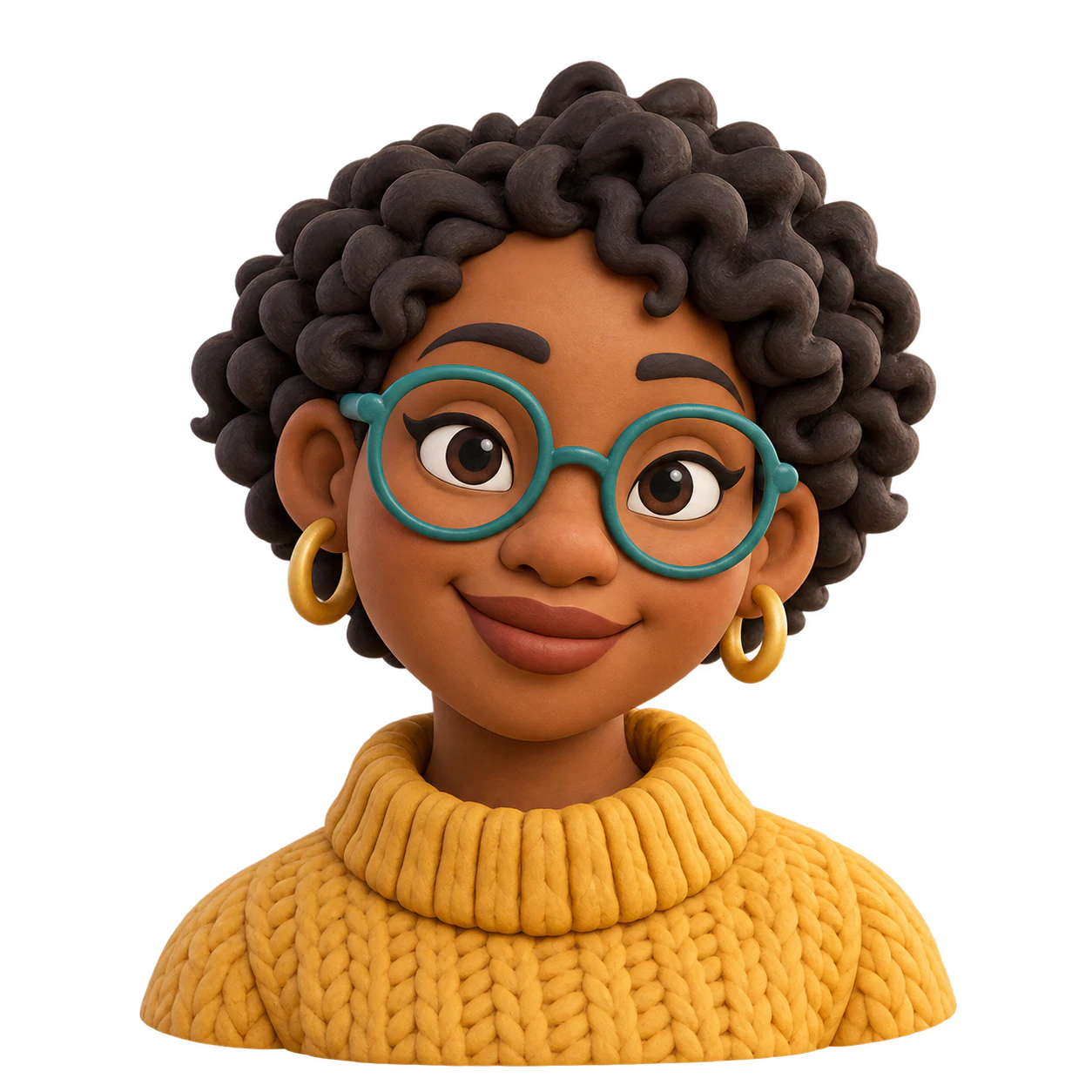
Profile pictures · Personal & family
A 3D-look static avatar
Soft clay, toy surfaces and rendered lighting create a dimensional appearance in one flat image.
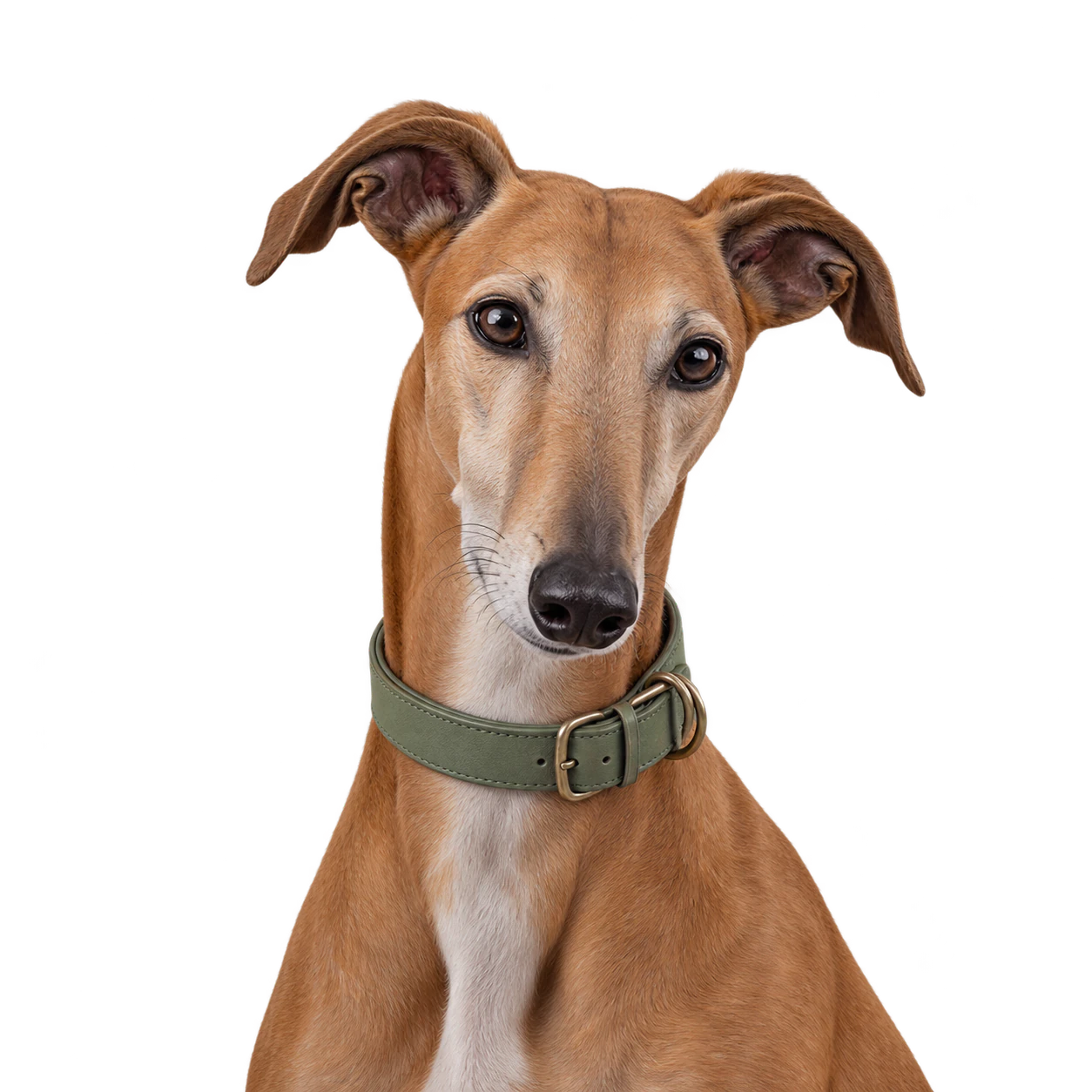
Profile pictures · Personal & family
A dog avatar with a cohesive palette
Muted tones and an uncluttered pose make a dog portrait feel considered without adding a scenery backdrop.
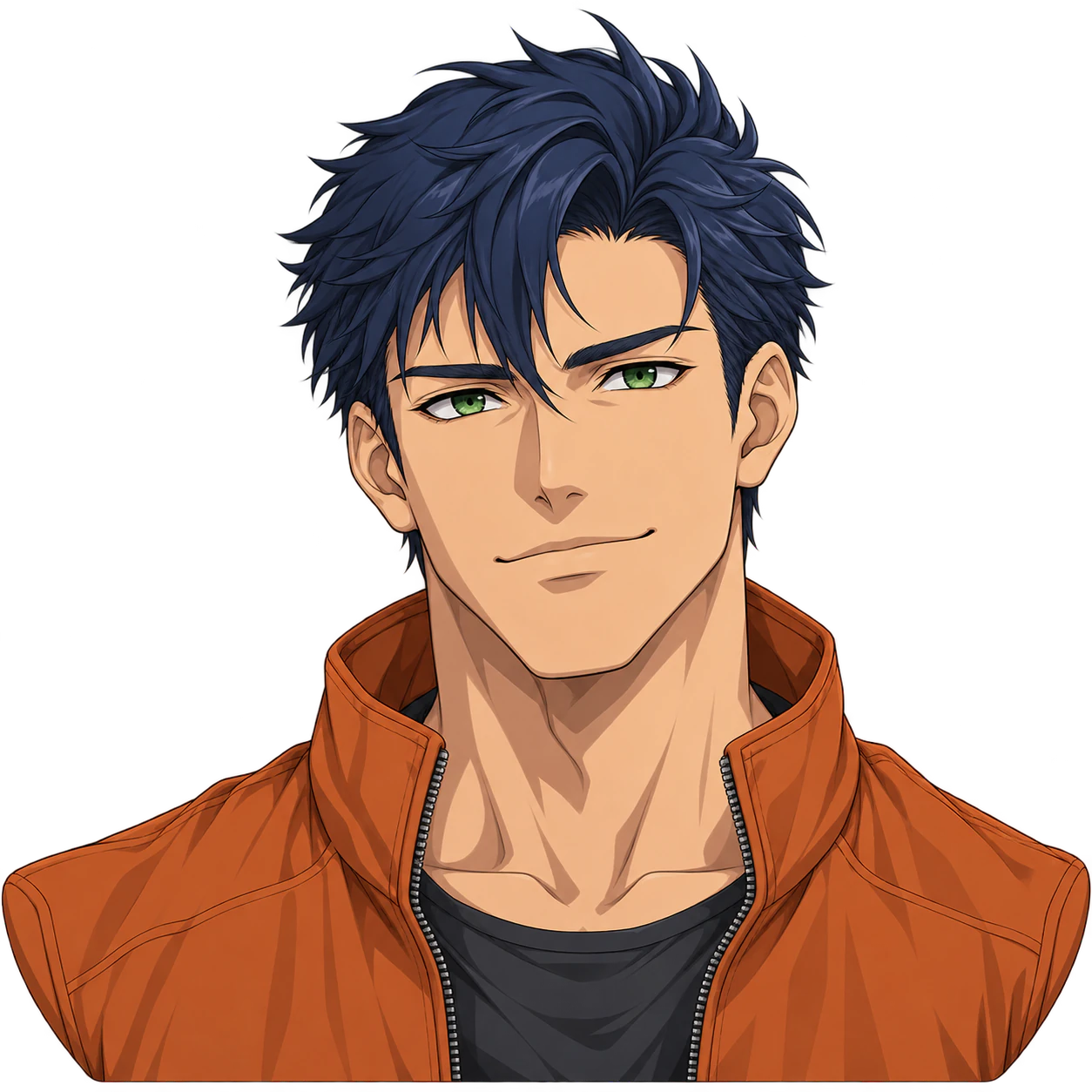
Profile pictures · Personal & family
Anime boy profile picture
Create one original anime boy avatar with an optional reference. Customize the expression and colors, then check the complete silhouette and genuine PNG transparency.
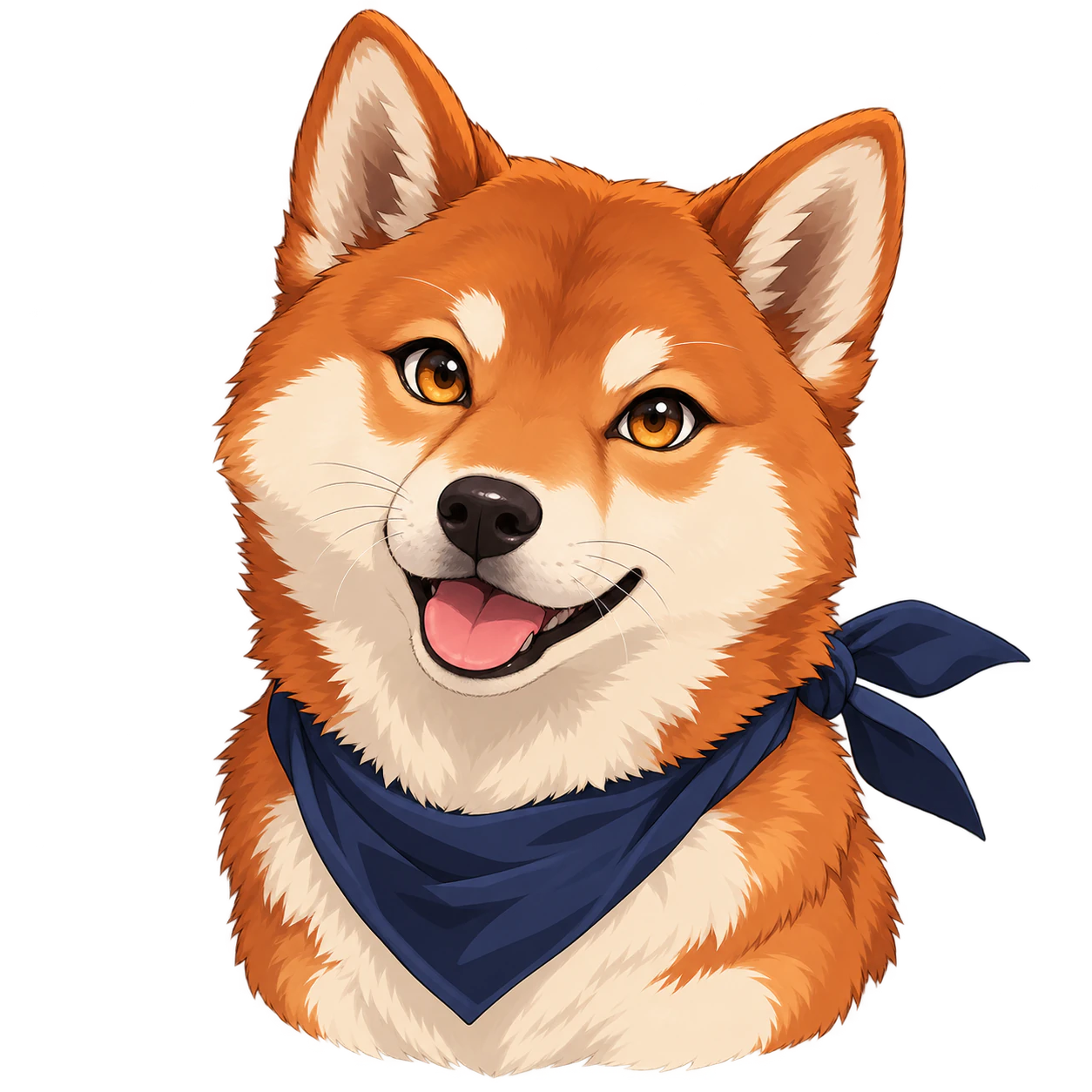
Profile pictures · Personal & family
An anime-style dog avatar
Cel shading and expressive canine eyes turn an original dog into an anime illustration while preserving its muzzle and ears.
FAQ
Questions about Qwen Image in Vizify
Which Qwen Image models are covered?
This page covers qwen-image-3.0, qwen-image-3.0-pro, qwen-image-2.1, qwen-image, qwen2-image-edit, qwen-image-2.1-turbo.
How do settings change between variants?
The form is generated from each model’s supported parameters. Switching variants updates resolution, aspect ratio and reference limits; invalid previous values are not submitted.
Can I edit an existing image?
Use a variant that accepts reference images, upload your source, and describe the change and what should stay the same. Editing does not guarantee pixel-perfect preservation.
How many images are generated?
Each request generates one image. Batch counts and arbitrary pixel dimensions are not exposed by this form.
Which limits apply to the new version?
The family includes Qwen Image 2.1 Turbo. Turbo exposes 1K and 2K output and a prompt up to 12,000 characters. It does not expose masks or a background setting. A transparency instruction is a prompt, not a guaranteed alpha channel.