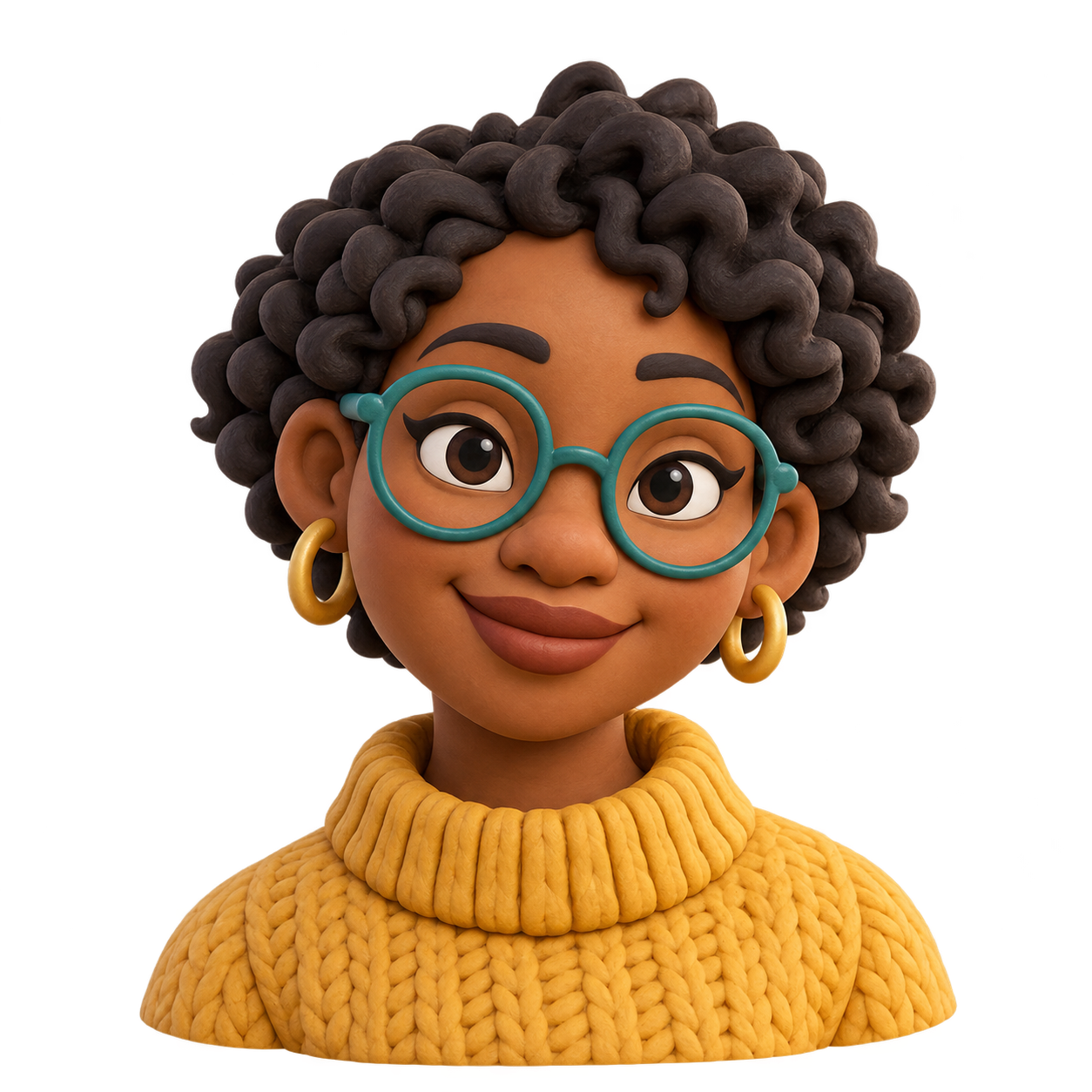
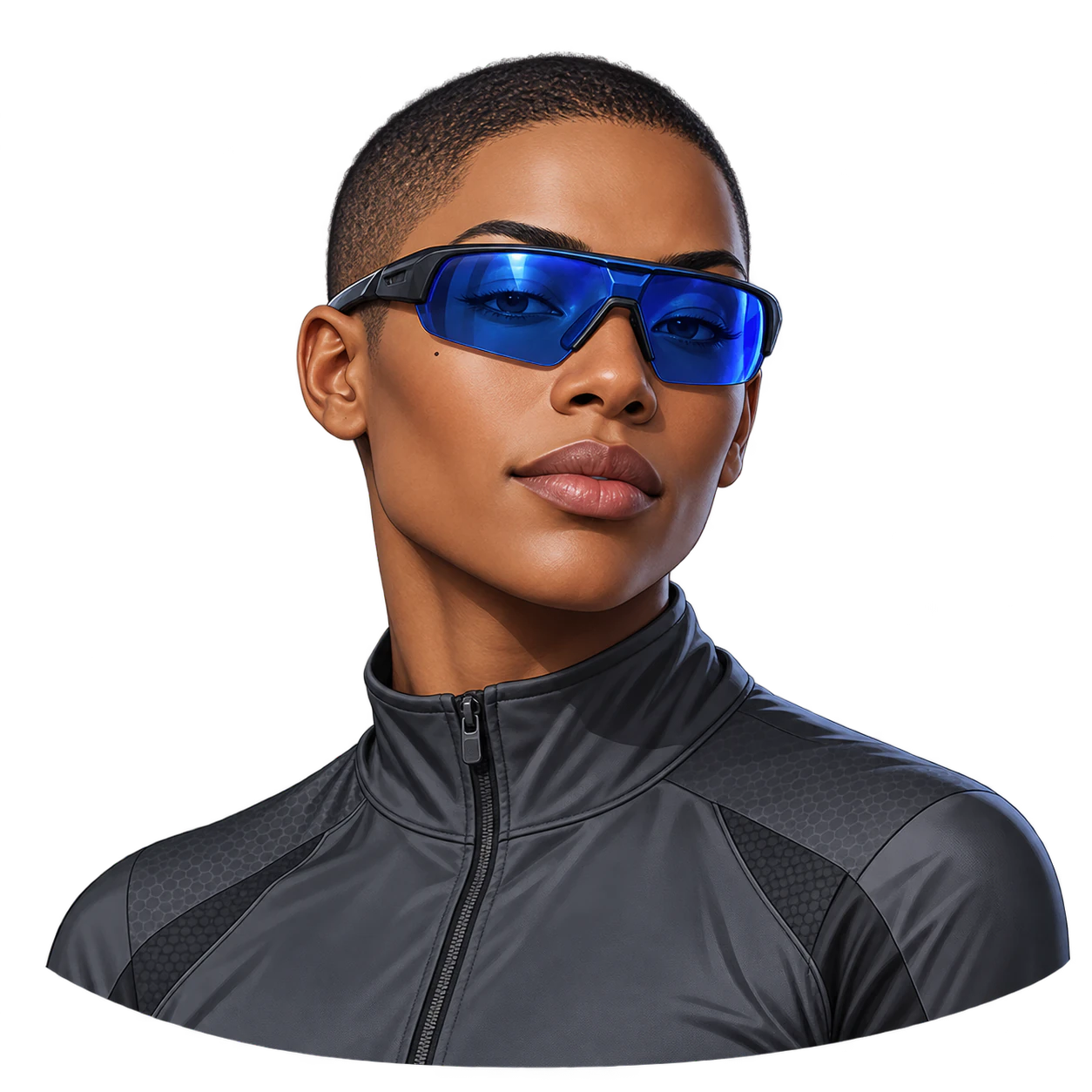
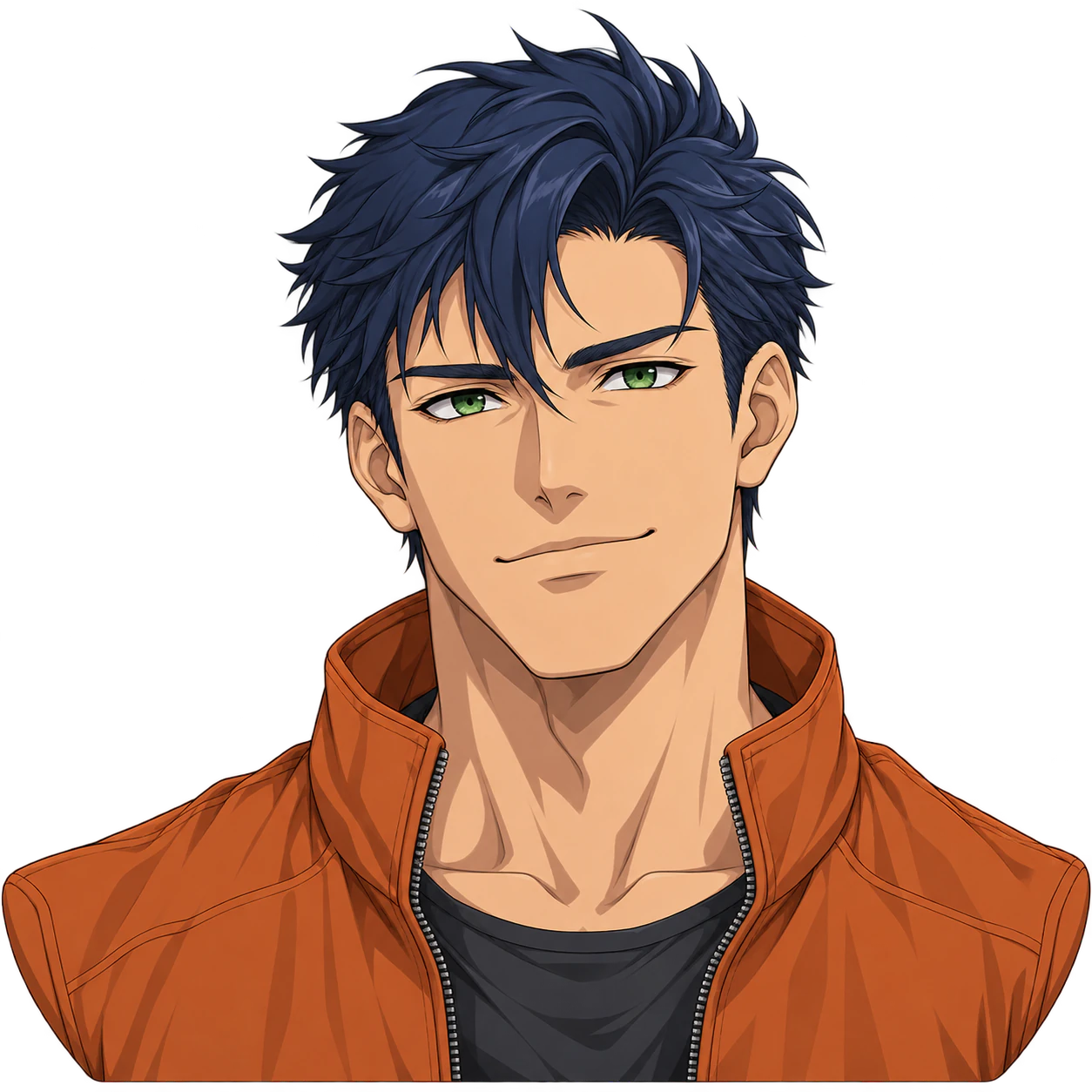
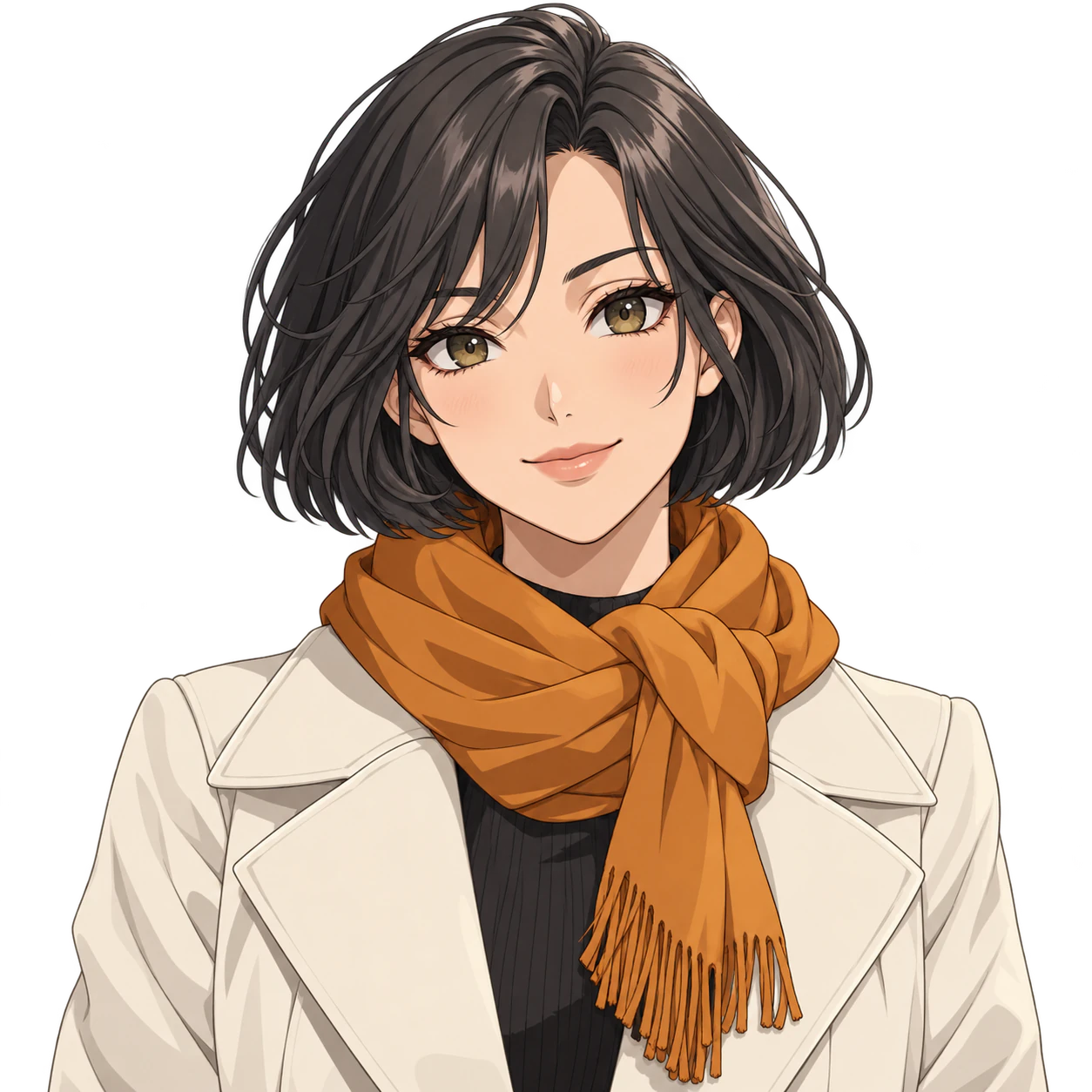
Soft clay, toy surfaces and rendered lighting create a dimensional appearance in one flat image. Request one transparent static image from your description and optional reference, then inspect the finished file.
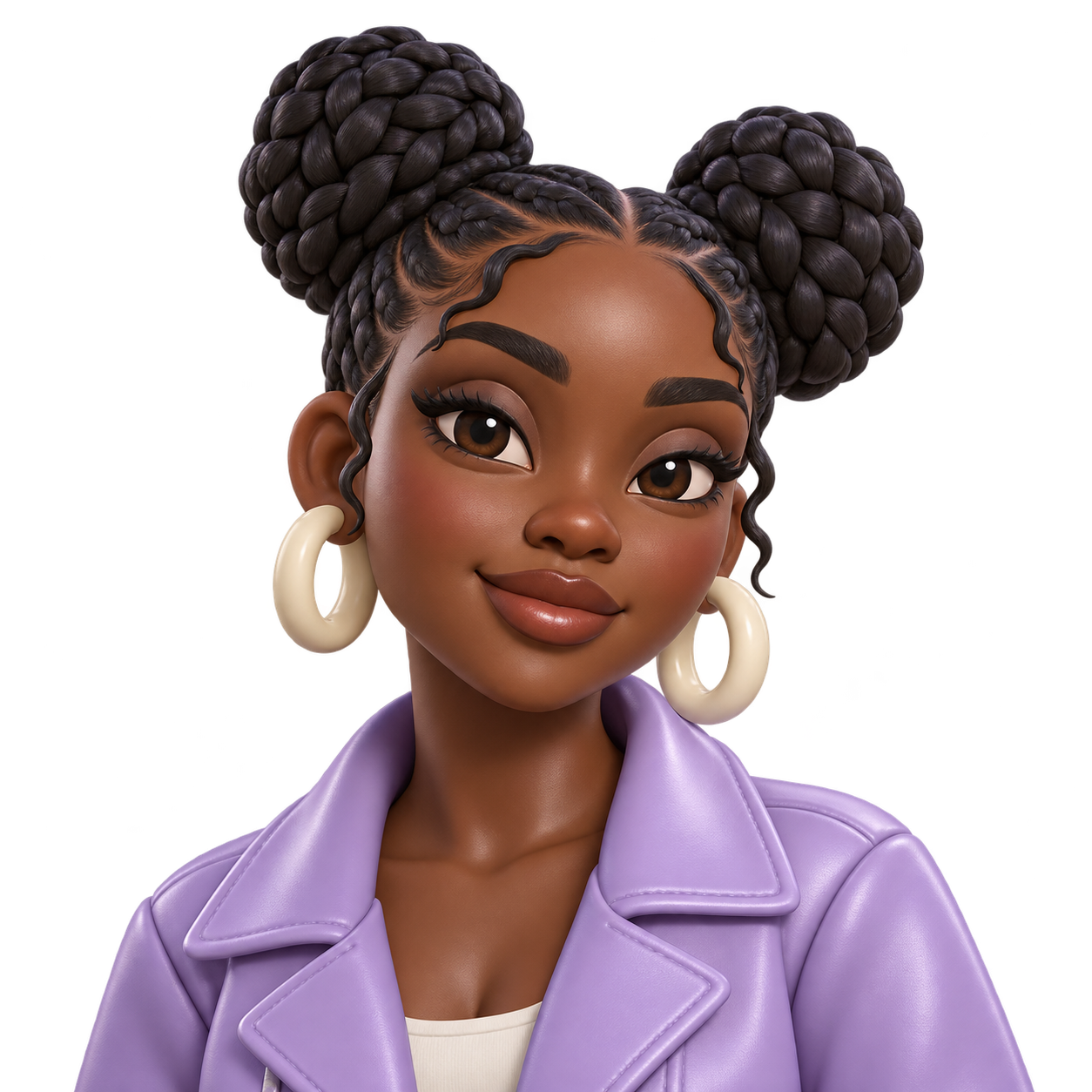
An original adult with deep brown skin, two braided buns, cream hoop earrings and a lavender jacket, depicted as a satin-finish toy
Pose, style and details to keep
Center a head-and-shoulders portrait with room around hair, ears and accessories; keep all named features visible. No text.
This image illustrates the fixed brief. Inspect the distinctive shapes, complete silhouette and actual alpha.
Same task, three directions
Pick a direction to start from.
01
Clear front-facing design
A centered view makes the main shapes easy to recognize.
02
A slight three-quarter turn
A small turn adds dimension while keeping the main features visible.
03
Bolder visual shapes
Reduce fine detail for an image that reads at a small display size.
What the template keeps
The parts that stay consistent.
01
Your defining details
The brief carries your features and palette. Compare the result because generative details may drift.
02
Space around the artwork
The square composition leaves room for the complete outline; verify it in the actual file.
How to use it
From details to a result.
01
Define the visual subject
Describe the shape, features, materials and palette; add one optional reference if useful.
02
Choose the pose or layout
Name details to retain and keep the complete silhouette inside the composition.
03
Review and send in Vizify
The prepared brief and reference open in Vizify. Sign in, review them and send to begin generation.
04
Check the output
Inspect the image on light and dark surfaces, including actual transparency and small-size readability.
Output boundaries
What to check before you use it.
Real alpha is requested but must be checked. White fill, painted checkerboards and stray background pixels do not count as transparency.
References guide new artwork; exact likeness and unchanged source pixels are not guaranteed.
One request returns one static raster image. Square framing does not guarantee exact pixels, file size or a platform-ready export.
Dimensional materials and lighting are visual styling in a flat raster image, not a native mesh, material package, rig or interactive model.
QuestionsWhat makes this template different?+
Soft clay, toy surfaces and rendered lighting create a dimensional appearance in one flat image. The examples and brief focus on this visual direction rather than delivering an interactive editor or a collection of existing images.
Can I add a reference?+
Yes, one PNG, JPEG or WebP up to 10 MB. Describe the features it should guide and compare the new image with the reference.
Is the background really transparent?+
The brief requests real alpha from a compatible model. Inspect the delivered PNG over colored surfaces; a white fill or painted checkerboard is not transparency.
Will my result look exactly like the examples?+
No. The examples show a visual direction. Your result can vary with the model, your description, reference images and settings. Check the character details and likeness where relevant, along with the actual transparency and fine edges. The same brief does not guarantee an identical image.