Subject, expression, palette, and art style
Optional photos or artwork for reference
Optional image shape; square is selected to start
Describe the person, character, or creature you want as your profile picture. Add references if helpful, then review a request for one static transparent avatar in Vizify before generation runs.
Your brief, references, and selected shape open in Vizify for review. The request targets one static image with a transparent background.
Subject, expression, palette, and art style
Optional photos or artwork for reference
Optional image shape; square is selected to start
One static avatar image artifact
A transparent-background result to inspect for alpha and clean edges
A reusable brief for another version
Describe a person, animal, or invented character and choose the details that make the avatar recognizable. A clear expression and silhouette help at small display sizes.
Add a photo for appearance cues or an illustration for style. The result is newly generated, so compare facial features, glasses, and other details that matter.
Vizify requests a transparent background from a model that supports it. Check the delivered file for real alpha and visible edge defects before placing it on another surface.
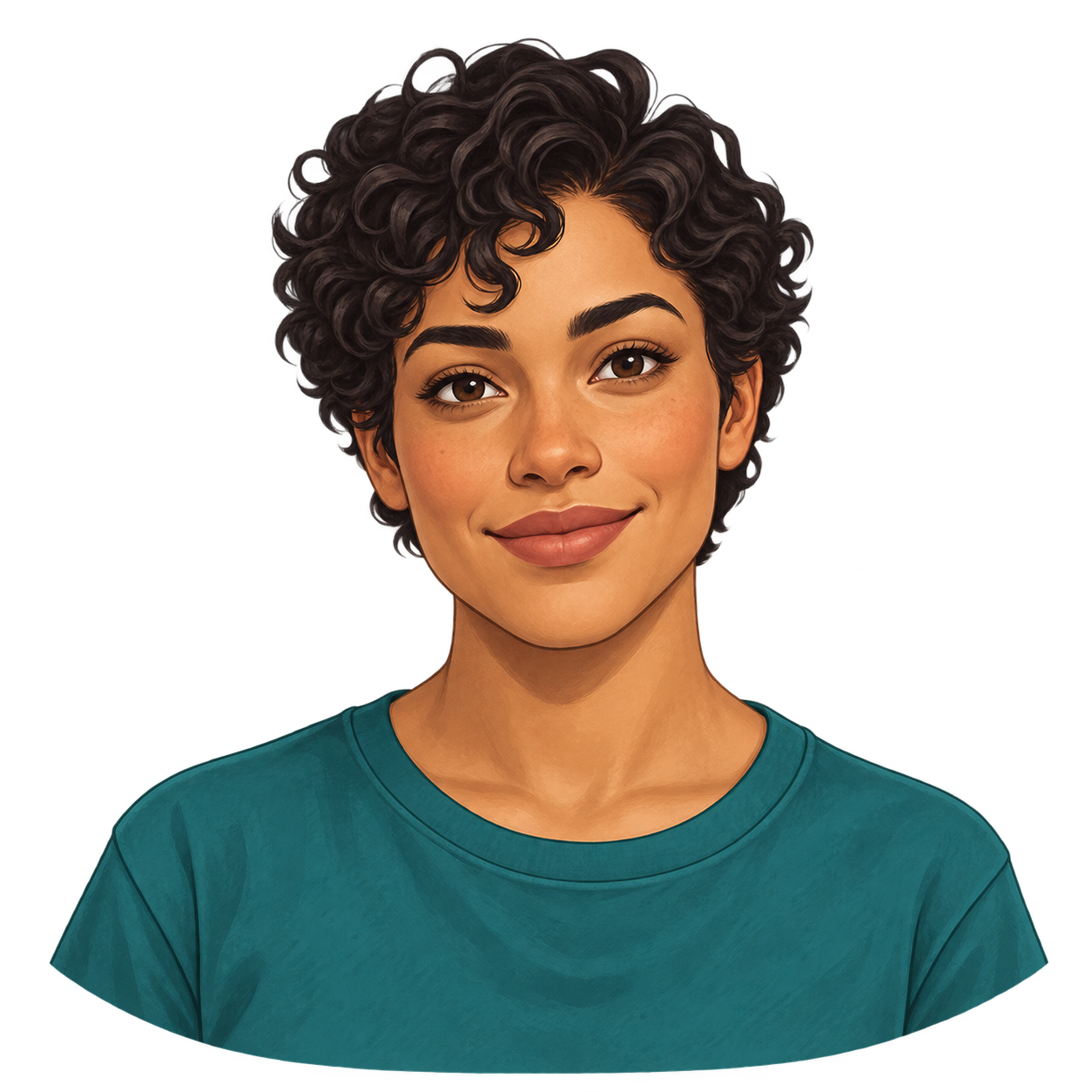
Create one square digital illustration of a fictional adult with warm medium skin, short dark curly hair, a teal shirt, and a calm friendly expression. Center a head-and-shoulders portrait with generous space around the hair and shoulders. Keep the silhouette clear and the warm tones in the skin and shading. Use a true transparent alpha background, with no scenery, checkerboard, text, letters, logos, watermark, interface, or collage.
Example image. A simple silhouette and expression are the focus.
Create one square illustrated icon portrait of an original rounded lavender robot with a simple cream faceplate, two charcoal oval eyes, and a tiny friendly mouth. Center the bust, keep all head details inside the image, and use a clean readable silhouette. Use a true transparent alpha background, with no checkerboard, shadow plate, scenery, text, letters, logos, watermark, accessories extending outside the frame, or collage.
Example image. Inspect actual alpha and the complete silhouette; image shape does not promise an exact crop or export size.
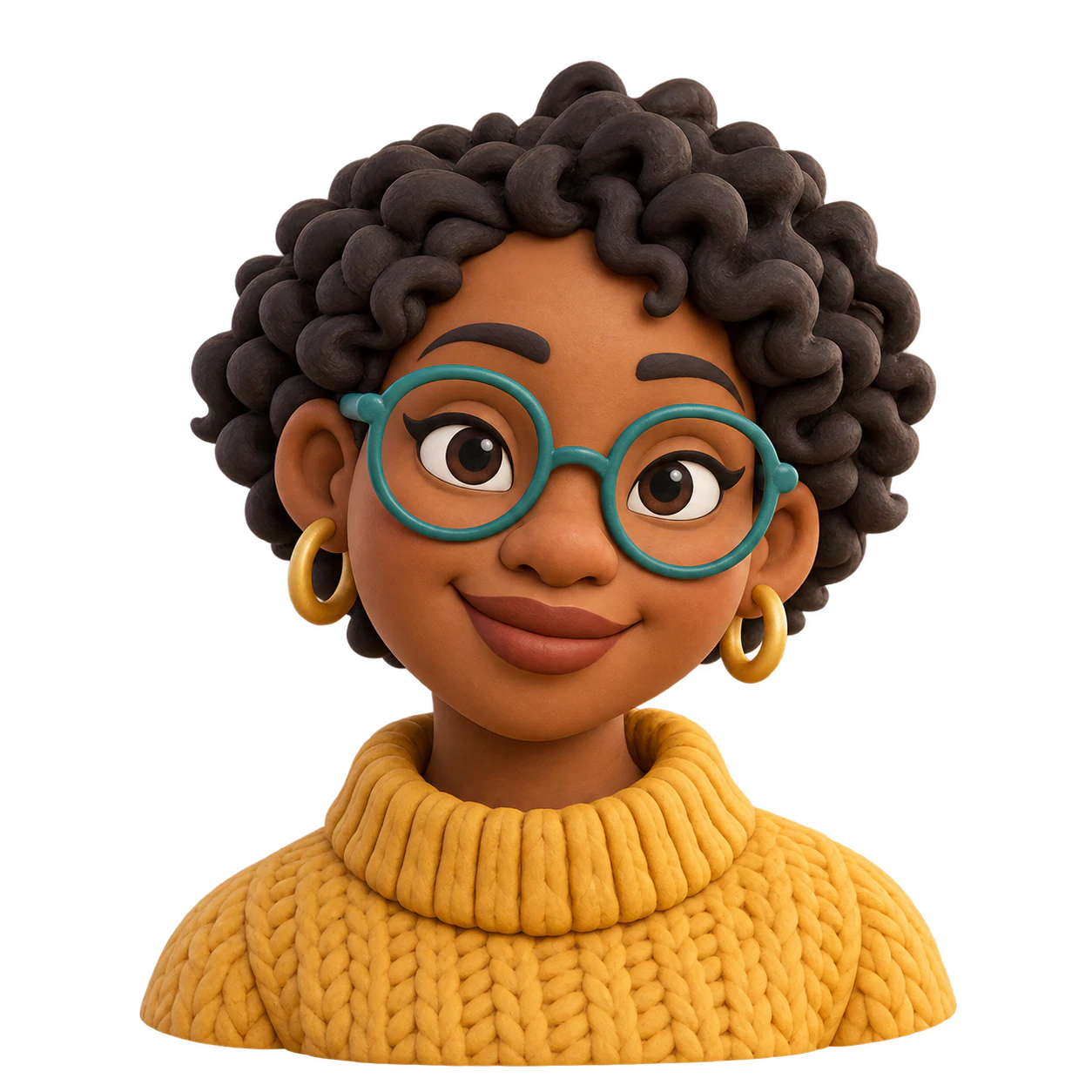
Soft clay, toy surfaces and rendered lighting create a dimensional appearance in one flat image.
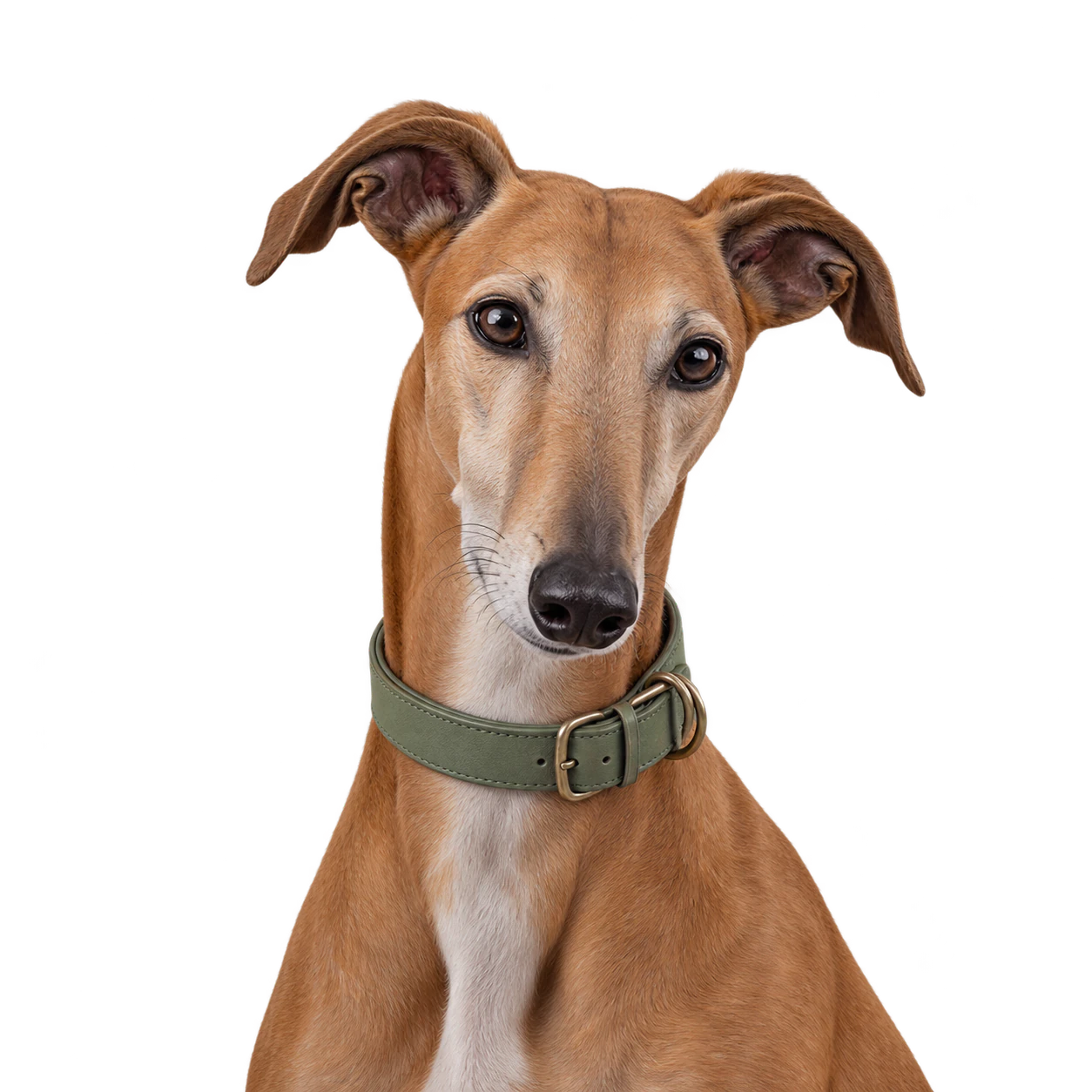
Muted tones and an uncluttered pose make a dog portrait feel considered without adding a scenery backdrop.
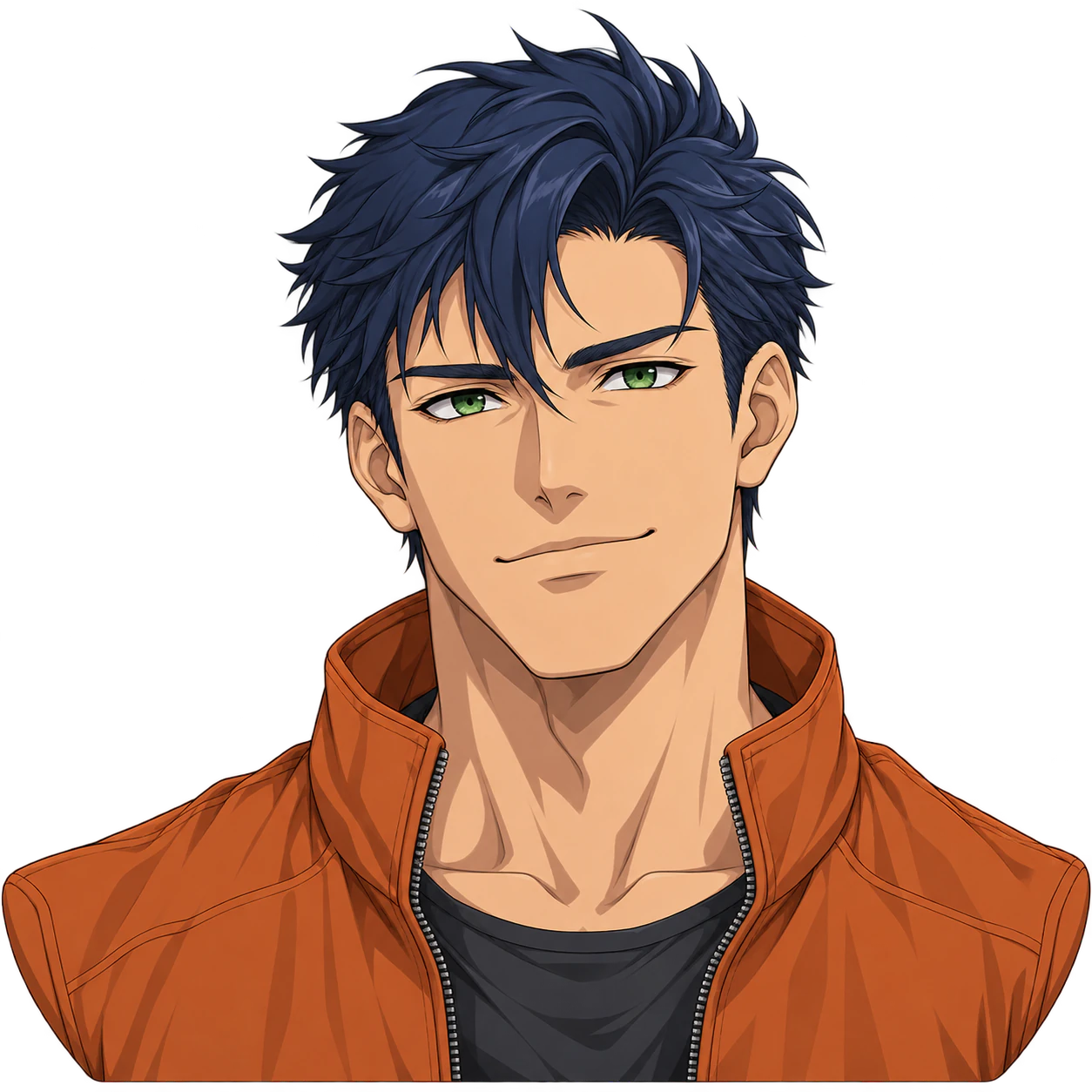
Create one original anime boy avatar with an optional reference. Customize the expression and colors, then check the complete silhouette and genuine PNG transparency.
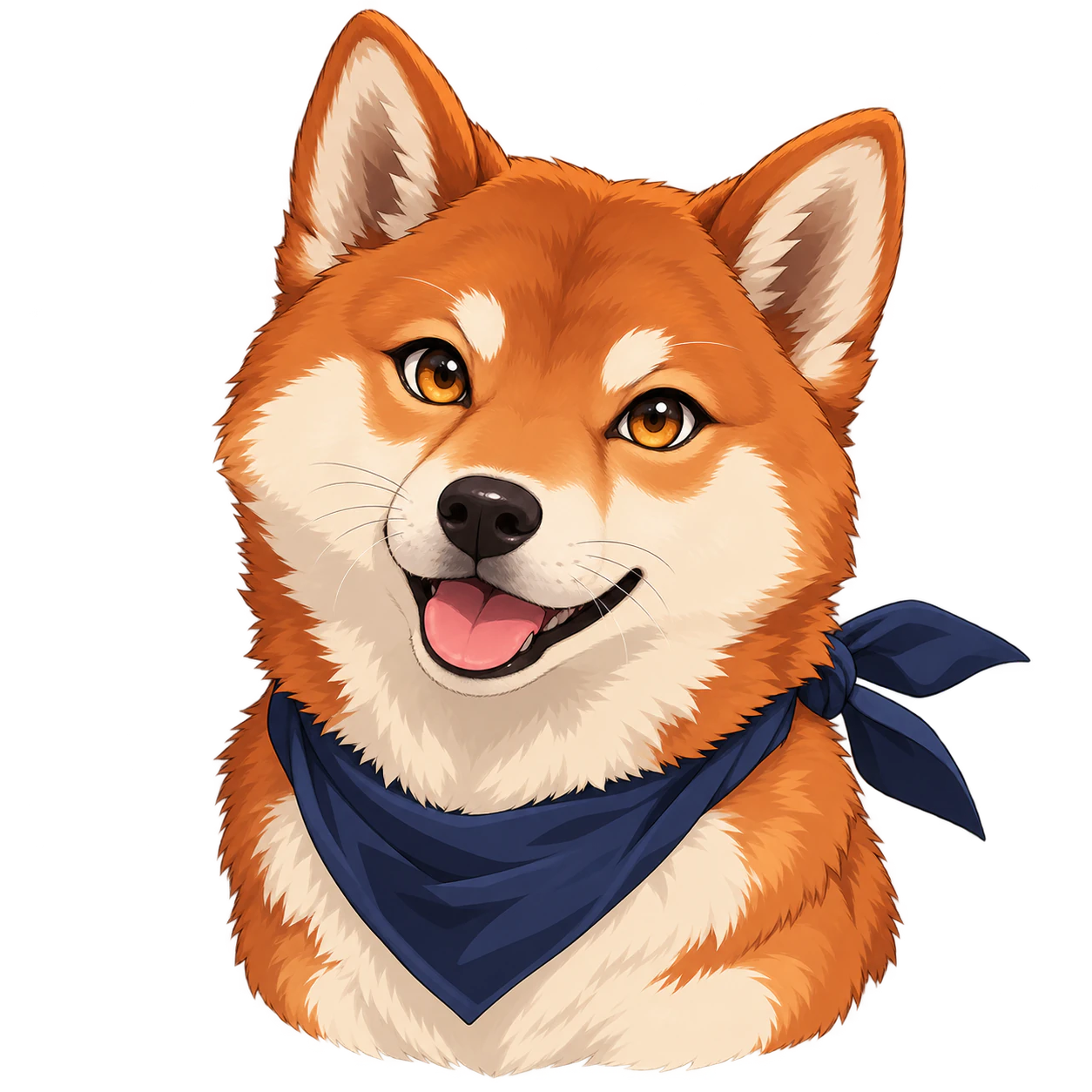
Cel shading and expressive canine eyes turn an original dog into an anime illustration while preserving its muzzle and ears.
One original static profile-picture image based on your description and any references. The request asks for a transparent background; inspect the resulting file before using it.
Yes. Add your photo as a reference and describe the style and features to retain. Generation can redraw details, so it does not guarantee exact identity or preserve every original pixel.
Yes. Describe an original person, animal, or character, then give an expression, palette, and style. A photo is optional.
This tool prepares a transparent-background generation request. After it finishes, check that the image contains real alpha transparency rather than white or a checkerboard painted into the image, and inspect hair and other fine edges.
No. Image shape guides new generation, not exact pixel dimensions. This page does not perform deterministic cropping, resizing, or frame compositing on an existing file.
You can use a suitable static result, subject to each platform's current file requirements. Check the image yourself; this tool does not upload it, validate platform limits, or create native avatar decorations.
Describe those details in the prompt or request a revision in Vizify. This is a generative workflow, so it does not provide a click-to-swap parts editor.
This tool creates a static image. It does not deliver an animated GIF, a rigged character, a native 3D model, or a set of coordinated animation states.
The prepared task opens in Vizify first. Review your brief and references, then send it to start generation. Selected references are staged in your browser and uploaded durably by the App after sign-in.
Preparing a request on this page is free. Generating and saving the image requires sign-in and uses Vizify credits; check the current allowance and price in the App.
Not necessarily. Examples show a style, not an exact avatar crop. The model, description, references and settings can change the face or character. Preview your image at a small size inside a circle: keep the eyes and mouth legible and leave room around hair, ears and accessories. Compare likeness when using a photo, and check real alpha and fine edges over a colored background. This tool generates a new image; it does not crop or resize an existing PFP to exact platform dimensions.
Start with the subject and one clear expression. Describe the hair, eyes, accessories, and palette that matter, then ask for a simple silhouette with space around it. A detailed scene may look good at full size but distract from the face in a small profile picture.
For a new illustrated avatar, use this prompt-led workflow and add references when useful. For a professional portrait, start with the AI Headshot Generator. To isolate an existing image without redesigning the subject, use the Image Background Remover, then compare the result with the source.